Webcams For Microsoft Teams
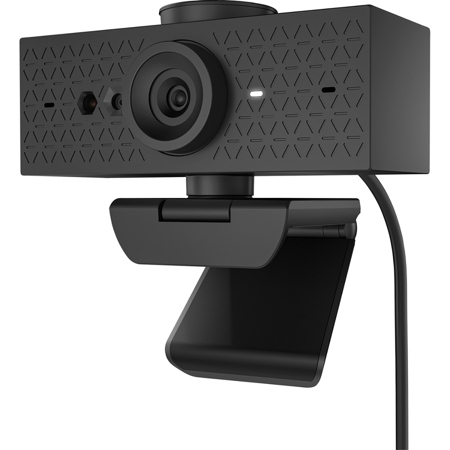
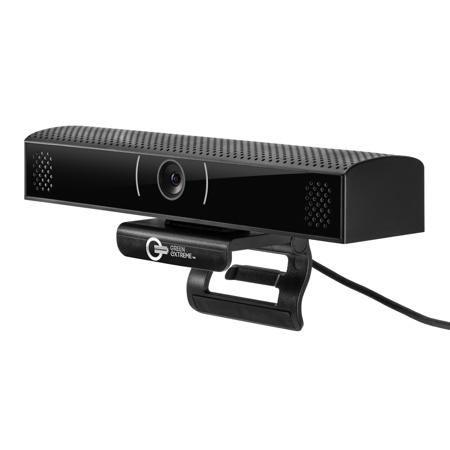
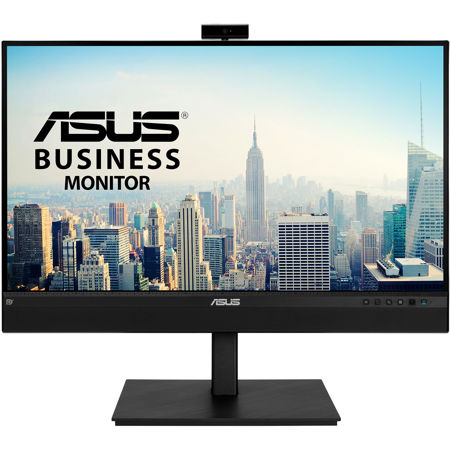
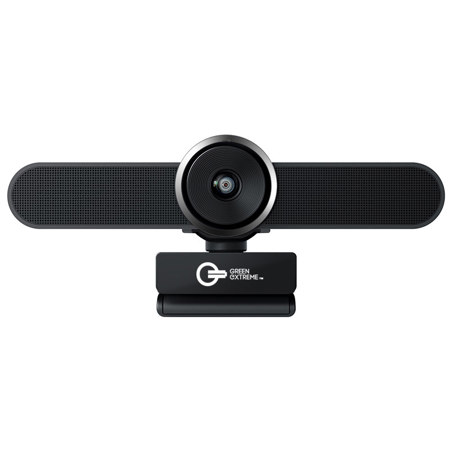
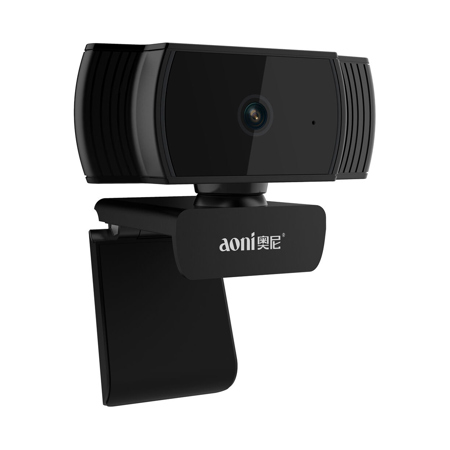
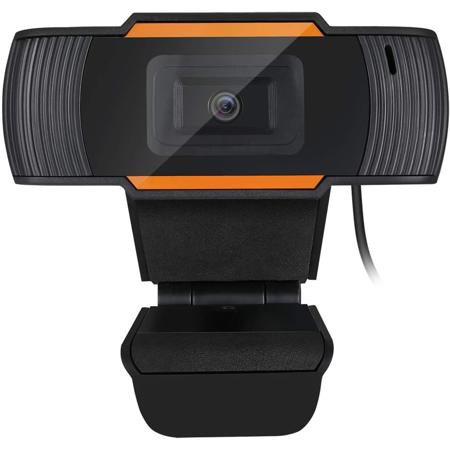
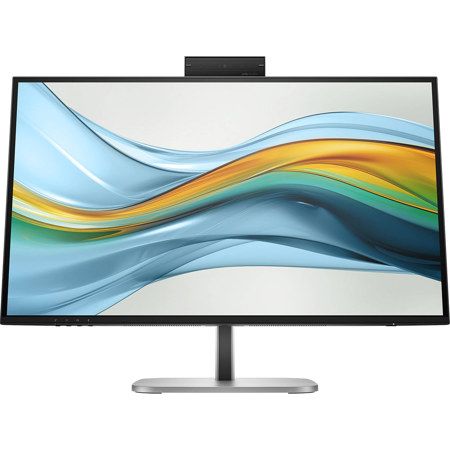
As the days grow longer and the pace of work and learning adapts to the rhythms of summer and early fall, the need for reliable, high-quality video communication tools becomes more apparent than ever. Whether you’re setting up a home office, upgrading a corporate workspace, or preparing a remote learning environment, choosing the best webcam for Microsoft Teams can have a significant impact on your daily interactions. A dependable webcam is essential for crisp, clear video during virtual meetings, interviews, and collaborative sessions—making it a practical investment for professionals, educators, students, and anyone who values seamless digital connection. As organizations continue to embrace hybrid and remote work models, the demand for webcams that offer effortless compatibility with Microsoft Teams has surged, with users seeking features like plug-and-play setup, enhanced low-light performance, and integrated microphones that reduce background noise. For those who host or attend frequent Teams meetings, prioritizing the best webcam for Teams meetings means looking for models that deliver consistent image quality, quick autofocus, and privacy features such as physical shutters or software-controlled indicators. These considerations are especially relevant during the warmer months, when natural light can shift throughout the day, requiring webcams that adapt quickly to changing lighting conditions.
Selecting the best camera for Microsoft Teams isn’t just about technical specifications—it’s also about ensuring a comfortable, professional experience for everyone on the call. For business professionals, a high-resolution webcam with wide-angle capabilities can make a strong impression in client presentations and team check-ins, while educators and students benefit from cameras that offer clear, lag-free video for virtual classrooms and group discussions. The right webcam can also be a thoughtful gift for recent graduates embarking on new careers, remote workers seeking to upgrade their home office setup, or family members keeping in touch across distances. When searching for the best webcam for MS Teams, it’s important to consider ease of installation, compatibility with various operating systems, and the ability to quickly switch between devices. Many modern webcams connect via USB and are recognized instantly by Teams, allowing users to select their device within the app’s settings and fine-tune their video quality without hassle. Features such as automatic exposure adjustment, noise-cancelling microphones, and privacy shutters add layers of convenience and security, ensuring that your video feed is always professional and protected. For those who need versatility across platforms, it’s also helpful to explore solutions that work seamlessly with other conferencing tools—if you’re interested in options for different software environments, you can find a curated list of Webcams For WebEx as well.
As virtual collaboration continues to shape the way we connect, the right webcam becomes a vital tool for productivity, creativity, and personal connection. Whether you’re leading a brainstorming session from a sunlit home office, attending a remote training during a late-summer afternoon, or catching up with colleagues and loved ones as the seasons change, investing in the best webcam for Teams ensures that every interaction is clear, natural, and engaging. The right device can transform your video presence, making it easier to share ideas, express yourself, and stay engaged in any setting. With the ongoing evolution of remote and hybrid work, now is the perfect time to equip yourself—or someone you care about—with a webcam that meets the demands of modern communication. From straightforward plug-and-play models to advanced cameras with AI-driven enhancements, the selection of webcams designed for Microsoft Teams offers something for every need and budget, making it easy to find the perfect fit for your unique workflow and environment.
Selecting the best camera for Microsoft Teams isn’t just about technical specifications—it’s also about ensuring a comfortable, professional experience for everyone on the call. For business professionals, a high-resolution webcam with wide-angle capabilities can make a strong impression in client presentations and team check-ins, while educators and students benefit from cameras that offer clear, lag-free video for virtual classrooms and group discussions. The right webcam can also be a thoughtful gift for recent graduates embarking on new careers, remote workers seeking to upgrade their home office setup, or family members keeping in touch across distances. When searching for the best webcam for MS Teams, it’s important to consider ease of installation, compatibility with various operating systems, and the ability to quickly switch between devices. Many modern webcams connect via USB and are recognized instantly by Teams, allowing users to select their device within the app’s settings and fine-tune their video quality without hassle. Features such as automatic exposure adjustment, noise-cancelling microphones, and privacy shutters add layers of convenience and security, ensuring that your video feed is always professional and protected. For those who need versatility across platforms, it’s also helpful to explore solutions that work seamlessly with other conferencing tools—if you’re interested in options for different software environments, you can find a curated list of Webcams For WebEx as well.
As virtual collaboration continues to shape the way we connect, the right webcam becomes a vital tool for productivity, creativity, and personal connection. Whether you’re leading a brainstorming session from a sunlit home office, attending a remote training during a late-summer afternoon, or catching up with colleagues and loved ones as the seasons change, investing in the best webcam for Teams ensures that every interaction is clear, natural, and engaging. The right device can transform your video presence, making it easier to share ideas, express yourself, and stay engaged in any setting. With the ongoing evolution of remote and hybrid work, now is the perfect time to equip yourself—or someone you care about—with a webcam that meets the demands of modern communication. From straightforward plug-and-play models to advanced cameras with AI-driven enhancements, the selection of webcams designed for Microsoft Teams offers something for every need and budget, making it easy to find the perfect fit for your unique workflow and environment.