Windows 10 Pro Computers
In today’s dynamic digital landscape, computers with Windows 10 Pro continue to stand out for their reliability, robust security features, and seamless integration into professional workflows. These systems are especially valued by small business owners, IT professionals, educators, and creative specialists who require enhanced management tools and enterprise-grade security. Windows 10 Pro computers are equipped with advanced options like BitLocker drive encryption, Group Policy management, and Remote Desktop, making them ideal for users who need to safeguard sensitive information or manage multiple devices efficiently. Whether you’re setting up a home office, managing a classroom, or overseeing a creative studio, the flexibility of computers with Windows 10 professional ensures that your data remains protected while giving you the power to customize your device’s configuration. This is particularly important as we enter the new year—January is a time for fresh starts, and upgrading to a secure, dependable workstation can set the tone for productivity and peace of mind throughout the busy months ahead.
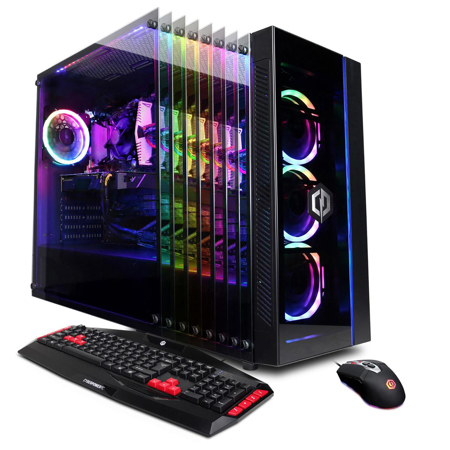
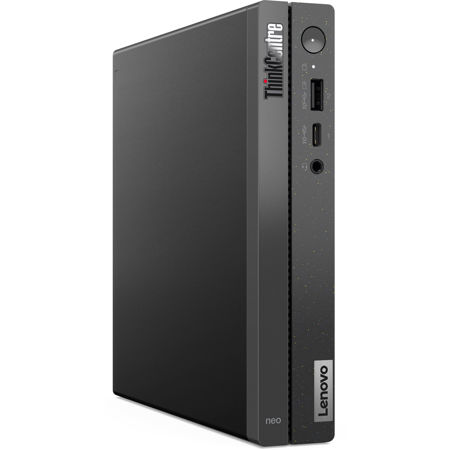
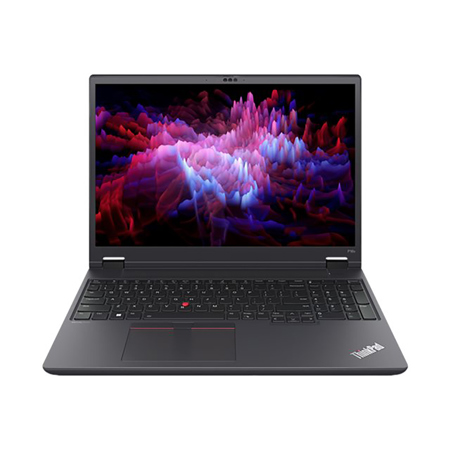
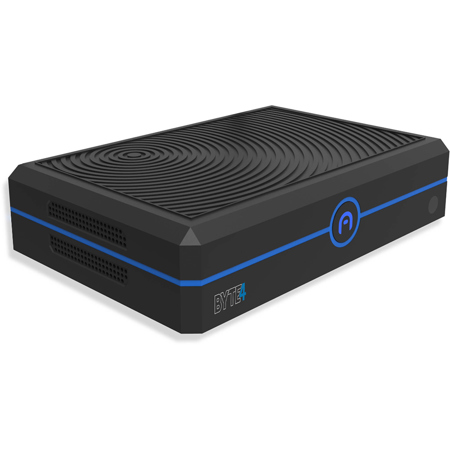
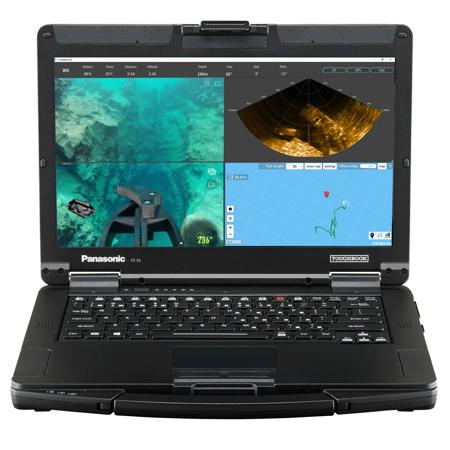
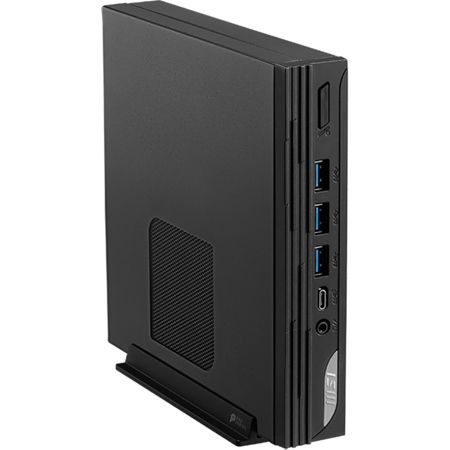
For those considering a thoughtful gift, computers with Windows 10 Pro make an excellent choice for students embarking on new academic journeys, entrepreneurs launching businesses, or anyone in need of a stable and familiar operating environment. These systems are available in a wide range of form factors, from compact mini PCs that fit neatly on a crowded desk to powerful towers and sleek business laptops designed for mobility and performance. Many users appreciate the familiarity of Windows 10’s interface, along with its compatibility with a broad ecosystem of professional software and hardware. If you’re working with legacy applications or specialized equipment, sticking with computers with Windows 10 can help maintain continuity and avoid compatibility headaches. It’s also worth noting that while Microsoft is transitioning to Windows 11, support for Windows 10 Pro continues through October 2025, and there are options for those needing long-term servicing or refurbished units. This makes now an opportune moment to secure a system tailored to your needs, whether you’re refreshing an office fleet, setting up a dedicated editing suite, or simply looking for a dependable computer to get you through tax season and beyond.
When browsing for the right device, consider the specific demands of your workflow. If you’re a photographer managing high-resolution files, a workstation with ample RAM and storage will streamline your editing process. For IT administrators, the ability to join Azure Active Directory and deploy group policies simplifies device management across teams. Creatives and remote workers benefit from virtualization features like Hyper-V and the convenience of Remote Desktop for accessing projects from anywhere. As you weigh your options, remember that the right computer isn’t just about specifications—it’s about how those features align with your daily tasks and long-term goals. For a curated selection of systems and further details on what sets these devices apart, visit our Windows 10 Pro page to explore all the possibilities and find the perfect fit for your professional or personal needs.
For those considering a thoughtful gift, computers with Windows 10 Pro make an excellent choice for students embarking on new academic journeys, entrepreneurs launching businesses, or anyone in need of a stable and familiar operating environment. These systems are available in a wide range of form factors, from compact mini PCs that fit neatly on a crowded desk to powerful towers and sleek business laptops designed for mobility and performance. Many users appreciate the familiarity of Windows 10’s interface, along with its compatibility with a broad ecosystem of professional software and hardware. If you’re working with legacy applications or specialized equipment, sticking with computers with Windows 10 can help maintain continuity and avoid compatibility headaches. It’s also worth noting that while Microsoft is transitioning to Windows 11, support for Windows 10 Pro continues through October 2025, and there are options for those needing long-term servicing or refurbished units. This makes now an opportune moment to secure a system tailored to your needs, whether you’re refreshing an office fleet, setting up a dedicated editing suite, or simply looking for a dependable computer to get you through tax season and beyond.
When browsing for the right device, consider the specific demands of your workflow. If you’re a photographer managing high-resolution files, a workstation with ample RAM and storage will streamline your editing process. For IT administrators, the ability to join Azure Active Directory and deploy group policies simplifies device management across teams. Creatives and remote workers benefit from virtualization features like Hyper-V and the convenience of Remote Desktop for accessing projects from anywhere. As you weigh your options, remember that the right computer isn’t just about specifications—it’s about how those features align with your daily tasks and long-term goals. For a curated selection of systems and further details on what sets these devices apart, visit our Windows 10 Pro page to explore all the possibilities and find the perfect fit for your professional or personal needs.