Wireless Tablets
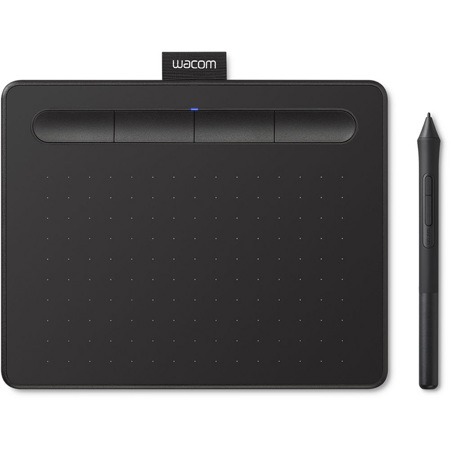
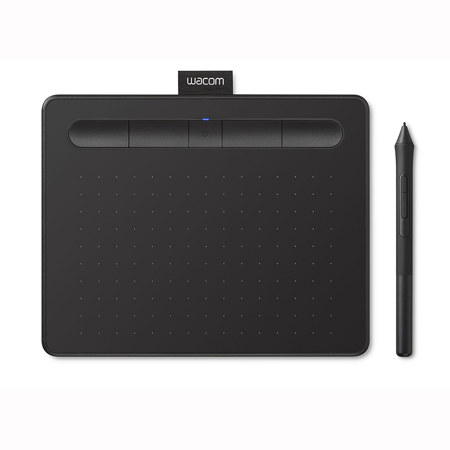
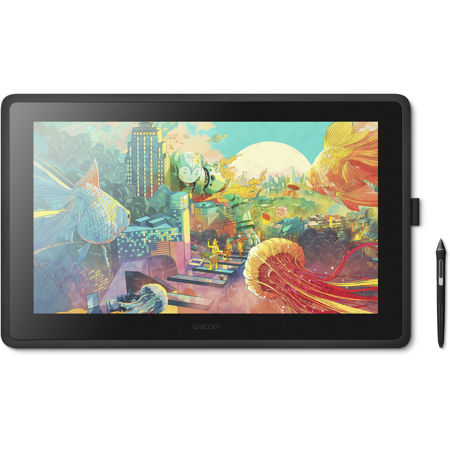
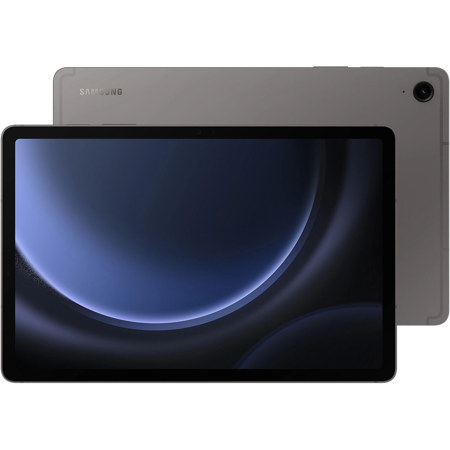
Wireless tablets have become essential creative and productivity tools, seamlessly blending portability with advanced features for artists, students, professionals, and hobbyists alike. As the weather warms and routines shift, the flexibility of a wireless drawing tablet makes it easy to take your work or passions outdoors, to a local café, or simply from room to room without the hassle of cords. For digital artists, illustrators, and graphic designers, the freedom to sketch, paint, or edit photos with precision—untethered from a desktop setup—can spark new inspiration and allow for a more natural workflow. Many wireless tablets feature pressure-sensitive surfaces and intuitive gesture controls, letting you translate the subtlest movements into expressive brushstrokes or detailed retouching. Whether you’re refining a portfolio piece, storyboarding a film project, or just doodling for fun as the sun sets on a summer evening, the right wireless drawing tablet can make a world of difference in your creative process.
Beyond creative pursuits, wireless tablets are increasingly popular for note-taking, annotating documents, and collaborating remotely. Students heading into a new academic year appreciate how these devices can streamline study sessions—handwriting notes directly onto digital pages, organizing research, or joining virtual classes with ease. Professionals use them to review contracts, sign documents electronically, or brainstorm ideas during team meetings. The convenience of wireless connectivity means you can move freely around your workspace or home, never missing a beat during a video call or when inspiration strikes. For families and gift-givers, a drawing tablet wireless can be a thoughtful present—encouraging budding artists, supporting a loved one’s career ambitions, or simply offering a fun, interactive way to explore new hobbies. The intuitive nature of these devices, often paired with styluses that feel as responsive as pen on paper, makes them accessible for users of all ages.
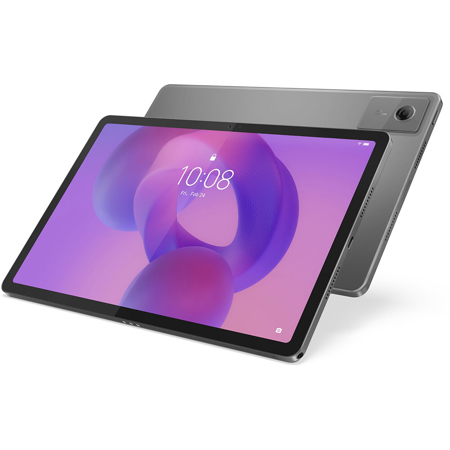
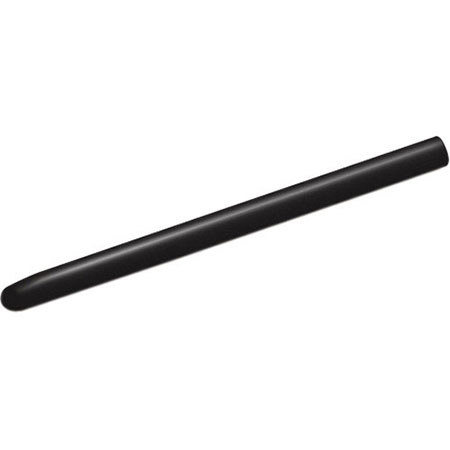
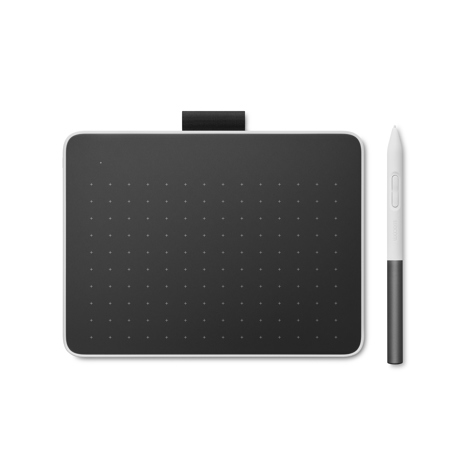
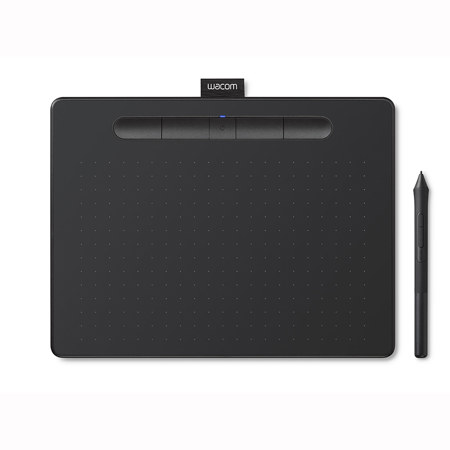
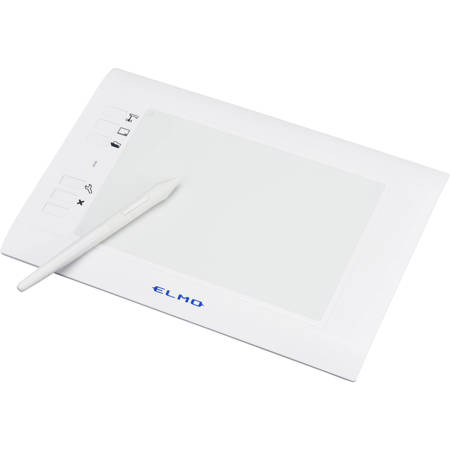
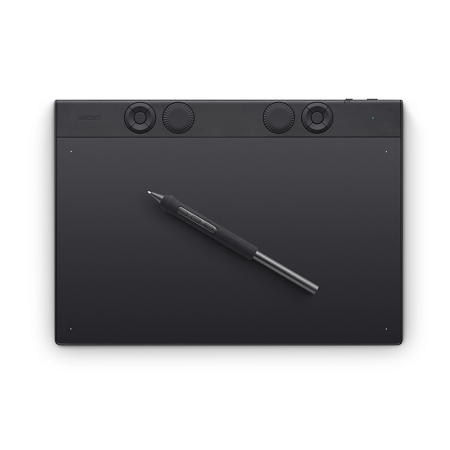
When considering a wireless tablet, it’s important to evaluate key features such as battery life, display quality, compatibility with your operating system, and the responsiveness of the stylus. Some users may prioritize a lightweight, compact design for travel or commuting, while others might seek a larger workspace for more immersive projects. Connectivity options like Bluetooth can simplify setup and reduce clutter, while customizable shortcuts and multi-touch support can enhance productivity. For those who want to see the possibilities, searching “show me images of tablet” can reveal the wide variety of form factors and design options available. If you’re interested in exploring models that include a stylus for detailed work, you can discover more by visiting our curated selection of Tablets With Pens. As you browse, consider how a wireless tablet can fit into your daily routine—whether it’s capturing the vibrant colors of a summer landscape, taking notes during a fall seminar, or collaborating with colleagues from anywhere. Embrace the freedom and versatility that these innovative devices offer, and find the perfect match for your creative or professional journey.
Beyond creative pursuits, wireless tablets are increasingly popular for note-taking, annotating documents, and collaborating remotely. Students heading into a new academic year appreciate how these devices can streamline study sessions—handwriting notes directly onto digital pages, organizing research, or joining virtual classes with ease. Professionals use them to review contracts, sign documents electronically, or brainstorm ideas during team meetings. The convenience of wireless connectivity means you can move freely around your workspace or home, never missing a beat during a video call or when inspiration strikes. For families and gift-givers, a drawing tablet wireless can be a thoughtful present—encouraging budding artists, supporting a loved one’s career ambitions, or simply offering a fun, interactive way to explore new hobbies. The intuitive nature of these devices, often paired with styluses that feel as responsive as pen on paper, makes them accessible for users of all ages.
When considering a wireless tablet, it’s important to evaluate key features such as battery life, display quality, compatibility with your operating system, and the responsiveness of the stylus. Some users may prioritize a lightweight, compact design for travel or commuting, while others might seek a larger workspace for more immersive projects. Connectivity options like Bluetooth can simplify setup and reduce clutter, while customizable shortcuts and multi-touch support can enhance productivity. For those who want to see the possibilities, searching “show me images of tablet” can reveal the wide variety of form factors and design options available. If you’re interested in exploring models that include a stylus for detailed work, you can discover more by visiting our curated selection of Tablets With Pens. As you browse, consider how a wireless tablet can fit into your daily routine—whether it’s capturing the vibrant colors of a summer landscape, taking notes during a fall seminar, or collaborating with colleagues from anywhere. Embrace the freedom and versatility that these innovative devices offer, and find the perfect match for your creative or professional journey.