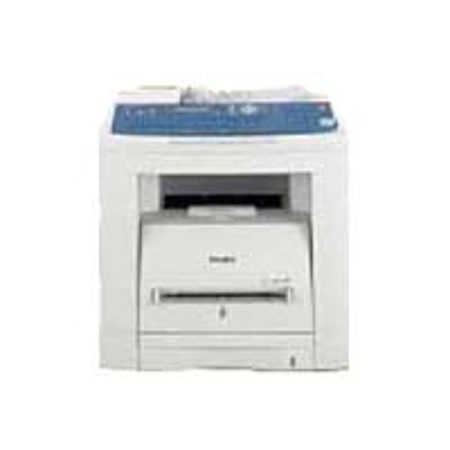

This item is no longer available.
Designed to deliver high quality quickly and easily:
When it comes to office equipment, nothing is more important than consistent, reliable performance. But just because a task is simple doesn't mean that it is always easy to do. For example, automatic document feeding is one of the most essential features of a fax machine.
So when it doesn't work the way you want it to, it can lead to a lot of frustration. That's where the UF-7950 comes in. From a one-page fax to massive multipage transmissions to multiple locations, the UF-7950 is designed to take care of any job, big or small.
Maximum 1000-Station Auto-Dialer:
For quick dialing, you can store up to 280 phone numbers/email addresses from the QWERTY keyboard or program the Auto-Dialer and import a listing from an existing PC file using the standard Address Book Editor Software on your PC. Auto-Dialer capacity can be expanded to a maximum of 1,000 stations with an optional SD memory card.
Quick Name Search:
Quick Name Search maximizes the auto-dialer's large memory capacity by providing quick, easy access to stored names and numbers. Simply key in the first letter of the recipient's name on the QWERTY keyboard and press it repeatedly to scroll through the listings that appear on the display. When you find the name you're looking for, just select it. It's that simple!
Directory Search:
Directory Search allows you to enter multiple letters via the QWERTY keypad to narrow down the search and quickly find the name you're looking for in a large database such as an LDAP (Lightweight Directory Access Protocol) server or the optional 1,000-station Auto-Dialer. The UF-7950 retrieves both fax phone numbers and email addresses from the LDAP server's directory. The LDAP directory also allows users to easily program the fax phone numbers/email addresses* into the Auto-Dialer.
Dual-Line Fax Communication Productivity (UF-7950 only)
With the optional G3 fax communication port installed, the UF-7950 can handle the same communication volume as two separate machines. Each communication port works independently so that each line can be configured for send only, receive only or both according to your needs.
Panafax Desktop Software:
The Panafax desktop software works on a networked PC to send a fax directly from your Windows application software without having to print it on paper before transmitting.
Duplex Scanning/Printing Capability:
Even with double-sided originals, simply scan the first side through the ADF, then scan the other side. The UF-7950 automatically collates the scanned pages in the original page order and transmits. Also, the UF-7950 is able to print a received multi-page fax on both sides of the paper.