2014-08-25T21:00:00
Rated 5 out of 5
JR2s are now available
The biggest of the flaws with the JRX's was the cube/cable/receiver assembly and finickiness of the connections of the three. the JR2's supposedly solve that, combining all three, but he transmitter for the JRX is still the best in the business, imo. Being able to change power without even looking up from the viewfinder is incredibly fast and convenient, and the only reason I haven't moved to other wireless radio systems like the Canon 600's.
HENDRICK M.
2014-08-04T21:00:00
Rated 3 out of 5
Fantastic system, but not flawless..
I LOVE LOVE LOVE the JrX system. the dial's are the best in the market when it comes to triggers, as you can remotely change your flash power from 3 different groups quickly and without even looking. The only thing I would have loved is if there were a place to add a flash on top of the transmitter so you could bounce back in addition to the 3 groupings (for a total of 4). The connectivity can also be problematic, as it sometimes freaks out inexplicably and pops at full power each time. either that, or no response at all. the only solutions are to disconnect and reconnect everything (and this solution is not a 100% fix), or mess around with the dials a bit. Unfortunately, this does happen pretty frequently. Supposedly other radio interference plays a part. So yes, it's a bit buggy, but the idea behind it is genius, and I'd love if the JR2's also allowed for flash on top, but do not, and though it does seem sturdier, I would miss the dials for sure.
HENDRICK M.
2013-07-15T21:00:00
Rated 5 out of 5
Works as expected
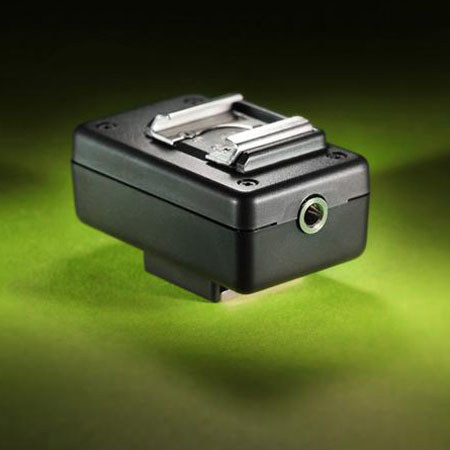
I use the RadioPopper RPCube with a set of Canon 580EX flashes. It works as advertised. Not much else to say. :-)
Sean S.
2013-06-10T21:00:00
Rated 4 out of 5
does the job
I wish I had gone with a different brand of remote trigger from the get go, but the cube itself does it's job. This is my 2nd one because my first broke when my lightstand caught some wind.
Rachel M.