


This item is no longer available.
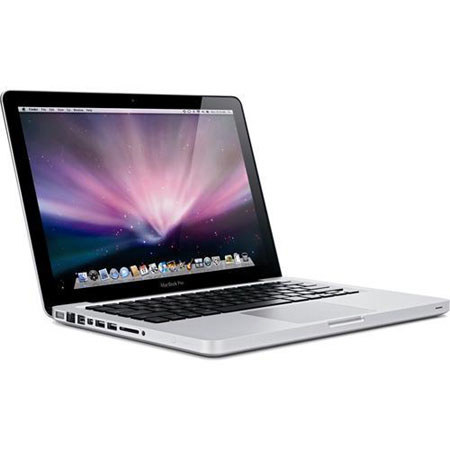
The Apple MacBook Pro features the perfect balance between graphics performance and long battery life. Every MacBook Pro takes advantage of the power-saving NVIDIA GeForce 9400M integrated graphics processor, which delivers outstanding consumer-level performance.
The 17-inch MacBook Pro and select 15-inch models double up the options, giving you both the integrated graphics processor and the powerhouse NVIDIA GeForce 9600M GT discrete graphics processor. Depending on how much performance or battery life you need, you can switch between them easily.
Because Apple designs both the hardware and the software for the MacBook Pro, it's easier to improve things like energy efficiency. Software tells the hard drive to spin down when it's not in use. It tells the display and battery indicator lights to dim in low-light conditions. And it helps decide whether the CPU or the graphics processor would be best suited to the task at hand. That's the kind of smart, integrated design that sets MacBook Pro apart from other notebooks.
The thickness of a notebook display depends on the technology inside. LCD displays typically use cold cathode fluorescent lamps, or CCFLs, to create light and project a picture onto a screen. But that poses two problems. First, these lamps require more space, so the display can be only so thin.
Second, just like the fluorescent lights in your home or office, the ones inside a CCFL display take time to warm up before they reach full brightness. That's a lose-lose situation. And it's why Apple engineers chose LED backlight technology for the MacBook Pro.






