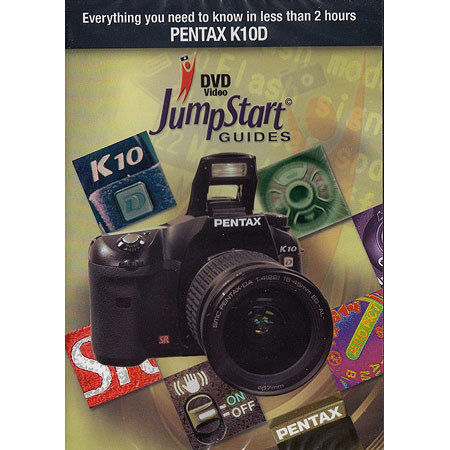
JumpStart Video Training Guide on DVD for the Pentax K10D Digital Camera.

SKU: EXJSPXK10

This item is no longer available.

Overview
Compare
Learn
Specs
Protection

Reviews about this item

Review Summary

2009-06-27T21:00:00

Rated 1 out of 5

I would not buy this product again!

This is not worth the disk it infor is on!

LJ

2008-09-06T21:00:00

Rated 4 out of 5

Not what expected...but helpful

I think this product is worth the money...if you are willing to spend time to find out what all features are for. Now saying that I think most people that are NOT pros, and would like to really become better photographers should buy this too help understand your Pentax K10-20D... for less than 25.00 dollars it is well worth the money

Canuak P.

2008-01-29T19:00:00

Rated 1 out of 5

Quality of DVD a disappointment

Playing the DVD gets more difficult each time. Not a good product,can't jump without picture doing odd things or just stopping. My copy was not "burned" well.

Old G.

2008-01-20T19:00:00

Rated 1 out of 5

Jumpstart - Only as good as the DVD

this product would have been a great way to introduce myself to the mechanics of the new Pentax K10. A fine camera with advanced features. However, the DVD showed multiple errors (on more than one test machine).[...]

wired o.

JumpStart DVD Guide for the Pentax K10D Digital Camera Specifications

Related Articles & Videos

About JumpStart DVD Guide for the Pentax K10D Digital Camera

• Taking pictures is more than just pointing the camera and pressing a button. To get the kind of photos you really want, you'll need to learn a little bit about your camera. You can transition from taking snapshots to producing inspired images that you will cherish forever. It's not hard; these JumpStart Guides from MasterWorks will show you how.

The following topics are covered on each DVD:
• The Features and Functions of Your Camera.
• Manual and Automatic White Balance.
• ISO Settings.
• Different Quality Settings.
• Reading and Using a Histogram.
• Basic Principles of Photography.
• Depth of Field.
• Aperture vs. Shutter Priority.
• Program Mode.
• Composition.
• Getting Sharp Images.
• Storing and Carrying Your Camera.
• Selecting and Using a Tripod.
• Lenses and Filters.
• Digital Media Options.
• Getting Your Photos into Your Computer.
• Tips and Tricks.