This item is no longer available.
Review Summary
2016-04-09T22:31:09
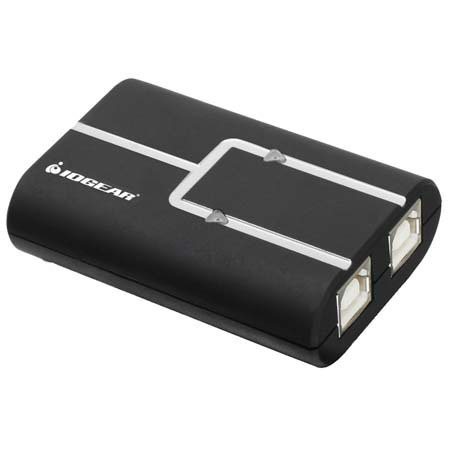
We have two desk top computers side by side for school and work. For over a year the printer was never hooked to the right computer, well not any more, with a click of a mouse the printer is hooked to the computer we need it on. OH happy day!
DAVID H.
2011-01-11T19:00:00
Does what it said it would do.....thats all that matters.
Six
2010-01-25T19:00:00
This is the best way to share one printer between 2 computers. The only problem I had was with the install disk, it is a small CD. It fell out of my vertically mounted disk drive. I had to transfer it to a thumb drive on a different computer.
Ed
Fits the need exactly
By Ed
This is the best way to share one printer between 2 computers. The only problem I had was with the install disk, it is a small CD. It fell out of my vertically mounted disk drive. I had to transfer it to a thumb drive on a different computer.
should have done this sooner
By DAVID H.
We have two desk top computers side by side for school and work. For over a year the printer was never hooked to the right computer, well not any more, with a click of a mouse the printer is hooked to the computer we need it on. OH happy day!
The Iogear 2-Port USB 2.0 Printer Auto Sharing Switch enables two PCs and/ or Macs to easily share one USB printer, multifunction printer, or USB device. No more plugging and unplugging between your computers. Simply send the print job and the switch automatically makes the swap for you.