
This item is no longer available.
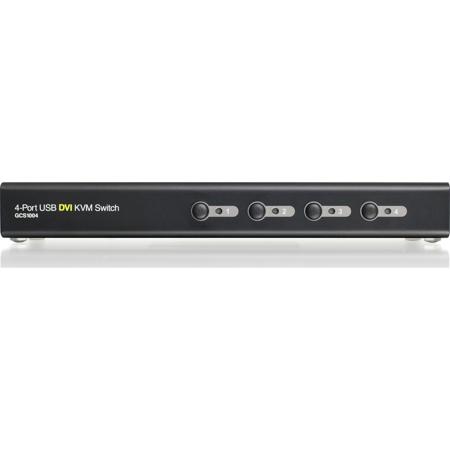
The IOGEAR GCS1004 4-Port USB DVI KVM Switch allows users to access up to four computers from a single USB keyboard, USB mouse and DVI monitor. It supports resolutions up to 1920 x 1200 at 60Hz. With IOGEAR's DynaSync, there is no more delay or change of video resolution when switching between or booting the computers. It also comes equipped with an audio line out and has power on detection - it will automatically switch to the next powered-on computer when the other is turned off. It also allows each computer to access any peripherals connected to the USB 2.0 port and with its audio enabled, users can listen to the audio output of each computer on one set of speakers.
The setup is quick and easy; users just need to plug the cables into their appropriate ports. There is no software to configure. Since GCS1004 intercepts keyboard input directly, it supports multiple computing platforms (PC x86 / x64, Macintosh PowerPC and Oracle Solaris Microsystems Sparc).
There are three convenient methods users can use to access the computers - port selection push buttons located on the unit's front panel; hotkey combinations entered from the keyboard; and mouse port-switching by simply double-clicking on the scroll wheel of a USB mouse to change the ports.