
This item is no longer available.
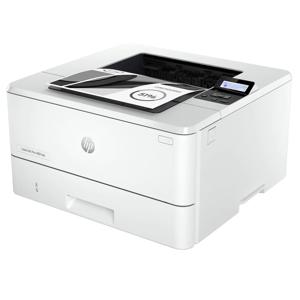
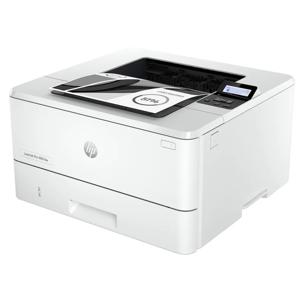
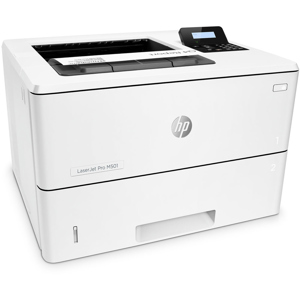
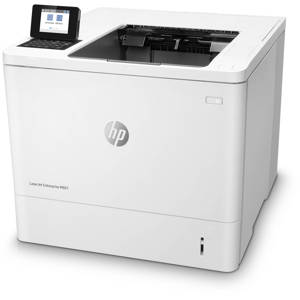
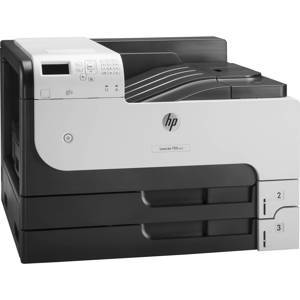
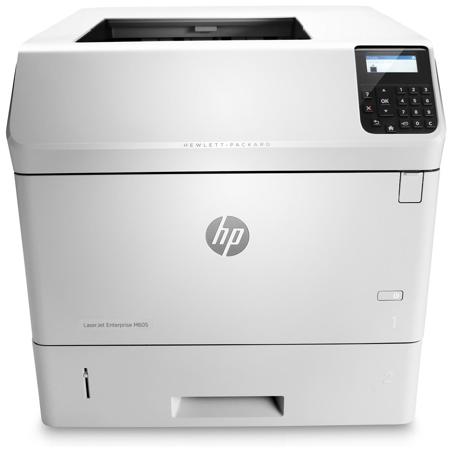
Accelerate business results with outstanding print quality. Tackle large jobs and equip workgroups for success wherever business leads. Easily manage and expand this impressively fast, versatile printer-and help reduce environmental impact. Ideal for enterprise workgroups of 10-25 printing 5000 to 16,000 pages per month that need a suite of productivity options and mobile printing. FCC Class A emissions - for use in commercial environments, not residential environments
• Print
• Up to 58 ppm
• FCC Class A emissions - for use in commercial environments, not residential environments
• 4-line LCD (color text and graphics)
Take productivity to the next level
• Monitor jobs and settings quickly with the 4-line display and use the 10-key pad for PIN printing
• Meet high-volume demands with automatic two-sided printing and versatile paper trays-up to 3600 sheets
• Improve efficiency. Add paper-handling accessories to presort jobs, print on different media and more
• Print uninterrupted for longer periods of time with high-yield Original HP LaserJet cartridges
Meet business needs in the office and beyond
• Easily print from a variety of smartphones and tablets-generally no setup or apps required
• Print with just a touch of your NFC-enabled mobile device to this printer-no network needed
• Extend your printing reach. Easily share printing resources on a network with Ethernet connectivity
• Easily print from virtually anywhere in the office with Ethernet and optional wireless connectivity
Advanced capabilities, easy management
• Easily expand this printer as solutions advance and workgroup needs grow, with add-on, updatable features
• Protect sensitive data-at rest or in transit-with a variety of embedded and optional security solutions
• Easily take command of your printing environment from one central location-with HP Web Jetadmin
• Quickly troubleshoot problems using cloud-based help services that are relevant and up to date
Less energy, more efficiency and savings
• Save energy-HP Auto-On/Auto-Off Technology turns your printer on when you need it and off when you don't
• Conserve resources-this printer has lower typical electricity consumption than any device in its class
• Help save time and money with lightweight HP EcoFFICIENT paper-engineered for clean, trouble-free printing
• Help reduce your impact. Count on easy, free cartridge recycling through HP Planet Partners