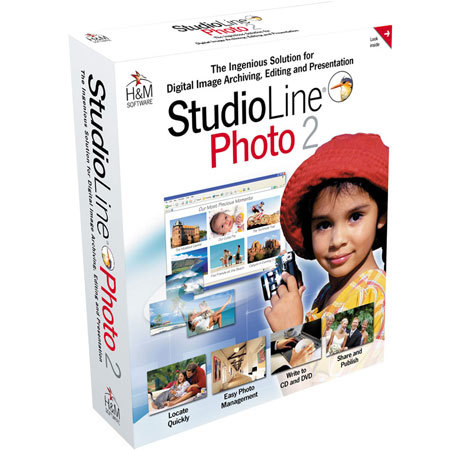
H & M Software H & M StudioLine Photo Edition Software for Managing & Editing Photo Collections, for Windows
SKU: ISWHMSLPE
This item is no longer available.
Share:
Overview
Compare
Learn
Specs
Protection
About H & M StudioLine Pht Ed S/W f/Managng & Editng Pht Coll
Please Note All Software cannot be returned or exchanged.
StudioLine Photo makes managing and editing photo collections a snap. Organizing, filing, editing, improving, exporting, printing, emailing, web-galleries, slide shows every quintessential function needed for digital images from the average home user to the seasoned photo pro.
The DigiCam Companion That Simply Works Better... Photos may mean a lot of things to many people. For some, they are just fond memories, or ways to share your life, to others they are a creative pastime, and for a few it's even a source of income. No matter whether your motivation is personal, artistic or even professional they are intended to last a lifetime.
The StudioLine Philosophy - No need for "OK"-Buttons! Are you tired of clicking "OK" for every little step you take while working withyour PC? When we developed StudioLine Photo 2 we thought of a new approach for working with images.
You just do what you want to do - the direct way! · Do you want to load a picture? Just grab it from its source and drag it into StudioLine! Do you want to apply an effect? Just apply the settings and see the effects immediately!
There is no need to save pictures when you're done with them because StudioLine Photo stores every change you've made without altering the original imported picture. All of your settings remain editable and easily updated at your discretion.
Maximum security - There is always a way back! You want to change or delete an effect you don't like? There is more than one way:
You can use the multiple undo function.
· You can re-open the dialogue and change the settings, no matter when you applied the effect.
· You can always delete the effect by dragging it into the waste bin. All other effects on the picture remain unaltered.