
This item is no longer available.
With strong family support, you can accomplish amazing things. The Catalyst family provides powerful media prep and focused, fast editing that you can rely on to translate the vision in your head to an experience that moves your viewers.
Catalyst Browse
A powerful clip-management tool for Sony cameras and decks.
Catalyst Prepare
The fast, simple, reliable path from camera to post.
Catalyst Edit
Focused, fast cutting for 4K, RAW and HD video.
Catalyst Production Suite
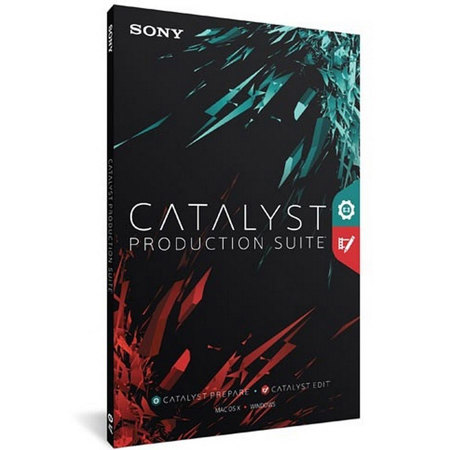
The Catalyst Production Suite fuses powerful media preparation and fast, focused video editing to provide the backbone for your video productions. Catalyst Prepare paves your path from camera to post with robust organizational tools, strong color adjustment and monitoring, extensive metadata support and more. Catalyst Edit provides a lean, focused video editing environment that makes your cutting process fast and fluent. With support for 4K and Sony RAW media, the Catalyst Production Suite gives you the power to make the most of your camera's high dynamic range and wide color gamut as well as the stunning resolution of 4K from beginning to end.
The Catalyst workflow
Catalyst Browse gives you instant access to the clips on your recording media, whether in the field or in studio. With Catalyst Prepare you import your footage from the camera, organize it, enhance it and move it on to post production. With Catalyst Edit you pick up right where you left off in Catalyst Prepare to finish and deliver your project. Together, the Catalyst family provides a seamless and smooth workflow whether you work with RAW, 4K or HD media.
View Catalyst Browse
Catalyst Browse provides a quick in-field confidence check. Apply the appropriate color look from your Sony Pro camera for an instant, realistic view of what you've shot, so if you need to make adjustments and shoot again, you know that sooner than later. Check each file, review extensive metadata and copy any clip to your computer drive.
Media prep Catalyst Prepare
With the powerful Catalyst Prepare media prep tools, view and back up your entire media image and then import and organize your clips into meaningful libraries. Make color adjustments, apply looks, set in/out points, establish multichannel audio assignments and even cut together a rough edit. Then, access all of this work in Catalyst Edit and get on with the production.
Post production Catalyst Edit
In Catalyst Edit, take advantage of all your Catalyst Prepare prep work and turn your beautiful footage into movie magic. Access your Catalyst Prepare libraries directly and cut your project together quickly and creatively. The focused toolset gives you the essential cutting tools you need to turn your ideas into the expression of your creative mind.