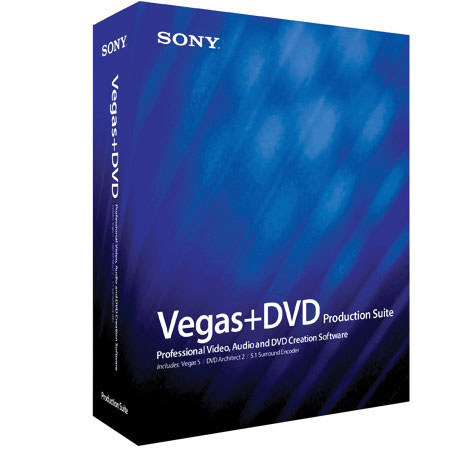
Sony Sonic Foundry Vegas + DVD Software Package
SKU: SOSWVPDVD
This item is no longer available.
Share:
Overview
Compare
Learn
Specs
Protection
About Sony Sonic Foundry Vegas + DVD Software Package
With Vegas+DVD, Sony Pictures Digital provides you with a powerful and integrated suite of applications that makes editing surround-sound digital audio and video, as well as DVD authoring, straightforward and cost-efficient. Vegas+DVD is a complete, integrated solution for editing, surround mixing, and DVD production.
Vegas+DVD includes: Vegas 4.0 A complete solution for digital video production, audio recording, editing and mixing, streaming content creation, and surround-sound production. With an unparalleled feature set and proven ease-of-use, Vegas 4.0 sets a new standard for professional multimedia production.
DVD Architect An extensive set of professional tools for developing dynamic menu-based DVDs, music compilations, movies, and slideshow presentations. DVD Architect even lets you import Dolby® Digital AC-3 files to create powerful su rround-sound DVDs.
Dolby® Digital AC-3 Encoder Your 5.1 mix isn't complete until it's encoded to a multichannel format for use in your DVD project. Our Dolby-Digital certified encoder lets you optimally prepare your AC-3 output for stunning surround sound productions.
Vegas+DVD puts a comprehensive and integrated production environment on your desktop. This powerful suite of programs makes producing professional DVDs faster, simpler, and more efficient than ever before. Revolutionize the way you work with Vegas+DVD.
Platform: Windows® 98SE, Me, 2000, or XP
Vegas® 4.0 integration: DVD Architect works seamlessly with Vegas 4.0, providing video professionals and DVD producers a complete solution for DVD authoring. Vegas 4.0 markers are automatically recognized and imported into DVD Architect as chapter points. Markers can also be updated without needing to re-encode using the Vegas Trimmer.
AC-3 encoding: Fully utilize Vegas+DVD's surround mixing capabilities with Sony Pictures Dig ital's new Dolby® Digital AC-3 encoder (included with your Vegas+DVD purchase ). DVD Architect allows you to import AC-3 files for the creation of multicha nnel 5.1 DVDs. For more information, visit the Sony Pictures Digital Dolby AC -3 encoder features page.
Intuitive interface: DVD Architect features a streamlined and intuitive interface, delivering easy workflow and professional results.
Menu-based DVDs: Build professional menu-based DVDs using backgrounds, buttons, text and effects. Design motion menus by adding moving video to any menu button or menu page, with user-definable start frame.
Picture slideshows: Drag-and-drop still images into the DVD Architect interface and rearrange th em with ease. Images are high-resolution DVD quality. Customize the duration of playback, and add pristine background audio to enhance your presentation.
Create customized music compilations that display text an d images when playing back. Choose an image to display in the background, and edit the text text that is displayed with each file.