For photographers from amateurs to hobbyists and professionals, making prints comes down to economics versus convenience, time savings vs. control, and which part of the creative process you are willing to give up, and which part you want to hang on to. Let’s take a look at each option.
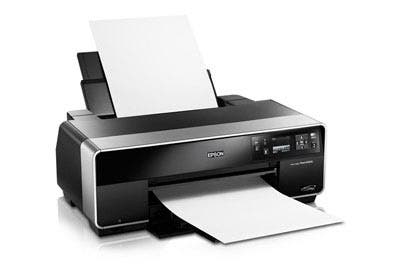
Print it Yourself
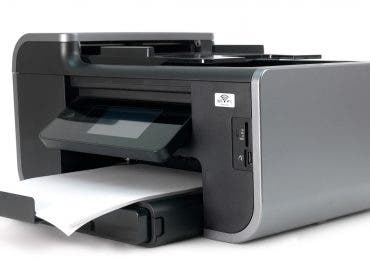
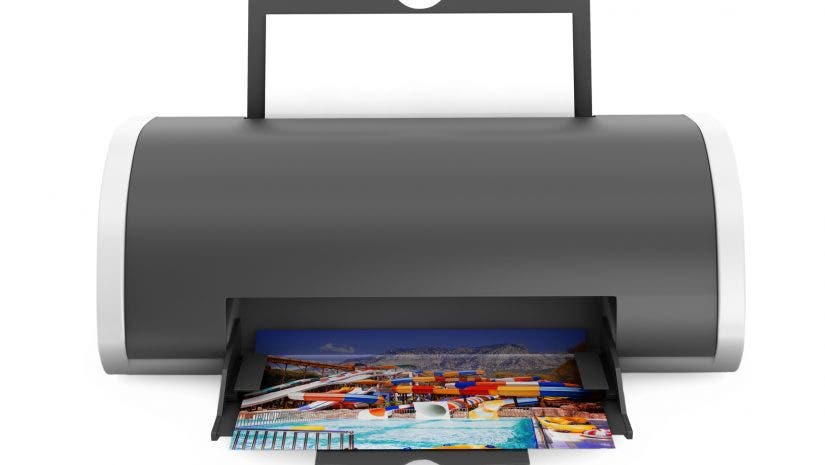
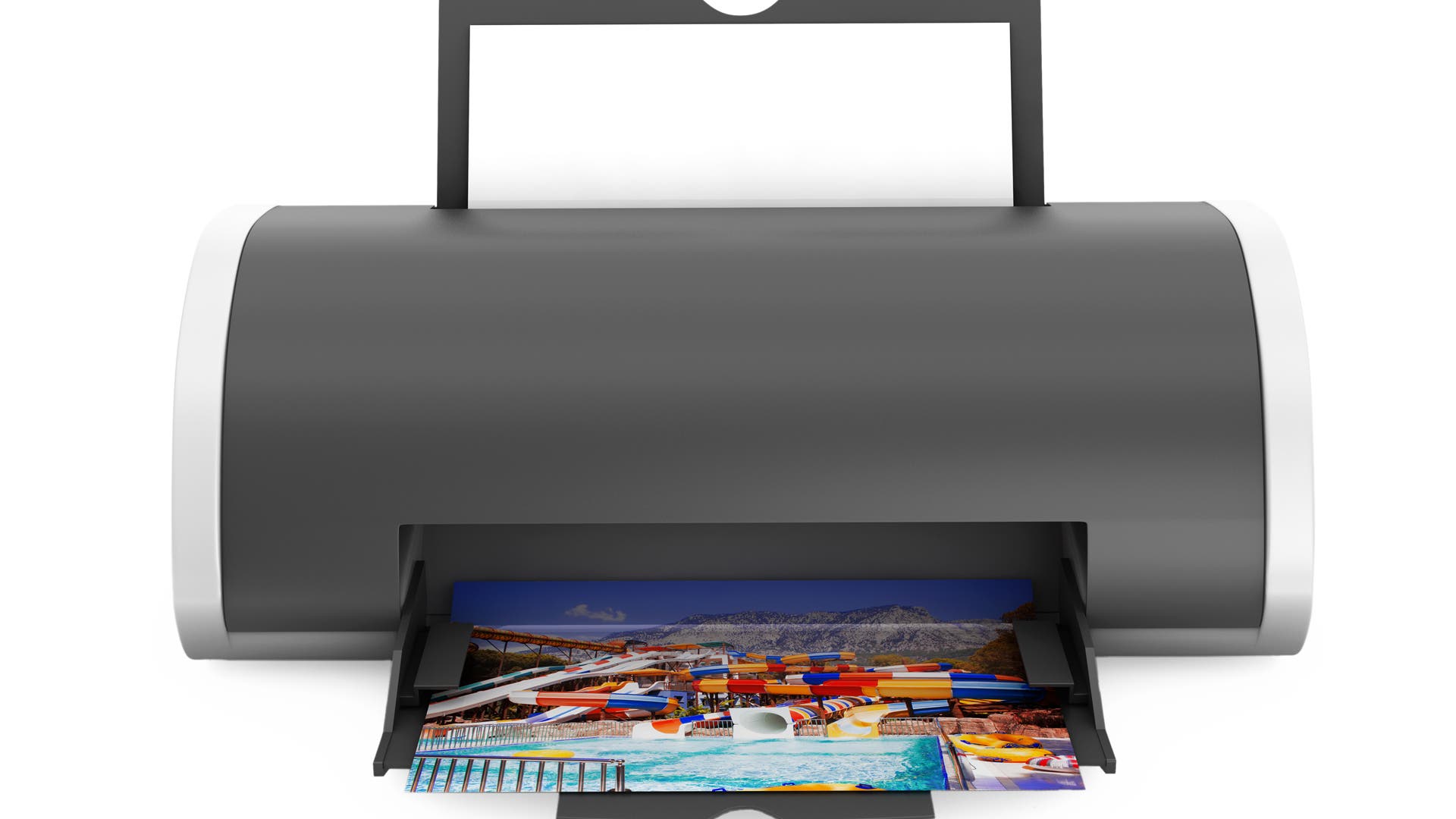
Printing your digital images at home or at your studio requires an up-front investment in a printer, and the ongoing expense of ink and paper, which can quickly add up to more than the price of the printer if you do enough printing. You need to learn how to care for and feed your printer, which inks are best for it, and which are not. Mystery lines ruining your prints? Time to do maintenance. On the other hand, if you print at home, you have nearly instant feedback and can tweak the final results without delay.
Advantages
- Control
- Keeps the entire process in-house
- Fast turnaround
- Wider variety of papers, inks
Disadvantages
- High up-front, continuing costs
- You need to maintain the printer
- Steep learning curve
- Printers use up valuable studio or office space
A few tips when printing at home: Use the manufacturer’s recommended inks and papers (unless you are the experimental type and you don’t mind voiding the warranty). Off-brand inks can cause unwanted color shifts and may fade faster than the recommended inks. Most manufacturer inks these days will last at least 100 years, according to accelerated fade tests done by Wilhelm Research. Use your printer at least once a day in order to keep the inkjet heads from drying out, which could cause smears and lines in prints.
Be sure to calibrate your monitor, and to use supplied profiles for your printer and ink/paper combinations. Keep in mind that profiles are different for each ink/paper combination that you use, but if you stick to the manufacturer’s inks and papers, profiles for each variation are available. When you use profiles and maintain your monitor’s calibration, the prints should closely match what you see on your monitor.
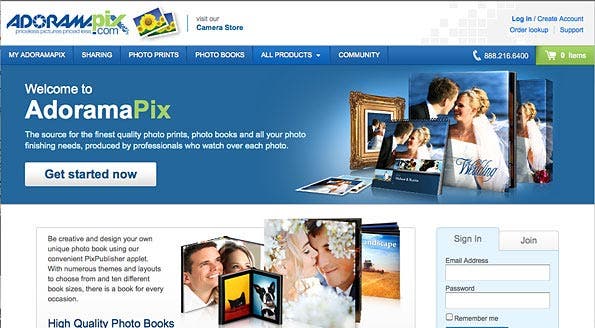
Online Lab
Working with a lab means giving up some control, and you lose the instant gratification of making prints from your own inkjet printer; it most probably also means fewer paper choices. However, thanks to the economics of scale and intense competition among online photo labs, printing costs are generally lower than the costs associated with inkjet prints from a home or work printer. There is no printer to invest in or maintain. Many labs, such as AdoramaPix, now offer finishing services, from mounting and framing to producing custom photo books that can be ordered and delivered to you or directly to your client.
Advantages
- No up-front cost
- Uploading images is easy
- Per-print cost is reasonable
- Good lab can color correct
- Color profiles available
- Choice of chemical process or inkjet paper
Disadvantages
- Longer turnaround time
- Re-do’s and tweaking require patience
- You have to pay for postage
A few tips for choosing and working with an online lab: As with a at-home printing, make sure your monitor is calibrated. Download and use the lab’s supplied profiles. This way, your prints will closely match what you see on your monitor. AdoramaPix gives you the option to allow printer operators in the lab to analize your photo and produce the best image quality based on their subjective criteria; if you are printing images that haven’t been adjusted in Photoshop or other image editing software, you may want to choose this option.
When choosing a lab, send some test images of subjects with familiar color schemes. Use a color target if possible. See how long it takes to turn around the image, print quality and cost. Ask a question and see how quickly the lab responds.
Online labs frequently offer discounts on prints. Sometimes the discount applies to a certain specific print size, paper, or range of sizes, or a photofinishing service such as photo books or framing. Once you’ve found a lab you’re happy with, get on its mailing list for notification of any deals.
Which do you prefer—printing yourself, or using an online lab? Leave a comment and share your experience.
Connect with Fred on Facebook, Twitter, or his profile page at the Adorama Learning Center.