When I started drone photography, I thought that the very fact that I was airborne would guarantee great photos because of the unique aerial perspective. Through practice and experience, I realized many things are essential before launching in order to assure quality images. In this article, we will discuss various aspects of drone photography, including essential drone photography tips for capturing class aerial shots, techniques for achieving flight stability, and more.
Drone Modes and Flight Stability
Stability is essential for capturing sharp images in any type of photography. Particularly in drone photography with wind as your enemy. Your best composition can become blurry even with a slight waft. There are specific drone modes to maximise stability.
Maintain GPS Lock
Never leave the ground until the app confirms a strong GPS signal (typically 10+ satellites). This ensures the drone doesn’t dwindle and can maintain its position. Even in light wind, which is critical for sharp images.
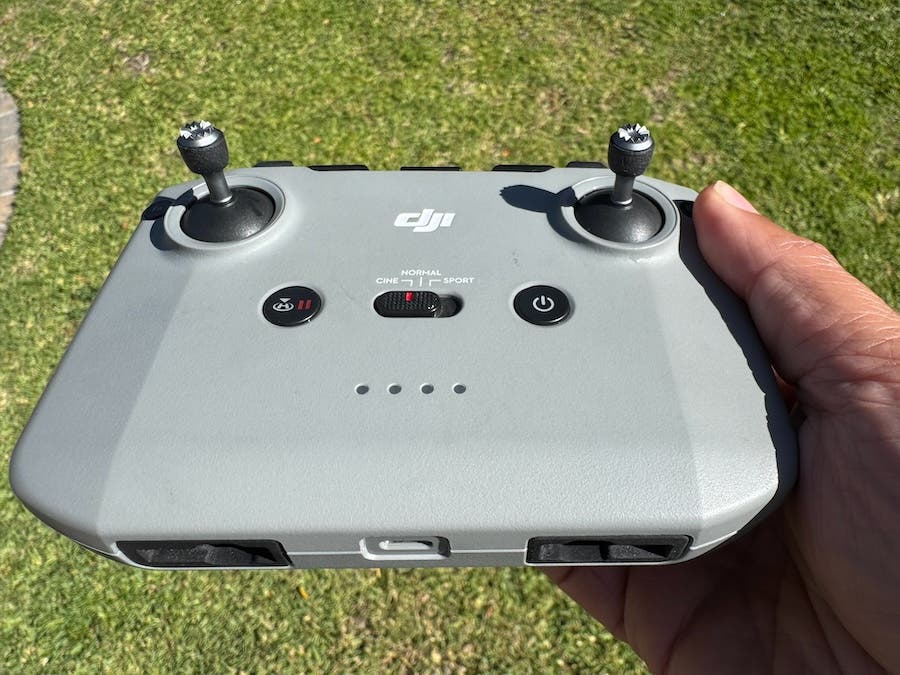
Use Cine Mode for Photography
While this is often seen as a video mode, Cine (or Tripod) Mode is invaluable for still photography. This function slows the drone’s acceleration and braking. This enables precise positioning and minute adjustments, especially when framing complex shots such as panoramas.
What to Look For When Flying: Shifting Your Perspective
I always tell my students that mastering drone photography is not possible if you don’t first understand what makes a good photo with a camera in your hand at ground level: you need to develop an eye for identifying visual elements that will be appealing from the sky. The world can look unexpectedly different from above than you imagined.
Patterns and Textures
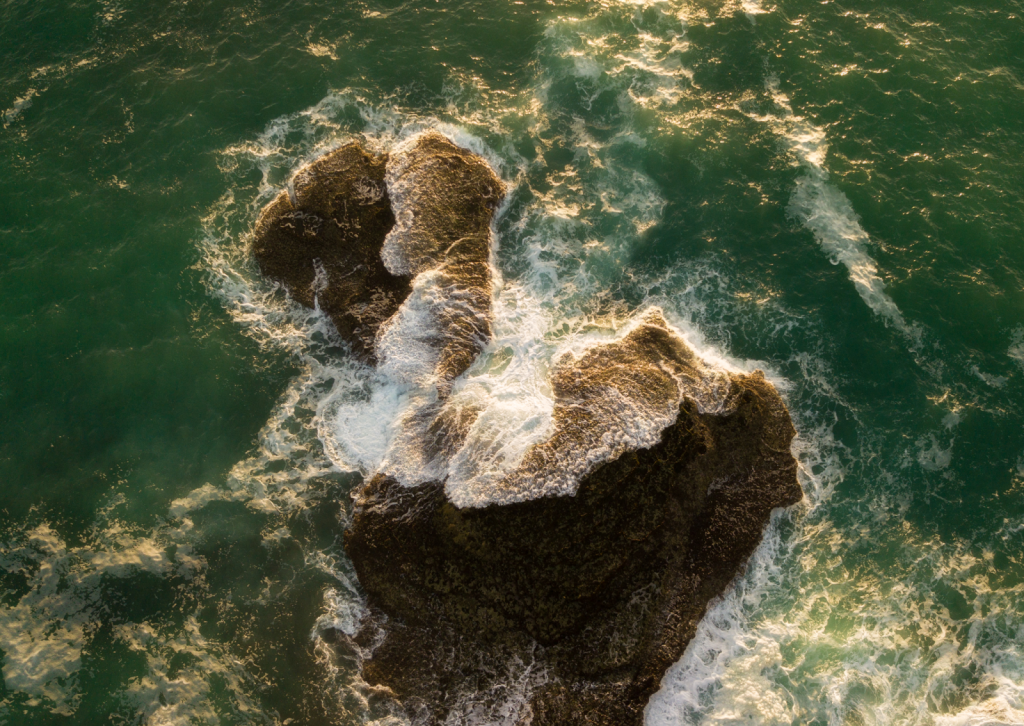
The overhead view reveals incredible geometry, patterns and textures in your terrain. Actively seek out the repetitive lines of farm fields, the swirling textures of dunes, or the intricate patterns created by human infrastructure. These elements create instant visual interest.
Leading Lines
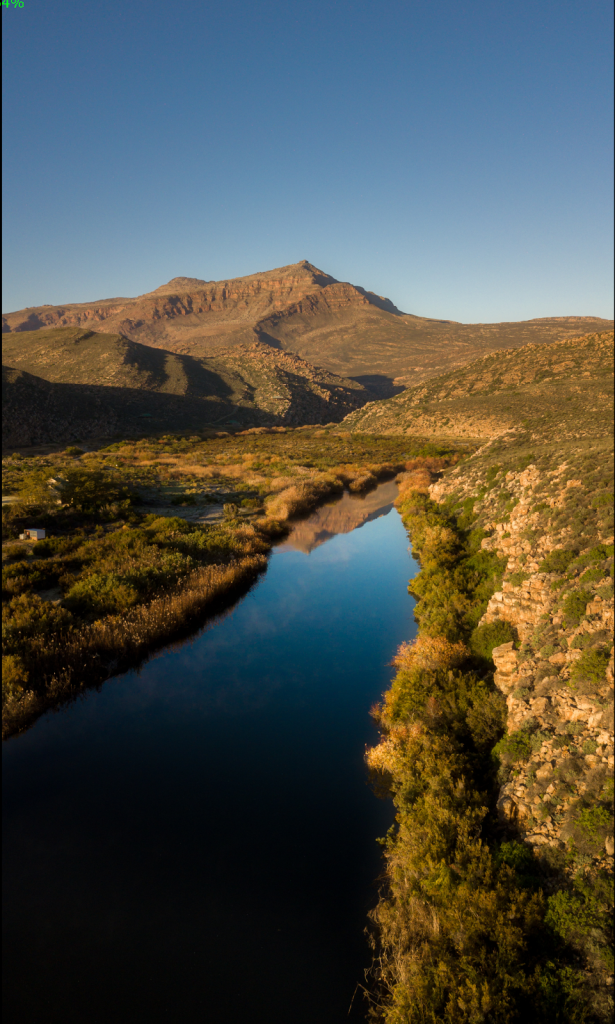
From the air, features like roads, rivers, coastlines, and even shadows become powerful visual tools. They guide the viewer’s eye from the edge of the frame directly to the main subject, providing depth and narrative flow.
Scale and Context
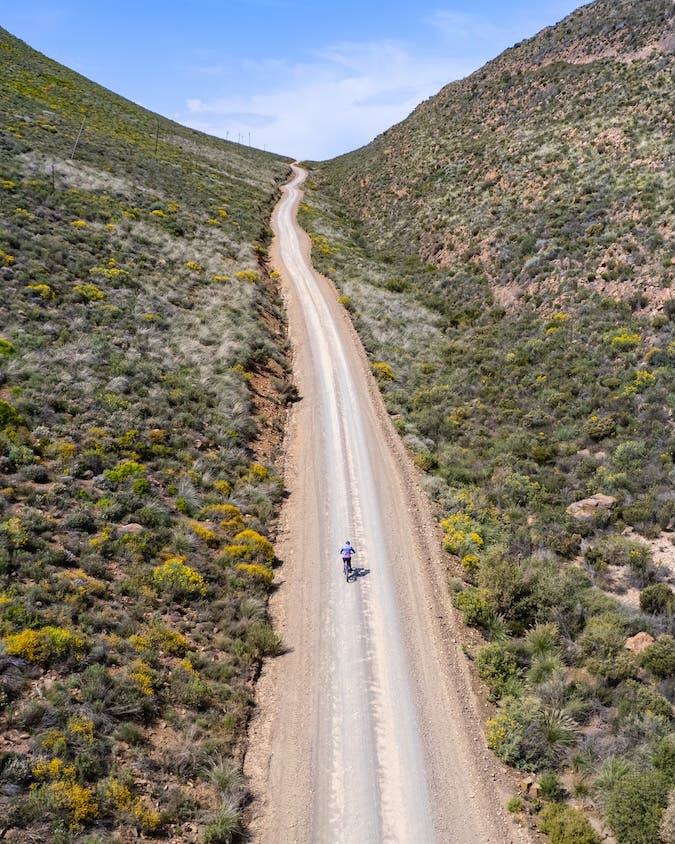
To show how big something truly is, a reference point is needed. If possible, include a small, recognisable element, such as a car, a person, or a boat. This provides scale and turns an abstract landscape into a relatable scene.
The Power of Shadows
Schedule serious photography for the Golden Hour (sunrise or sunset). When the sun is low, long shadows stretch across the landscape, emphasising texture, contrast, and three-dimensionality.
Compositional Guidelines
Keep the key compositional principles for photography in mind – such as the rule of thirds, natural symmetry, reflections, etc., for a balanced image. They apply even from the sky.
The Top-Down Shot
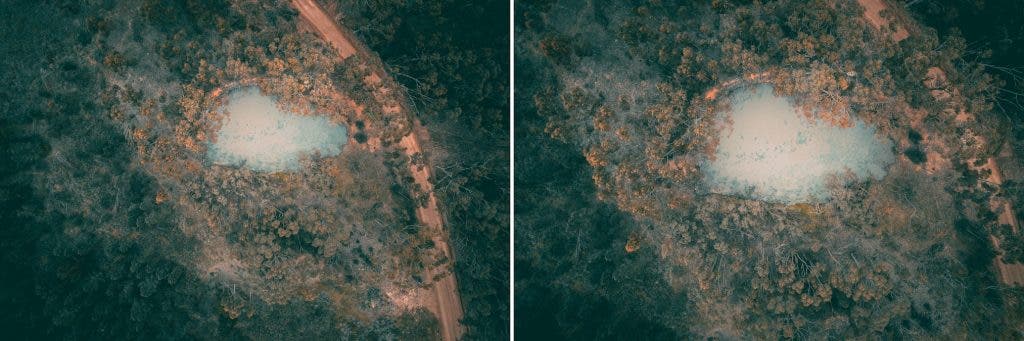
This is the quintessential drone photo. Fly the drone directly over the subject and tilt the camera to 90 degrees (straight down). This eliminates the horizon, revealing hidden patterns and creating abstract compositions.
Low-Altitude Flying
Don’t feel pressured to fly high all the time. Often, flying at 50 to 100 feet provides the most engaging images because it emphasises foreground detail and texture and offers a more intimate connection to the landscape.
Camera Settings: Fixed Aperture Solutions
Most consumer drones have a camera with a fixed aperture (usually around f/2.8). Since the depth of field cannot be adjusted, exposure must be controlled using only two settings: Shutter Speed and ISO.
- Keep ISO Low: Drone camera sensors are small, making them very susceptible to digital noise at high sensitivity. Aim to keep ISO as low as possible, such as ISO 100. Only increase it when necessary for low-light situations.
- Adjust Shutter Speed: This is the primary control for brightness. Use a faster shutter speed (e.g., 1/1000th) on a bright sunny day to prevent overexposure. Use a slower shutter speed (e.g., 1/50th) for sunset or artistic effects.
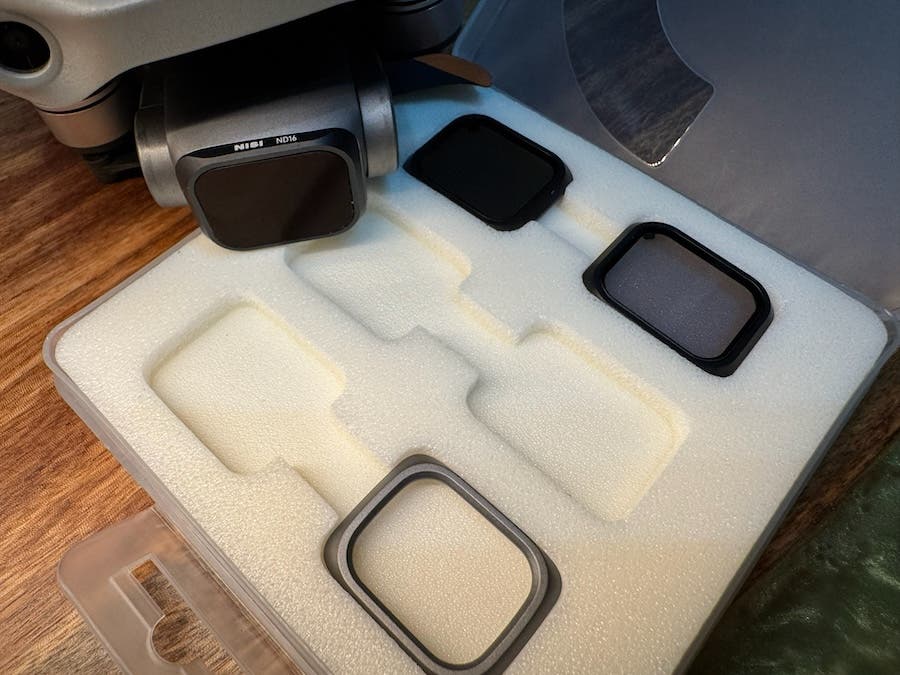
- The ND Filter Solution: ND filters are beneficial for both videography and photography, especially in bright conditions, so investing in ND filters is a wise choice. When the light is very bright, simply increasing the shutter speed can make the image look unnaturally dark. Neutral Density (ND) filters act like sunglasses for the drone camera, allowing for slower shutter speeds even in bright conditions.
Camera Settings: Dealing with High Dynamic Range
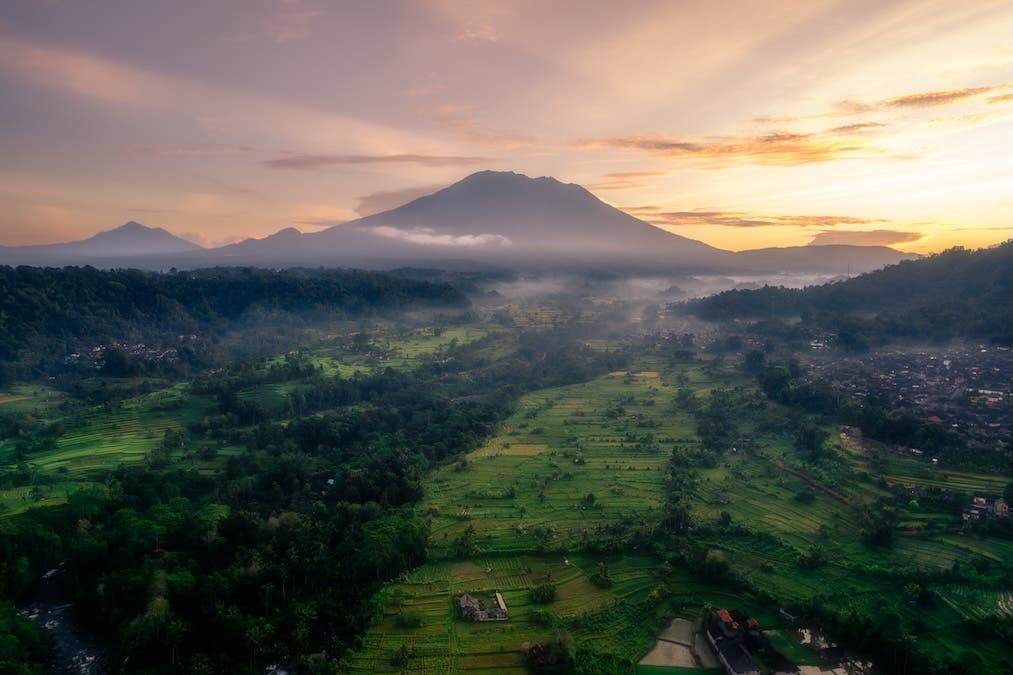
Knowing your aperture, shutter speed, and ISO is not enough. When shooting high-contrast scenes, like a bright sunset sky and a dark foreground, a single photo often cannot capture all the detail. This is where you will need to learn exposure bracketing: taking multiple exposures of the same scene, either manually or in the drone’s auto mode, that can be used in your edit room to create the desired effect as discussed below.
- Auto Exposure Bracketing: The Auto Exposure Bracketing tells the drone to quickly take a burst of 3, 5, or 7 photos of the same scene, each at a different exposure level, e.g., one normal, one dark, one bright. When in the air, I always only use auto exposure bracketing because manual bracketing consumes time, and there’s also a chance that the drone will move, making it difficult to merge the photos later in post-processing.
- Post-Processing Value: These multiple exposures of the same scene are then blended on a computer to create a single HDR (High Dynamic Range) image that retains detail in both the brightest highlights and the deepest shadows. This is essential for sunrises and sunsets. Many drones now even blend these exposures for you in real time while you are flying, so you see the result immediately.
Creating Seamless Panoramas
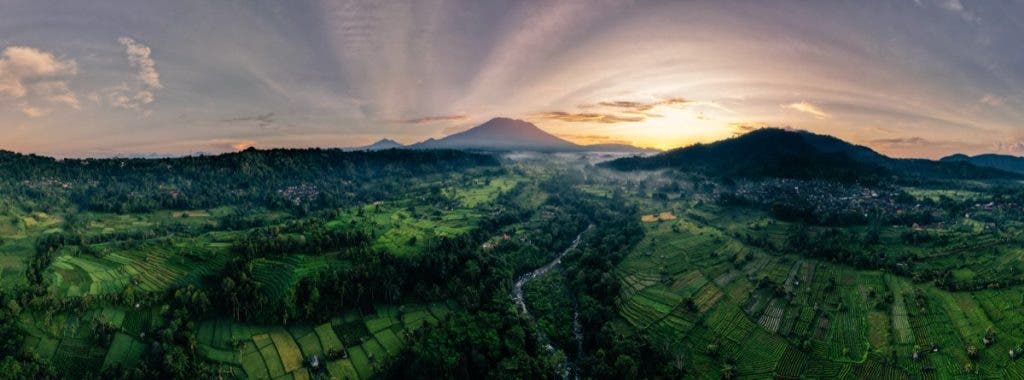
The drone can automatically stitch multiple photos together to create expansive, vertical, or even 360-degree views, all at the tip of your finger with just one button to press.
Trust Automated Mode
Most drones have dedicated “Pano” modes. Often, letting the drone execute the shot sequence automatically yields the most consistent results. This saves time, and some drones stitch them on the go.
Shoot Manually
You can also manually take several overlapping photos (about 30% overlap per frame), usually in portrait orientation, with exposure settings locked, and then use programmes like Adobe Lightroom or Photoshop to stitch the photos together later. Unless absolutely necessary, I personally don’t utilise this method, as the automated mode performs similarly and more accurately, with overlapping photos.
As always, ensure the drone is in Cine Mode and the GPS lock is solid. Any drone drift during the sequence will result in a messy final image.
Post-Processing and Social Media Focus
The drone’s image is only the starting point. Post-processing is where the image is brought to life and prepared for sharing.
Shoot in RAW
I prefer shooting in RAW format (or RAW+JPEG). RAW files retain the maximum amount of data for editing, giving far more flexibility to adjust exposure, white balance, and shadows without the image quality falling apart.
Post Processing
While post-processing images is a topic in itself, always adjust highlights and shadows to maximise dynamic range. Apply the specific lens profile to remove slight geometric distortion and colour grade by fine-tuning the saturation and overall colour tone to match the mood experienced while flying.
Vertical for Social Media
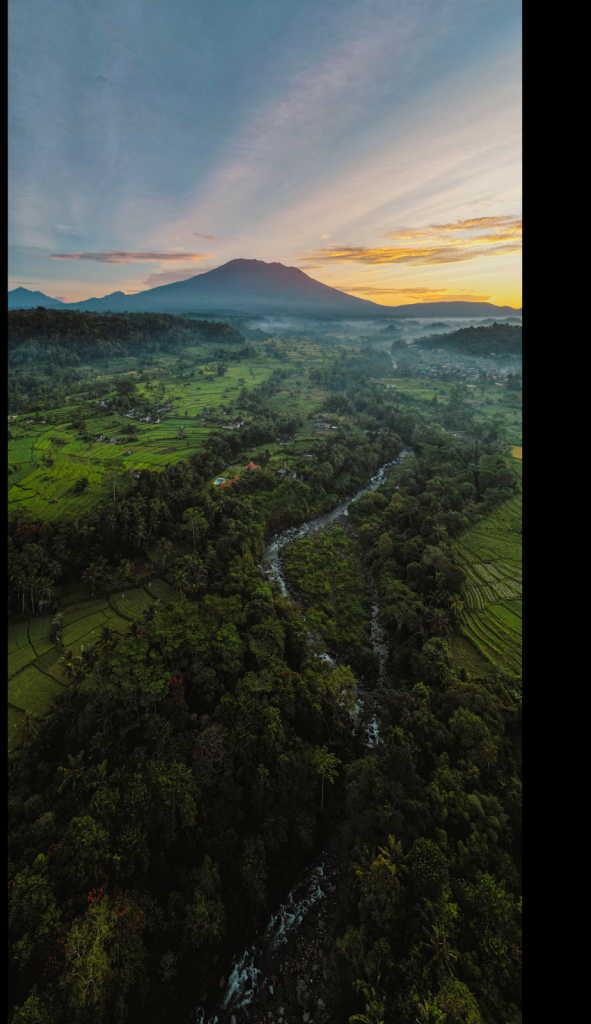
As a creator, your role may involve producing content for various social platforms, making vertical videos and photos unavoidable. Some drones have a function for capturing photos and videos in vertical format while flying. Since drone cameras shoot at high resolution, the horizontal image can be safely cropped to a vertical (9:16) format during post-processing. Bear in mind that you need strong visual elements in the centre vertical field of your footage if you are going to need to crop to vertical format at home.
Final Thoughts
As always, nothing beats airtime with its trial and error. Mistakes are part of the lifelong learning curve, so don’t be too hard on yourself. But practice, seek inspiration from other drone photographers, and enjoy the fun journey of flying high in the sky while capturing memories.