
Advanced Photo Editing Software
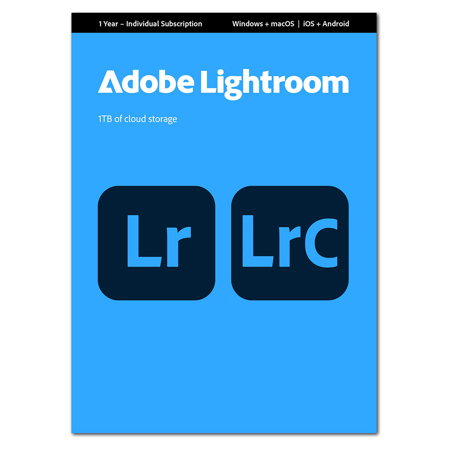
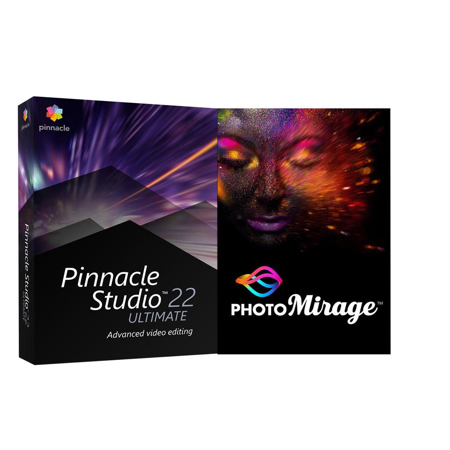
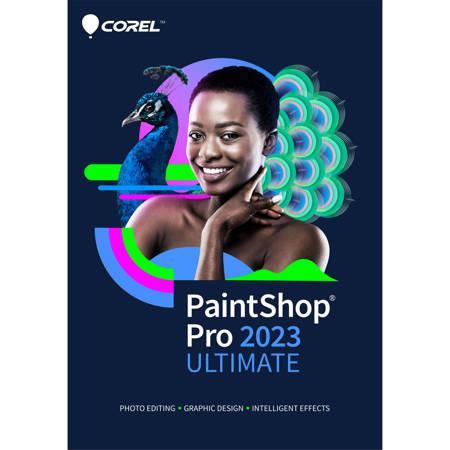
As photography continues to evolve, advanced photo editing software has become an essential part of every creator’s toolkit—whether you’re a professional photographer, a digital artist, or an enthusiastic hobbyist looking to elevate your craft. These powerful programs go far beyond the simple filters and touch-up tools found in basic apps, offering a suite of high-precision capabilities like layer-based editing, RAW file processing, non-destructive workflows, and even generative AI features that open up new creative possibilities. With the ability to manipulate every pixel, blend exposures, composite multiple images, and fine-tune colors with surgical accuracy, advanced photo editing software enables you to turn your vision into reality—whether that means perfecting a commercial product shot, crafting a surreal digital artwork, or simply bringing out the best in your summer vacation photos. During the warmer months, when outdoor shoots and golden hour portraits are in full swing, having access to robust editing tools can make all the difference in managing tricky lighting, reducing noise in low-light settings, or enhancing the vibrancy of sun-soaked landscapes.
Choosing the right advanced photo editing software is a personal decision that often comes down to your workflow, the types of images you create, and your preferred editing style. Many professionals appreciate the deep control offered by programs with comprehensive RAW development tools, advanced color grading, and precise masking options—features that are especially valuable for commercial photographers, studio shooters, and anyone working with high-resolution files. Meanwhile, digital artists and graphic designers may gravitate toward software that excels in layer management, complex compositing, and AI-powered enhancements, allowing for seamless manipulation of lighting, backgrounds, and even intricate portrait retouching. For those who prefer a streamlined experience or are working on the go, intuitive interfaces and smart automation features can help speed up the editing process without sacrificing quality. Subscription models and perpetual licenses each have their advantages, so consider whether you want ongoing updates and cloud integration or a one-time investment. As the seasons shift and creative projects ramp up—whether you’re preparing portfolios, capturing memorable events, or gifting a budding photographer with the tools to explore their potential—advanced photo editing software makes a thoughtful and practical choice. It’s not uncommon to see these programs given as graduation gifts, birthday surprises, or even as a way to support someone’s new creative venture.
When browsing options, pay attention to compatibility with your operating system, the level of support for your camera’s RAW files, and the availability of unique features like HDR merging, panorama stitching, or automated lens corrections. The right software will not only streamline your workflow but also inspire you to experiment with new techniques, from dramatic sky replacements to subtle skin retouching and everything in between. For photographers working on Windows platforms, there are dedicated solutions designed to take full advantage of your system’s capabilities. Explore our curated list of Photo Editing Software For Windows to discover programs tailored to your creative needs, whether you’re editing landscapes from a recent road trip, processing commercial shoots in the studio, or diving into advanced compositing projects as the days grow longer and inspiration strikes. With the right tools at your fingertips, every image becomes an opportunity to push your creativity further and produce results that truly stand out.
Choosing the right advanced photo editing software is a personal decision that often comes down to your workflow, the types of images you create, and your preferred editing style. Many professionals appreciate the deep control offered by programs with comprehensive RAW development tools, advanced color grading, and precise masking options—features that are especially valuable for commercial photographers, studio shooters, and anyone working with high-resolution files. Meanwhile, digital artists and graphic designers may gravitate toward software that excels in layer management, complex compositing, and AI-powered enhancements, allowing for seamless manipulation of lighting, backgrounds, and even intricate portrait retouching. For those who prefer a streamlined experience or are working on the go, intuitive interfaces and smart automation features can help speed up the editing process without sacrificing quality. Subscription models and perpetual licenses each have their advantages, so consider whether you want ongoing updates and cloud integration or a one-time investment. As the seasons shift and creative projects ramp up—whether you’re preparing portfolios, capturing memorable events, or gifting a budding photographer with the tools to explore their potential—advanced photo editing software makes a thoughtful and practical choice. It’s not uncommon to see these programs given as graduation gifts, birthday surprises, or even as a way to support someone’s new creative venture.
When browsing options, pay attention to compatibility with your operating system, the level of support for your camera’s RAW files, and the availability of unique features like HDR merging, panorama stitching, or automated lens corrections. The right software will not only streamline your workflow but also inspire you to experiment with new techniques, from dramatic sky replacements to subtle skin retouching and everything in between. For photographers working on Windows platforms, there are dedicated solutions designed to take full advantage of your system’s capabilities. Explore our curated list of Photo Editing Software For Windows to discover programs tailored to your creative needs, whether you’re editing landscapes from a recent road trip, processing commercial shoots in the studio, or diving into advanced compositing projects as the days grow longer and inspiration strikes. With the right tools at your fingertips, every image becomes an opportunity to push your creativity further and produce results that truly stand out.