

Chromebooks for Video Conferencing
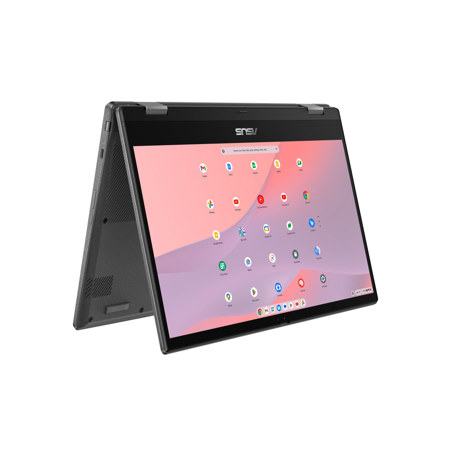
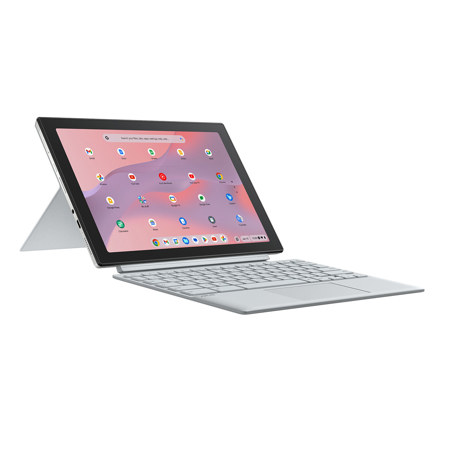
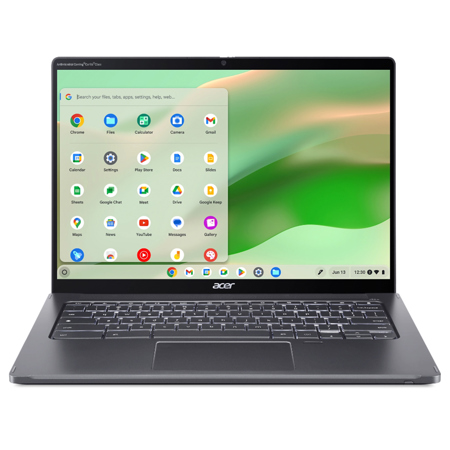
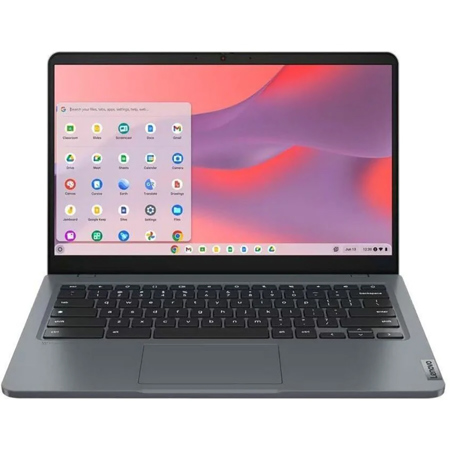
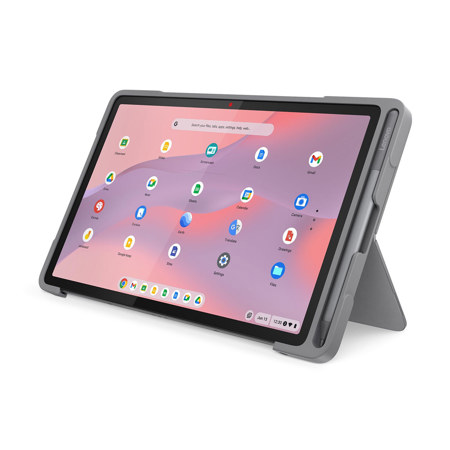
As the days grow longer and routines shift between the warmth of summer and the crispness of early fall, the need for reliable, intuitive technology remains constant—especially for those who rely on seamless communication. Chromebooks for video conferencing have become a go-to choice for students returning to classes, professionals working from home or on the go, and families staying connected across distances. Their lightweight design and cloud-based architecture make them easy to transport between home, office, and classroom, while the streamlined Chrome OS ensures quick boot times and straightforward updates. Whether you’re attending virtual lectures, leading team meetings, or catching up with relatives, a Chromebook for meetings offers an accessible solution that balances performance with simplicity. Many users appreciate the built-in security features, which are particularly reassuring when sharing sensitive information over video calls. As the weather transitions and schedules fill with new commitments, having a device that’s always ready to connect can make all the difference.
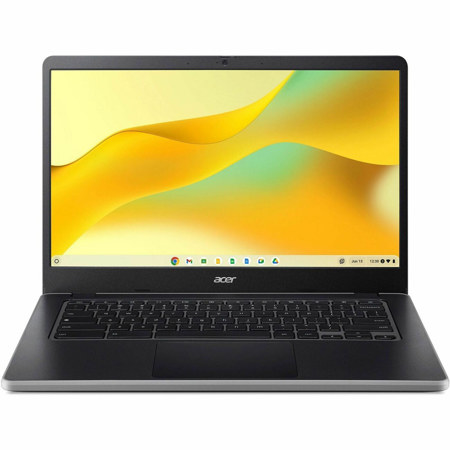
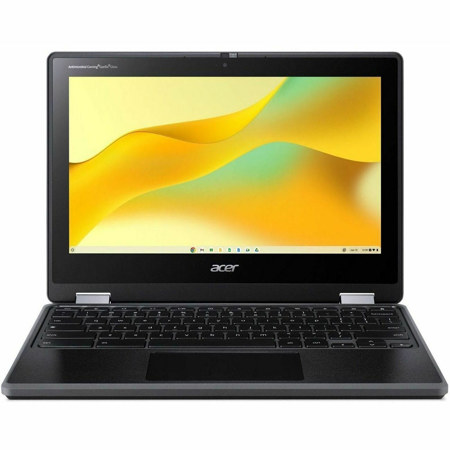
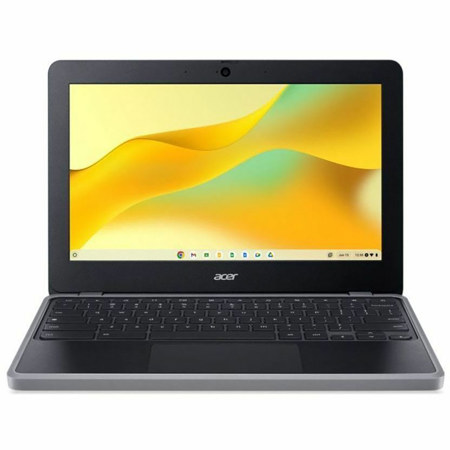
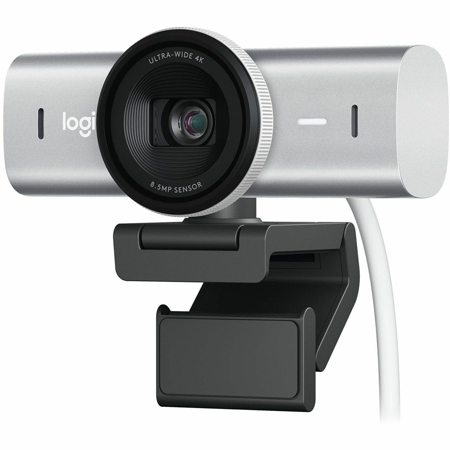
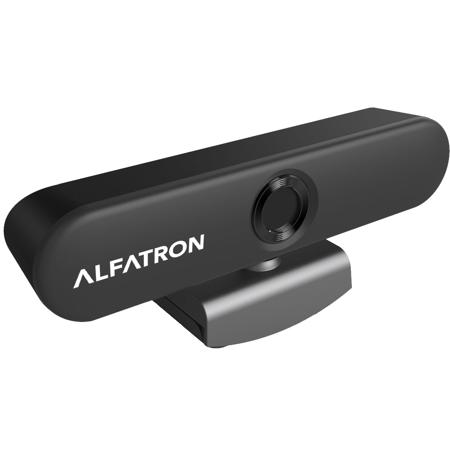
Choosing the right Chromebook with camera and microphone capabilities is crucial for anyone who values clear communication. Modern models prioritize high-definition webcams—often 1080p or better—and advanced microphones with AI noise reduction, ensuring you look and sound your best even in less-than-ideal environments. This attention to audio-visual quality makes Chromebooks especially valuable for teachers hosting online classes, healthcare professionals conducting telehealth sessions, and small business owners presenting to clients. For students, the durable construction and long battery life mean a Chromebook will last through a full school day of remote learning or group projects. For families, these devices can serve as an easy-to-use hub for everything from virtual birthday parties to holiday gatherings, no matter where loved ones are located. When considering a Chromebook for video conferencing, look for features like Wi-Fi 6E or Wi-Fi 7 connectivity to minimize disruptions, at least 8GB of RAM for smooth multitasking, and a comfortable keyboard for extended note-taking or chat participation. Battery life and portability are also important, especially if you move between rooms or locations during the day. Many users find that a Chromebook’s intuitive interface and robust browser support work seamlessly with popular video calling platforms like Zoom, Google Meet, and Microsoft Teams, making it a practical gift for graduates, remote workers, or anyone who values staying connected. If you want to explore more options or compare features across a broader range of devices, you can visit Computers For Video Conferencing for additional recommendations and expert insights. With the right Chromebook, every conversation—whether professional or personal—feels closer, clearer, and more engaging, no matter the season.
Choosing the right Chromebook with camera and microphone capabilities is crucial for anyone who values clear communication. Modern models prioritize high-definition webcams—often 1080p or better—and advanced microphones with AI noise reduction, ensuring you look and sound your best even in less-than-ideal environments. This attention to audio-visual quality makes Chromebooks especially valuable for teachers hosting online classes, healthcare professionals conducting telehealth sessions, and small business owners presenting to clients. For students, the durable construction and long battery life mean a Chromebook will last through a full school day of remote learning or group projects. For families, these devices can serve as an easy-to-use hub for everything from virtual birthday parties to holiday gatherings, no matter where loved ones are located. When considering a Chromebook for video conferencing, look for features like Wi-Fi 6E or Wi-Fi 7 connectivity to minimize disruptions, at least 8GB of RAM for smooth multitasking, and a comfortable keyboard for extended note-taking or chat participation. Battery life and portability are also important, especially if you move between rooms or locations during the day. Many users find that a Chromebook’s intuitive interface and robust browser support work seamlessly with popular video calling platforms like Zoom, Google Meet, and Microsoft Teams, making it a practical gift for graduates, remote workers, or anyone who values staying connected. If you want to explore more options or compare features across a broader range of devices, you can visit Computers For Video Conferencing for additional recommendations and expert insights. With the right Chromebook, every conversation—whether professional or personal—feels closer, clearer, and more engaging, no matter the season.