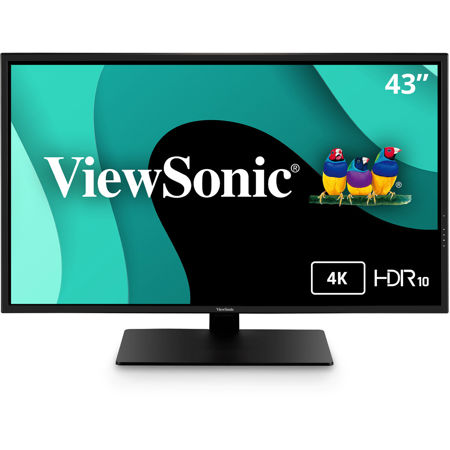
Coding Monitors
When searching for the ideal coding monitor, there are several important factors to keep in mind, whether you’re outfitting your own workspace or looking for a thoughtful gift for a developer, student, or tech enthusiast. The right monitor can make a significant difference in productivity, comfort, and overall coding experience. Display size and resolution are often top priorities; a larger screen or an ultra-wide format provides ample real estate for viewing multiple windows side by side, which is invaluable when referencing documentation, debugging, or running virtual machines. High resolution—such as QHD or 4K—ensures crisp, readable text and reduces eye strain during long hours of coding. Adjustable stands and ergonomic designs are also essential, allowing users to customize height, tilt, and swivel for optimal posture, especially as days grow longer and projects stretch into the evening. For those working in shared spaces or open offices, monitors with built-in blue light reduction and flicker-free technology can help minimize fatigue, making them a smart investment for anyone who spends extended periods in front of a screen.
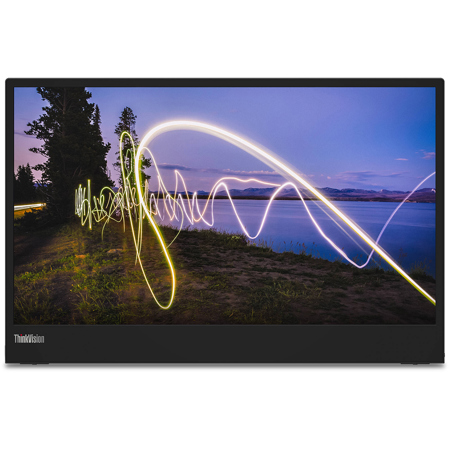
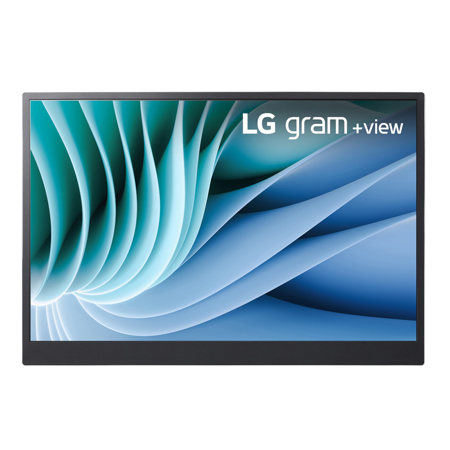
Another aspect to consider is connectivity and additional features that streamline the workflow. Many coding monitors now offer USB-C ports, daisy-chaining capabilities, and KVM switches, which allow seamless toggling between multiple computers—a feature particularly useful for developers who manage both personal and work devices. If audio is a consideration, you might wonder: which monitors have built-in speakers suitable for coding needs? Built-in speakers can be convenient for video calls, tutorials, or background music, eliminating the need for external accessories and keeping your desk clutter-free. For those who value a minimalist setup, this can be a deciding factor. Color accuracy and wide viewing angles are also important, especially for coders who collaborate on design or multimedia projects. As the weather warms and remote work becomes more common, a portable monitor might be ideal for those who like to code from different locations, whether that’s a sunlit home office or a quiet corner of a local café. If you’re still unsure about what monitor to buy for coding, consider factors like refresh rate, response time, and compatibility with your existing hardware to ensure a seamless experience.
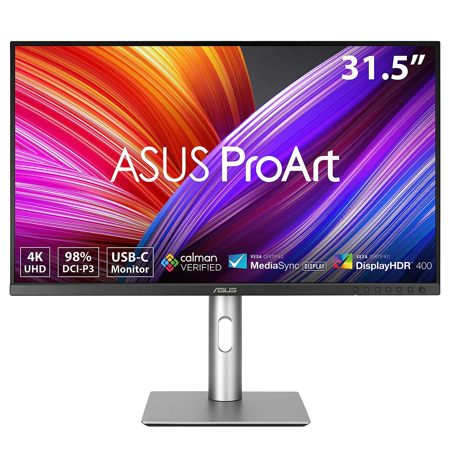
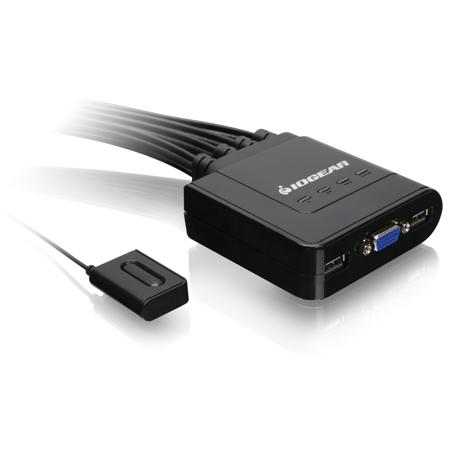
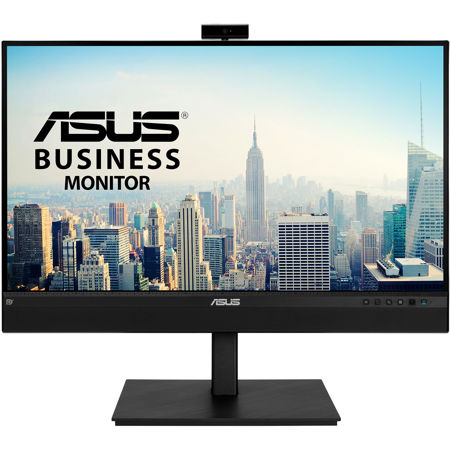
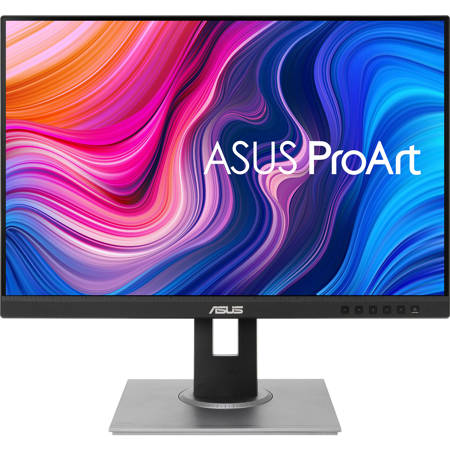
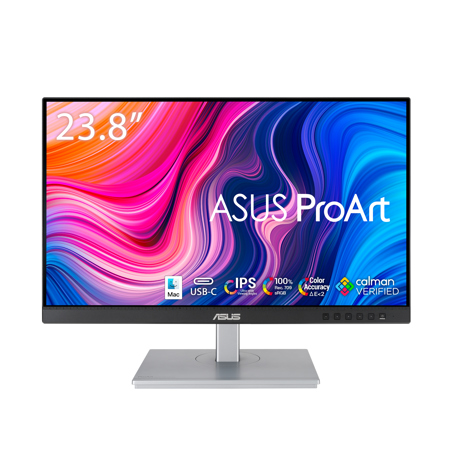
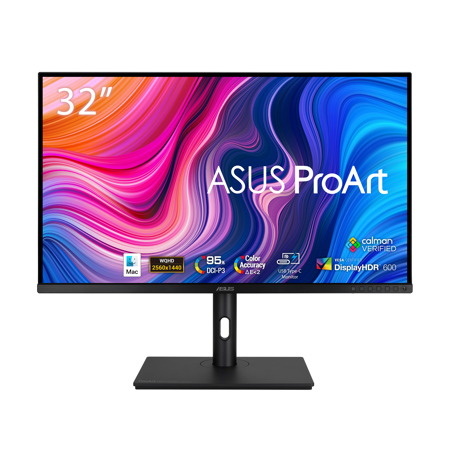
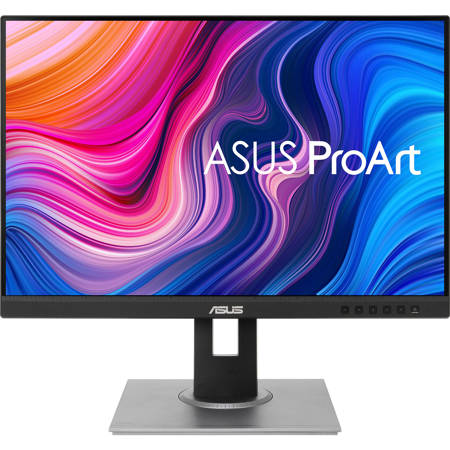
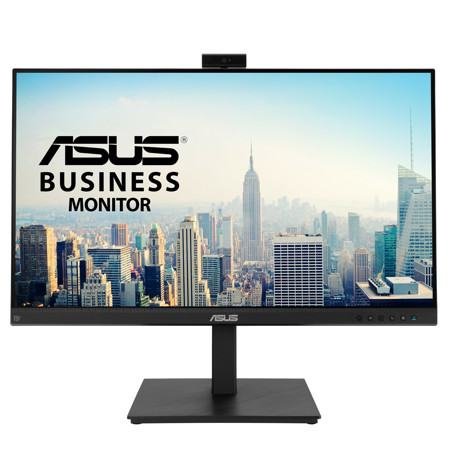
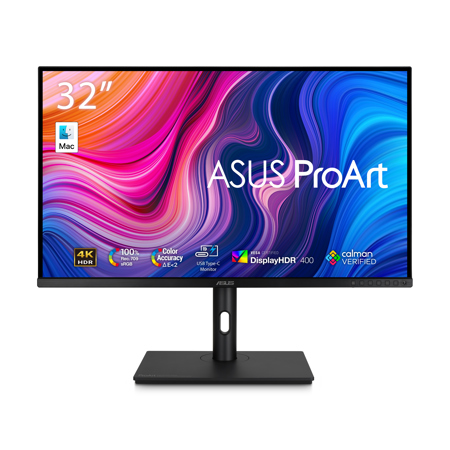
Selecting the right monitor is not just about technical specifications—it’s about enhancing your daily routine and supporting your goals. Students preparing for coding bootcamps, professionals working on complex software projects, and hobbyists tinkering with open-source code all benefit from a display tailored to their needs. During the transition from early summer into fall, when routines shift and new projects begin, a reliable monitor can serve as the foundation of a productive workspace. If you’re managing multiple devices or need to switch between different workstations, explore the convenience of Monitor Switches to further optimize your setup. Whether you’re considering an asus monitor known for its clarity and ergonomic features, or simply looking for a display that balances performance and value, the right choice can make coding sessions more enjoyable and efficient. With so many options available, taking the time to assess your unique requirements and preferences will help you find a monitor that not only meets your technical needs but also fits seamlessly into your lifestyle, supporting creativity and focus throughout the changing seasons.
Another aspect to consider is connectivity and additional features that streamline the workflow. Many coding monitors now offer USB-C ports, daisy-chaining capabilities, and KVM switches, which allow seamless toggling between multiple computers—a feature particularly useful for developers who manage both personal and work devices. If audio is a consideration, you might wonder: which monitors have built-in speakers suitable for coding needs? Built-in speakers can be convenient for video calls, tutorials, or background music, eliminating the need for external accessories and keeping your desk clutter-free. For those who value a minimalist setup, this can be a deciding factor. Color accuracy and wide viewing angles are also important, especially for coders who collaborate on design or multimedia projects. As the weather warms and remote work becomes more common, a portable monitor might be ideal for those who like to code from different locations, whether that’s a sunlit home office or a quiet corner of a local café. If you’re still unsure about what monitor to buy for coding, consider factors like refresh rate, response time, and compatibility with your existing hardware to ensure a seamless experience.
Selecting the right monitor is not just about technical specifications—it’s about enhancing your daily routine and supporting your goals. Students preparing for coding bootcamps, professionals working on complex software projects, and hobbyists tinkering with open-source code all benefit from a display tailored to their needs. During the transition from early summer into fall, when routines shift and new projects begin, a reliable monitor can serve as the foundation of a productive workspace. If you’re managing multiple devices or need to switch between different workstations, explore the convenience of Monitor Switches to further optimize your setup. Whether you’re considering an asus monitor known for its clarity and ergonomic features, or simply looking for a display that balances performance and value, the right choice can make coding sessions more enjoyable and efficient. With so many options available, taking the time to assess your unique requirements and preferences will help you find a monitor that not only meets your technical needs but also fits seamlessly into your lifestyle, supporting creativity and focus throughout the changing seasons.