
Monitor Switches
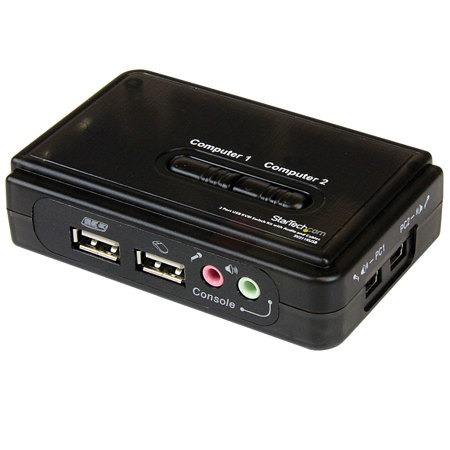
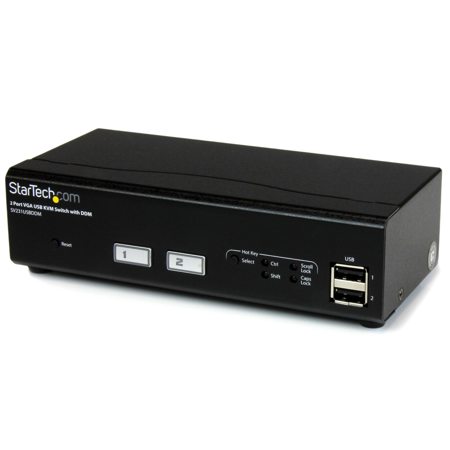
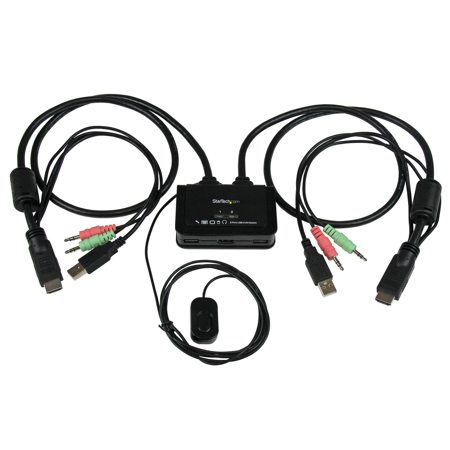
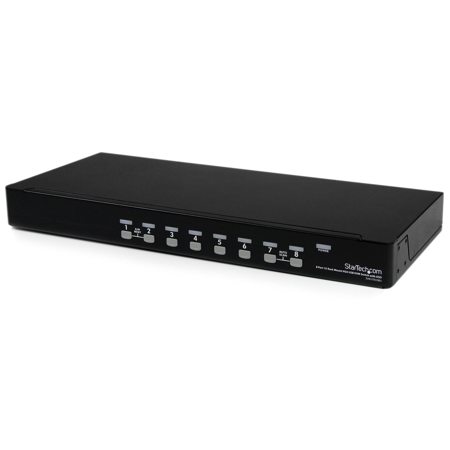
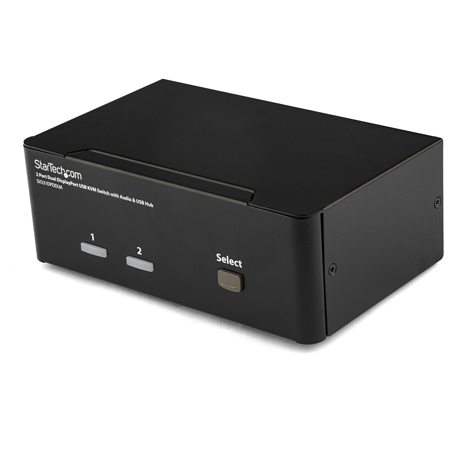
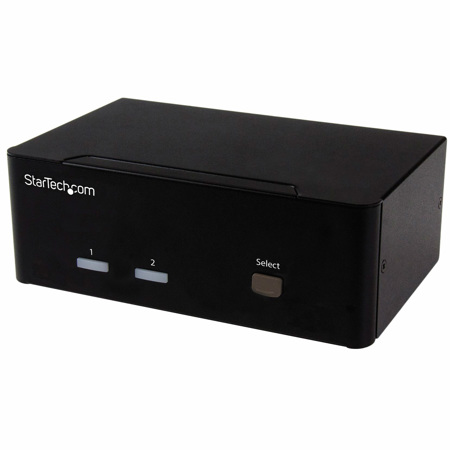
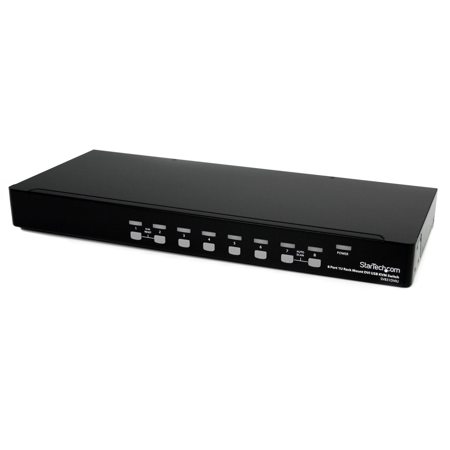
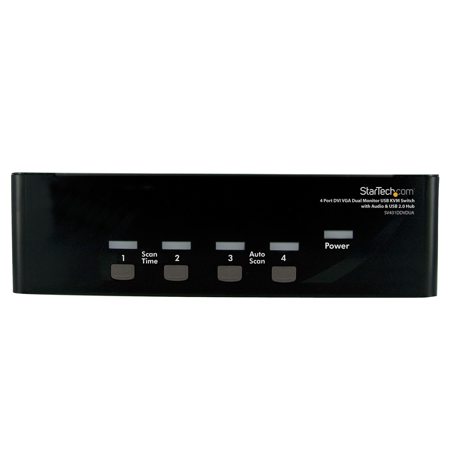
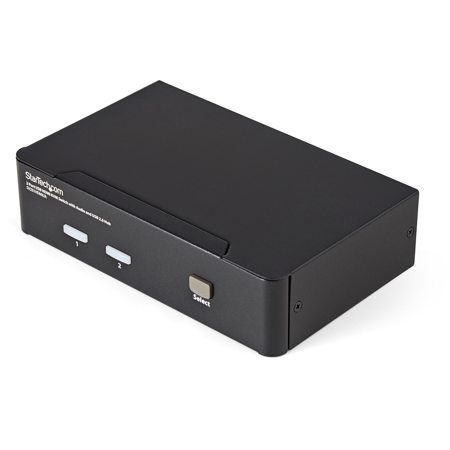
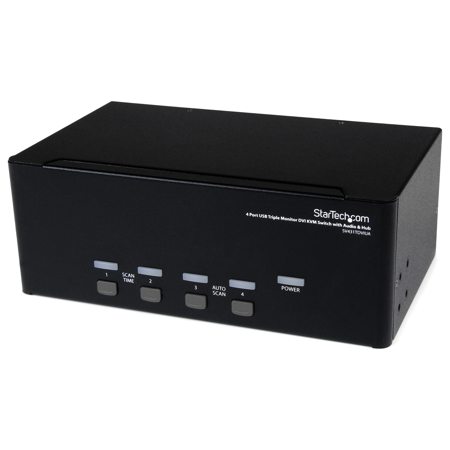
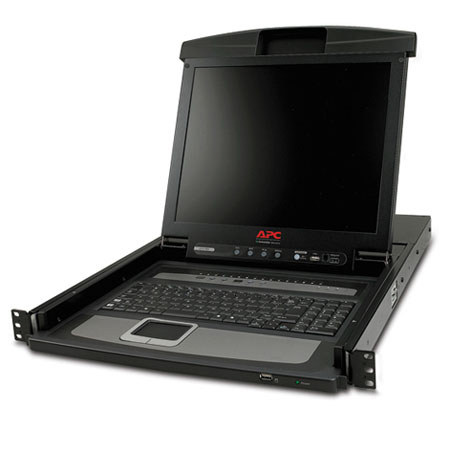
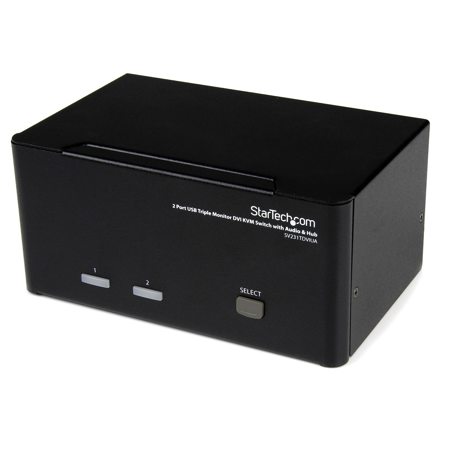
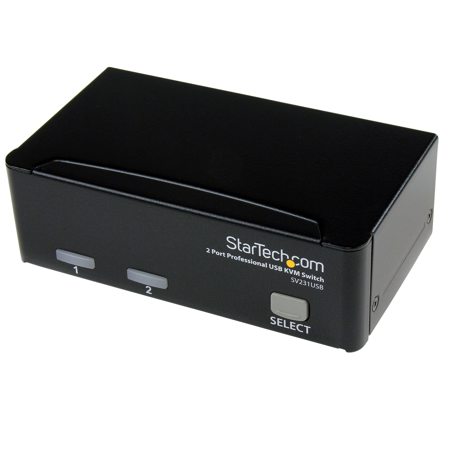
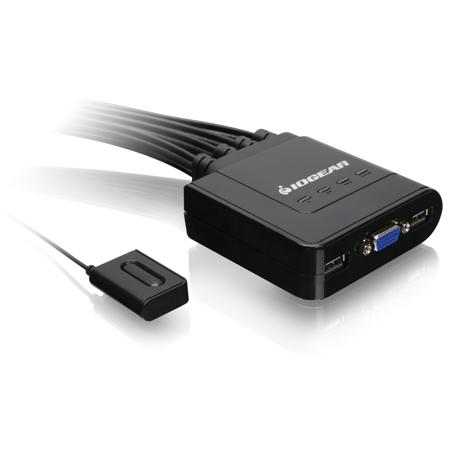
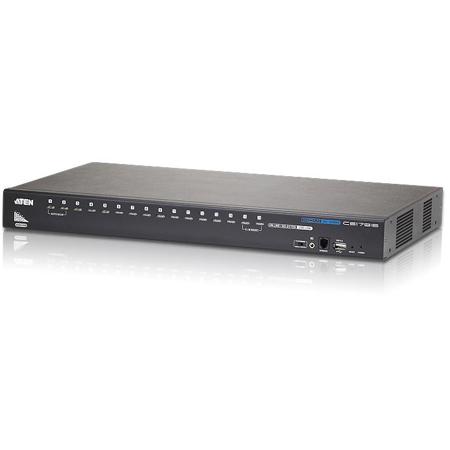
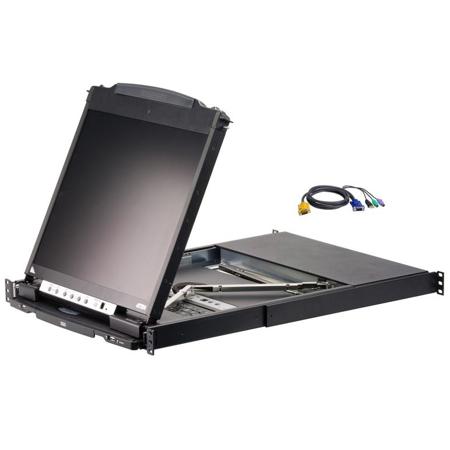
A monitor switch, often referred to as a KVM switch (Keyboard, Video, Mouse), is an essential piece of hardware for anyone who needs to manage multiple computers with a single set of peripherals. Whether you’re a creative professional toggling between a high-powered desktop and a portable laptop, a software developer working across different operating systems, or a remote worker balancing personal and professional devices, a monitor switch streamlines your workflow by letting you instantly shift control from one machine to another. The convenience is undeniable: with just the press of a button or a quick keyboard shortcut, your monitor, keyboard, and mouse follow you seamlessly from one computer to the next. This is especially valuable in home offices, shared workspaces, and even studio environments where desk space is at a premium and efficiency is paramount. As the weather warms and routines shift—perhaps with more hybrid work or summer side projects—having the flexibility to switch between devices without unplugging cables or rearranging your setup can make a world of difference in productivity and comfort.
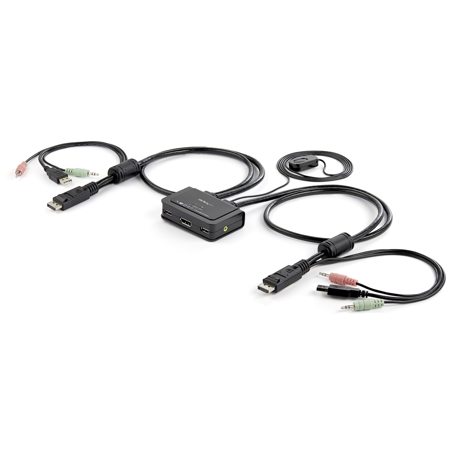
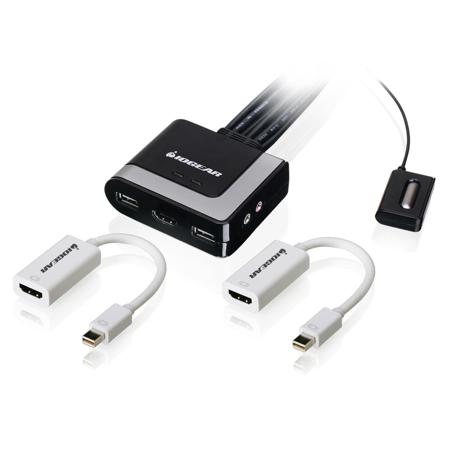
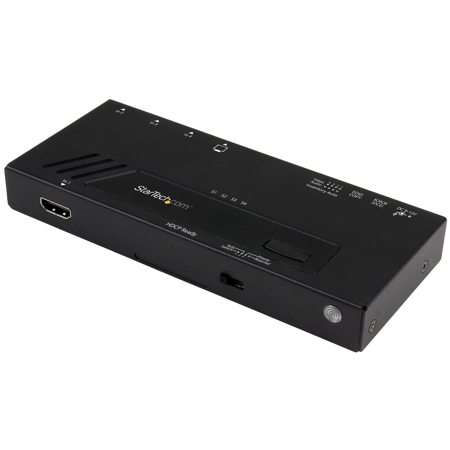
When considering a monitor switch, it’s important to match the device to your specific needs and hardware. Modern options range from traditional external KVM boxes that use HDMI, DisplayPort, or USB connections, to advanced USB-C or Thunderbolt switches designed for the latest laptops and tablets. Built-in KVM features are also becoming more common in high-end monitors, allowing you to plug your peripherals directly into the monitor itself and switch control as you change video inputs. For those working with high-resolution displays, such as 4K or even higher refresh rate gaming monitors, it’s crucial to ensure that your monitor switch supports the full capabilities of your equipment—look for features like 4K@60Hz or 4K@144Hz compatibility to avoid bottlenecks in image quality or performance. EDID emulation is another advanced feature to consider, especially if you frequently switch between computers in the middle of projects; this technology maintains the connection to all devices, preventing frustrating window rearrangements or display resets. Port types are equally important—choose a switch that matches the outputs on your computers, whether that’s HDMI, DisplayPort, or USB-C, to ensure smooth integration with your existing setup.
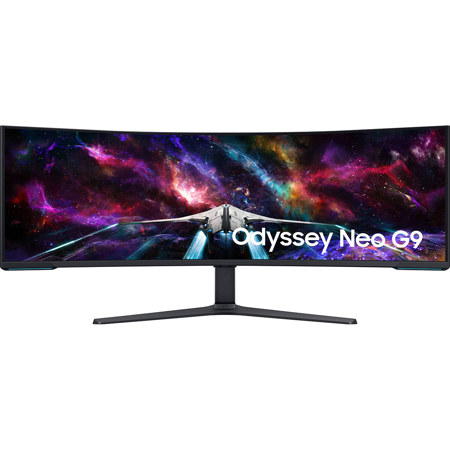
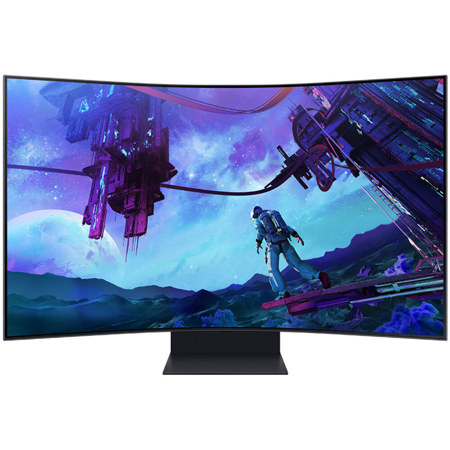
Monitor switches also make thoughtful gifts for tech enthusiasts, students heading off to college, or anyone setting up a new workspace as the seasons change. They are particularly appreciated by gamers, content creators, and IT professionals who need to juggle multiple systems without the hassle of constant plugging and unplugging. As many people take on new projects or reorganize their offices during the transition from early summer to fall, a monitor switch can be the key to a more organized, efficient, and enjoyable workspace. For those looking to optimize their coding and multitasking experience, pairing a quality monitor switch with the right display can be transformative. If you’re searching for a monitor that’s especially well-suited for development and productivity, our curated selection of Coding Monitors provides a range of options tailored to the demands of modern workflows. With the right monitor switch and display combination, you can create a flexible and high-performance environment that adapts to your needs—whether you’re working, gaming, or pursuing creative projects as the seasons turn.
When considering a monitor switch, it’s important to match the device to your specific needs and hardware. Modern options range from traditional external KVM boxes that use HDMI, DisplayPort, or USB connections, to advanced USB-C or Thunderbolt switches designed for the latest laptops and tablets. Built-in KVM features are also becoming more common in high-end monitors, allowing you to plug your peripherals directly into the monitor itself and switch control as you change video inputs. For those working with high-resolution displays, such as 4K or even higher refresh rate gaming monitors, it’s crucial to ensure that your monitor switch supports the full capabilities of your equipment—look for features like 4K@60Hz or 4K@144Hz compatibility to avoid bottlenecks in image quality or performance. EDID emulation is another advanced feature to consider, especially if you frequently switch between computers in the middle of projects; this technology maintains the connection to all devices, preventing frustrating window rearrangements or display resets. Port types are equally important—choose a switch that matches the outputs on your computers, whether that’s HDMI, DisplayPort, or USB-C, to ensure smooth integration with your existing setup.
Monitor switches also make thoughtful gifts for tech enthusiasts, students heading off to college, or anyone setting up a new workspace as the seasons change. They are particularly appreciated by gamers, content creators, and IT professionals who need to juggle multiple systems without the hassle of constant plugging and unplugging. As many people take on new projects or reorganize their offices during the transition from early summer to fall, a monitor switch can be the key to a more organized, efficient, and enjoyable workspace. For those looking to optimize their coding and multitasking experience, pairing a quality monitor switch with the right display can be transformative. If you’re searching for a monitor that’s especially well-suited for development and productivity, our curated selection of Coding Monitors provides a range of options tailored to the demands of modern workflows. With the right monitor switch and display combination, you can create a flexible and high-performance environment that adapts to your needs—whether you’re working, gaming, or pursuing creative projects as the seasons turn.