Monitor Arms for Dual Monitor Setups
Creating an efficient and comfortable workspace is essential for anyone spending extended hours at their desk, whether for creative pursuits, remote work, gaming, or professional tasks. Dual monitor setups have become increasingly popular, offering expanded digital real estate that enhances productivity and multitasking. However, simply placing two monitors side by side can quickly lead to a cluttered desk and awkward postures that strain your neck, shoulders, and eyes. This is where a dual monitor arm or dual arm monitor mount becomes a game changer. With the right monitor arms, you can elevate both screens to the optimal height and angle, freeing up valuable desk surface for notebooks, audio gear, or even a steaming cup of coffee. As winter settles in and days grow shorter, the comfort of your workspace matters more than ever—having your monitors perfectly aligned can make those long February work sessions or creative marathons more enjoyable and less fatiguing.
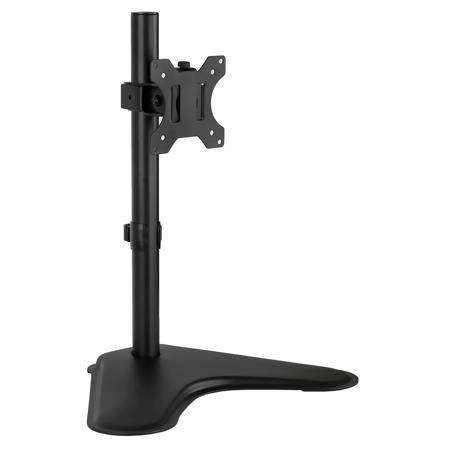
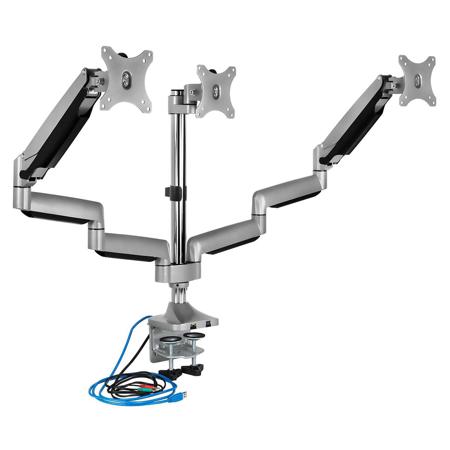
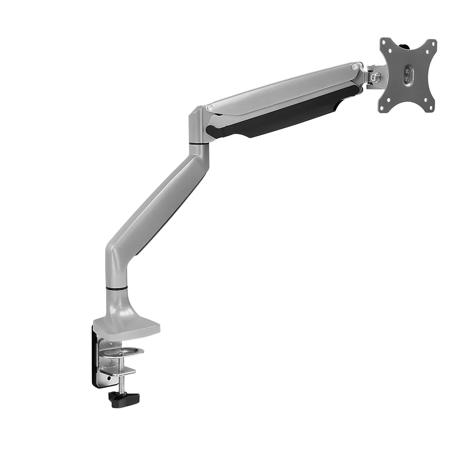
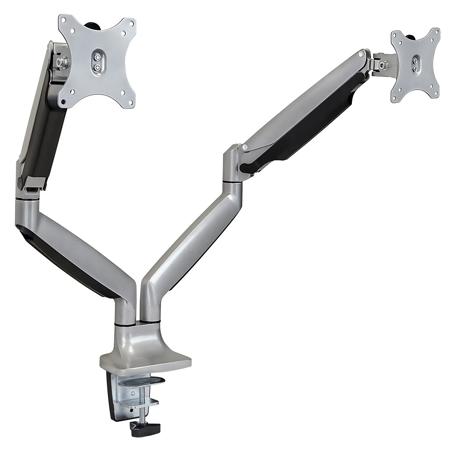
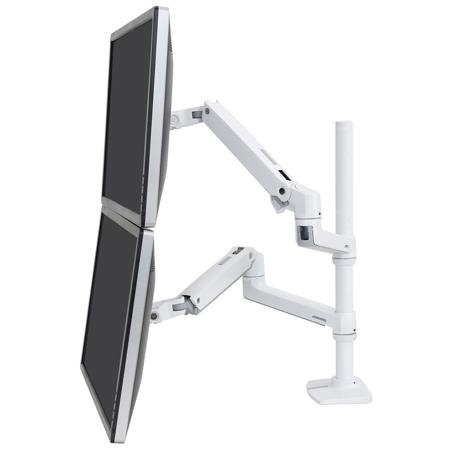
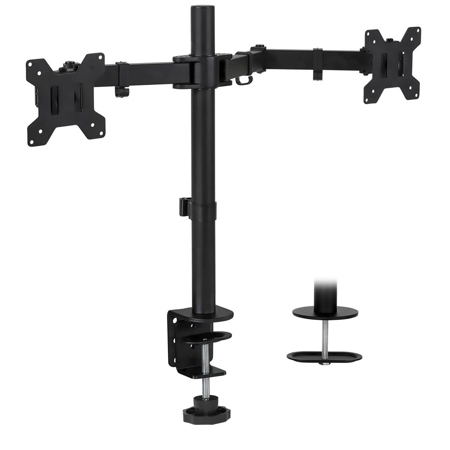
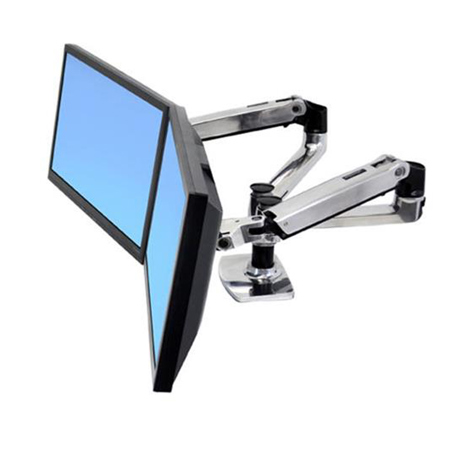
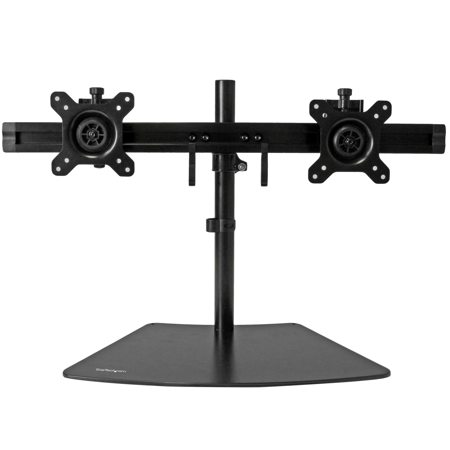
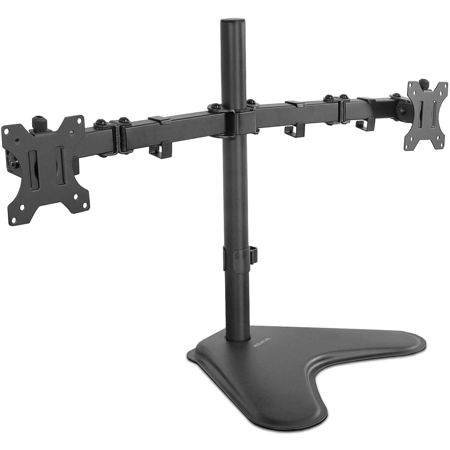
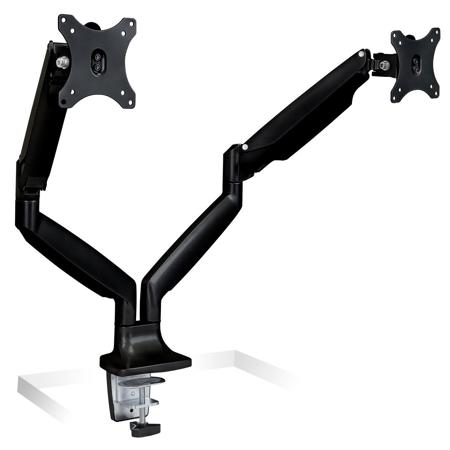
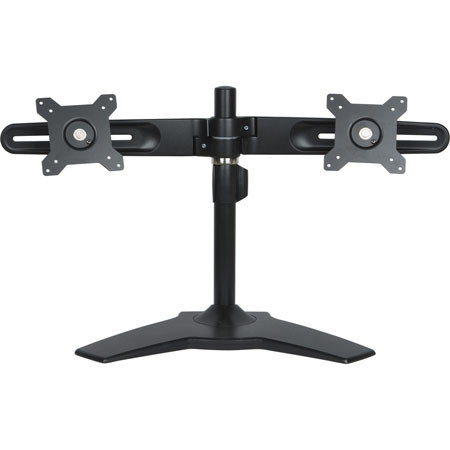
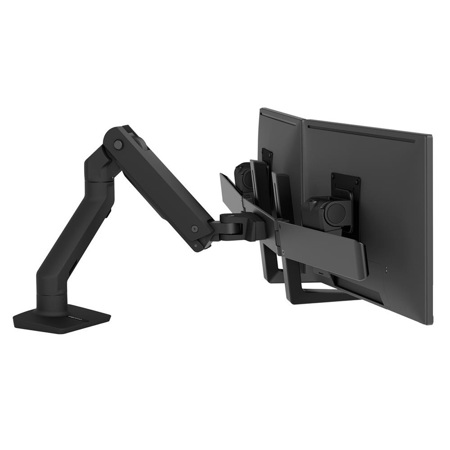
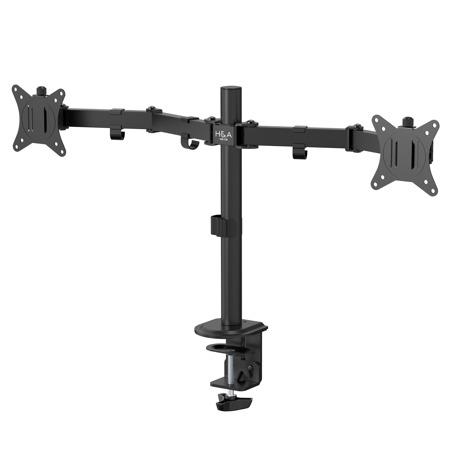
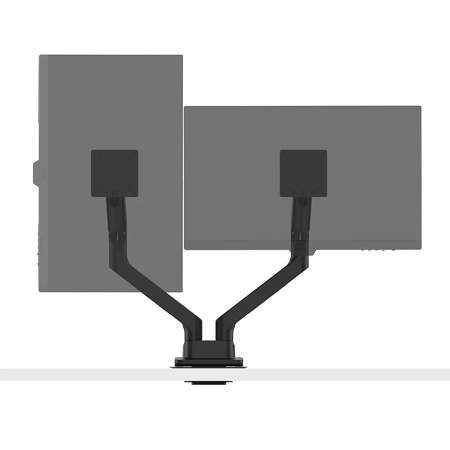
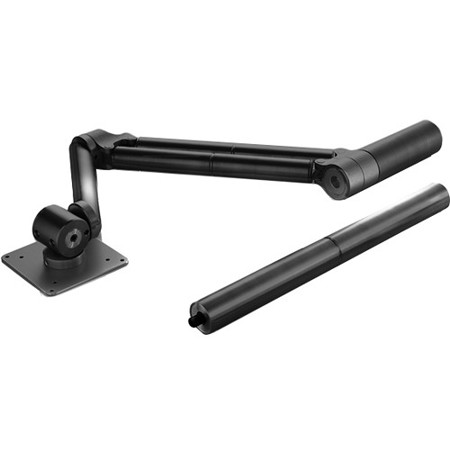
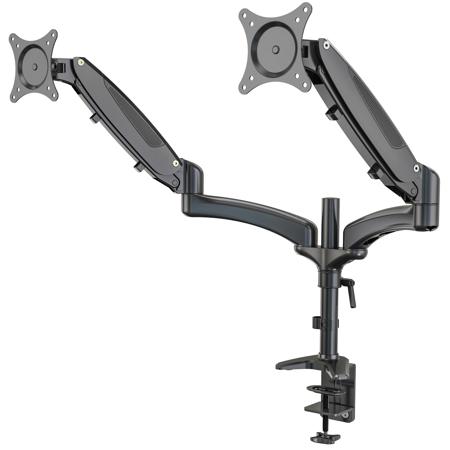
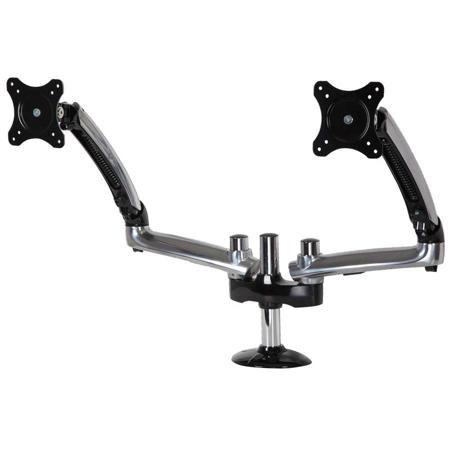
When choosing a dual monitor arm, there are several features and considerations to keep in mind to ensure the best fit for your needs. Start by checking the weight capacity and VESA compatibility of the arms to match your monitors’ size and mounting requirements. Most dual arm monitor mounts accommodate screens ranging from 17 to 32 inches, but it’s always wise to verify the specifications for your particular setup. The adjustability of the arms is crucial for ergonomics; look for models that offer full articulation, including tilt, swivel, and 360-degree rotation, so you can switch between landscape and portrait modes or easily share your screen during a collaboration. Some monitor arms utilize gas spring mechanisms for smooth, effortless adjustments, while others rely on mechanical tension for sturdy support. The choice between a C-clamp or grommet mount depends on your desk’s design—C-clamps attach to the edge, while grommet mounts fit through a pre-drilled hole for a more permanent installation. Integrated cable management channels are a thoughtful touch, keeping power and display cables neatly tucked away for a cleaner, more organized workspace.
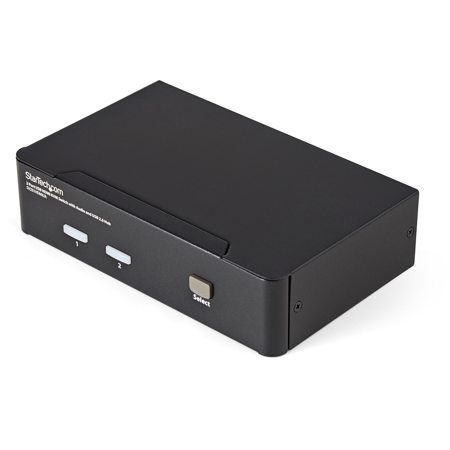
Dual monitor arms aren’t just for tech enthusiasts or office professionals; they make thoughtful gifts for students, gamers, designers, and anyone who values a tidy, ergonomic setup. Imagine gifting a monitor arm to a college student setting up their first study space, or to a music producer balancing mixing software and virtual instruments on two screens. The flexibility of a dual arm monitor mount allows multiple users to adjust the configuration for their unique tasks, whether it’s editing photos, coding, or diving into immersive gaming sessions. For those managing complex workflows, pairing a dual monitor arm with a reliable Monitor Switches solution can further streamline multitasking, making it easy to toggle between devices or workstations. As you refine your workspace this season, upgrading to a dual monitor arm can be a transformative investment—bringing both comfort and efficiency to your daily routine while keeping your creative energy flowing, even as the winter winds whistle outside.
When choosing a dual monitor arm, there are several features and considerations to keep in mind to ensure the best fit for your needs. Start by checking the weight capacity and VESA compatibility of the arms to match your monitors’ size and mounting requirements. Most dual arm monitor mounts accommodate screens ranging from 17 to 32 inches, but it’s always wise to verify the specifications for your particular setup. The adjustability of the arms is crucial for ergonomics; look for models that offer full articulation, including tilt, swivel, and 360-degree rotation, so you can switch between landscape and portrait modes or easily share your screen during a collaboration. Some monitor arms utilize gas spring mechanisms for smooth, effortless adjustments, while others rely on mechanical tension for sturdy support. The choice between a C-clamp or grommet mount depends on your desk’s design—C-clamps attach to the edge, while grommet mounts fit through a pre-drilled hole for a more permanent installation. Integrated cable management channels are a thoughtful touch, keeping power and display cables neatly tucked away for a cleaner, more organized workspace.
Dual monitor arms aren’t just for tech enthusiasts or office professionals; they make thoughtful gifts for students, gamers, designers, and anyone who values a tidy, ergonomic setup. Imagine gifting a monitor arm to a college student setting up their first study space, or to a music producer balancing mixing software and virtual instruments on two screens. The flexibility of a dual arm monitor mount allows multiple users to adjust the configuration for their unique tasks, whether it’s editing photos, coding, or diving into immersive gaming sessions. For those managing complex workflows, pairing a dual monitor arm with a reliable Monitor Switches solution can further streamline multitasking, making it easy to toggle between devices or workstations. As you refine your workspace this season, upgrading to a dual monitor arm can be a transformative investment—bringing both comfort and efficiency to your daily routine while keeping your creative energy flowing, even as the winter winds whistle outside.