Monitors For Dual Setup
When it comes to creating a productive and immersive workspace, few upgrades make as dramatic a difference as adding a second monitor. Whether you’re a creative professional editing high-resolution images, a gamer seeking a panoramic field of view, or a multitasker managing spreadsheets and video calls, a dual monitor setup can transform your daily experience. The appeal extends beyond professionals—students, remote workers, and even casual users find that the extra screen real estate helps streamline their workflow, keep distractions at bay, and make multitasking feel effortless. As the days grow longer and routines shift during the warmer months, many take the opportunity to revamp their home offices or gaming setups, and the addition of a second monitor is often at the top of the wish list. By the time cooler weather rolls in, that investment continues to pay dividends, making everything from fall semester assignments to year-end projects more manageable and enjoyable.
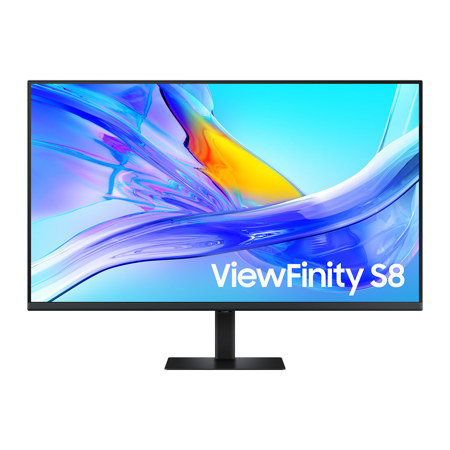
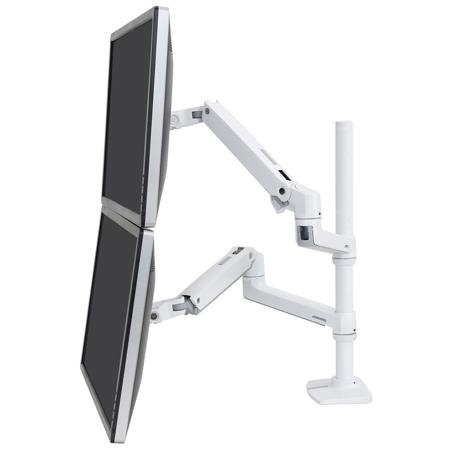
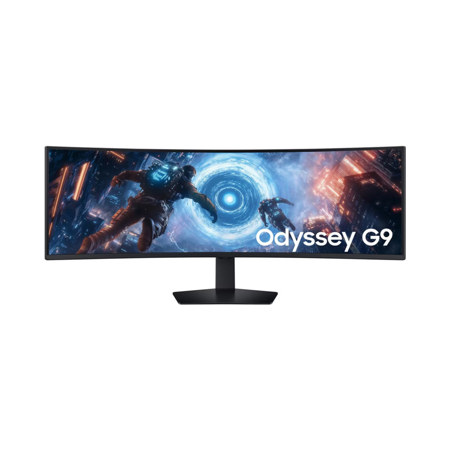
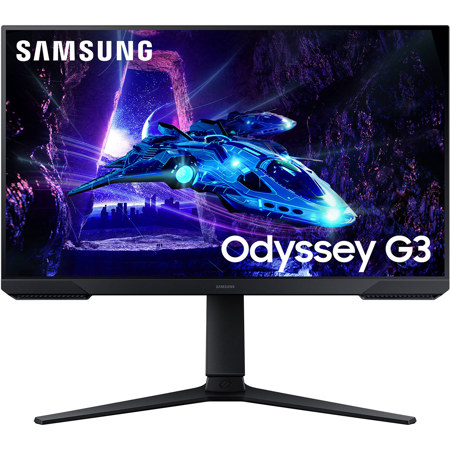
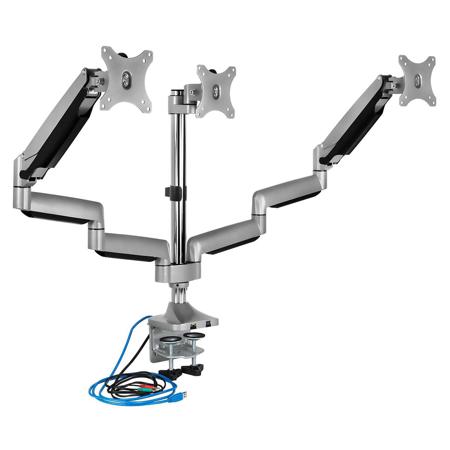
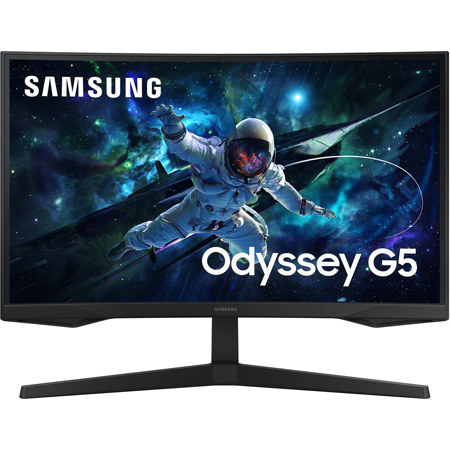
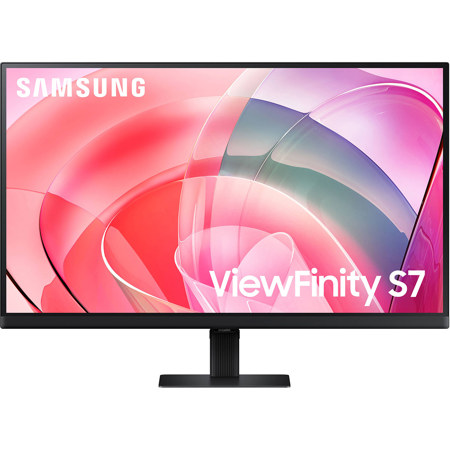
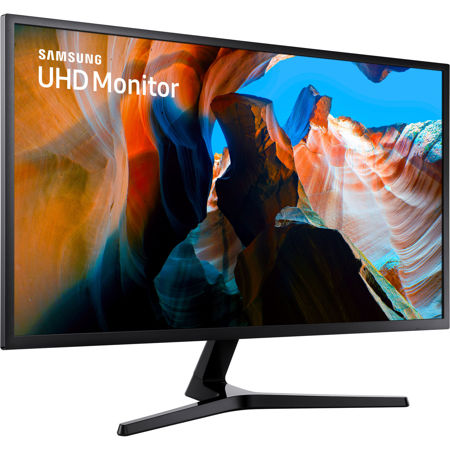
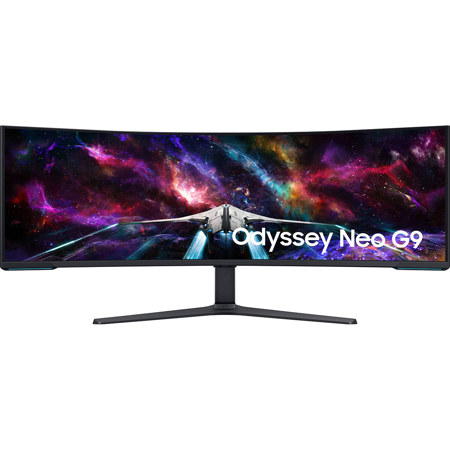
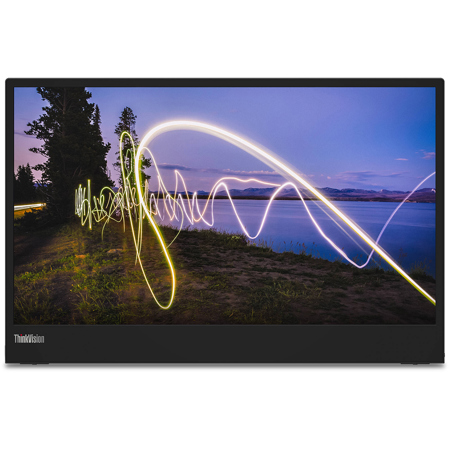
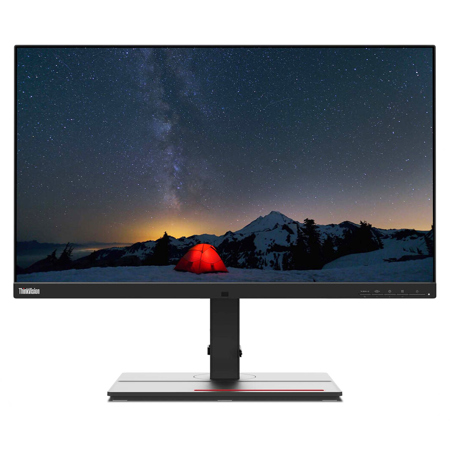
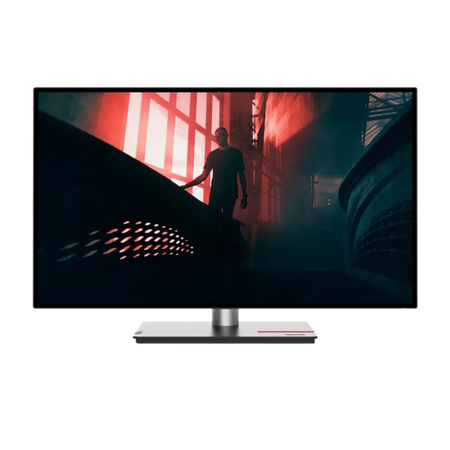
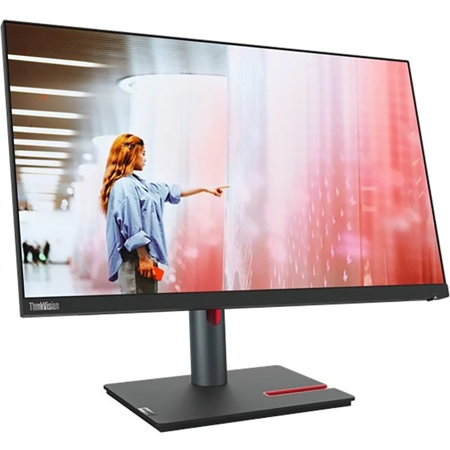
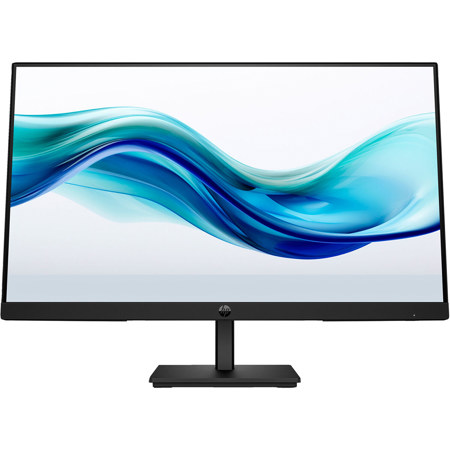
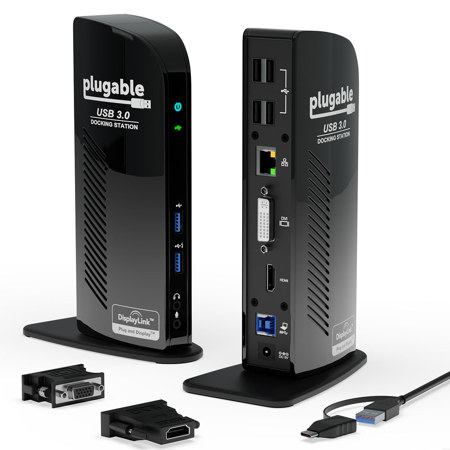
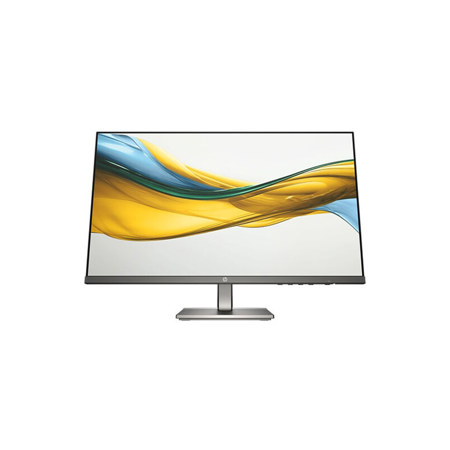
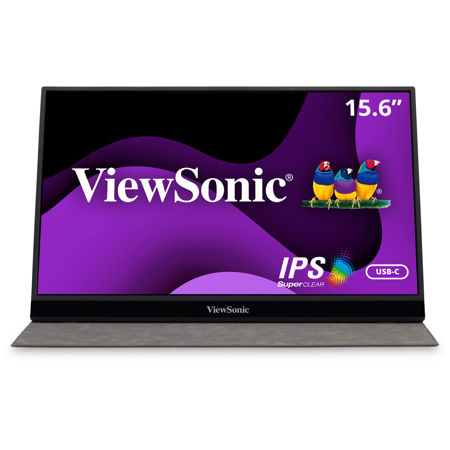
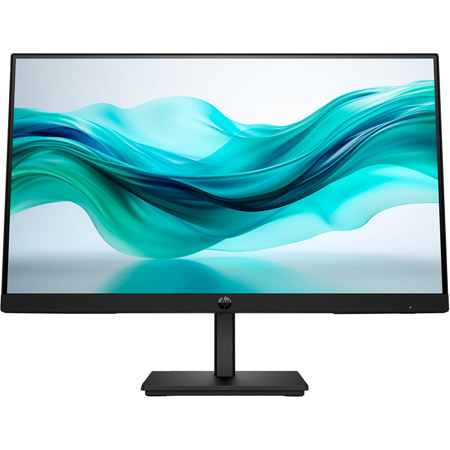
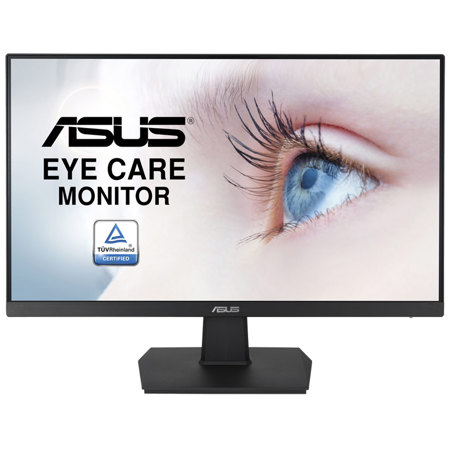
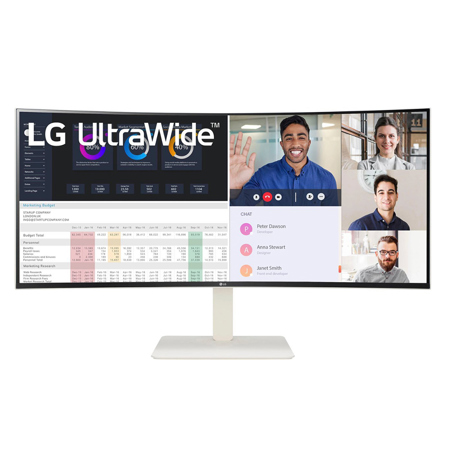
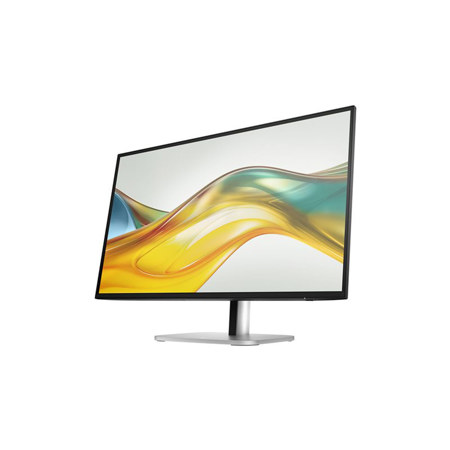
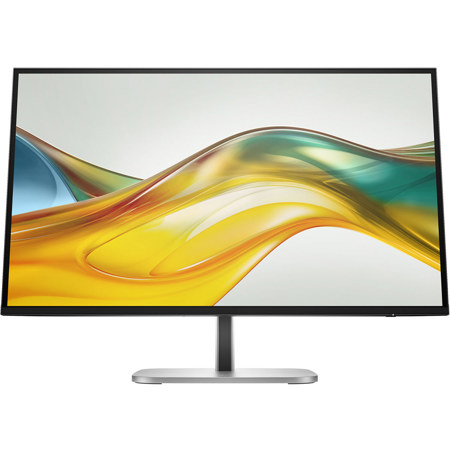
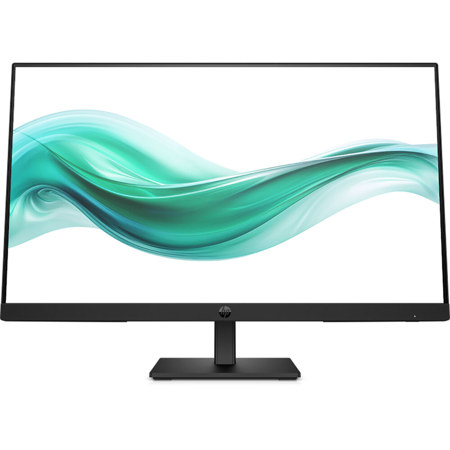
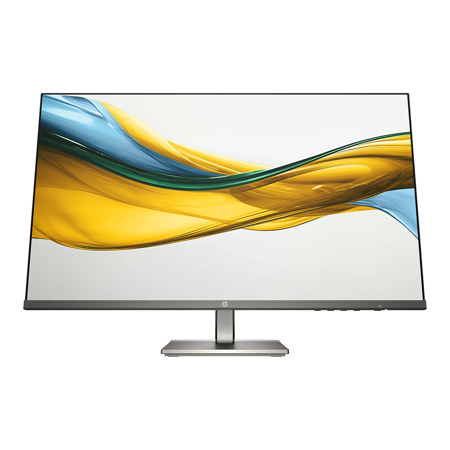
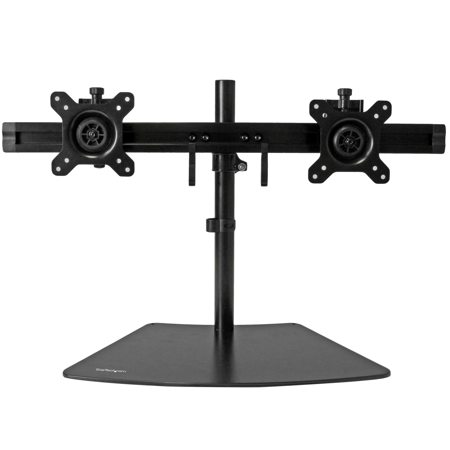
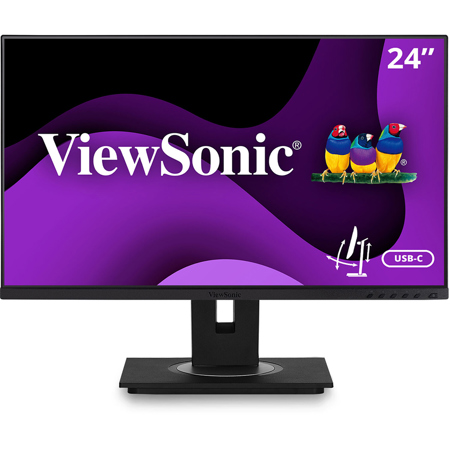
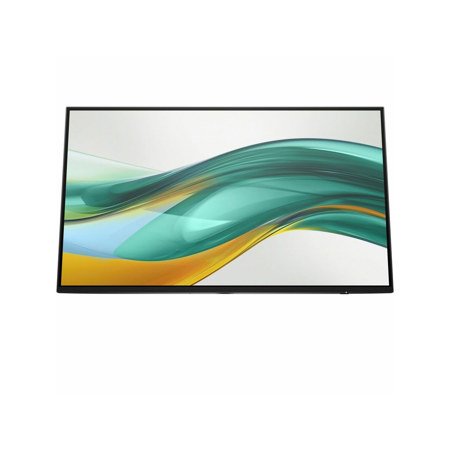
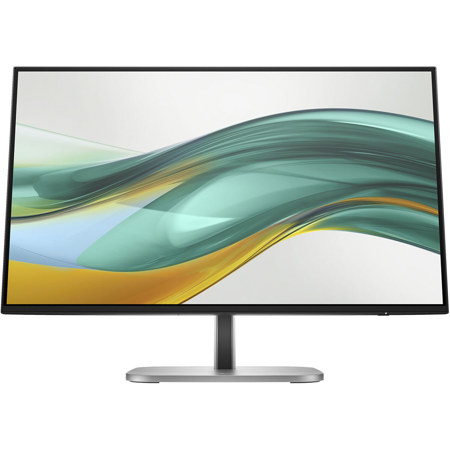
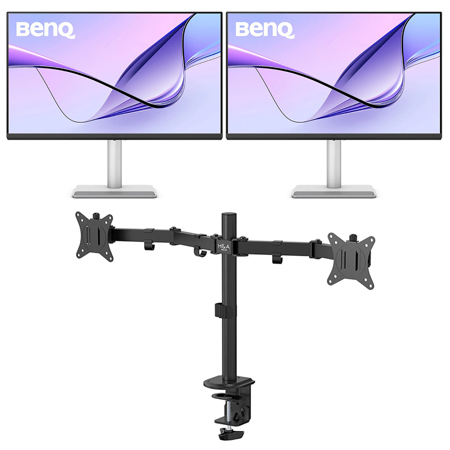
Choosing the right monitors for a dual setup involves careful consideration of several key factors. Display size and resolution play a central role—matching two identical screens, or at least closely similar models, ensures a seamless visual flow across your workspace. Near-borderless designs are especially popular, minimizing distractions and maximizing usable display area. Ergonomics matter as well; robust adjustable stands or a V-mount arm can help you align your screens perfectly, reducing neck and eye strain over long sessions. Refresh rate and response time are important for gamers and video editors, while color accuracy and viewing angles are crucial for photographers and designers. For those working with limited desk space or seeking a minimalist aesthetic, slim bezels and compact stands make it easier to fit two monitors comfortably without crowding. Connectivity options—such as HDMI, DisplayPort, and USB-C—should also be considered, especially if you plan to dock a laptop or share peripherals between screens. As hybrid work and learning environments become more common, the flexibility to pivot from one task to another is invaluable, and a well-chosen dual monitor setup delivers just that.
Monitors for dual setups also make thoughtful gifts, particularly for students heading off to college, professionals upgrading their home office, or anyone passionate about gaming and digital creativity. The versatility of a dual monitor arrangement means it can be tailored to suit a wide range of interests and needs, from immersive entertainment to efficient multitasking. If you’re exploring options or want to compare features, you can find a curated selection of monitors designed for dual screen configurations by visiting our Dual Screen Monitor page. No matter the season, investing in a dual monitor setup is a practical way to enhance productivity, comfort, and enjoyment at your desk, making every project or play session smoother and more engaging.
Choosing the right monitors for a dual setup involves careful consideration of several key factors. Display size and resolution play a central role—matching two identical screens, or at least closely similar models, ensures a seamless visual flow across your workspace. Near-borderless designs are especially popular, minimizing distractions and maximizing usable display area. Ergonomics matter as well; robust adjustable stands or a V-mount arm can help you align your screens perfectly, reducing neck and eye strain over long sessions. Refresh rate and response time are important for gamers and video editors, while color accuracy and viewing angles are crucial for photographers and designers. For those working with limited desk space or seeking a minimalist aesthetic, slim bezels and compact stands make it easier to fit two monitors comfortably without crowding. Connectivity options—such as HDMI, DisplayPort, and USB-C—should also be considered, especially if you plan to dock a laptop or share peripherals between screens. As hybrid work and learning environments become more common, the flexibility to pivot from one task to another is invaluable, and a well-chosen dual monitor setup delivers just that.
Monitors for dual setups also make thoughtful gifts, particularly for students heading off to college, professionals upgrading their home office, or anyone passionate about gaming and digital creativity. The versatility of a dual monitor arrangement means it can be tailored to suit a wide range of interests and needs, from immersive entertainment to efficient multitasking. If you’re exploring options or want to compare features, you can find a curated selection of monitors designed for dual screen configurations by visiting our Dual Screen Monitor page. No matter the season, investing in a dual monitor setup is a practical way to enhance productivity, comfort, and enjoyment at your desk, making every project or play session smoother and more engaging.