Compatible Hard Drives
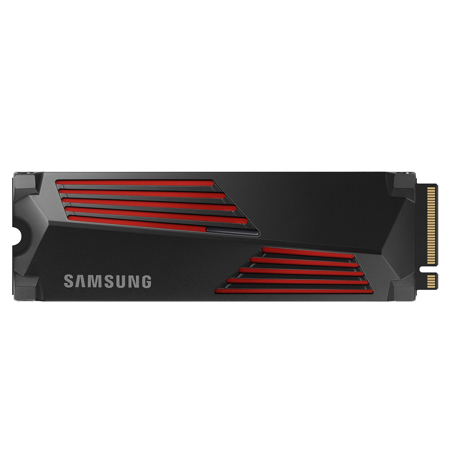
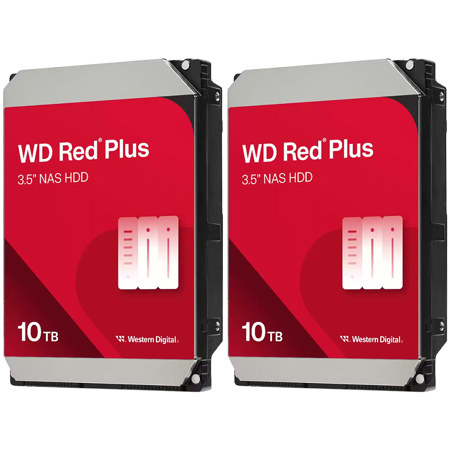
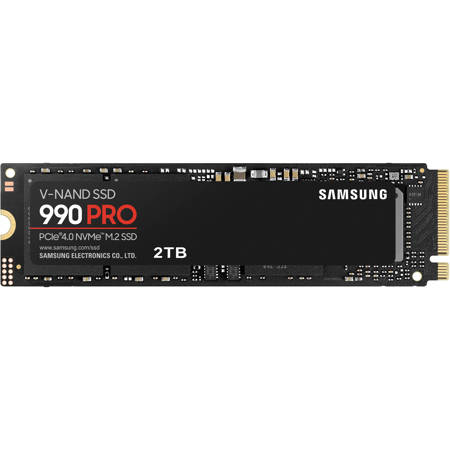
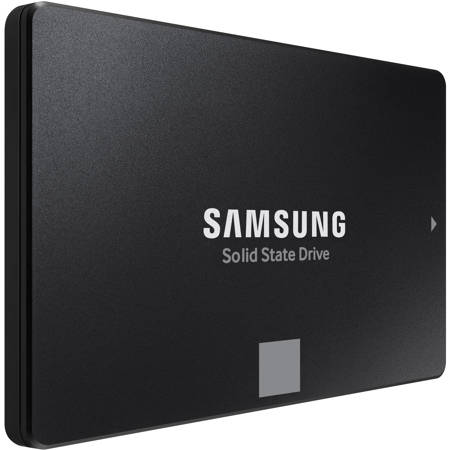
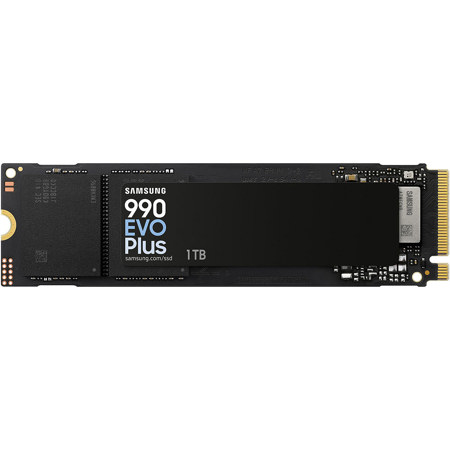
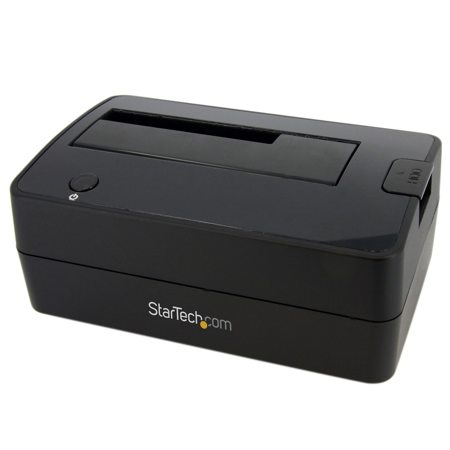
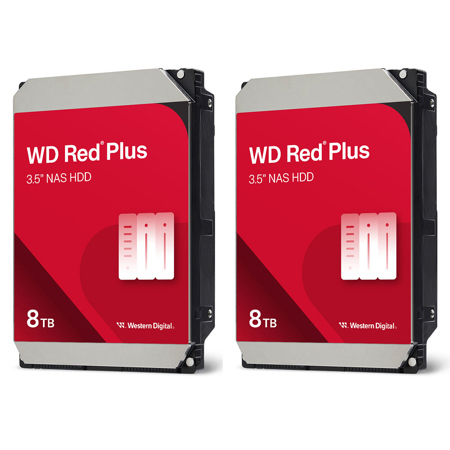
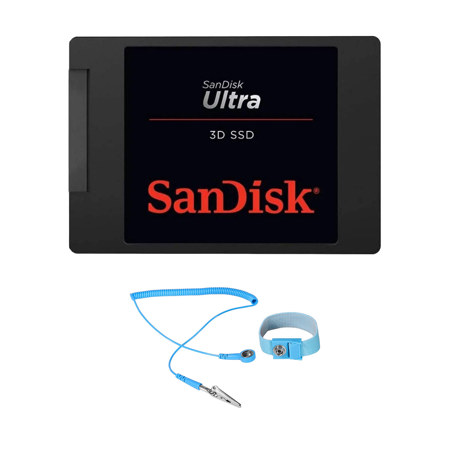
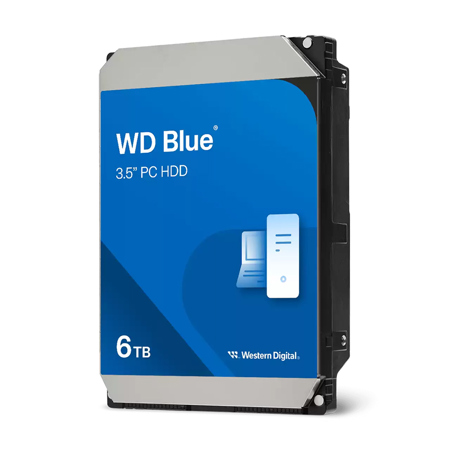
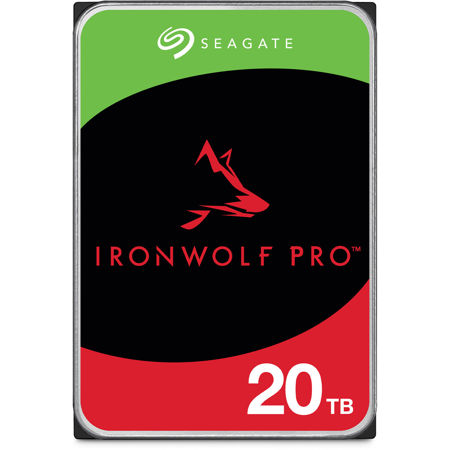
Choosing the right compatible hard drive is an essential decision for anyone looking to expand their digital storage, whether you’re a photographer safeguarding thousands of high-resolution images, a filmmaker archiving raw video footage, or a creative professional managing large project files. As the weather warms and projects pick up pace, the need for reliable, high-capacity storage often becomes more pressing. Compatibility goes beyond just storage space—it’s about ensuring the drive fits your computer’s physical requirements, connects with the right interface, and works seamlessly with your operating system. Internal hard drives come in various form factors, most commonly 3.5-inch models for desktop computers and 2.5-inch drives for laptops or compact desktops. If you’re upgrading a desktop, you’ll often work with SATA drives, which require both a SATA data cable for the motherboard and a SATA power cable from your power supply. For modern laptops and small-form-factor PCs, M.2 or NVMe drives are increasingly popular, offering blistering speeds in a slim, gumstick-shaped profile that plugs directly into a dedicated motherboard slot. Before purchasing, it’s important to check your device’s specifications to confirm which interfaces and drive sizes are supported. This is especially true if you’re considering a future-proof upgrade or swapping out an older drive—sometimes a simple mounting bracket is needed to fit a 2.5-inch SSD into a desktop tower designed for 3.5-inch drives.
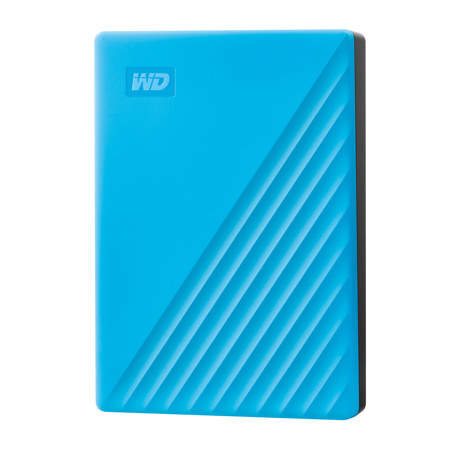
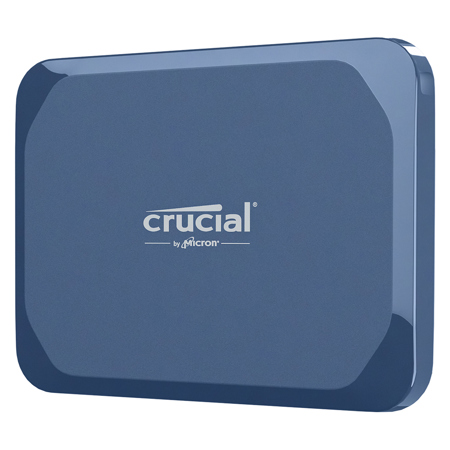
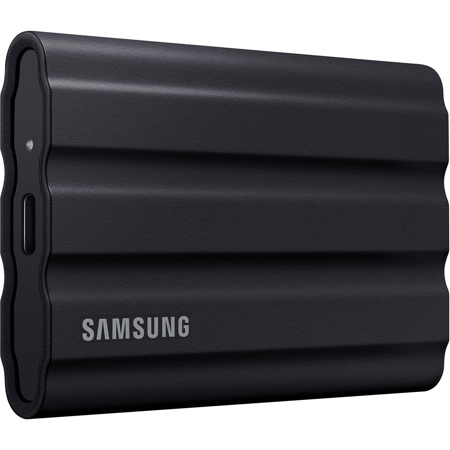
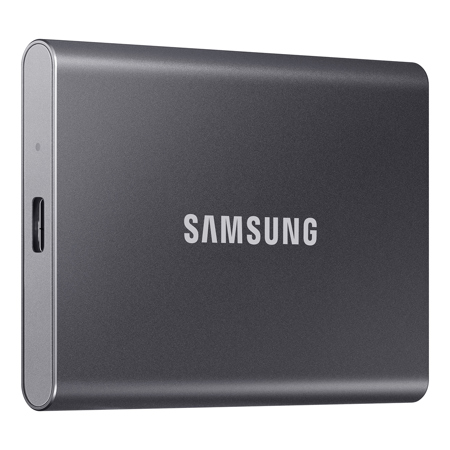
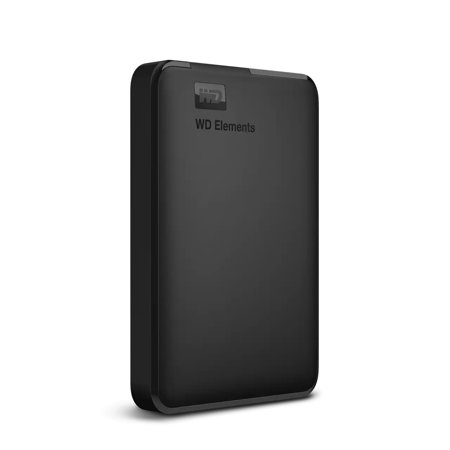
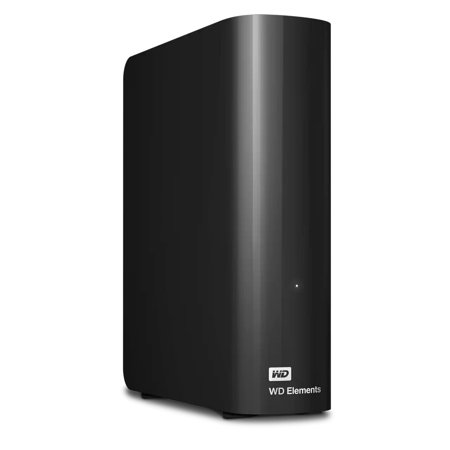
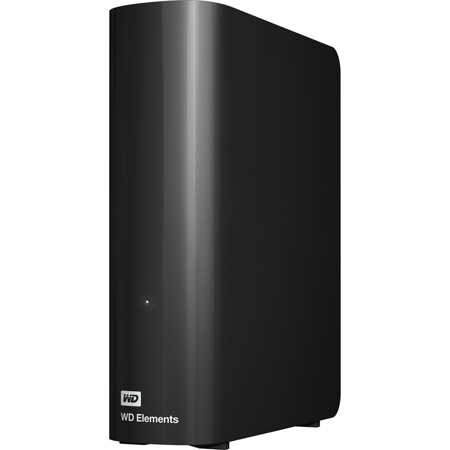
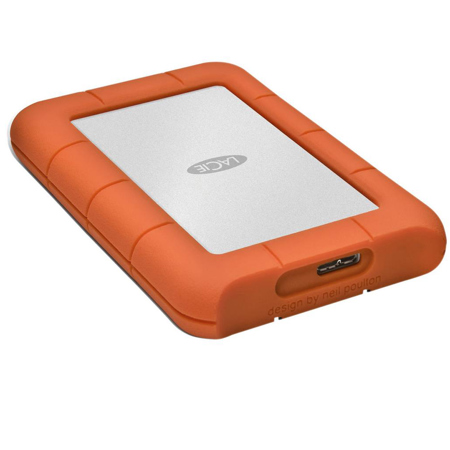
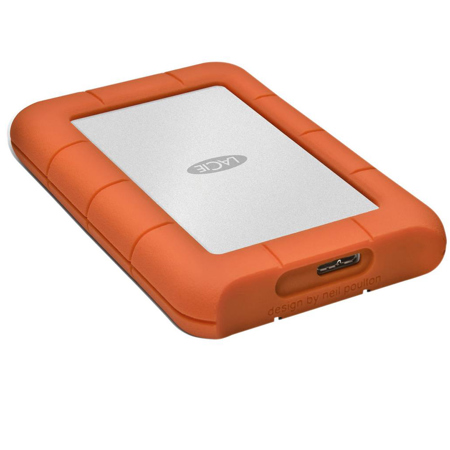
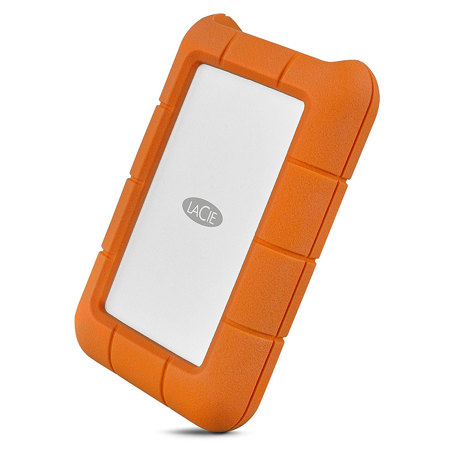
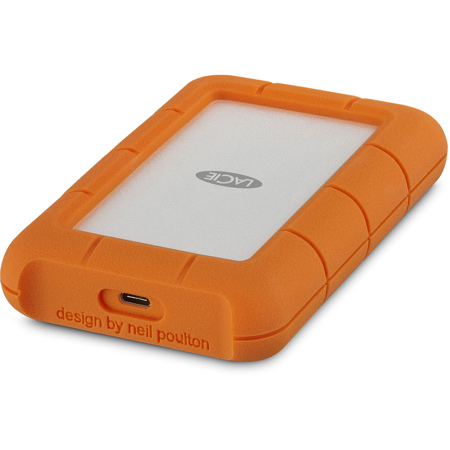
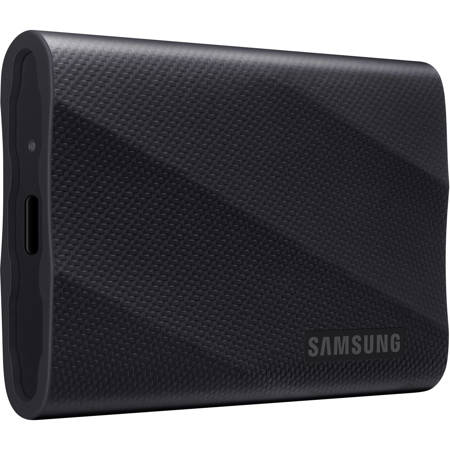
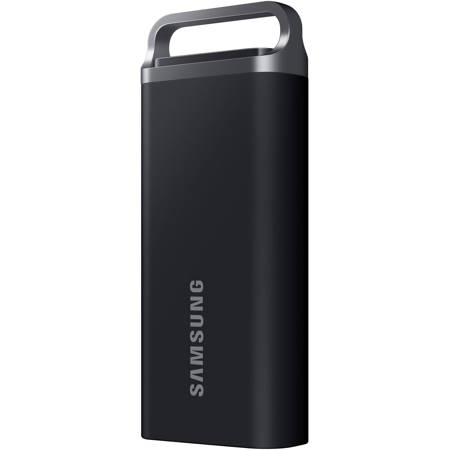
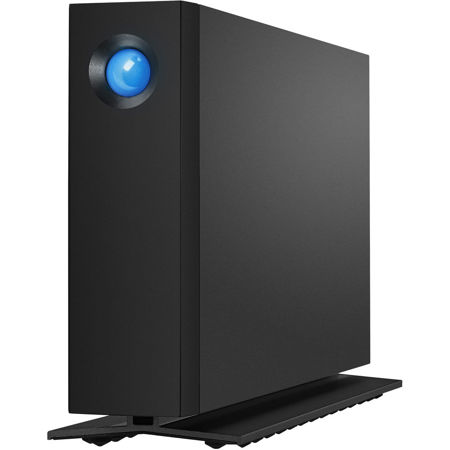
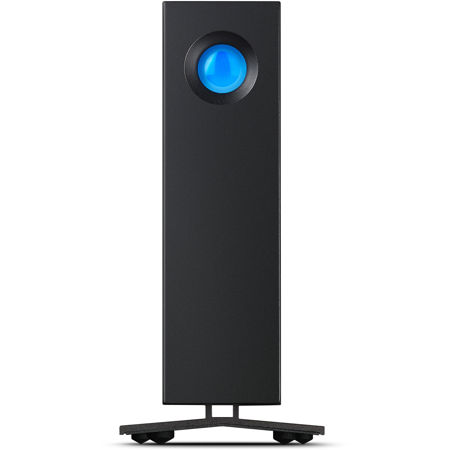
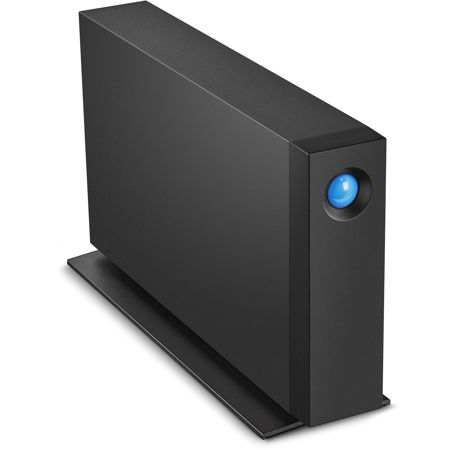
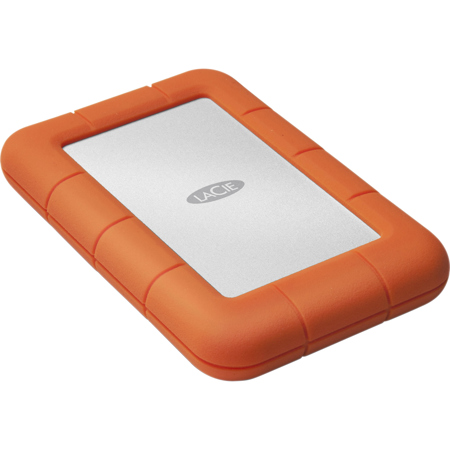
External hard drives are a versatile option for those who need portability or want to back up files across multiple devices. These drives typically connect via USB-A or USB-C, making them broadly compatible with most computers, tablets, and even some cameras and mobile devices. However, while most external drives are plug-and-play, you may encounter file system differences—Windows users will often see NTFS or FAT32, while Mac users encounter APFS or HFS+. If your computer recognizes the drive but won’t let you save files, it’s usually a matter of reformatting the drive using built-in tools like Disk Utility on Mac or Disk Management on Windows. This simple step can make your new hard drive a seamless part of your workflow, whether you’re working from a sunlit studio, editing on the go, or setting up a home office as the days get longer. Compatible hard drives also make thoughtful gifts for students heading back to school, creative professionals, or anyone embarking on new projects who could benefit from extra storage and peace of mind. For those replacing a failing drive or preparing for a busy season of content creation, browsing a curated selection of Replacement Hard Drives can help ensure you find the right fit for your device and workflow.
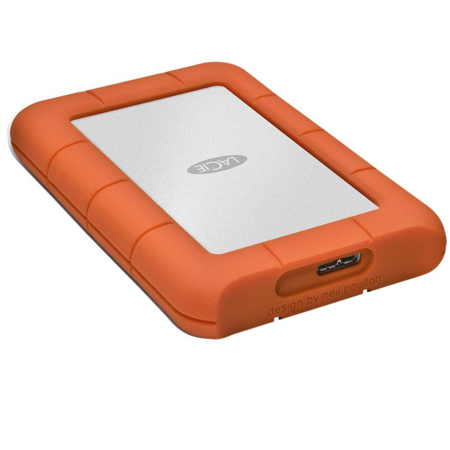
As digital files grow in size and importance, having a compatible hard drive isn’t just about convenience—it’s about protecting your work, memories, and creativity. Whether you’re building a custom workstation, upgrading a laptop for travel, or simply looking for a reliable backup solution, paying attention to compatibility details like form factor, interface type, and file system support can save time and prevent frustration. With so many options available, from high-speed NVMe SSDs to rugged external drives designed for life on the move, there’s a solution for every need and every season. Taking the time to match your hard drive to your device and workflow means you can focus on what matters most—capturing, creating, and sharing your vision with confidence.
External hard drives are a versatile option for those who need portability or want to back up files across multiple devices. These drives typically connect via USB-A or USB-C, making them broadly compatible with most computers, tablets, and even some cameras and mobile devices. However, while most external drives are plug-and-play, you may encounter file system differences—Windows users will often see NTFS or FAT32, while Mac users encounter APFS or HFS+. If your computer recognizes the drive but won’t let you save files, it’s usually a matter of reformatting the drive using built-in tools like Disk Utility on Mac or Disk Management on Windows. This simple step can make your new hard drive a seamless part of your workflow, whether you’re working from a sunlit studio, editing on the go, or setting up a home office as the days get longer. Compatible hard drives also make thoughtful gifts for students heading back to school, creative professionals, or anyone embarking on new projects who could benefit from extra storage and peace of mind. For those replacing a failing drive or preparing for a busy season of content creation, browsing a curated selection of Replacement Hard Drives can help ensure you find the right fit for your device and workflow.
As digital files grow in size and importance, having a compatible hard drive isn’t just about convenience—it’s about protecting your work, memories, and creativity. Whether you’re building a custom workstation, upgrading a laptop for travel, or simply looking for a reliable backup solution, paying attention to compatibility details like form factor, interface type, and file system support can save time and prevent frustration. With so many options available, from high-speed NVMe SSDs to rugged external drives designed for life on the move, there’s a solution for every need and every season. Taking the time to match your hard drive to your device and workflow means you can focus on what matters most—capturing, creating, and sharing your vision with confidence.