
Computer Workstations Editing
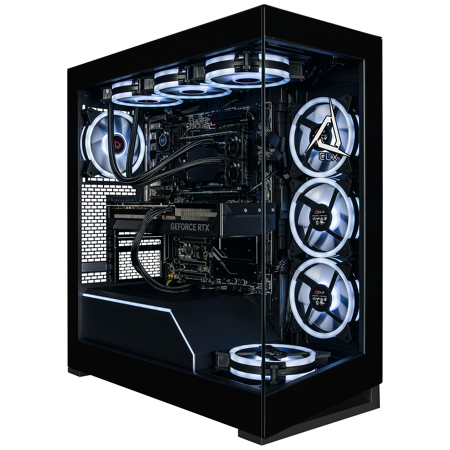
When it comes to building or upgrading a computer workstation for editing, every detail matters—especially for those who demand seamless performance for video, photo, and audio projects. Whether you’re a professional filmmaker piecing together 8K footage, a photographer batch-processing high-resolution images, or a music producer layering intricate soundscapes, the right workstation can transform your workflow. The backbone of a capable editing computer starts with a powerful multi-core processor that can handle intensive tasks without lag. Editors working with 4K or higher resolutions often benefit from CPUs with high clock speeds and ample threads, ensuring that complex timelines and heavy effects render smoothly. Pairing this with a dedicated graphics card—preferably one designed for creative workloads—allows for real-time playback, faster exports, and efficient rendering, which is essential during busy production seasons when deadlines are tight and creativity can’t be slowed by technical bottlenecks.
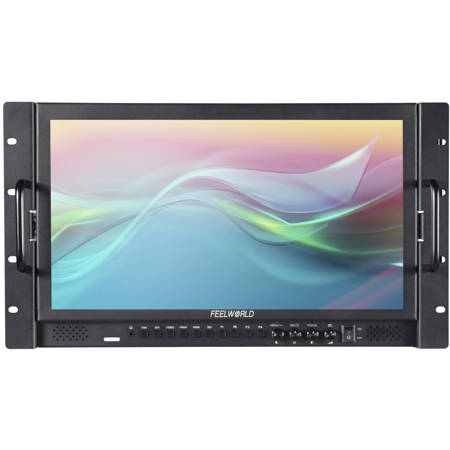
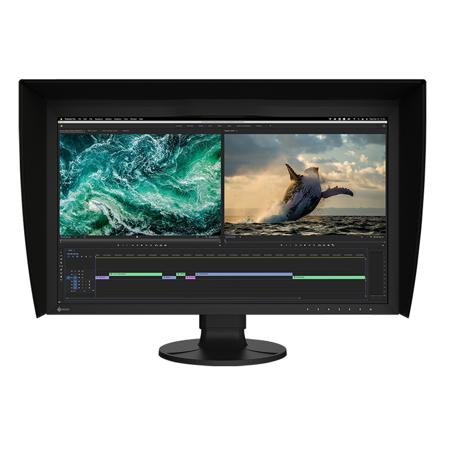
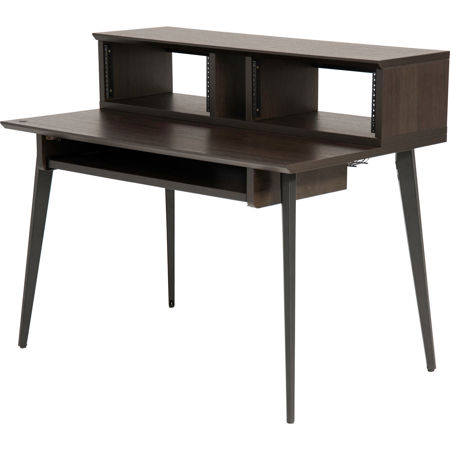
Memory and storage are equally vital considerations, especially as projects grow in complexity and file sizes balloon. For those working with large RAW files, uncompressed video, or intricate audio tracks, 64GB to 128GB of high-speed RAM can make a dramatic difference in multitasking and previewing edits. Fast NVMe SSDs are recommended for both media storage and cache, as they drastically reduce load times and keep the editing process fluid—even when juggling multiple applications or moving between projects. During the warmer months, when studios and home offices can heat up quickly, efficient cooling solutions become more than just a luxury—they’re a necessity for protecting your investment and maintaining consistent performance. Ergonomic considerations, such as adjustable desks and color-accurate monitors, also come into play for those long editing sessions that stretch from sunny afternoons into the cooler evenings of fall.
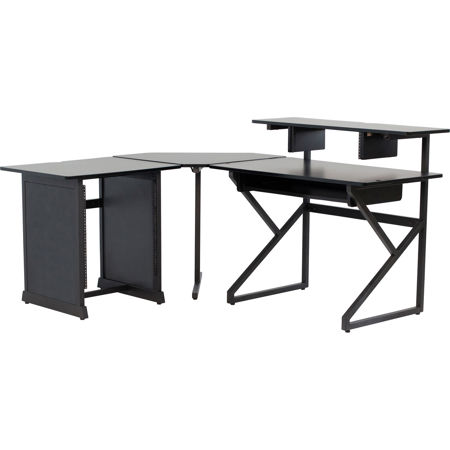
Computer workstations for editing aren’t just for seasoned professionals; they make thoughtful gifts for aspiring content creators, students diving into multimedia coursework, or anyone looking to elevate their creative pursuits. As more people explore remote work, digital storytelling, and online content creation, a reliable editing workstation can serve as the centerpiece of a modern creative space. Whether you’re assembling a custom build to match specific software requirements or selecting a pre-configured system for plug-and-play convenience, investing in the right workstation means fewer interruptions and more time spent bringing ideas to life. For those seeking inspiration or a broader selection of studio-ready solutions, explore our curated range of Studio Work Stations to find the perfect fit for your workflow and creative ambitions.
Memory and storage are equally vital considerations, especially as projects grow in complexity and file sizes balloon. For those working with large RAW files, uncompressed video, or intricate audio tracks, 64GB to 128GB of high-speed RAM can make a dramatic difference in multitasking and previewing edits. Fast NVMe SSDs are recommended for both media storage and cache, as they drastically reduce load times and keep the editing process fluid—even when juggling multiple applications or moving between projects. During the warmer months, when studios and home offices can heat up quickly, efficient cooling solutions become more than just a luxury—they’re a necessity for protecting your investment and maintaining consistent performance. Ergonomic considerations, such as adjustable desks and color-accurate monitors, also come into play for those long editing sessions that stretch from sunny afternoons into the cooler evenings of fall.
Computer workstations for editing aren’t just for seasoned professionals; they make thoughtful gifts for aspiring content creators, students diving into multimedia coursework, or anyone looking to elevate their creative pursuits. As more people explore remote work, digital storytelling, and online content creation, a reliable editing workstation can serve as the centerpiece of a modern creative space. Whether you’re assembling a custom build to match specific software requirements or selecting a pre-configured system for plug-and-play convenience, investing in the right workstation means fewer interruptions and more time spent bringing ideas to life. For those seeking inspiration or a broader selection of studio-ready solutions, explore our curated range of Studio Work Stations to find the perfect fit for your workflow and creative ambitions.