Docking Stations For Macbook Pro
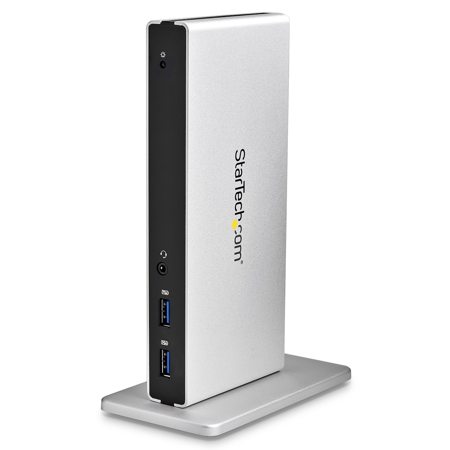
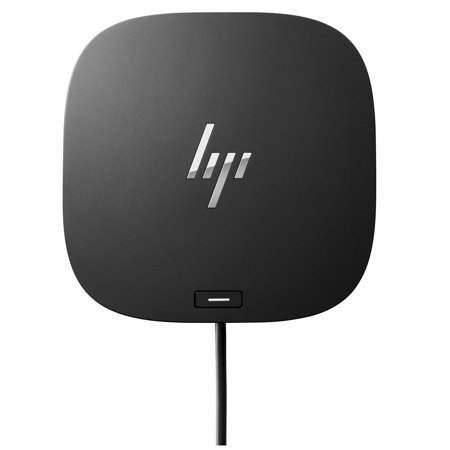
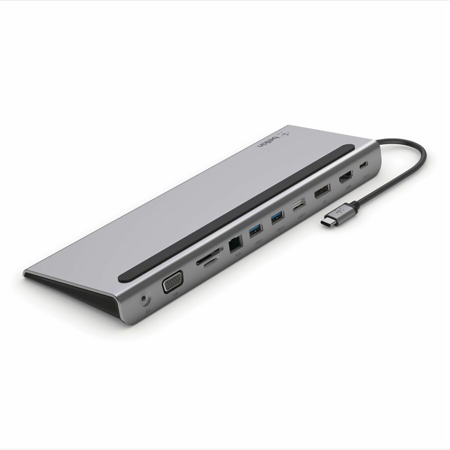
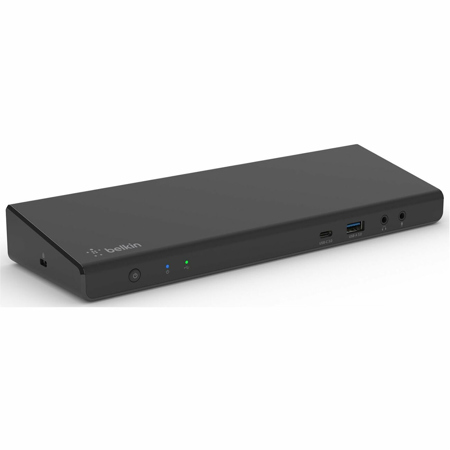
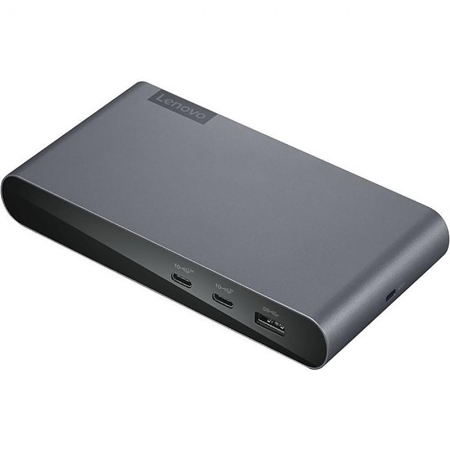
A MacBook Pro is a powerful tool for professionals, students, and creatives alike, but its slim form factor often means limited built-in connectivity. That’s where a macbook pro docking station becomes essential, transforming a single USB-C or Thunderbolt port into a versatile hub for all your devices and peripherals. Whether you’re editing high-resolution video, managing a music production setup, or simply trying to streamline your work-from-home office, the right docking station can make all the difference. With February’s chill encouraging more time indoors, many find themselves setting up dedicated workspaces to maximize productivity. A macbook docking station not only declutters your desk by consolidating cables and accessories—it also enables seamless multitasking with support for multiple monitors, high-speed data transfer, and reliable power delivery to keep your MacBook Pro charged through long work sessions. For anyone who juggles external hard drives, SD cards, audio equipment, or needs stable Ethernet for video conferencing, investing in the best macbook pro docking station means fewer adapters, less hassle, and a smoother workflow.
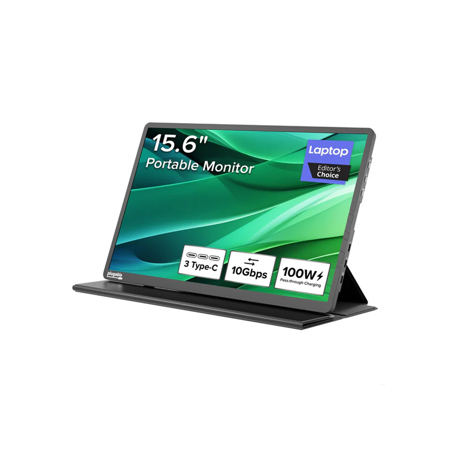
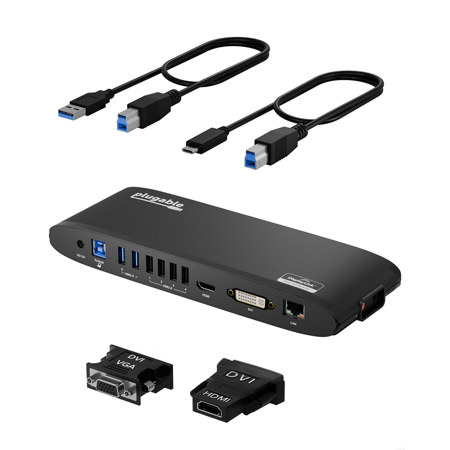
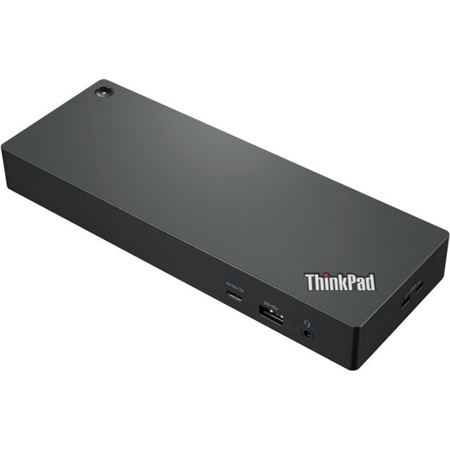
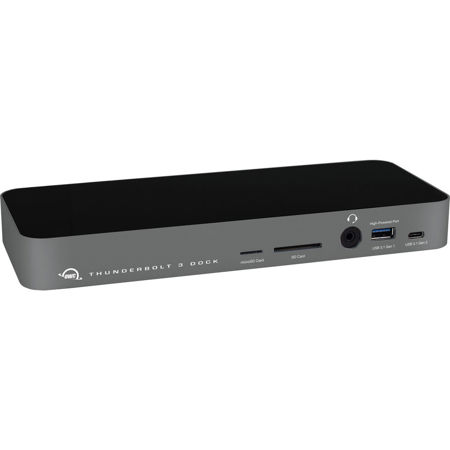
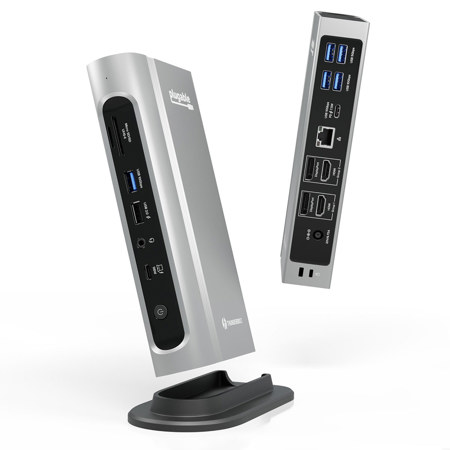
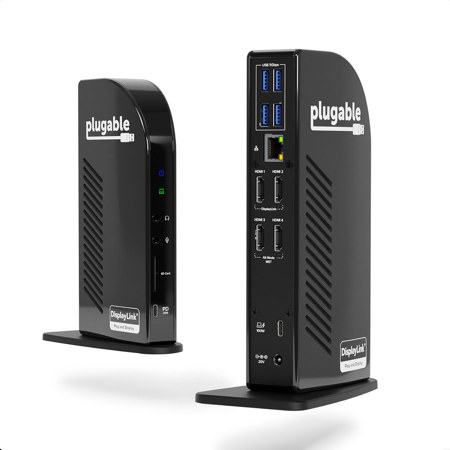
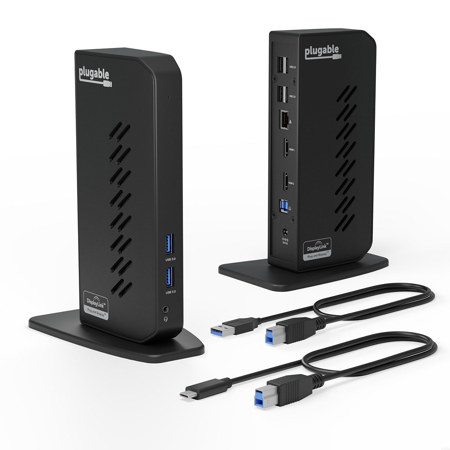
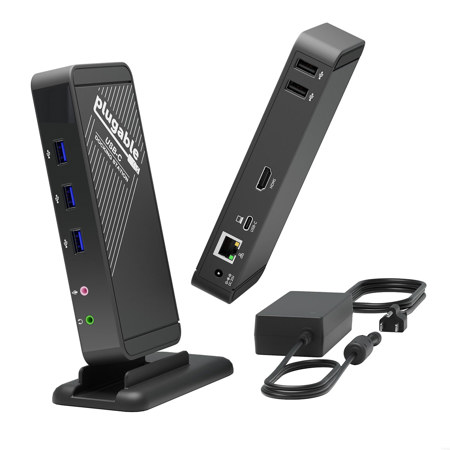
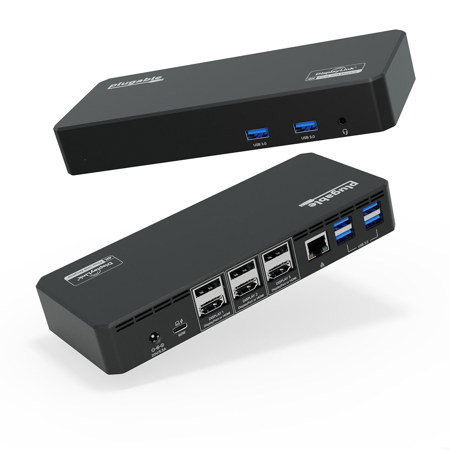
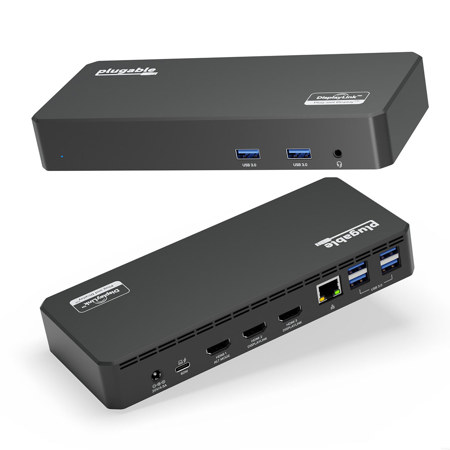
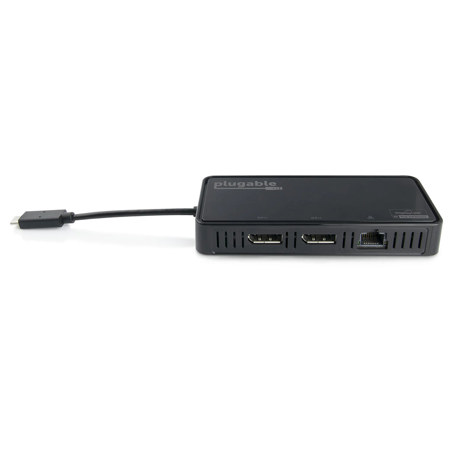
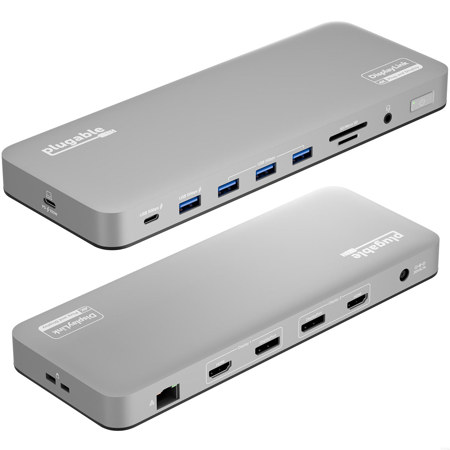
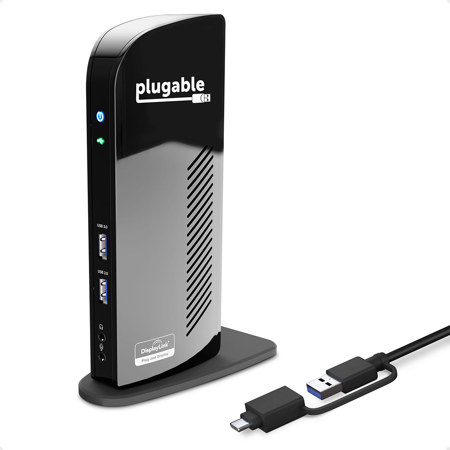
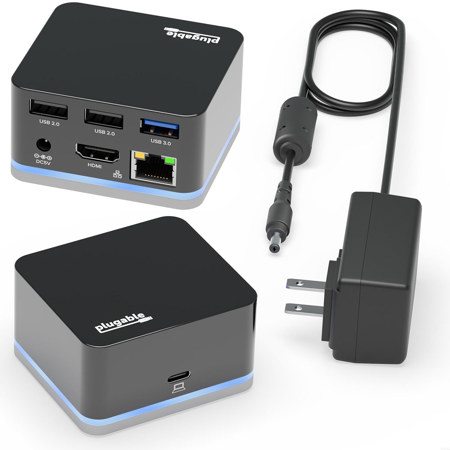
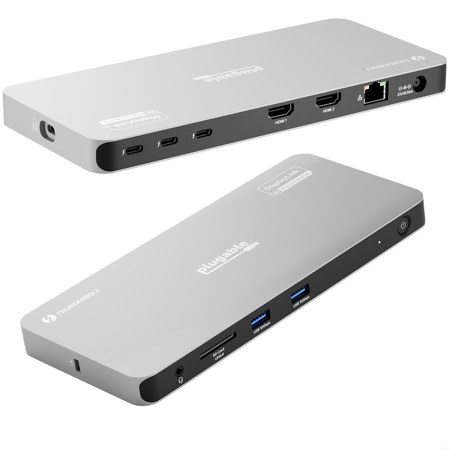
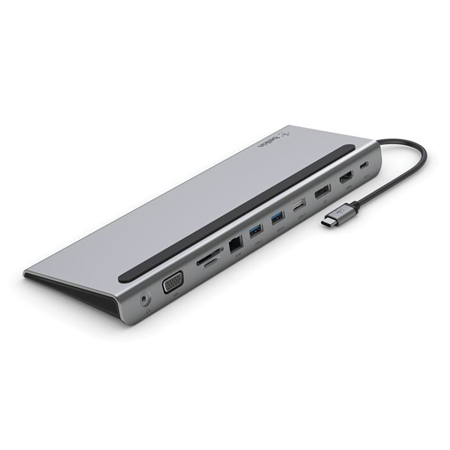
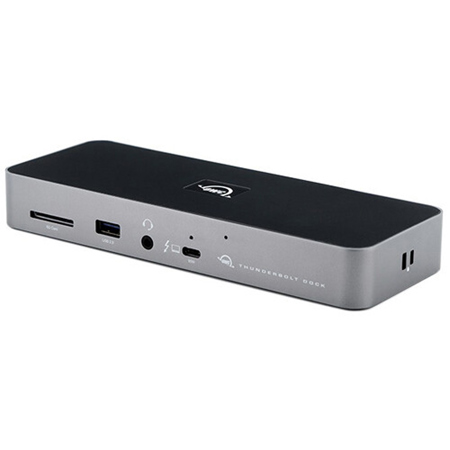
When searching for the best docking station for macbook pro, consider your specific needs and daily routines. Thunderbolt 4 and Thunderbolt 5 docks offer the highest bandwidth—up to 40Gbps or more—making them ideal for users who run multiple high-resolution displays or transfer large files regularly. These stations often provide robust power delivery (90W or more), ensuring your MacBook Pro remains fully charged even during demanding tasks. For those working with creative software or managing a multi-monitor setup, look for docks that support dual 4K or even dual 6K displays, as well as a variety of ports including USB-C, USB-A, HDMI, DisplayPort, SD card readers, and 10Gbps Ethernet. If your workflow is more mobile or you need a compact solution for travel, there are also excellent options among Portable Docking Stations that prioritize lightweight design without sacrificing essential connectivity. Many modern docking stations also incorporate features like integrated cooling, vertical orientation for space-saving, and even MagSafe charging compatibility, making them thoughtful gifts for students heading back to campus, remote workers setting up efficient home offices, or creatives who value both form and function.
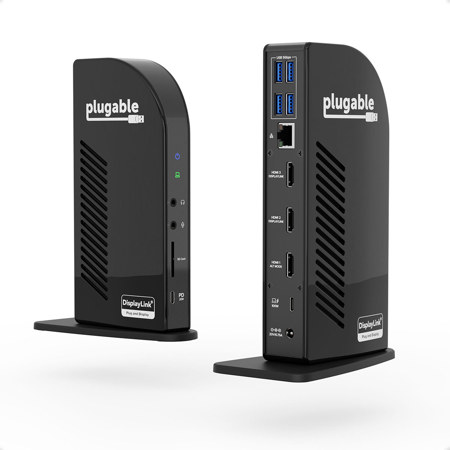
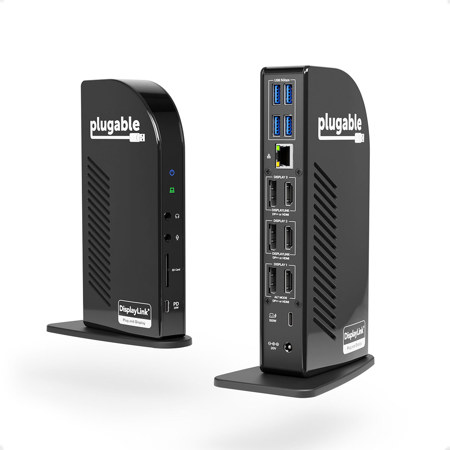
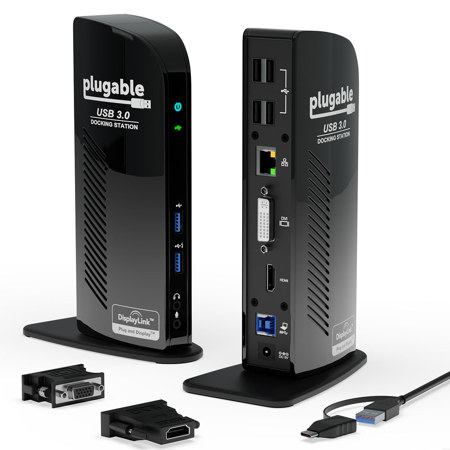
Choosing the best dock for macbook pro is a matter of balancing performance, port selection, and budget. While Thunderbolt docks deliver unmatched speed and versatility for power users, USB-C hubs offer a more affordable solution for those with basic connectivity needs. It’s important to verify compatibility with your MacBook Pro model, especially if you have an M-series chip and require multi-display support, as some USB-C docks may need additional software like DisplayLink Manager to enable multiple monitors. The right docking station can serve as the heart of your digital workspace, connecting everything from external speakers and MIDI controllers to backup drives and 4K monitors—all with the convenience of a single cable. As winter lingers and indoor productivity takes center stage, a well-chosen docking station ensures your MacBook Pro remains the centerpiece of a flexible, high-performance setup, ready for whatever the next project demands.
When searching for the best docking station for macbook pro, consider your specific needs and daily routines. Thunderbolt 4 and Thunderbolt 5 docks offer the highest bandwidth—up to 40Gbps or more—making them ideal for users who run multiple high-resolution displays or transfer large files regularly. These stations often provide robust power delivery (90W or more), ensuring your MacBook Pro remains fully charged even during demanding tasks. For those working with creative software or managing a multi-monitor setup, look for docks that support dual 4K or even dual 6K displays, as well as a variety of ports including USB-C, USB-A, HDMI, DisplayPort, SD card readers, and 10Gbps Ethernet. If your workflow is more mobile or you need a compact solution for travel, there are also excellent options among Portable Docking Stations that prioritize lightweight design without sacrificing essential connectivity. Many modern docking stations also incorporate features like integrated cooling, vertical orientation for space-saving, and even MagSafe charging compatibility, making them thoughtful gifts for students heading back to campus, remote workers setting up efficient home offices, or creatives who value both form and function.
Choosing the best dock for macbook pro is a matter of balancing performance, port selection, and budget. While Thunderbolt docks deliver unmatched speed and versatility for power users, USB-C hubs offer a more affordable solution for those with basic connectivity needs. It’s important to verify compatibility with your MacBook Pro model, especially if you have an M-series chip and require multi-display support, as some USB-C docks may need additional software like DisplayLink Manager to enable multiple monitors. The right docking station can serve as the heart of your digital workspace, connecting everything from external speakers and MIDI controllers to backup drives and 4K monitors—all with the convenience of a single cable. As winter lingers and indoor productivity takes center stage, a well-chosen docking station ensures your MacBook Pro remains the centerpiece of a flexible, high-performance setup, ready for whatever the next project demands.