Dual Monitor Splitters
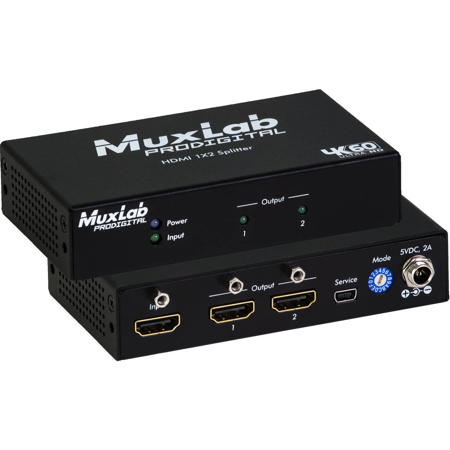
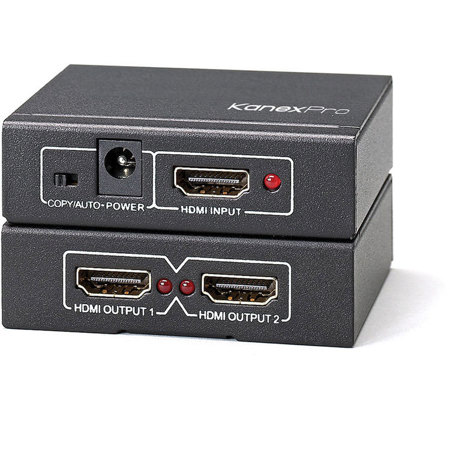
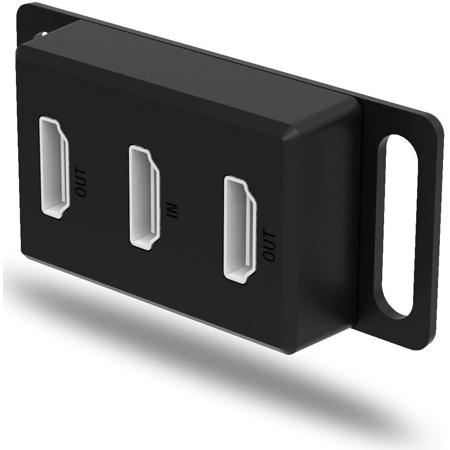
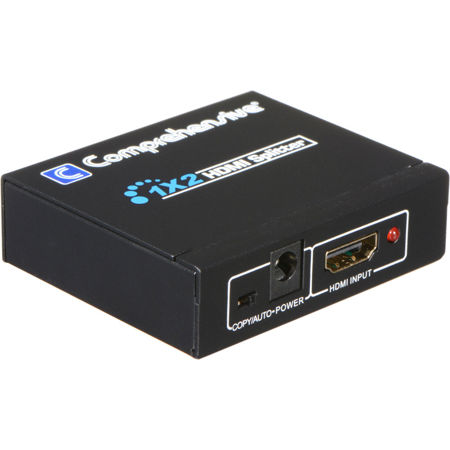
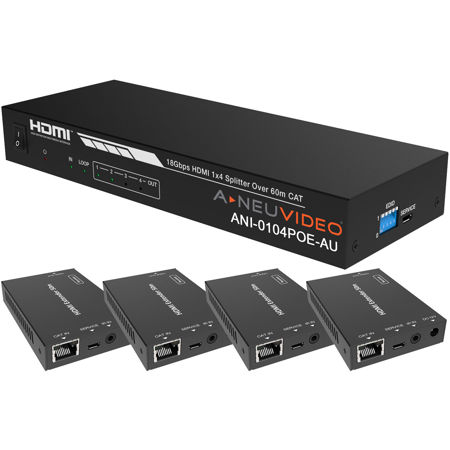
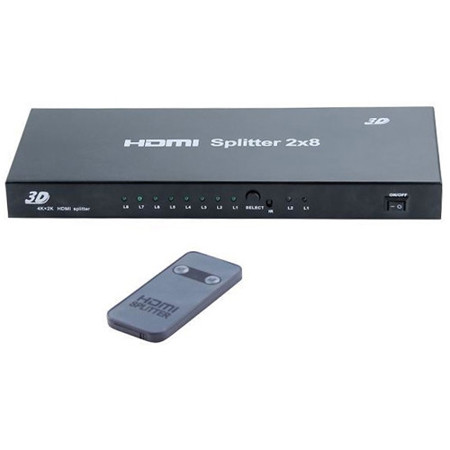
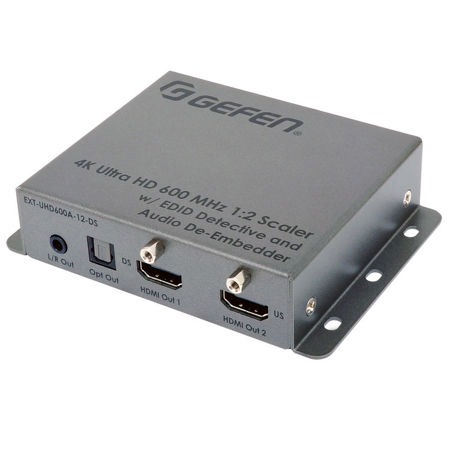
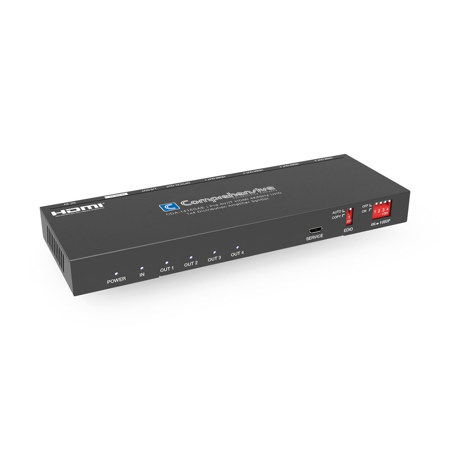
Dual monitor splitters have become a mainstay in modern workspaces, creative studios, and home offices, offering a seamless way to expand your digital real estate without the complexity of installing extra graphics cards or complicated hardware. As February brings colder days and longer nights, many find themselves spending more time indoors—an ideal opportunity to upgrade your setup for productivity, entertainment, or creative pursuits. Whether you’re a photographer meticulously editing high-resolution images, a gamer seeking immersive play across multiple screens, or a professional balancing spreadsheets and video calls, dual monitor splitters can transform the way you interact with your technology. These devices are designed to take a single video signal and distribute it to two monitors, allowing for mirrored displays or, in some cases, extended desktops, depending on your needs and the capabilities of your hardware. For those working with limited desk space or looking to streamline their cable management, dual monitor splitters offer a tidy, efficient solution that keeps your workspace organized and your workflow uninterrupted.
When considering a dual monitor splitter, it’s important to think about the types of connections your devices support—HDMI, DisplayPort, DVI, and VGA are among the most common. The right choice will depend on your monitors, your computer’s output, and the resolutions you wish to achieve. For example, photographers and video editors who demand color accuracy and high-definition visuals should look for splitters that support full HD or even 4K resolution, ensuring that every detail is crisp and true to life. Meanwhile, office professionals or remote workers may prioritize compatibility and ease of setup, choosing splitters that are plug-and-play for quick installation. Dual monitor splitters also make thoughtful gifts for college students setting up their first dorm room workstation, tech-savvy friends who love to multitask, or family members who have recently transitioned to working from home. The ability to quickly switch between mirrored and extended displays can be a game-changer for educators delivering virtual lessons, financial analysts tracking market data, or musicians arranging digital compositions. With the winter season in full swing, a dual monitor setup can help turn any room into a comfortable, efficient hub for both work and leisure.
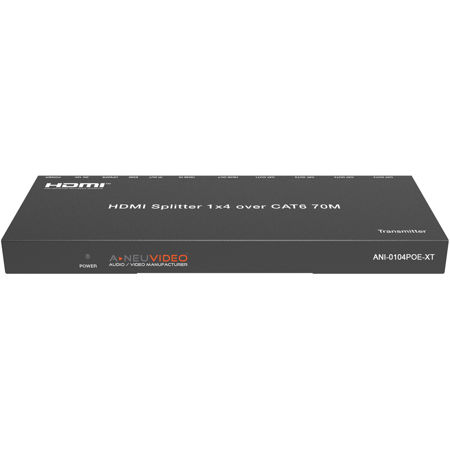
For those looking to integrate their monitors with other audio and video devices, or to outfit a more complex AV environment, exploring the broader world of signal distribution can be invaluable. A well-chosen splitter is just one piece of a larger puzzle that includes switchers, extenders, and converters, all designed to streamline connectivity and optimize performance across multiple devices. If your needs extend beyond dual monitor splitters—for instance, if you’re setting up a home theater, conference room, or multimedia studio—you’ll find a comprehensive selection of solutions on our Audio Video Splitters page. Whether you’re outfitting a new office, enhancing your creative workflow, or simply making your home setup more versatile this February, the right splitter can make all the difference in bringing your vision to life.
When considering a dual monitor splitter, it’s important to think about the types of connections your devices support—HDMI, DisplayPort, DVI, and VGA are among the most common. The right choice will depend on your monitors, your computer’s output, and the resolutions you wish to achieve. For example, photographers and video editors who demand color accuracy and high-definition visuals should look for splitters that support full HD or even 4K resolution, ensuring that every detail is crisp and true to life. Meanwhile, office professionals or remote workers may prioritize compatibility and ease of setup, choosing splitters that are plug-and-play for quick installation. Dual monitor splitters also make thoughtful gifts for college students setting up their first dorm room workstation, tech-savvy friends who love to multitask, or family members who have recently transitioned to working from home. The ability to quickly switch between mirrored and extended displays can be a game-changer for educators delivering virtual lessons, financial analysts tracking market data, or musicians arranging digital compositions. With the winter season in full swing, a dual monitor setup can help turn any room into a comfortable, efficient hub for both work and leisure.
For those looking to integrate their monitors with other audio and video devices, or to outfit a more complex AV environment, exploring the broader world of signal distribution can be invaluable. A well-chosen splitter is just one piece of a larger puzzle that includes switchers, extenders, and converters, all designed to streamline connectivity and optimize performance across multiple devices. If your needs extend beyond dual monitor splitters—for instance, if you’re setting up a home theater, conference room, or multimedia studio—you’ll find a comprehensive selection of solutions on our Audio Video Splitters page. Whether you’re outfitting a new office, enhancing your creative workflow, or simply making your home setup more versatile this February, the right splitter can make all the difference in bringing your vision to life.