DVI Switches
DVI switches are essential tools for anyone managing multiple digital video sources and displays, whether in a professional workspace, a home office, or a gaming setup. These devices are designed to seamlessly route Digital Visual Interface (DVI) video signals between sources such as computers, media players, or gaming consoles and one or more monitors. As technology continues to evolve, DVI remains a reliable standard, especially in environments where legacy equipment or specialized displays are in use. For creative professionals working with high-resolution graphics, video editing, or animation, the ability to switch between devices without constantly unplugging cables is invaluable. In collaborative office settings, DVI switches support efficient sharing of monitors among team members or facilitate smooth transitions during presentations in conference rooms. Even in home entertainment or gaming spaces, these switches allow users to toggle effortlessly between devices, keeping the experience streamlined and clutter-free.
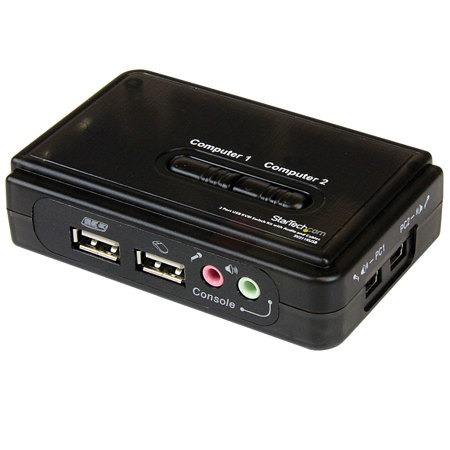
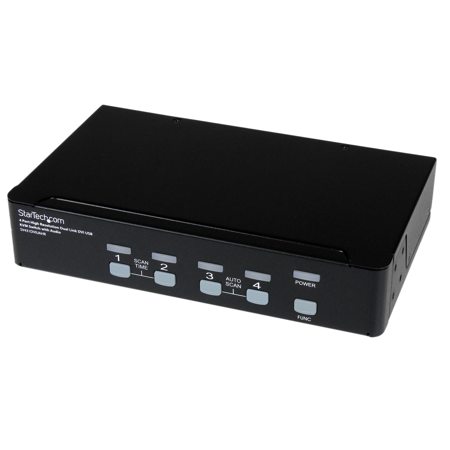
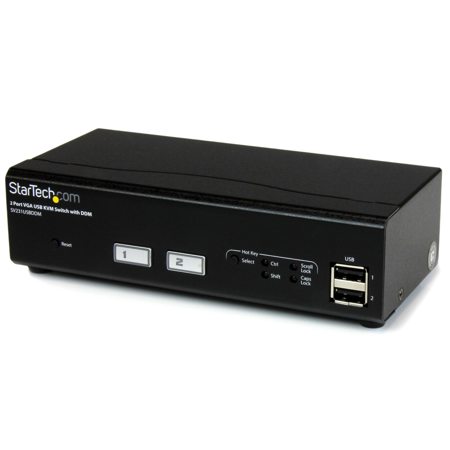
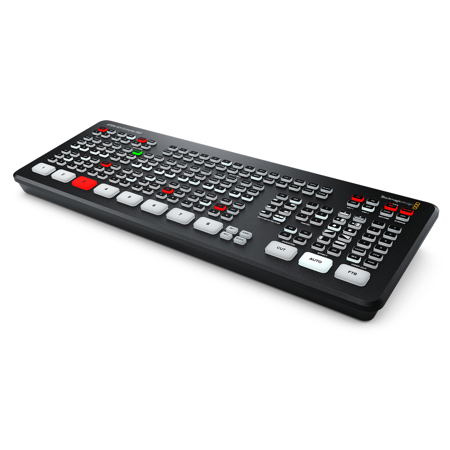
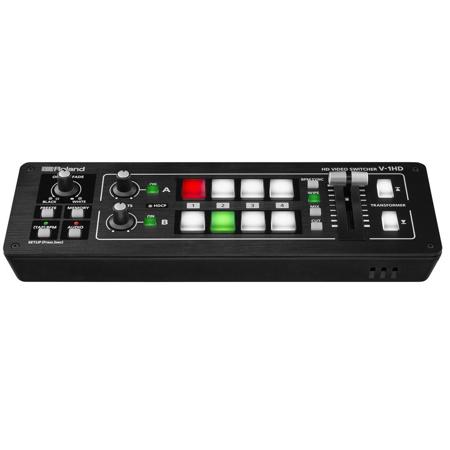
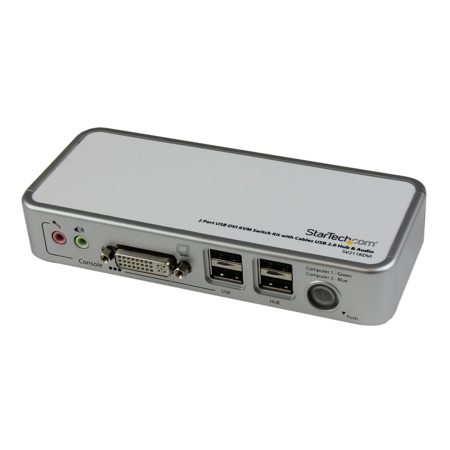
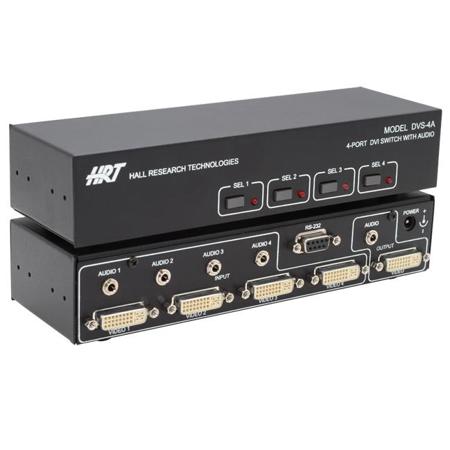
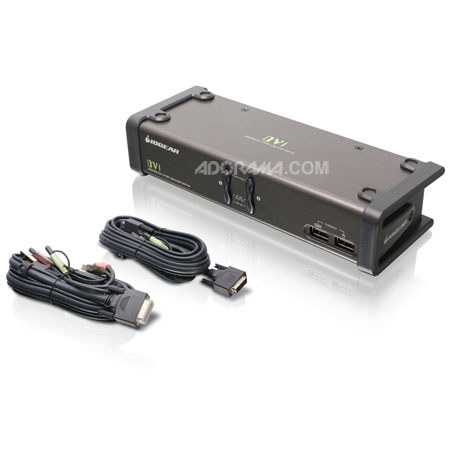
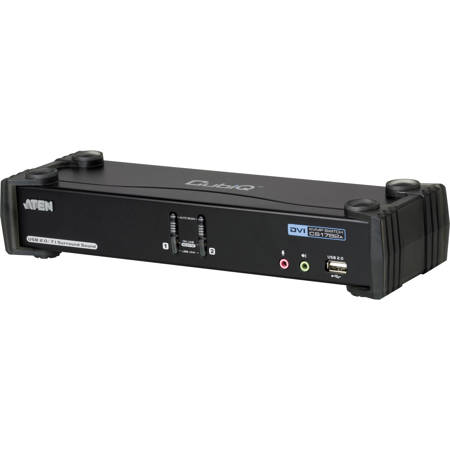
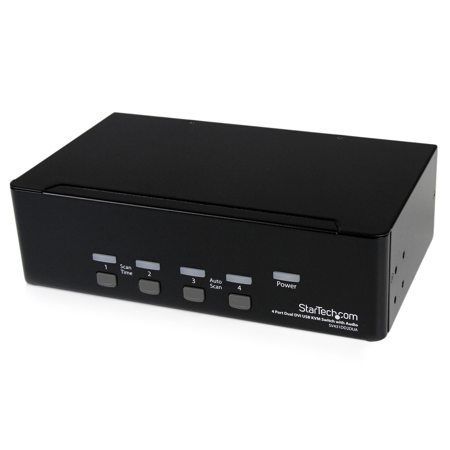
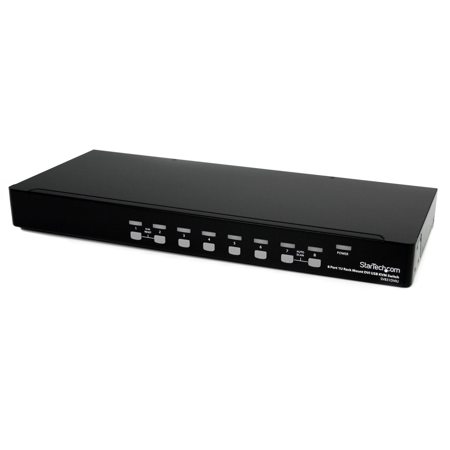
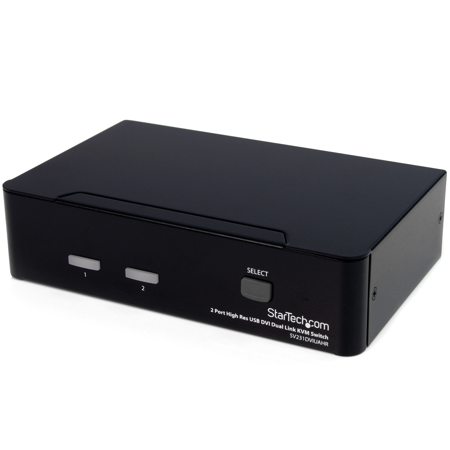
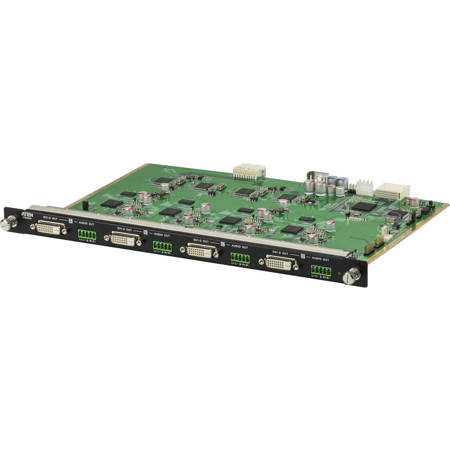
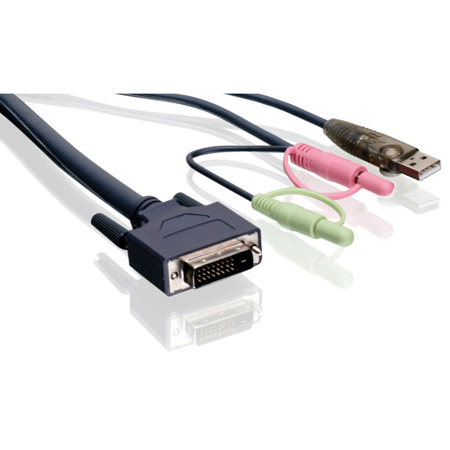
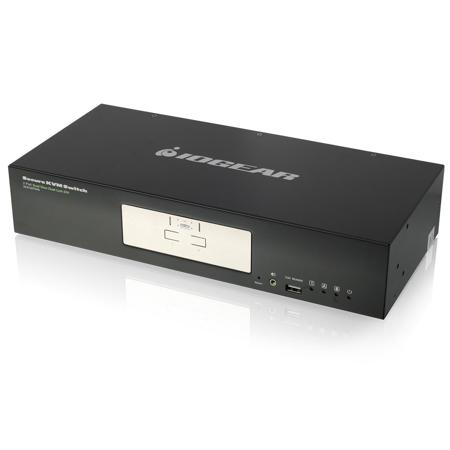
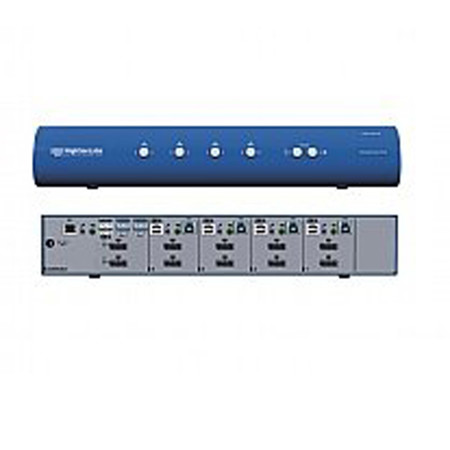
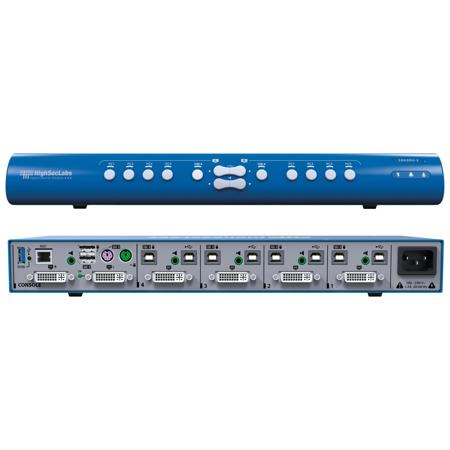
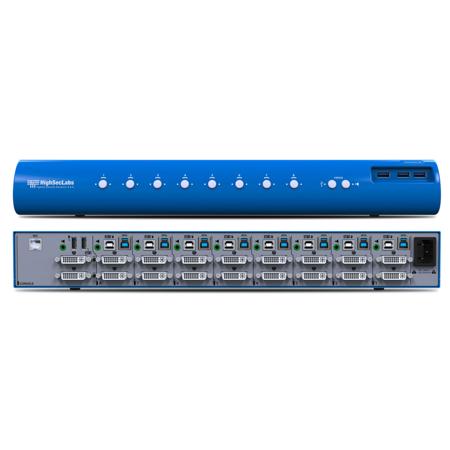
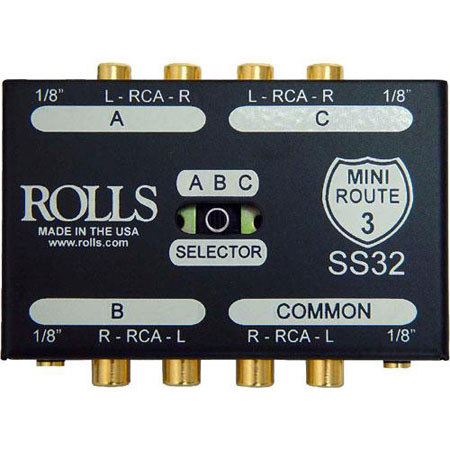
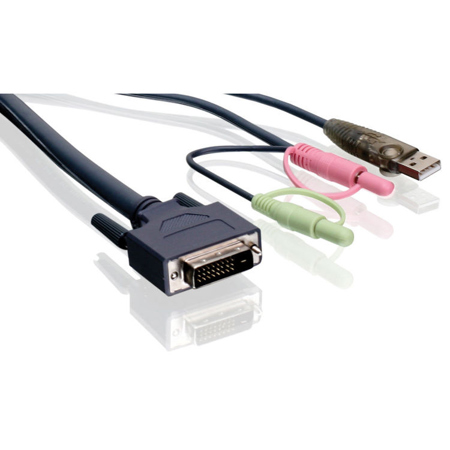
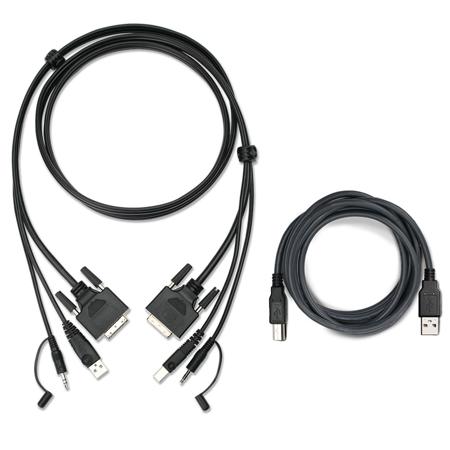
When selecting a DVI switch, several key considerations can help ensure the right fit for your needs. First, determine whether you require a basic A/V selector, which connects multiple computers to a single display, or a more advanced matrix switch that enables routing any input to any output, ideal for complex multi-monitor setups. For those seeking to control not just video but also peripherals like keyboards and mice, a KVM (Keyboard, Video, Mouse) switch is the optimal solution. KVM switches range from compact models suitable for personal workstations to enterprise-grade units designed for server rooms or IT departments. Pay close attention to the type of DVI signal your equipment uses—DVI-D for digital-only or DVI-I for integrated analog and digital support—as well as the maximum resolution supported, such as single-link (up to 1920x1200) or dual-link (for higher resolutions). Additional features like manual push-button switching, hotkey activation, infrared remote control, or RS-232 serial integration provide flexibility and convenience, while audio support via 3.5mm jacks can further enhance the multimedia experience. During the warmer months, when workspaces and home setups often see upgrades or reconfigurations, the versatility of DVI switches makes them a practical choice for both personal and professional environments.
DVI switches also make thoughtful gifts for tech enthusiasts, gamers, and professionals alike, especially for those who value efficiency and organization in their digital workflows. As more people refresh their home offices or entertainment centers during the transition from summer into fall, these devices can be the finishing touch that brings multiple components together. Whether you’re outfitting a creative studio, setting up a classroom, or enhancing a gaming rig, DVI switches offer reliable performance and adaptability. For those with mixed-technology environments, pairing a switch with the right accessories is crucial; explore compatible DVI Adapters for seamless connectivity between different devices. Investing in a quality DVI switch means more than just reducing cable clutter—it’s about creating an efficient, flexible, and enjoyable digital experience that keeps pace with your evolving needs.
When selecting a DVI switch, several key considerations can help ensure the right fit for your needs. First, determine whether you require a basic A/V selector, which connects multiple computers to a single display, or a more advanced matrix switch that enables routing any input to any output, ideal for complex multi-monitor setups. For those seeking to control not just video but also peripherals like keyboards and mice, a KVM (Keyboard, Video, Mouse) switch is the optimal solution. KVM switches range from compact models suitable for personal workstations to enterprise-grade units designed for server rooms or IT departments. Pay close attention to the type of DVI signal your equipment uses—DVI-D for digital-only or DVI-I for integrated analog and digital support—as well as the maximum resolution supported, such as single-link (up to 1920x1200) or dual-link (for higher resolutions). Additional features like manual push-button switching, hotkey activation, infrared remote control, or RS-232 serial integration provide flexibility and convenience, while audio support via 3.5mm jacks can further enhance the multimedia experience. During the warmer months, when workspaces and home setups often see upgrades or reconfigurations, the versatility of DVI switches makes them a practical choice for both personal and professional environments.
DVI switches also make thoughtful gifts for tech enthusiasts, gamers, and professionals alike, especially for those who value efficiency and organization in their digital workflows. As more people refresh their home offices or entertainment centers during the transition from summer into fall, these devices can be the finishing touch that brings multiple components together. Whether you’re outfitting a creative studio, setting up a classroom, or enhancing a gaming rig, DVI switches offer reliable performance and adaptability. For those with mixed-technology environments, pairing a switch with the right accessories is crucial; explore compatible DVI Adapters for seamless connectivity between different devices. Investing in a quality DVI switch means more than just reducing cable clutter—it’s about creating an efficient, flexible, and enjoyable digital experience that keeps pace with your evolving needs.