

VGA Switchers
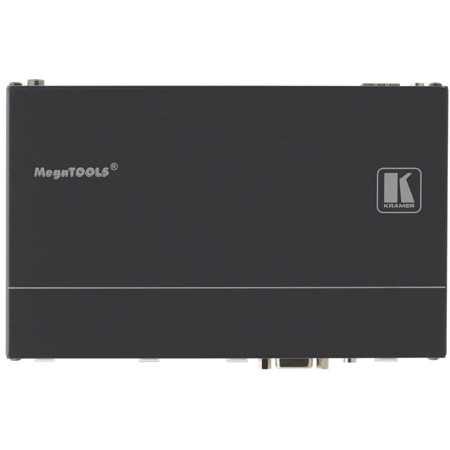
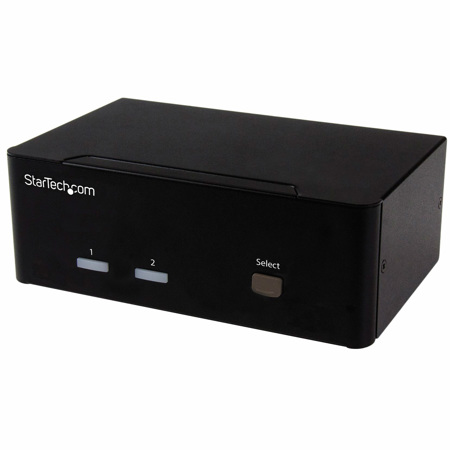
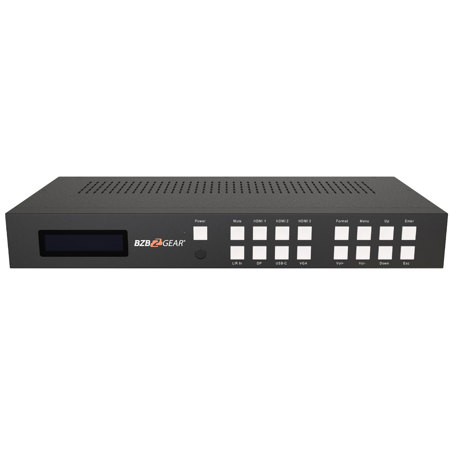
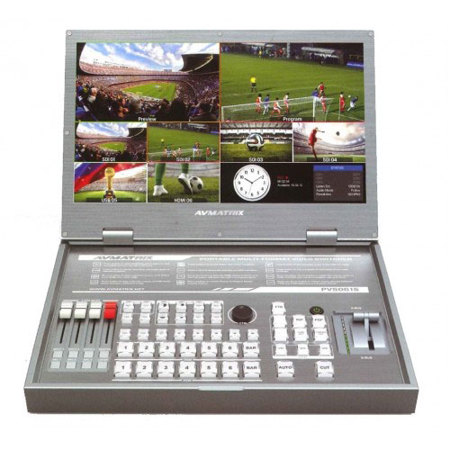
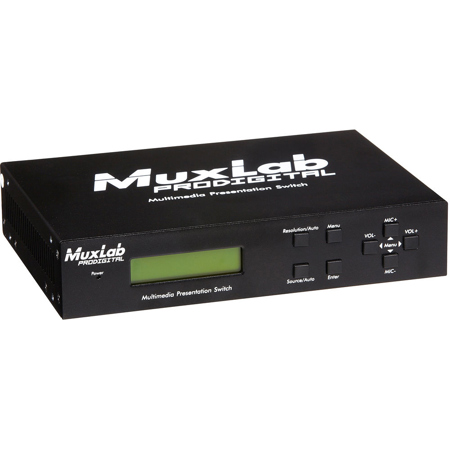
VGA switchers are essential devices for anyone managing multiple computer or video sources and needing to display them on a single monitor, projector, or screen. These versatile hardware solutions are highly valued in environments where space, efficiency, and seamless workflow are priorities—think conference rooms, educational settings, home offices, and AV control centers. Whether you’re coordinating a classroom presentation, toggling between work and personal desktops in your home office, or managing video feeds for a live event, a VGA input switcher can simplify your setup. As the weather warms and collaborative projects or group activities become more frequent, these devices prove invaluable for sharing content from multiple laptops or desktops without the hassle of constantly swapping cables. Manual switchers, with their reliable push-button operation, provide a straightforward, plug-and-play experience that requires no additional power source, making them perfect for quick setups or mobile workstations. Meanwhile, auto-switchers offer the convenience of detecting which device is active, automatically switching the display to the correct source—ideal for busy environments where efficiency is key.
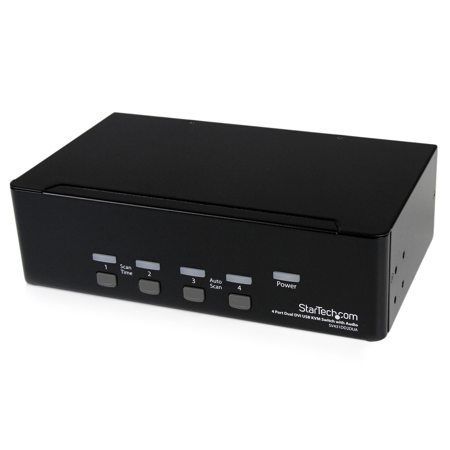
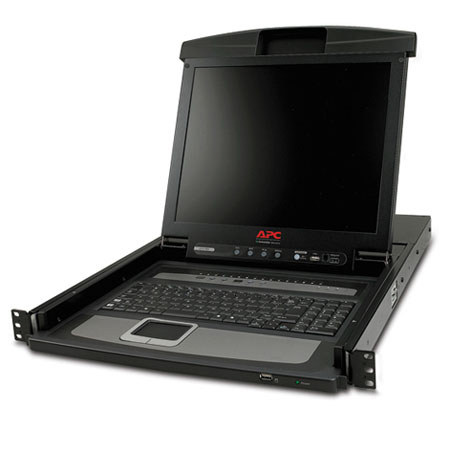
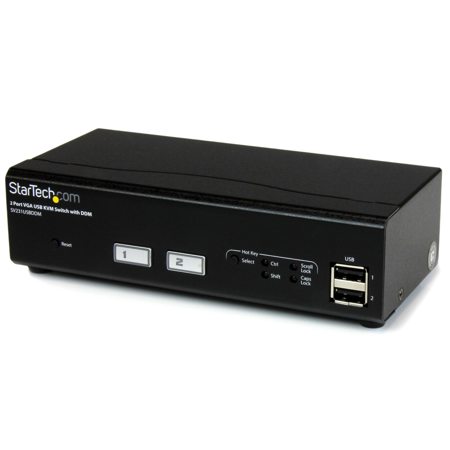
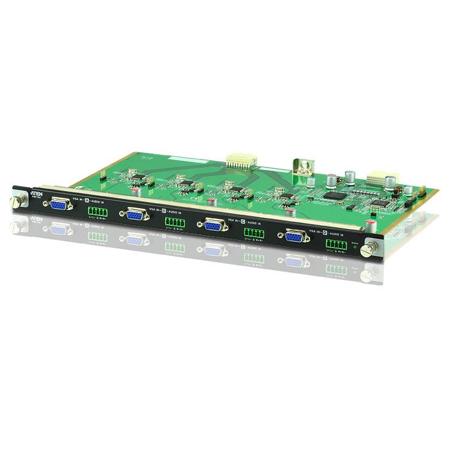
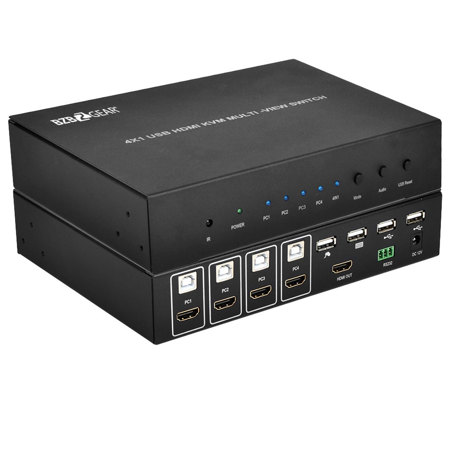
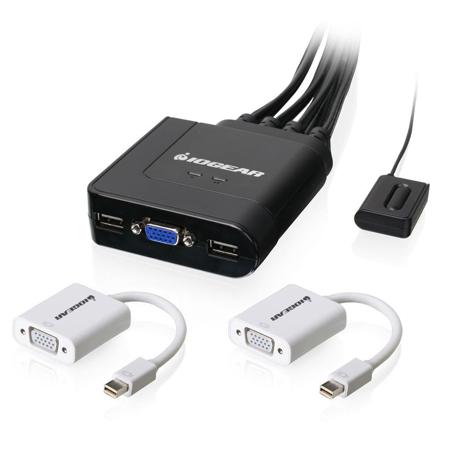
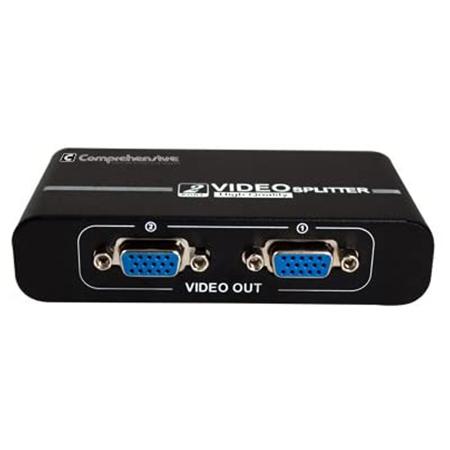
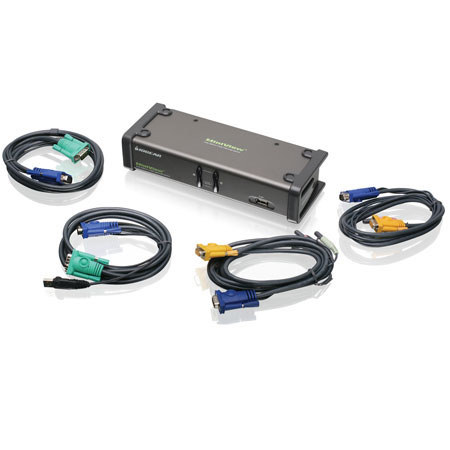
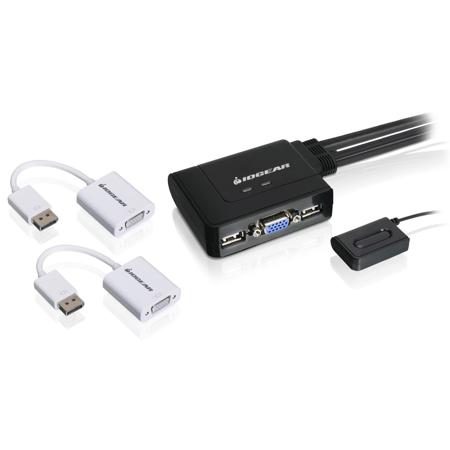
When shopping for a VGA switcher, it’s important to consider the number of inputs and outputs you’ll need. Standard models feature multiple female VGA input ports—typically two or four—and a single VGA output port, allowing you to easily toggle between devices such as laptops, desktops, or even older gaming consoles. For those who also need to share peripherals like keyboards and mice, a KVM (Keyboard, Video, Mouse) switch provides an all-in-one solution, streamlining your workspace and reducing desktop clutter. If your setup includes both video and audio, remember that standard VGA cables only transmit video signals; look for models with 3.5 mm auxiliary input/output ports if you require audio routing as well. Ensuring compatibility with your display’s native resolution is another key consideration, as this will help prevent issues like blurry or distorted video—especially important when working with detailed graphics or presentations. These features make VGA switchers a thoughtful gift for students heading off to college, remote workers upgrading their home offices, or tech enthusiasts who appreciate the practicality and simplicity of a well-organized AV setup.
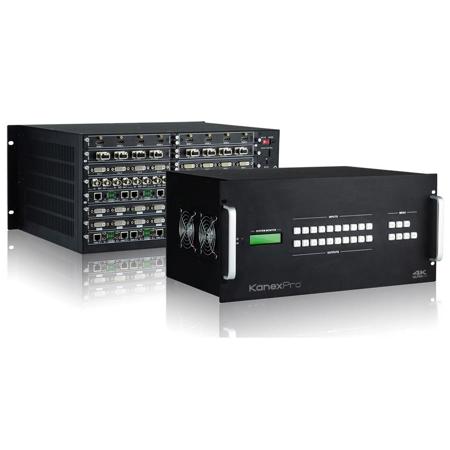
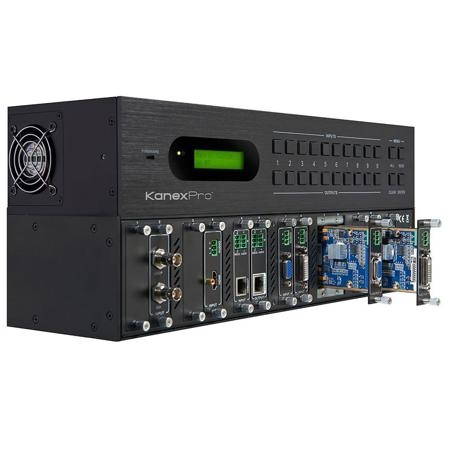
As technology continues to evolve, VGA switchers remain a reliable choice for connecting legacy equipment or bridging the gap between older and newer devices. They’re especially useful during the cooler months or when hosting indoor gatherings, enabling everyone to share their screens or media collections with ease. For those expanding their AV systems or integrating with digital displays, exploring related solutions such as DVI KVM Switches can help future-proof your workspace and accommodate a wider range of devices. Whether you’re a professional managing complex video sources, a teacher enhancing classroom interactivity, or simply someone who values a tidy and efficient desk, a quality VGA input switcher offers both flexibility and peace of mind, ensuring your presentations and projects proceed without interruption.
When shopping for a VGA switcher, it’s important to consider the number of inputs and outputs you’ll need. Standard models feature multiple female VGA input ports—typically two or four—and a single VGA output port, allowing you to easily toggle between devices such as laptops, desktops, or even older gaming consoles. For those who also need to share peripherals like keyboards and mice, a KVM (Keyboard, Video, Mouse) switch provides an all-in-one solution, streamlining your workspace and reducing desktop clutter. If your setup includes both video and audio, remember that standard VGA cables only transmit video signals; look for models with 3.5 mm auxiliary input/output ports if you require audio routing as well. Ensuring compatibility with your display’s native resolution is another key consideration, as this will help prevent issues like blurry or distorted video—especially important when working with detailed graphics or presentations. These features make VGA switchers a thoughtful gift for students heading off to college, remote workers upgrading their home offices, or tech enthusiasts who appreciate the practicality and simplicity of a well-organized AV setup.
As technology continues to evolve, VGA switchers remain a reliable choice for connecting legacy equipment or bridging the gap between older and newer devices. They’re especially useful during the cooler months or when hosting indoor gatherings, enabling everyone to share their screens or media collections with ease. For those expanding their AV systems or integrating with digital displays, exploring related solutions such as DVI KVM Switches can help future-proof your workspace and accommodate a wider range of devices. Whether you’re a professional managing complex video sources, a teacher enhancing classroom interactivity, or simply someone who values a tidy and efficient desk, a quality VGA input switcher offers both flexibility and peace of mind, ensuring your presentations and projects proceed without interruption.