VGA Converters
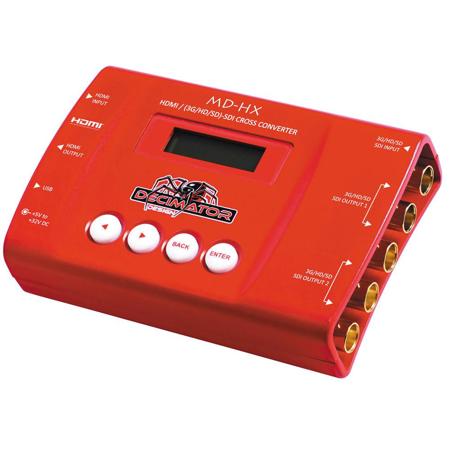
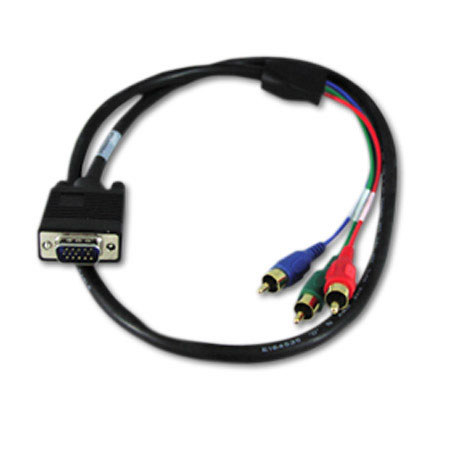
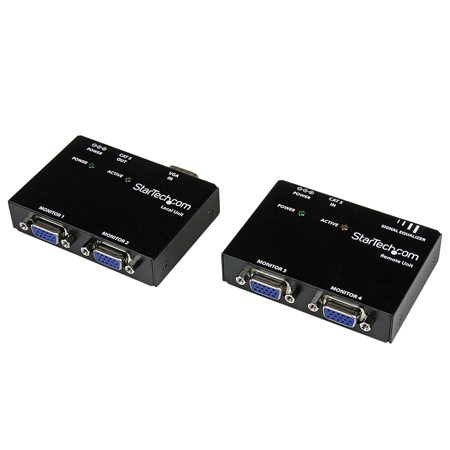
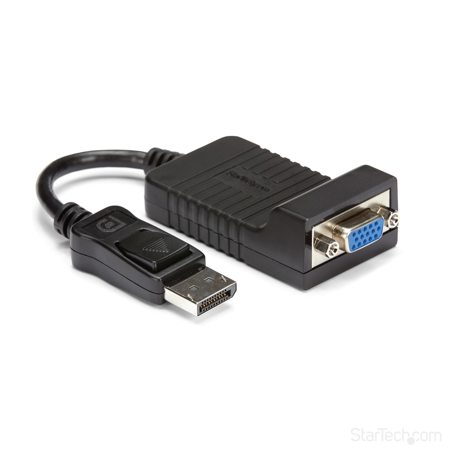
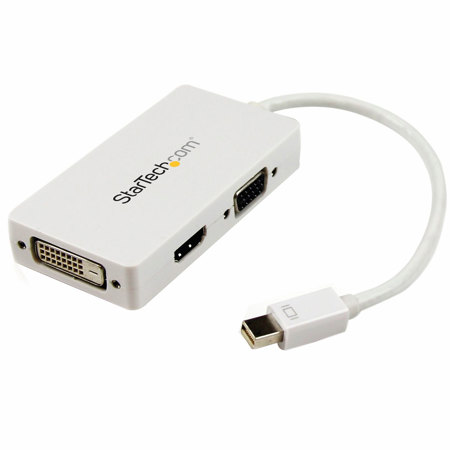
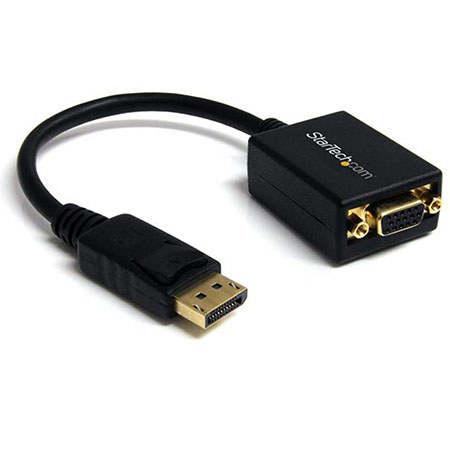
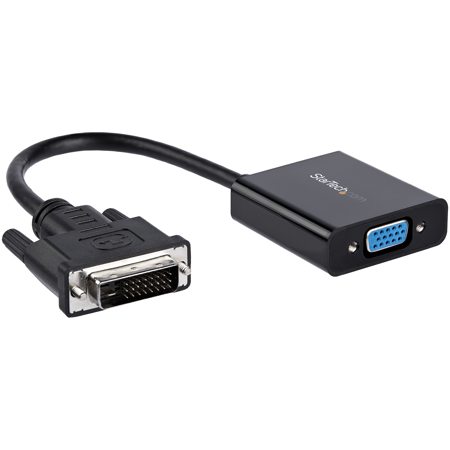
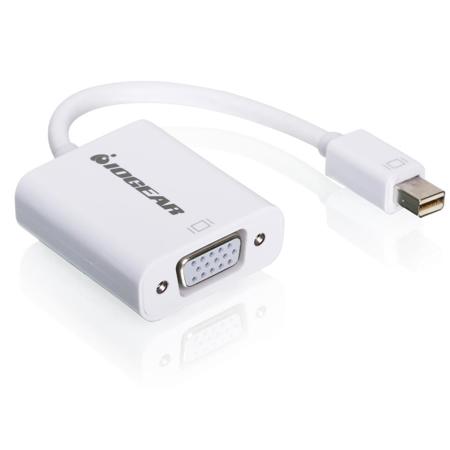
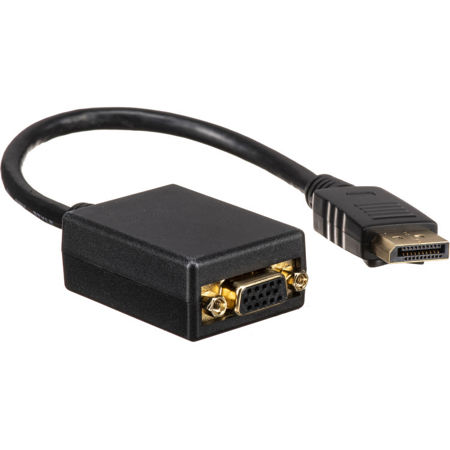
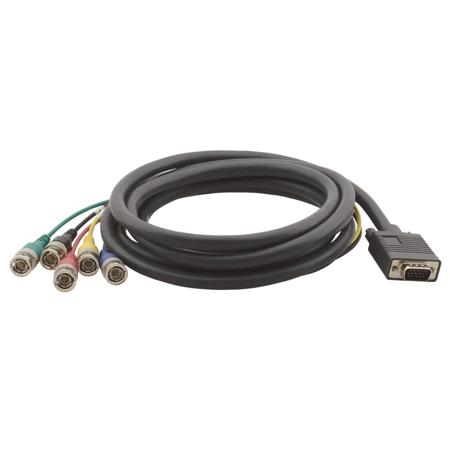
As technology continues to evolve, the need to bridge the gap between legacy hardware and modern displays remains a common challenge for professionals and enthusiasts alike. VGA converters have become essential tools for anyone looking to connect older computers, projectors, or video equipment to newer digital screens and audio-visual systems. Whether you’re a business professional preparing for a presentation in a conference room equipped with only HDMI inputs, or an educator relying on a trusted legacy projector for classroom instruction, a reliable VGA adapter ensures your content is displayed seamlessly. These converters are also invaluable for creative studios and AV technicians who work with a mix of vintage and current gear, such as connecting a classic desktop PC to a high-definition monitor for editing archival footage, or linking a modern laptop to a VGA-only projector at an offsite event. During the warmer months, as outdoor movie nights and community gatherings become more popular, VGA to video solutions can help transform older projectors into centerpiece entertainment devices, allowing cherished memories and presentations to shine on the big screen.
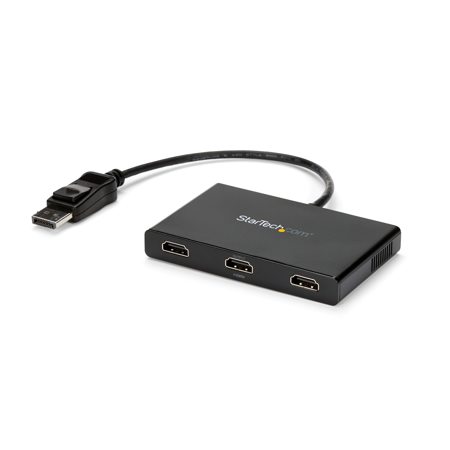
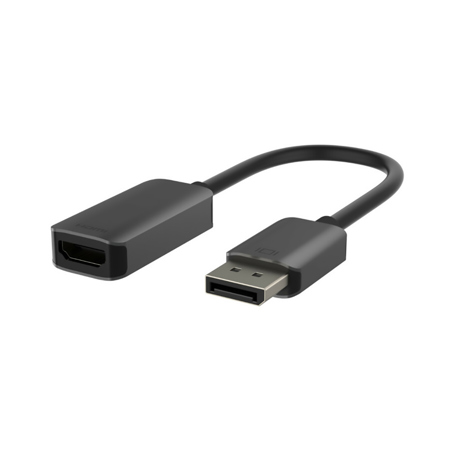
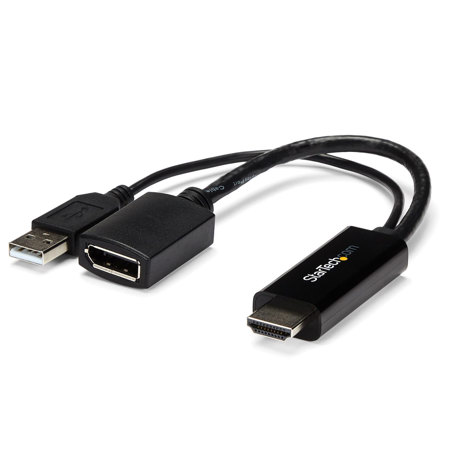
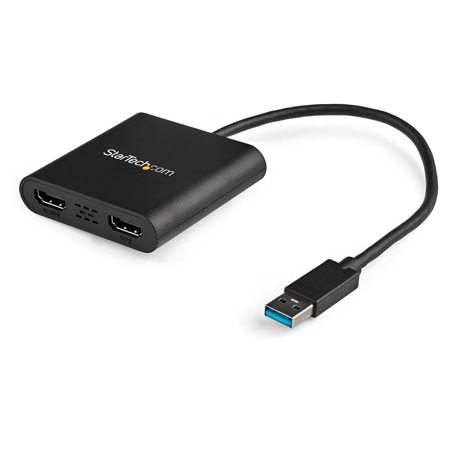
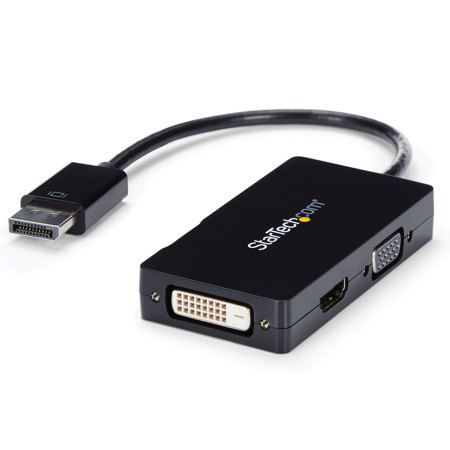
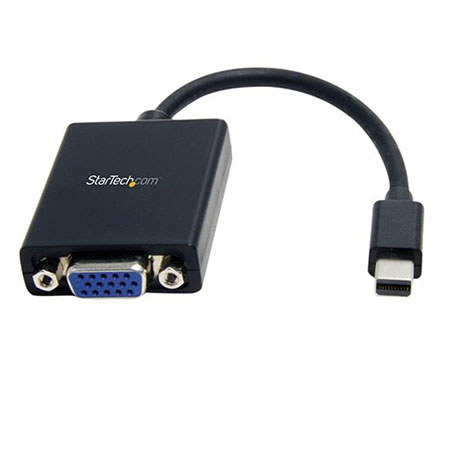
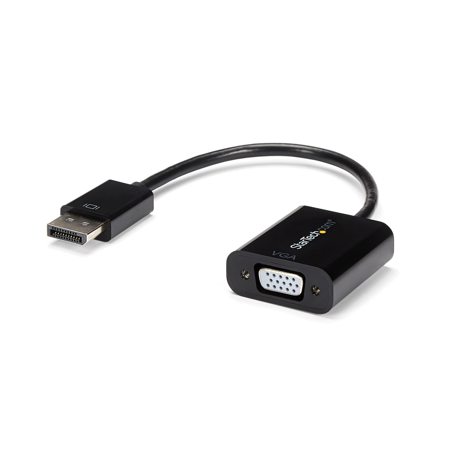
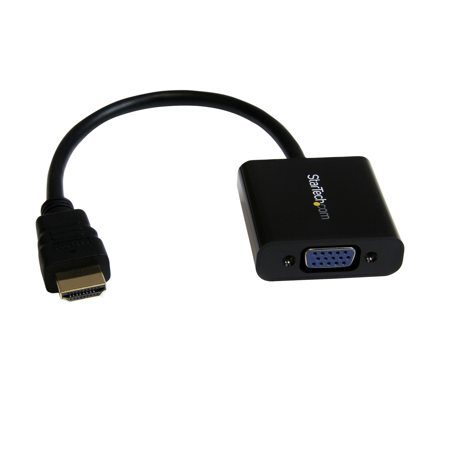
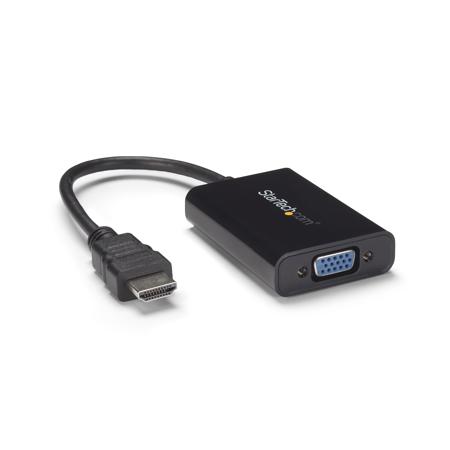
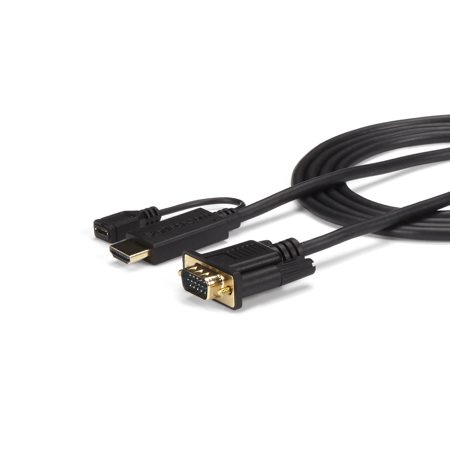
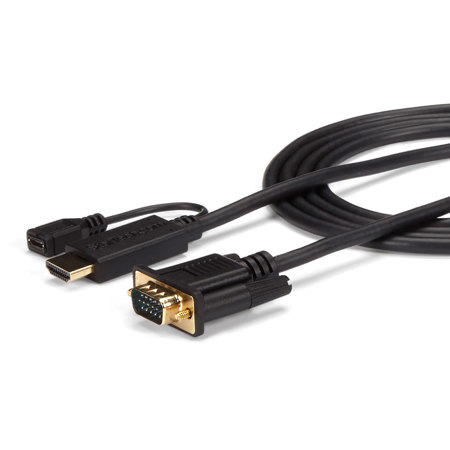
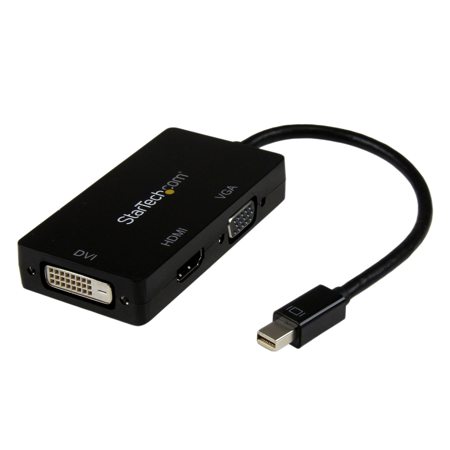
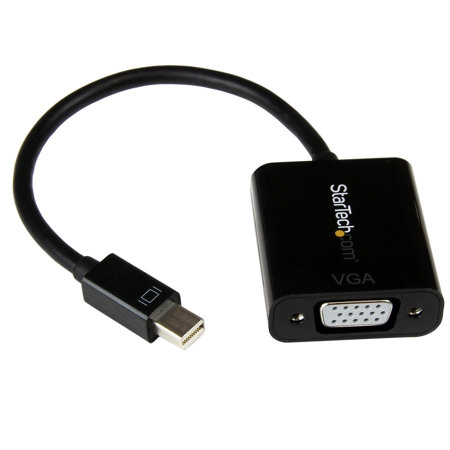
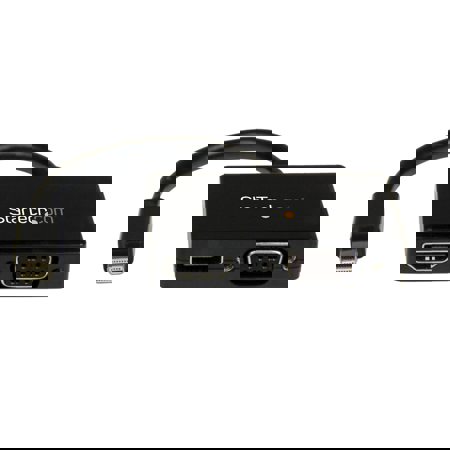
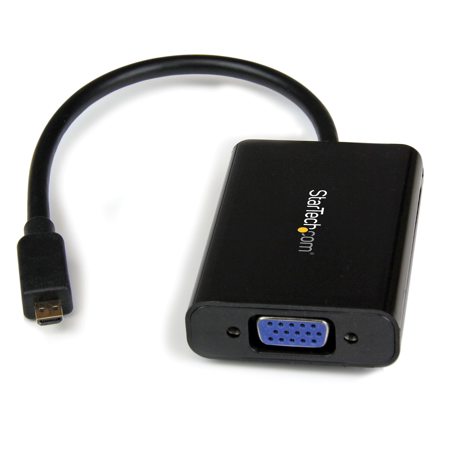
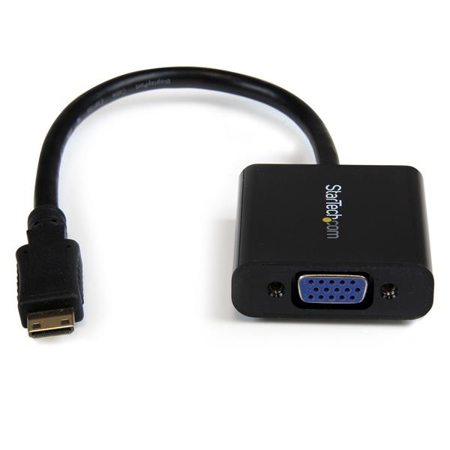
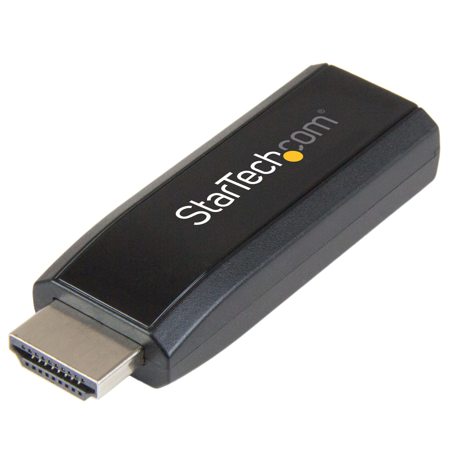
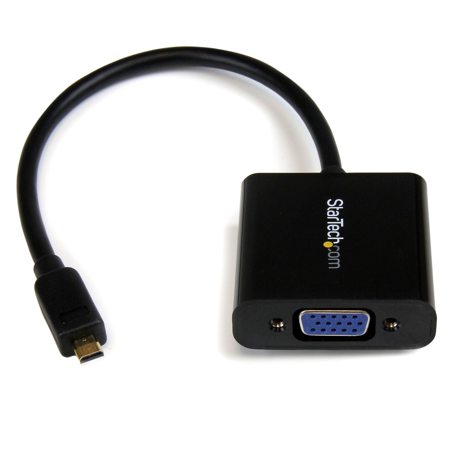
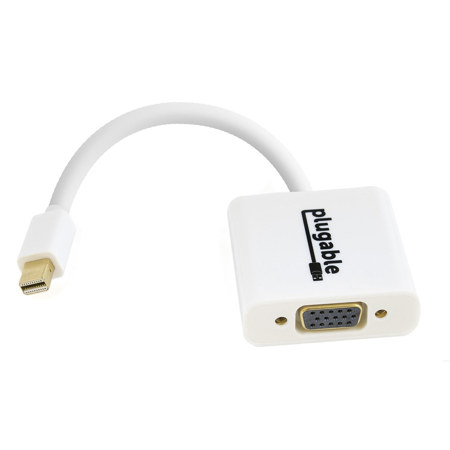
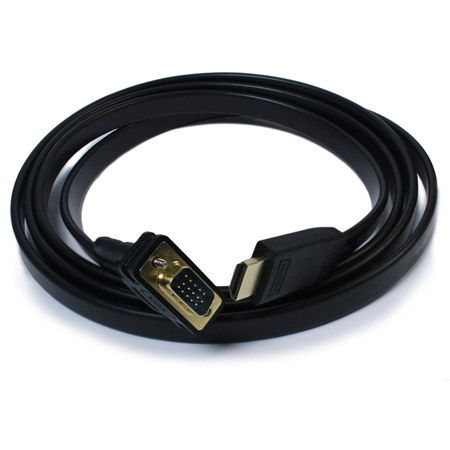
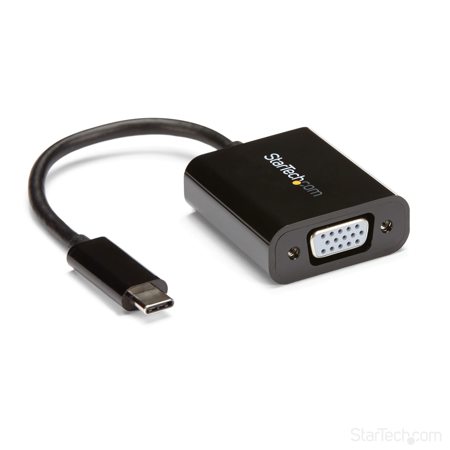
Selecting the right VGA converter involves considering both the direction of the signal and the types of devices you plan to connect. For those looking to convert a VGA output from an older computer to an HDMI input on a newer TV or monitor, an active VGA to HDMI converter is required to process and upscale the analog signal to digital, often including a separate audio connection to ensure sound is transmitted alongside video. Conversely, if you’re hoping to use a modern device with a legacy VGA display—such as presenting from a streaming stick or contemporary laptop—an HDMI to VGA adapter is the solution, typically designed for portability and ease of use without the need for external power. These adapters are especially handy for on-the-go professionals and students who frequently move between different venues and need a reliable way to connect to a variety of display technologies. For those expanding their workstation with additional monitors, USB to VGA adapters offer a plug-and-play method to add screens even when native video ports are unavailable, acting as an external graphics solution for both PC and Mac users. As the seasons transition from the energy of summer into the productivity-focused pace of early fall, these versatile tools help ensure that meetings, workshops, and creative projects continue without interruption, regardless of the age or compatibility of your equipment.
VGA converters also make thoughtful and practical gifts for tech-savvy friends, family members, or colleagues who work in IT, education, or creative industries, especially as students return to school or professionals gear up for fall conferences and events. They’re a smart addition to any home or office setup, supporting everything from retro gaming sessions to professional presentations and collaborative workspaces. When choosing the right solution, it’s important to verify the direction of conversion—whether you need VGA to video or video to VGA—to ensure compatibility with your devices. Exploring a comprehensive selection of adapters and converters can help you find the perfect match for your needs; for more options and expert advice, visit our dedicated Video Signal Converters page. With the right VGA adapter in your toolkit, you’ll be prepared for any connectivity scenario, making it easier to share ideas, memories, and experiences across generations of technology.
Selecting the right VGA converter involves considering both the direction of the signal and the types of devices you plan to connect. For those looking to convert a VGA output from an older computer to an HDMI input on a newer TV or monitor, an active VGA to HDMI converter is required to process and upscale the analog signal to digital, often including a separate audio connection to ensure sound is transmitted alongside video. Conversely, if you’re hoping to use a modern device with a legacy VGA display—such as presenting from a streaming stick or contemporary laptop—an HDMI to VGA adapter is the solution, typically designed for portability and ease of use without the need for external power. These adapters are especially handy for on-the-go professionals and students who frequently move between different venues and need a reliable way to connect to a variety of display technologies. For those expanding their workstation with additional monitors, USB to VGA adapters offer a plug-and-play method to add screens even when native video ports are unavailable, acting as an external graphics solution for both PC and Mac users. As the seasons transition from the energy of summer into the productivity-focused pace of early fall, these versatile tools help ensure that meetings, workshops, and creative projects continue without interruption, regardless of the age or compatibility of your equipment.
VGA converters also make thoughtful and practical gifts for tech-savvy friends, family members, or colleagues who work in IT, education, or creative industries, especially as students return to school or professionals gear up for fall conferences and events. They’re a smart addition to any home or office setup, supporting everything from retro gaming sessions to professional presentations and collaborative workspaces. When choosing the right solution, it’s important to verify the direction of conversion—whether you need VGA to video or video to VGA—to ensure compatibility with your devices. Exploring a comprehensive selection of adapters and converters can help you find the perfect match for your needs; for more options and expert advice, visit our dedicated Video Signal Converters page. With the right VGA adapter in your toolkit, you’ll be prepared for any connectivity scenario, making it easier to share ideas, memories, and experiences across generations of technology.