Editing Decks
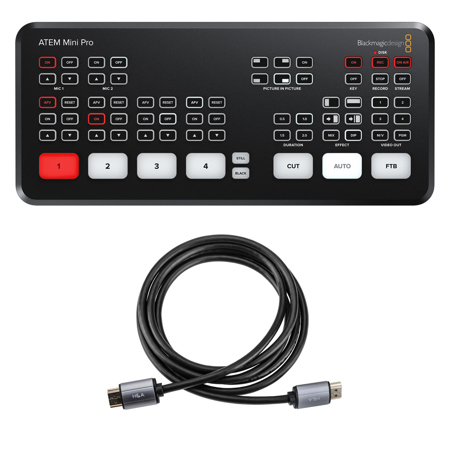
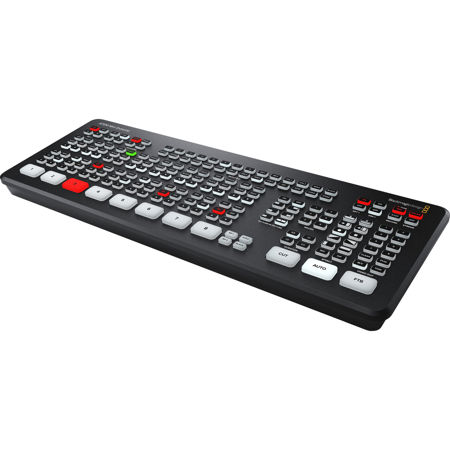
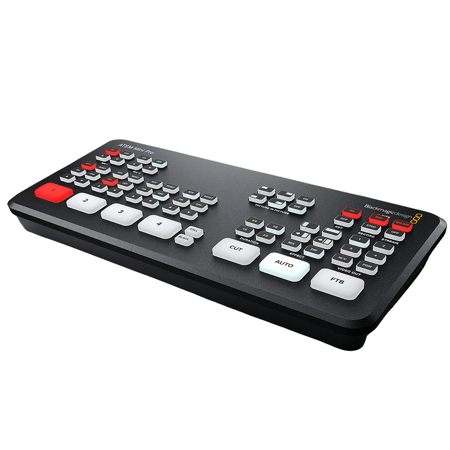
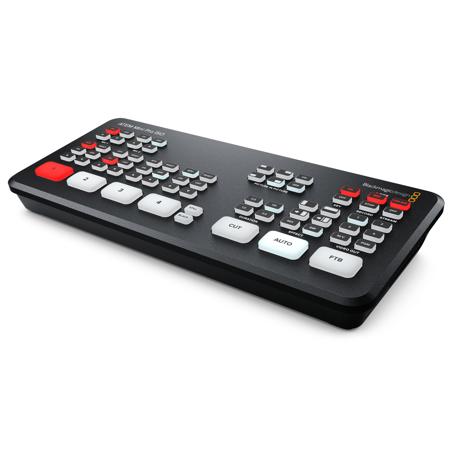
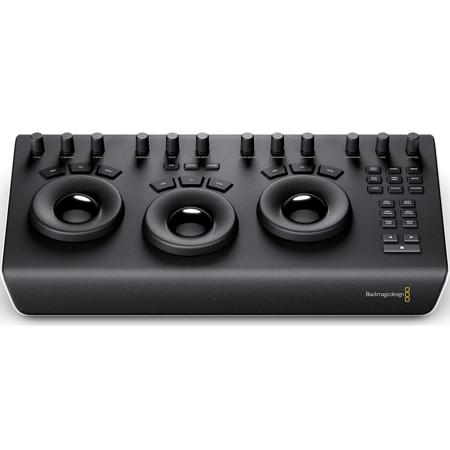
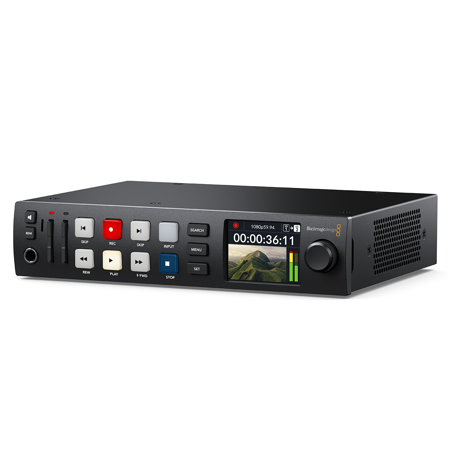
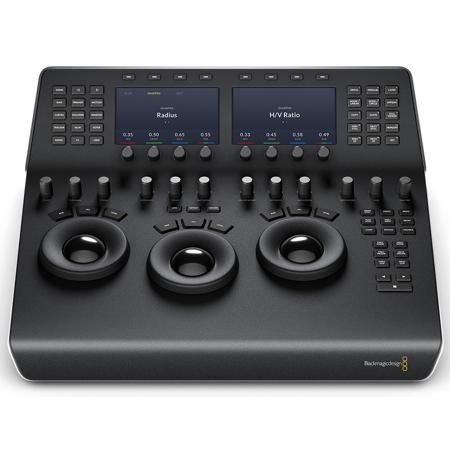
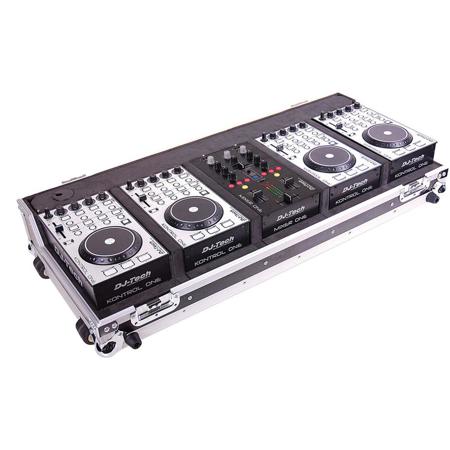
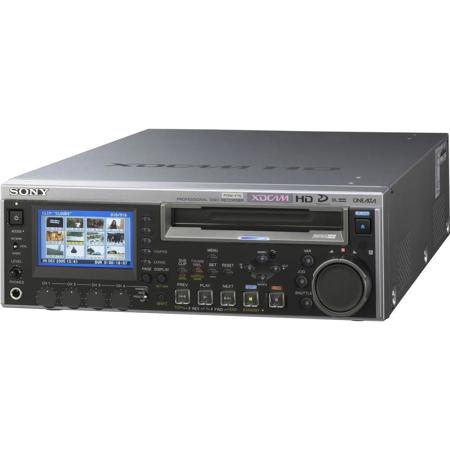
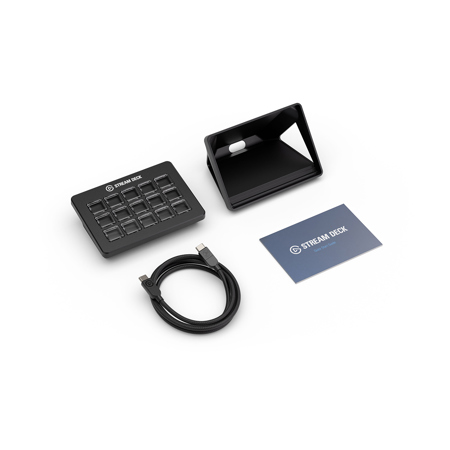
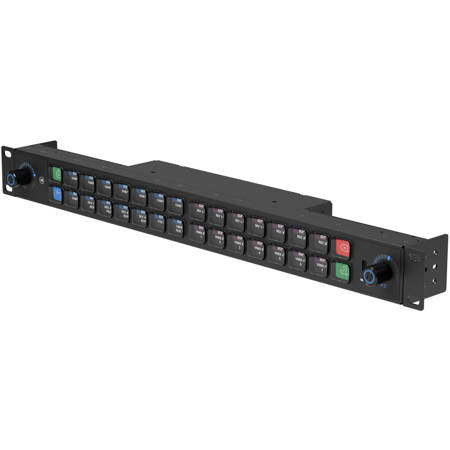
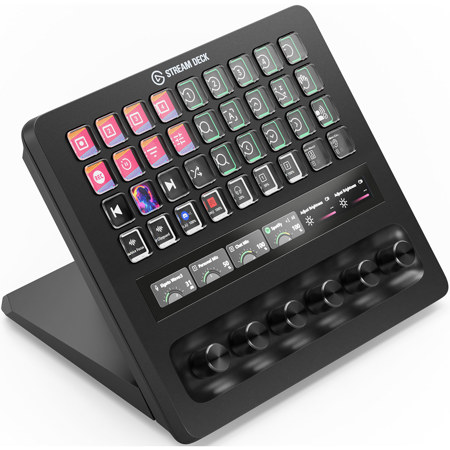
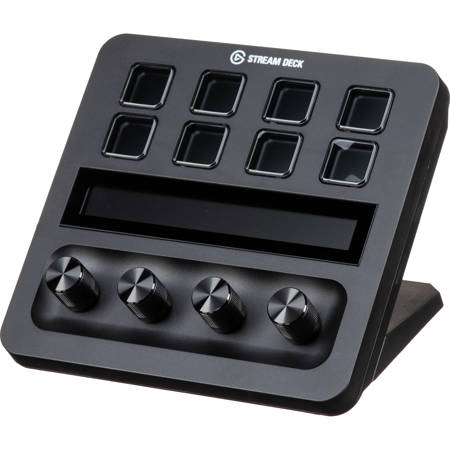
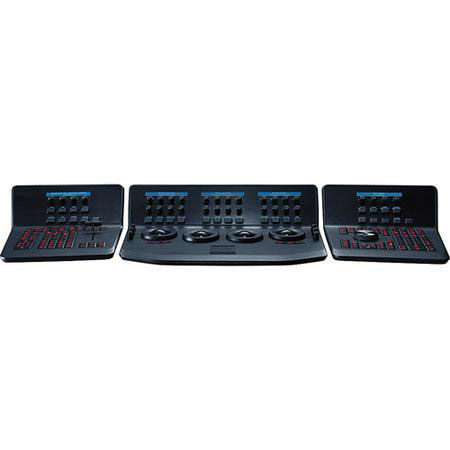
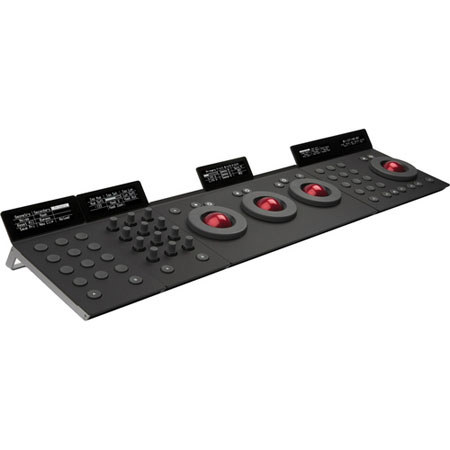
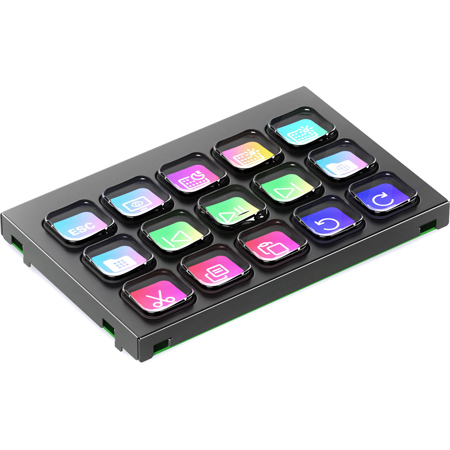
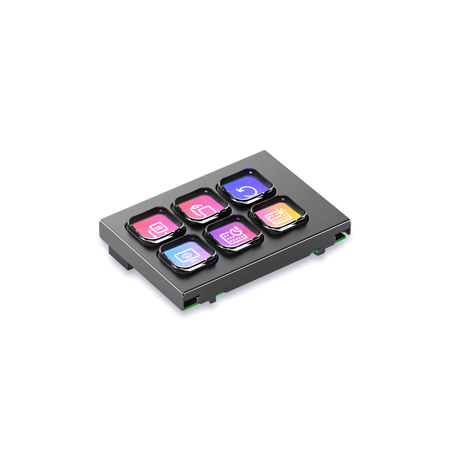
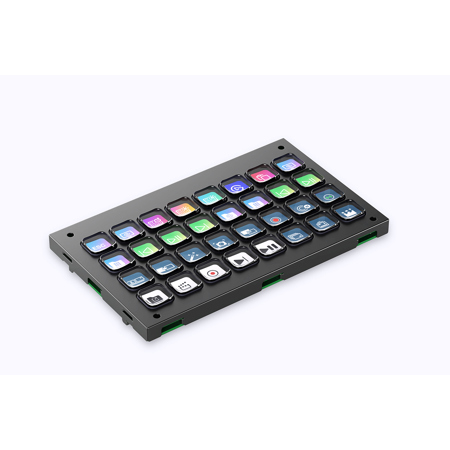
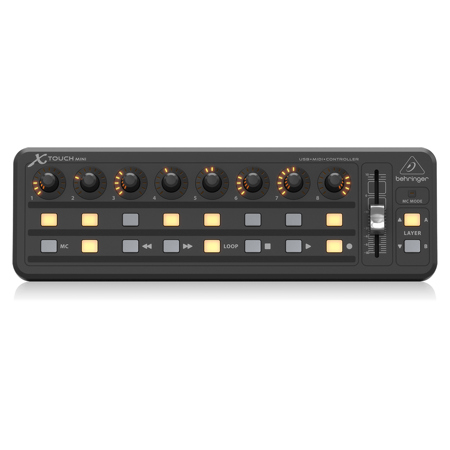
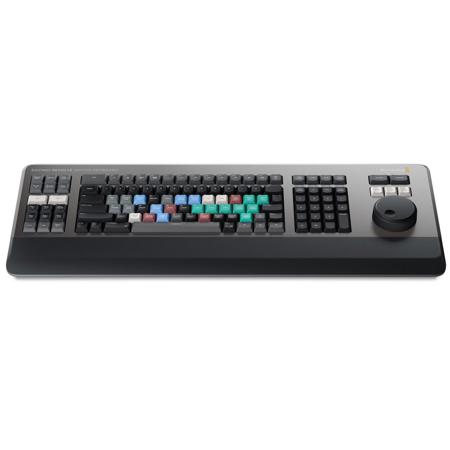
Editing decks have rapidly become essential tools for creators, streamers, and professionals seeking to elevate their editing workflows. These specialized consoles are designed to transform the way you interact with creative software, offering an array of tactile buttons, rotary dials, and touch-sensitive panels that can be customized to suit your unique process. Whether you’re color grading a cinematic project, mixing audio for a podcast, or fine-tuning a batch of photographs, an editing deck offers a direct, hands-on approach that goes far beyond what’s possible with a standard keyboard and mouse. The physical feel of turning a dial to adjust exposure, tapping a button to launch complex macros, or sliding a finger across a responsive strip to scrub through a timeline brings a new level of precision and satisfaction to digital tasks. These decks are compatible with a wide range of creative suites—from video editing platforms like Premiere Pro and Final Cut, to photo editors such as Lightroom and Photoshop, and even audio production environments. As the seasons shift from the warmth of summer into the crispness of fall, many creators find themselves inspired by changing light and new projects, making this an ideal time to invest in gear that keeps pace with your ambitions.
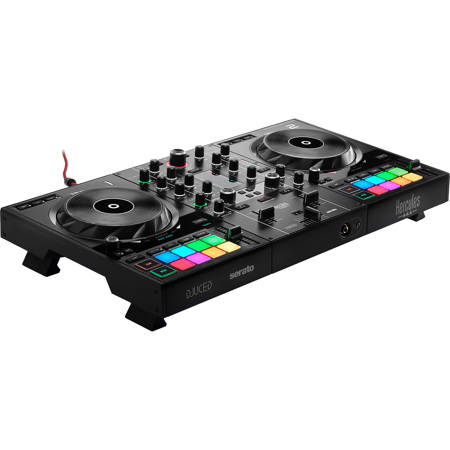
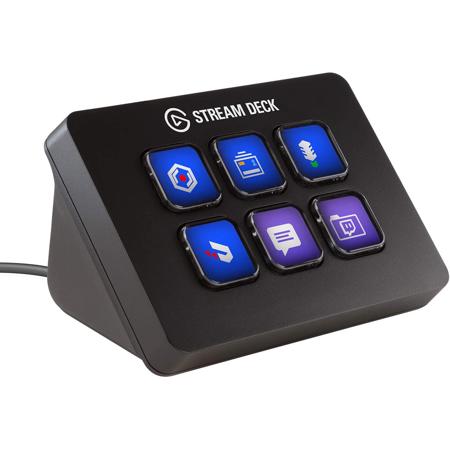
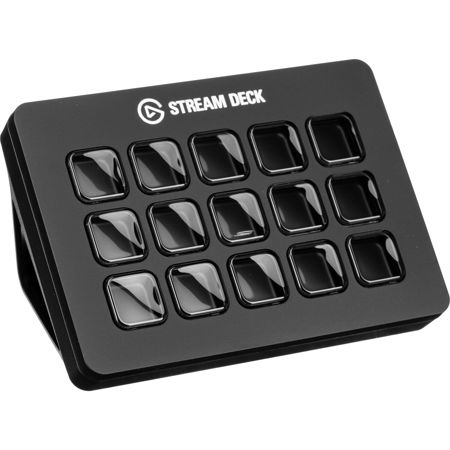
Selecting the right editing deck comes down to understanding your workflow and creative priorities. Some users gravitate toward decks with an abundance of programmable buttons, perfect for triggering shortcuts, launching applications, or automating repetitive actions. Others prefer the nuanced control offered by rotary dials and jog wheels, which can be mapped to functions like timeline navigation, color grading wheels, or audio mixing. For those who split their time between different disciplines—say, jumping from video editing to graphic design—a deck with a mix of buttons, dials, and touchscreens offers the flexibility to adapt on the fly. Most editing decks can be further customized with downloadable profiles tailored for specific software, letting you jump right in without hours of manual setup. This adaptability makes them a thoughtful gift for the creative in your life, whether it’s a student starting film school in the fall, a photographer refining their portfolio, or a remote worker building out a home studio. The gift of an editing deck is not just about hardware; it’s about giving someone the means to work smarter, faster, and with greater joy—qualities that resonate whether you’re tackling a passion project on a rainy day or racing to meet a deadline as daylight hours begin to wane.
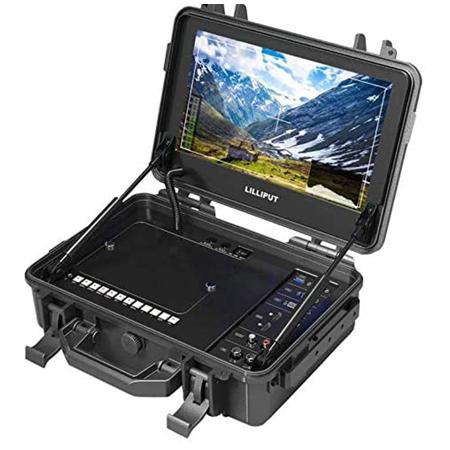
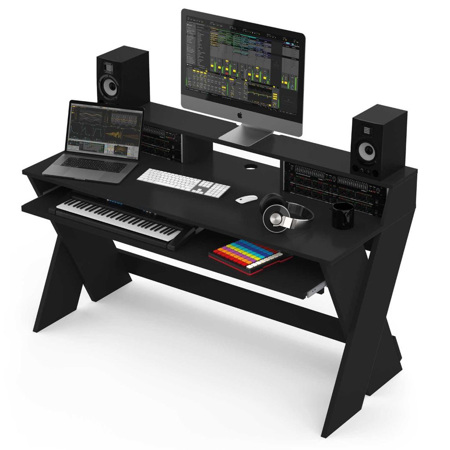
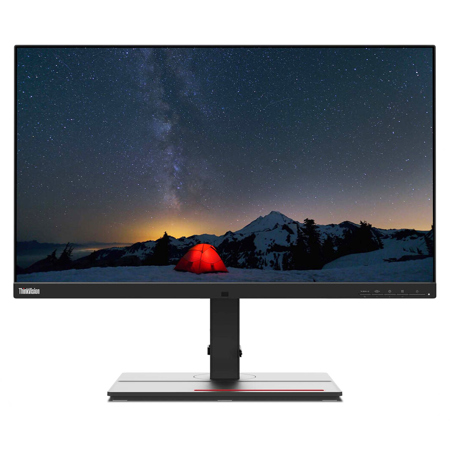
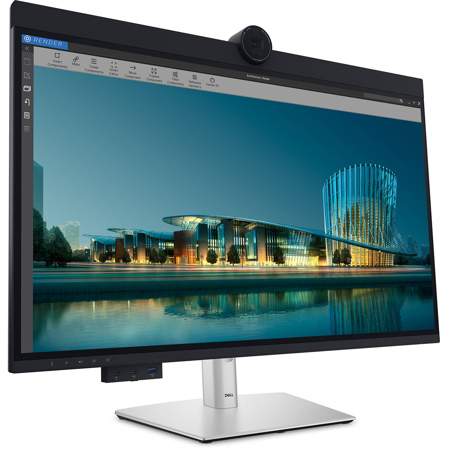
For anyone building or upgrading a creative workstation, it’s important to consider how an editing deck fits into the broader ecosystem of tools. Pairing your deck with a high-quality monitor or reference display can unlock even greater productivity and accuracy, ensuring that every adjustment you make is reflected with stunning clarity. If you’re exploring options for displays that complement your editing environment, take a look at our curated selection of Video Editing Screens to find the perfect match. As you refine your setup for the projects ahead—whether you’re capturing the golden light of late summer or embracing the creative energy that comes with cooler days—an editing deck can be the centerpiece that streamlines your workflow and brings your creative vision to life.
Selecting the right editing deck comes down to understanding your workflow and creative priorities. Some users gravitate toward decks with an abundance of programmable buttons, perfect for triggering shortcuts, launching applications, or automating repetitive actions. Others prefer the nuanced control offered by rotary dials and jog wheels, which can be mapped to functions like timeline navigation, color grading wheels, or audio mixing. For those who split their time between different disciplines—say, jumping from video editing to graphic design—a deck with a mix of buttons, dials, and touchscreens offers the flexibility to adapt on the fly. Most editing decks can be further customized with downloadable profiles tailored for specific software, letting you jump right in without hours of manual setup. This adaptability makes them a thoughtful gift for the creative in your life, whether it’s a student starting film school in the fall, a photographer refining their portfolio, or a remote worker building out a home studio. The gift of an editing deck is not just about hardware; it’s about giving someone the means to work smarter, faster, and with greater joy—qualities that resonate whether you’re tackling a passion project on a rainy day or racing to meet a deadline as daylight hours begin to wane.
For anyone building or upgrading a creative workstation, it’s important to consider how an editing deck fits into the broader ecosystem of tools. Pairing your deck with a high-quality monitor or reference display can unlock even greater productivity and accuracy, ensuring that every adjustment you make is reflected with stunning clarity. If you’re exploring options for displays that complement your editing environment, take a look at our curated selection of Video Editing Screens to find the perfect match. As you refine your setup for the projects ahead—whether you’re capturing the golden light of late summer or embracing the creative energy that comes with cooler days—an editing deck can be the centerpiece that streamlines your workflow and brings your creative vision to life.