Engineering Laptops With Cad Optimization
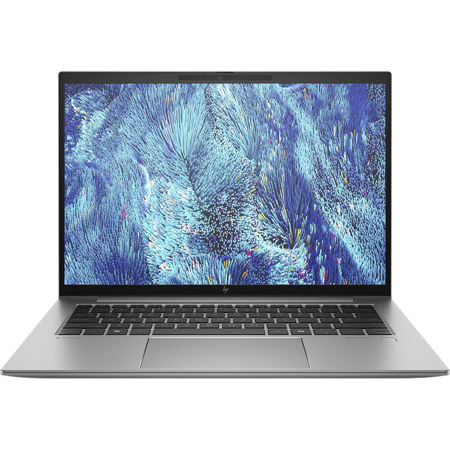
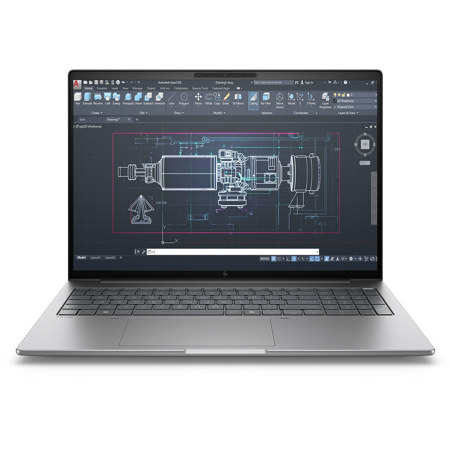
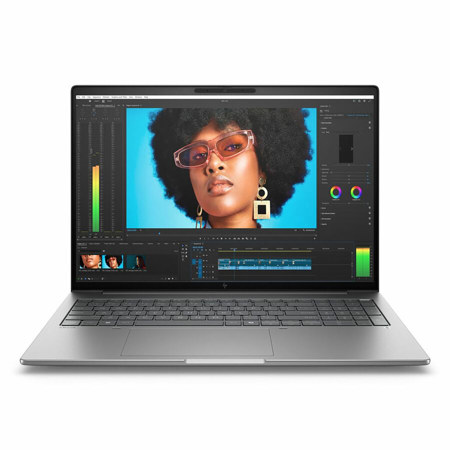
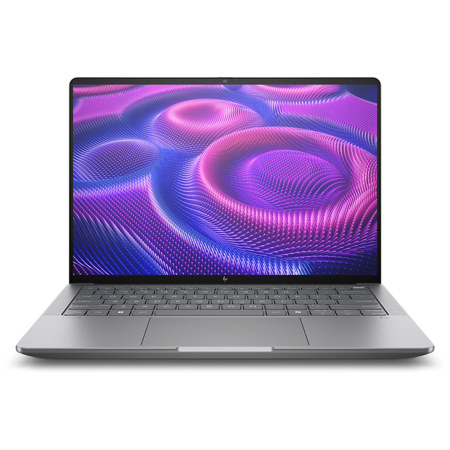
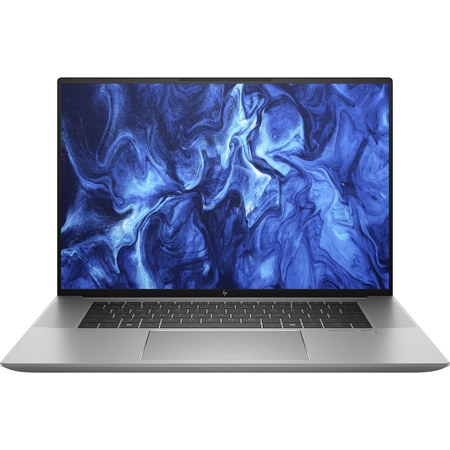
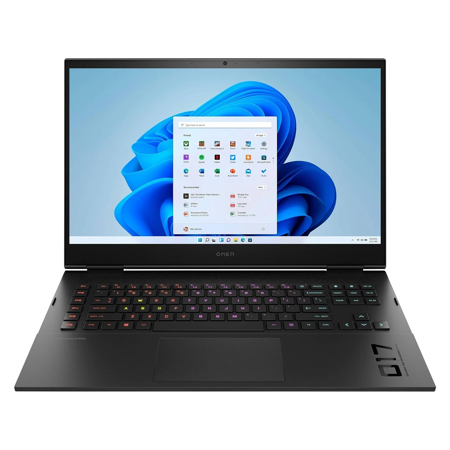
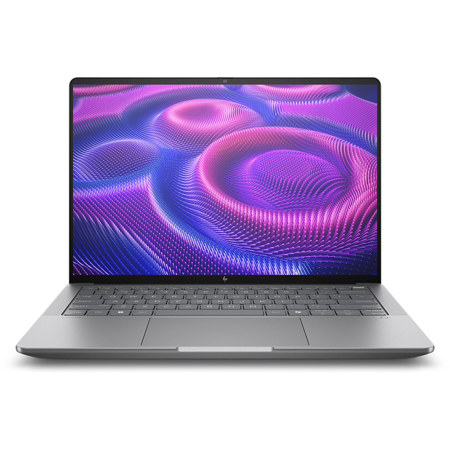
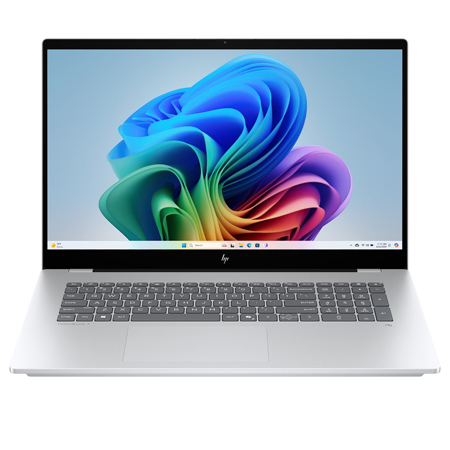
Selecting the right engineering laptop with CAD optimization is a crucial decision for anyone working in fields that demand high computational power, precision graphics, and seamless multitasking. Whether you’re a professional engineer, an architecture student, or a designer tackling intricate 3D modeling projects, the requirements for CAD laptops go far beyond the average consumer machine. These laptops are engineered for reliability and performance, often featuring high single-core clock speed CPUs, such as the latest Intel Core i7 or i9 and AMD Ryzen 7 or 9 processors, which are essential for efficiently handling complex calculations and rendering tasks in software like SolidWorks, AutoCAD, and Revit. A high specs laptop in this category will also prioritize a robust discrete GPU—think NVIDIA GeForce RTX series or similar—ensuring that even the most demanding graphical simulations and visualizations run smoothly, with minimal lag or stutter. RAM is another critical consideration; 16GB is often the baseline, but many professionals and advanced students opt for 32GB or more to future-proof their workflow and effortlessly juggle multiple large files or simulations at once.
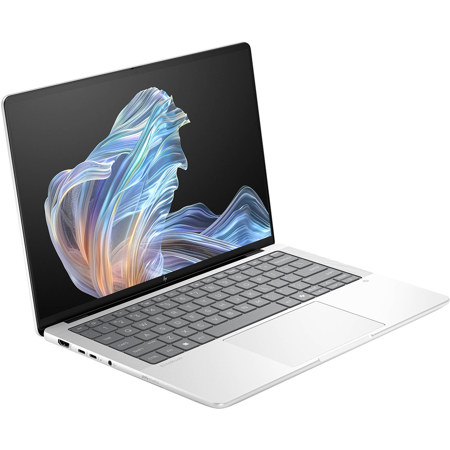
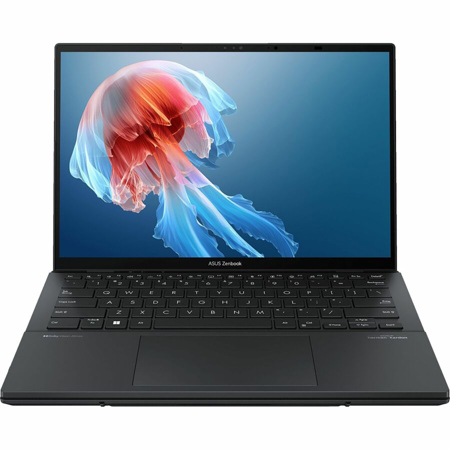
Portability and battery life become especially important during the warmer months, as students and professionals alike find themselves working on the go—whether it’s collaborating in group study sessions outdoors, traveling between job sites, or attending summer internships and workshops. Modern engineering laptops often strike a balance between raw power and mobility, offering lightweight chassis and extended battery life without compromising on performance. Features like high-refresh-rate displays, advanced thermal management, and Thunderbolt connectivity further enhance the user experience, making these machines equally suited for the classroom, the office, or remote work environments. For those considering a gift for a graduating engineering student or a professional embarking on a new project, a CAD-optimized laptop represents an investment in productivity and creativity, empowering the recipient to tackle everything from detailed circuit diagrams to immersive 3D renderings. As you browse options, you may encounter mentions of “intel evo laptops” or references to “canon laptops review engineering cad”—these terms often highlight machines that have been rigorously tested for engineering applications, ensuring they meet the stringent requirements of today’s software and workflows.
Beyond the technical specifications, choosing the right CAD laptop is about matching the device to your unique workflow and aspirations. For students entering foundational engineering courses, a lighter, more portable laptop with balanced specs may suffice, allowing for easy transport between classes and long sessions unplugged. As coursework intensifies or as professional responsibilities grow to include finite element analysis, advanced simulation, or rendering large assemblies, upgrading to a high specs laptop with enterprise-grade components and ample memory becomes essential. Many users find that mobile workstations designed for CAD offer the best of both worlds: workstation-class performance in a form factor that supports life’s transitions, from lab to fieldwork to home office. If you’re exploring all your options, you may also want to consider gaming laptops, as many of these models share similar high-performance internals and robust cooling systems; for more on this crossover, visit our dedicated page on Gaming Laptops for Engineering Students. Ultimately, an investment in a CAD-optimized engineering laptop is an investment in your ability to bring complex ideas to life, whether you’re sketching the first lines of a new design or running the final simulations before production. As the seasons shift and new projects or academic terms begin, having the right technology at your fingertips ensures you’re always ready to meet the next challenge with confidence and efficiency.
Portability and battery life become especially important during the warmer months, as students and professionals alike find themselves working on the go—whether it’s collaborating in group study sessions outdoors, traveling between job sites, or attending summer internships and workshops. Modern engineering laptops often strike a balance between raw power and mobility, offering lightweight chassis and extended battery life without compromising on performance. Features like high-refresh-rate displays, advanced thermal management, and Thunderbolt connectivity further enhance the user experience, making these machines equally suited for the classroom, the office, or remote work environments. For those considering a gift for a graduating engineering student or a professional embarking on a new project, a CAD-optimized laptop represents an investment in productivity and creativity, empowering the recipient to tackle everything from detailed circuit diagrams to immersive 3D renderings. As you browse options, you may encounter mentions of “intel evo laptops” or references to “canon laptops review engineering cad”—these terms often highlight machines that have been rigorously tested for engineering applications, ensuring they meet the stringent requirements of today’s software and workflows.
Beyond the technical specifications, choosing the right CAD laptop is about matching the device to your unique workflow and aspirations. For students entering foundational engineering courses, a lighter, more portable laptop with balanced specs may suffice, allowing for easy transport between classes and long sessions unplugged. As coursework intensifies or as professional responsibilities grow to include finite element analysis, advanced simulation, or rendering large assemblies, upgrading to a high specs laptop with enterprise-grade components and ample memory becomes essential. Many users find that mobile workstations designed for CAD offer the best of both worlds: workstation-class performance in a form factor that supports life’s transitions, from lab to fieldwork to home office. If you’re exploring all your options, you may also want to consider gaming laptops, as many of these models share similar high-performance internals and robust cooling systems; for more on this crossover, visit our dedicated page on Gaming Laptops for Engineering Students. Ultimately, an investment in a CAD-optimized engineering laptop is an investment in your ability to bring complex ideas to life, whether you’re sketching the first lines of a new design or running the final simulations before production. As the seasons shift and new projects or academic terms begin, having the right technology at your fingertips ensures you’re always ready to meet the next challenge with confidence and efficiency.