Ergonomic Computer Monitors
The importance of an ergonomic workspace becomes especially apparent during the winter months, when daylight hours are short and many of us find ourselves spending even more time indoors, immersed in work or creative pursuits. Ergonomic computer monitors play a pivotal role in establishing a comfortable and productive environment, whether you’re fine-tuning a photo edit, managing spreadsheets, or engaging in long video conferences. The right monitor can make all the difference for professionals who spend hours in front of a screen—graphic designers, video editors, programmers, and remote workers all benefit from displays that support natural posture and reduce strain. Even students, gamers, and hobbyists will notice the impact of a monitor designed with ergonomics in mind, especially during marathon sessions or late-night study sprints. These monitors are also a thoughtful gift for anyone setting up a home office, upgrading their workstation, or pursuing creative projects, as they demonstrate a genuine concern for the recipient’s comfort and well-being.
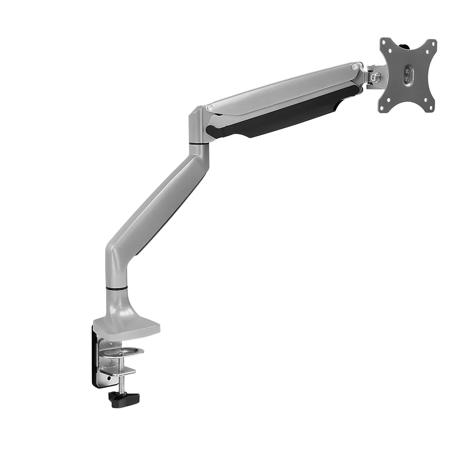
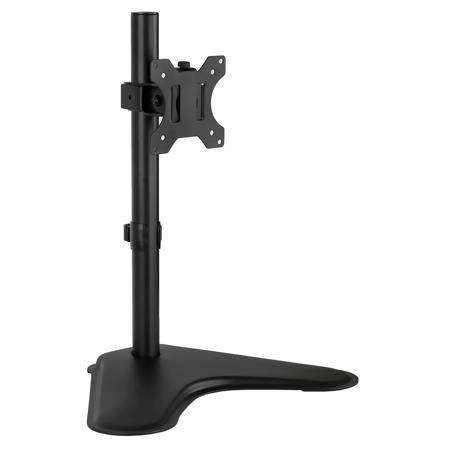
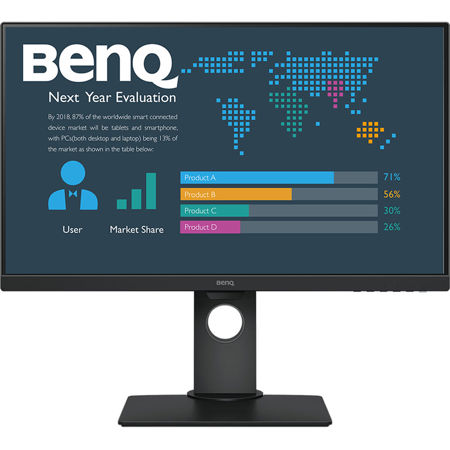
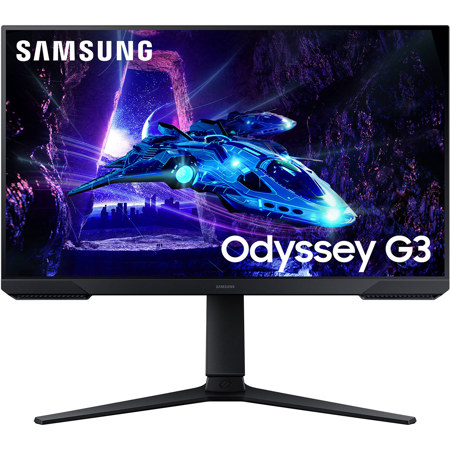
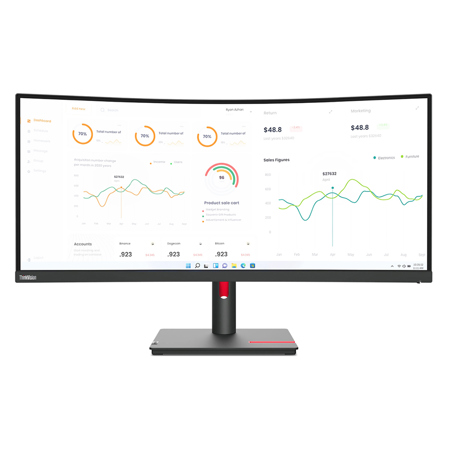
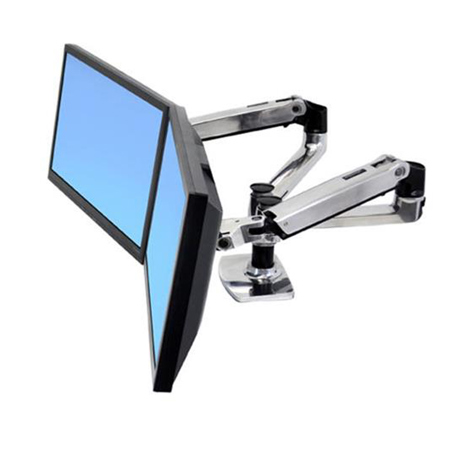
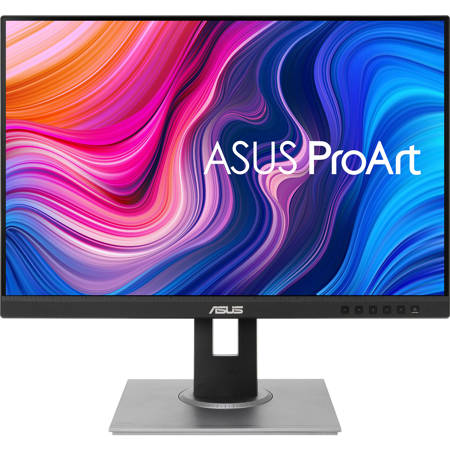
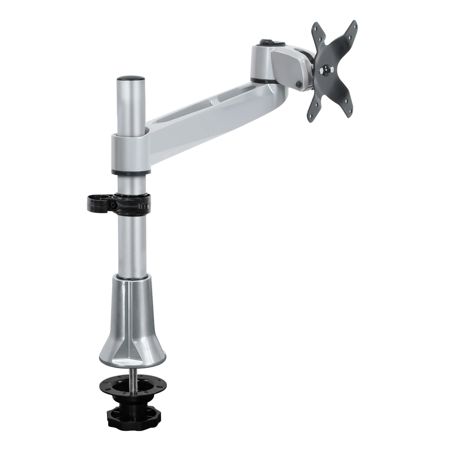
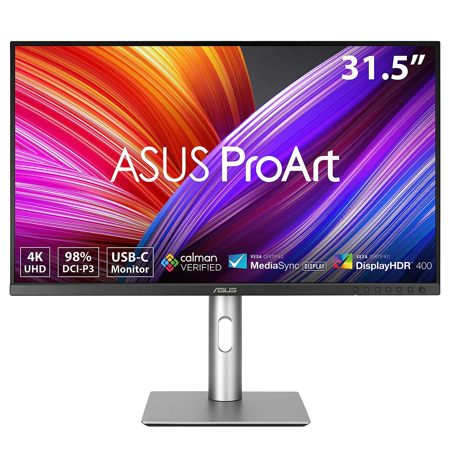
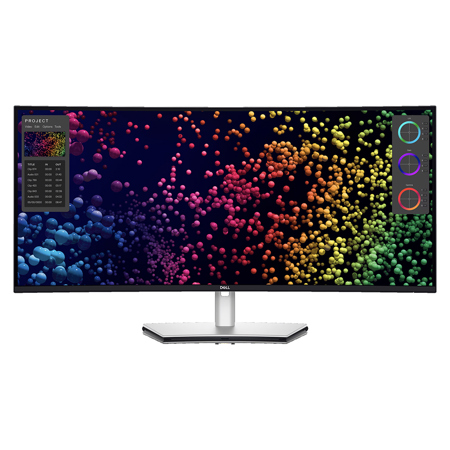
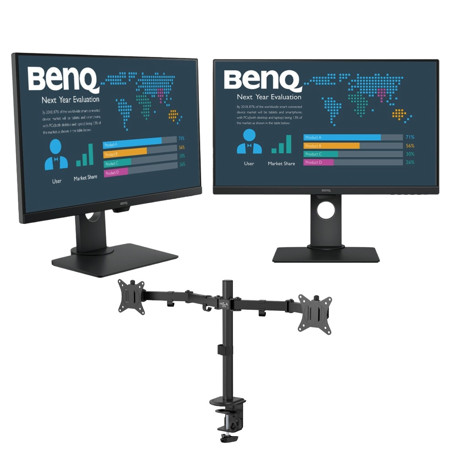
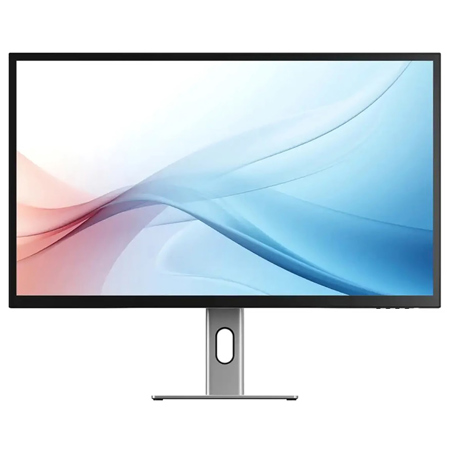
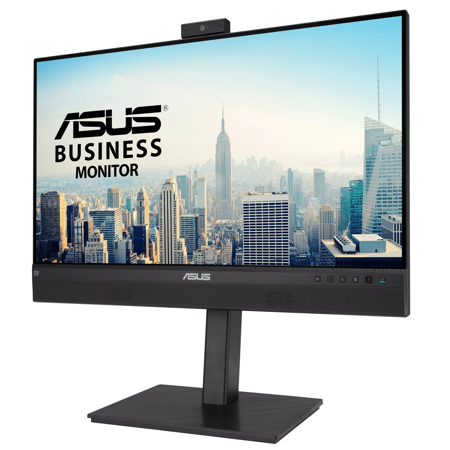
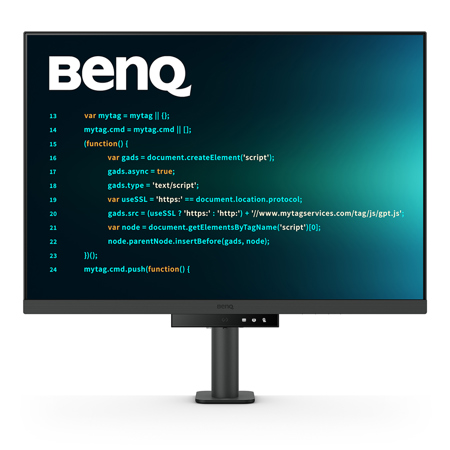
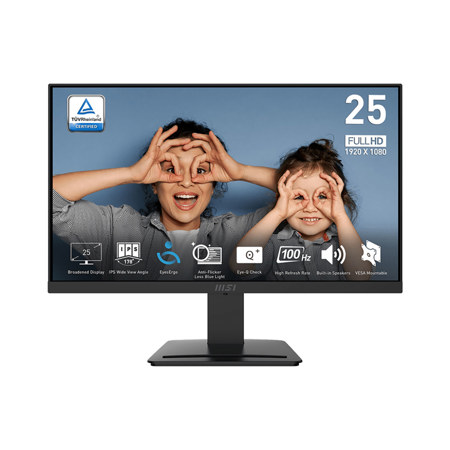
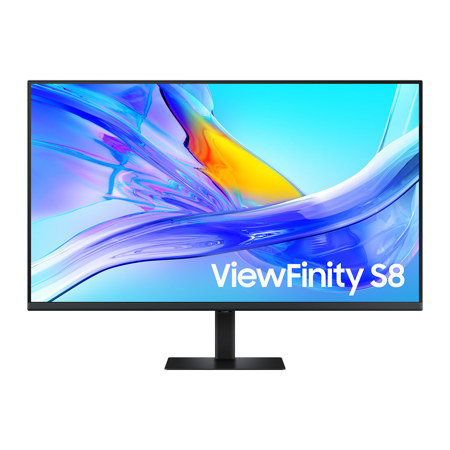
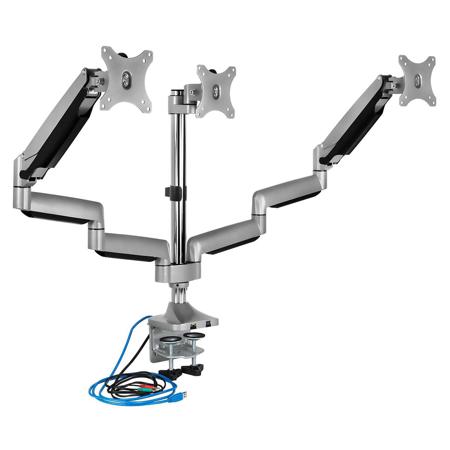
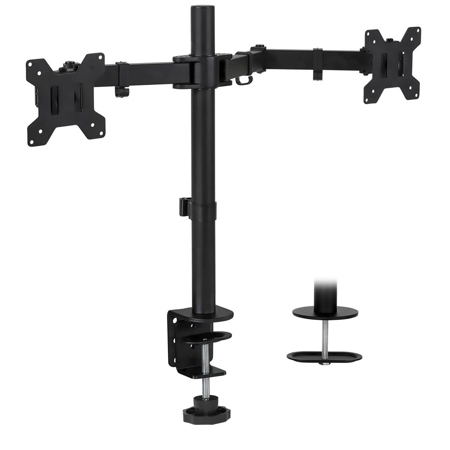
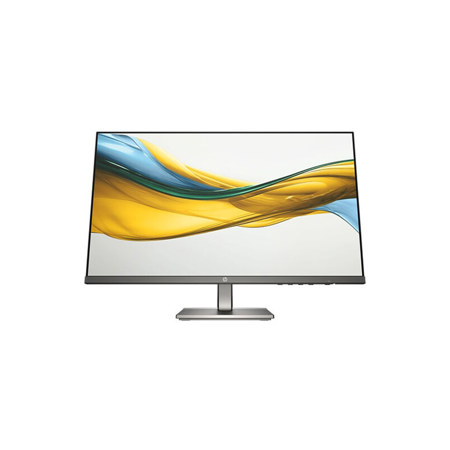
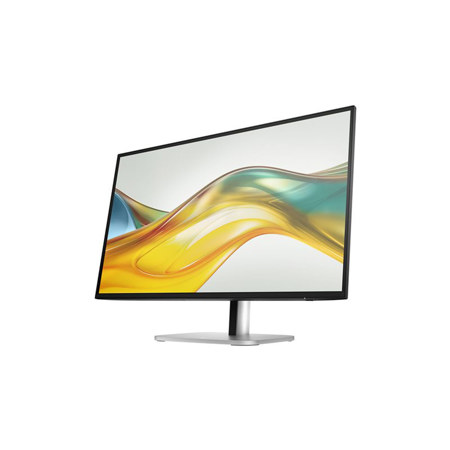
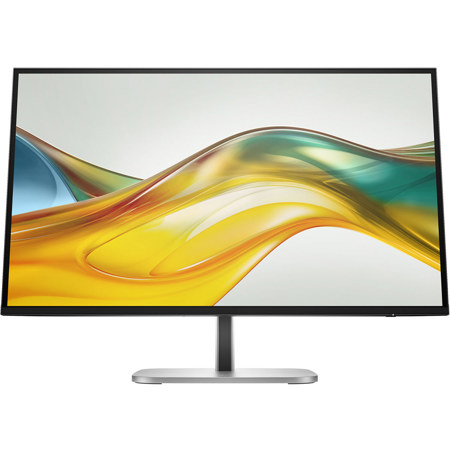
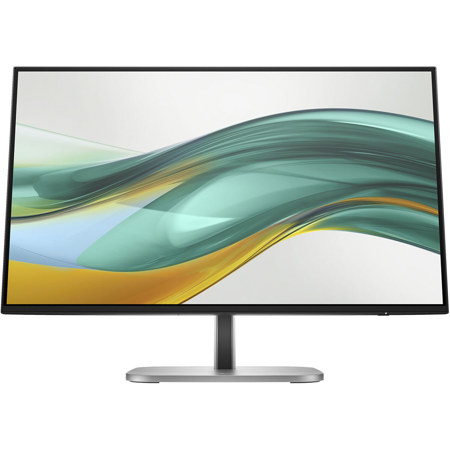
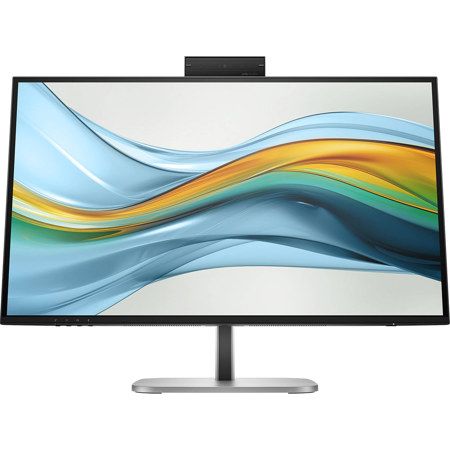
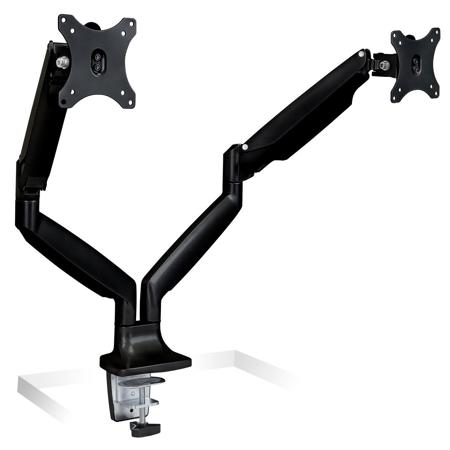
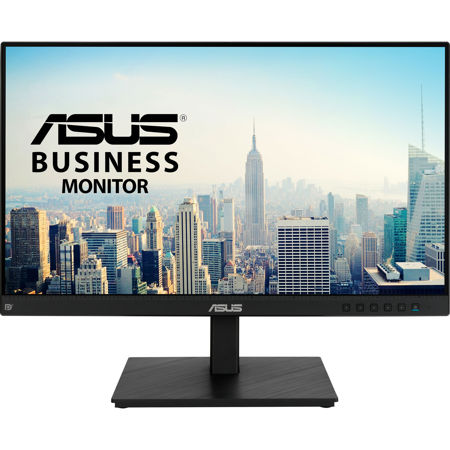
When selecting an ergonomic computer monitor, several key factors come into play to create an optimal viewing experience. Adjustable stands are essential, allowing you to fine-tune the height, tilt, swivel, and even pivot of your display so the top edge sits at or just below eye level. This encourages a neutral head and neck posture and helps minimize fatigue, especially during the cold months when stiff muscles and poor posture can become more pronounced. Vivid, high-resolution panels with anti-glare coatings further reduce eye strain, while blue light filtering modes can be a welcome feature for those who work late into the evening. The ability to position the monitor an arm’s length away, with the screen perpendicular to windows or bright lights, promotes a comfortable downward gaze and prevents distracting reflections. For those who wear bifocals or progressive lenses, monitors that tilt back slightly make it easier to maintain clarity and comfort throughout the day. Pairing your monitor with a sturdy stand or a flexible arm mount offers even greater control over your setup, ensuring you can adapt your workspace as needs change. These adjustments are especially vital as you move between tasks, from focused work to video calls or creative brainstorming.
Ergonomic monitors are more than just a luxury—they are a practical investment in health and productivity, supporting the natural alignment of your body and helping you maintain focus over long periods. Incorporating features like easy-to-reach controls, cable management, and integrated USB hubs can simplify your workspace and keep distractions to a minimum. As you curate your ideal office, consider complementing your monitor with other supportive accessories, such as adjustable chairs, footrests, and keyboard trays. For more inspiration on creating a healthy, efficient workspace, explore our curated selection of Ergonomic Office Equipment. Whether you’re outfitting a home office for the first time or upgrading your current setup for the new year, ergonomic computer monitors provide the foundation for a workspace that feels as good as it looks—helping you stay comfortable, focused, and inspired, no matter what the season brings.
When selecting an ergonomic computer monitor, several key factors come into play to create an optimal viewing experience. Adjustable stands are essential, allowing you to fine-tune the height, tilt, swivel, and even pivot of your display so the top edge sits at or just below eye level. This encourages a neutral head and neck posture and helps minimize fatigue, especially during the cold months when stiff muscles and poor posture can become more pronounced. Vivid, high-resolution panels with anti-glare coatings further reduce eye strain, while blue light filtering modes can be a welcome feature for those who work late into the evening. The ability to position the monitor an arm’s length away, with the screen perpendicular to windows or bright lights, promotes a comfortable downward gaze and prevents distracting reflections. For those who wear bifocals or progressive lenses, monitors that tilt back slightly make it easier to maintain clarity and comfort throughout the day. Pairing your monitor with a sturdy stand or a flexible arm mount offers even greater control over your setup, ensuring you can adapt your workspace as needs change. These adjustments are especially vital as you move between tasks, from focused work to video calls or creative brainstorming.
Ergonomic monitors are more than just a luxury—they are a practical investment in health and productivity, supporting the natural alignment of your body and helping you maintain focus over long periods. Incorporating features like easy-to-reach controls, cable management, and integrated USB hubs can simplify your workspace and keep distractions to a minimum. As you curate your ideal office, consider complementing your monitor with other supportive accessories, such as adjustable chairs, footrests, and keyboard trays. For more inspiration on creating a healthy, efficient workspace, explore our curated selection of Ergonomic Office Equipment. Whether you’re outfitting a home office for the first time or upgrading your current setup for the new year, ergonomic computer monitors provide the foundation for a workspace that feels as good as it looks—helping you stay comfortable, focused, and inspired, no matter what the season brings.