
External Hard Drives for Windows 11
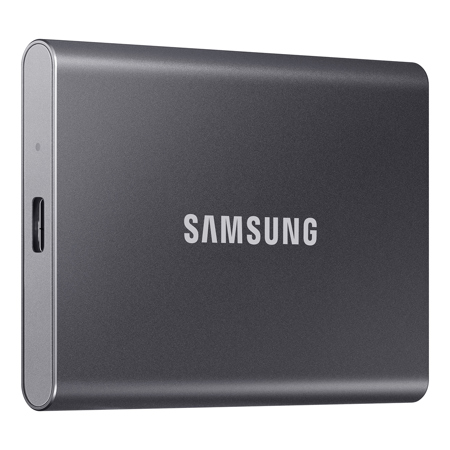
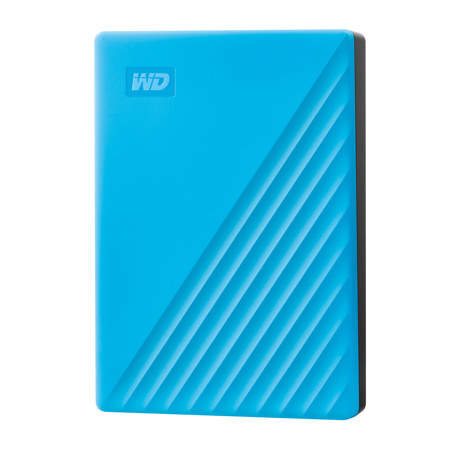
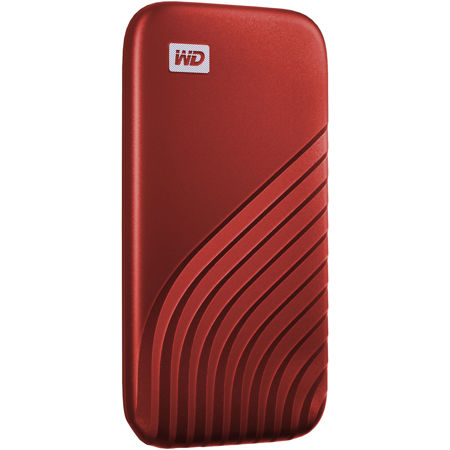
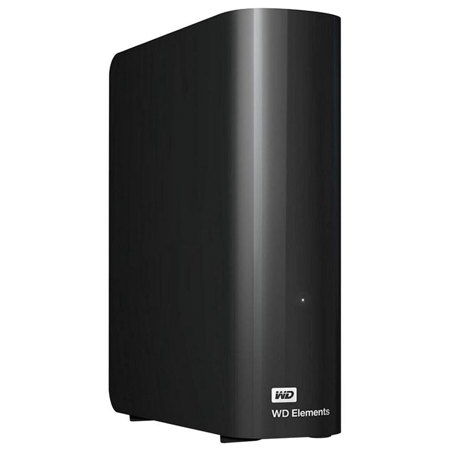
When it comes to expanding storage or safeguarding important data on a Windows 11 PC, external hard drives are a reliable companion for both everyday users and professionals. As digital files grow ever larger—whether it’s high-resolution photos, 4K videos, or complex project files—having extra space on hand becomes more than just a convenience; it’s a necessity. External hard drives designed for Windows 11 integrate seamlessly with the operating system, offering straightforward plug-and-play functionality via USB or Thunderbolt connections. For many, the process is as simple as plugging in the drive and watching it appear in File Explorer, ready to accept everything from cherished family photos to critical business documents. If you’re setting up a new device in the quiet of January, perhaps after receiving a laptop as a holiday gift, an external hard drive is the perfect first accessory to ensure your files are always backed up and within reach.
These devices are not just for tech enthusiasts or IT professionals. Students, photographers, content creators, and remote workers all benefit from the peace of mind that comes with regular backups and portable storage. Imagine a student heading into a new semester, carrying a compact external drive filled with coursework, research papers, and lecture recordings—no worries about losing progress if something happens to their main computer. Or picture a photographer returning from a winter shoot, quickly transferring gigabytes of RAW images to an external drive for editing and archiving. Even families can use these drives to create secure backups of treasured memories, using Windows 11’s built-in Backup and Restore features for a straightforward, guided process. For those who travel or work between multiple locations, some external hard drives even allow you to run a portable version of Windows 11 itself, turning any compatible computer into your own personalized workstation. This flexibility is invaluable for professionals who need to maintain consistent workflows on the go, especially during the busy start-of-year period when projects ramp up and deadlines loom.
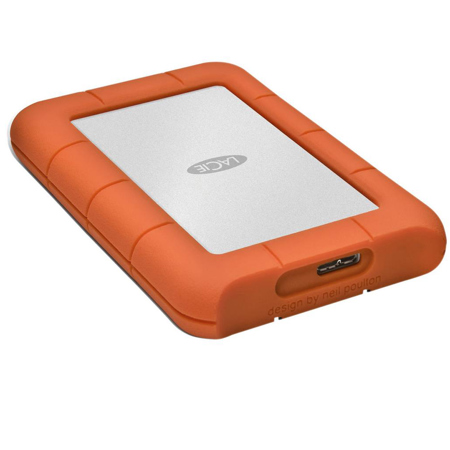
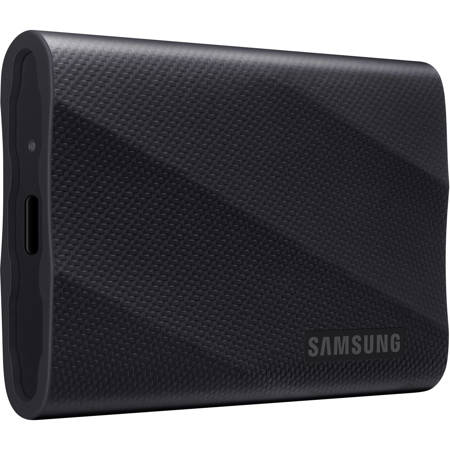
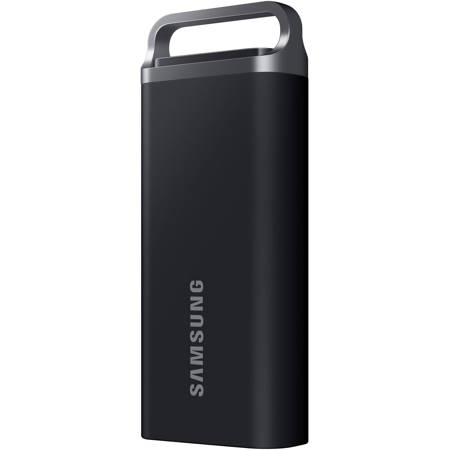
When selecting an external hard drive for use with Windows 11, consider factors like storage capacity, speed, and durability. Larger drives are ideal for video editors or anyone handling massive files, while solid-state models offer faster transfer rates and greater resilience against bumps and drops—a real advantage when commuting during the winter months. Connectivity is also key: newer drives support USB 3.2 or Thunderbolt for swift file transfers, and compatibility with Windows 11 ensures you can take advantage of the latest performance and security enhancements. Troubleshooting is typically straightforward; if a drive doesn’t appear immediately, a quick reboot or checking Disk Management usually resolves the issue. For more advanced uses, such as creating a portable Windows 11 environment, there are specialized tools and simple step-by-step methods available. Whether you’re seeking a practical gift for a student, a reliable backup solution for a family computer, or professional-grade storage for creative work, external hard drives are a thoughtful and versatile choice. For those interested in learning more about optimizing file transfers and backup routines, explore our detailed guide on External Hard Drives For File Transfer for expert tips and product recommendations tailored to every need.
These devices are not just for tech enthusiasts or IT professionals. Students, photographers, content creators, and remote workers all benefit from the peace of mind that comes with regular backups and portable storage. Imagine a student heading into a new semester, carrying a compact external drive filled with coursework, research papers, and lecture recordings—no worries about losing progress if something happens to their main computer. Or picture a photographer returning from a winter shoot, quickly transferring gigabytes of RAW images to an external drive for editing and archiving. Even families can use these drives to create secure backups of treasured memories, using Windows 11’s built-in Backup and Restore features for a straightforward, guided process. For those who travel or work between multiple locations, some external hard drives even allow you to run a portable version of Windows 11 itself, turning any compatible computer into your own personalized workstation. This flexibility is invaluable for professionals who need to maintain consistent workflows on the go, especially during the busy start-of-year period when projects ramp up and deadlines loom.
When selecting an external hard drive for use with Windows 11, consider factors like storage capacity, speed, and durability. Larger drives are ideal for video editors or anyone handling massive files, while solid-state models offer faster transfer rates and greater resilience against bumps and drops—a real advantage when commuting during the winter months. Connectivity is also key: newer drives support USB 3.2 or Thunderbolt for swift file transfers, and compatibility with Windows 11 ensures you can take advantage of the latest performance and security enhancements. Troubleshooting is typically straightforward; if a drive doesn’t appear immediately, a quick reboot or checking Disk Management usually resolves the issue. For more advanced uses, such as creating a portable Windows 11 environment, there are specialized tools and simple step-by-step methods available. Whether you’re seeking a practical gift for a student, a reliable backup solution for a family computer, or professional-grade storage for creative work, external hard drives are a thoughtful and versatile choice. For those interested in learning more about optimizing file transfers and backup routines, explore our detailed guide on External Hard Drives For File Transfer for expert tips and product recommendations tailored to every need.