
External Hard Drives for Windows 7
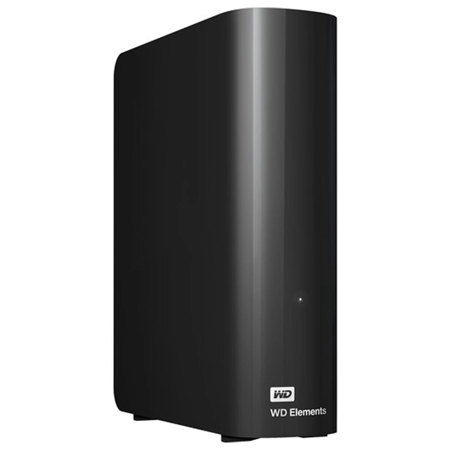
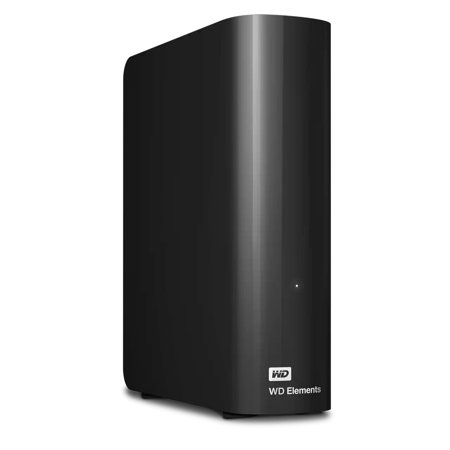
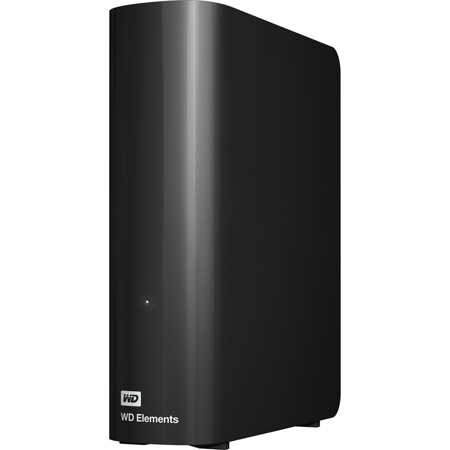
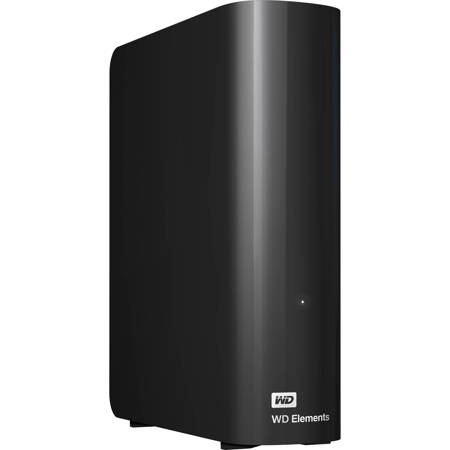
When it comes to safeguarding precious memories, organizing extensive music libraries, or managing a growing collection of work documents, external hard drives for Windows 7 offer a practical and versatile solution. As spring arrives and many embark on digital decluttering or fresh projects, the need for reliable and compatible storage becomes even more apparent. External hard drives designed for Windows 7 provide users with a simple and effective way to expand storage capacity without the hassle of complex installations or compatibility headaches. Most USB-based drives, especially those supporting USB 3.0, are recognized instantly by the operating system, making them a seamless addition to any setup. Whether you’re a photographer archiving high-resolution images, a student backing up assignments, or a professional managing client files, these drives deliver peace of mind through straightforward plug-and-play functionality. They’re also an excellent choice for those looking to create secure backups using Windows’ built-in “Backup and Restore” tool, ensuring important data is protected against accidental loss.
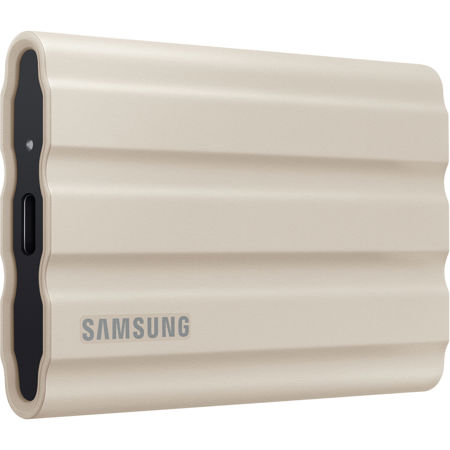
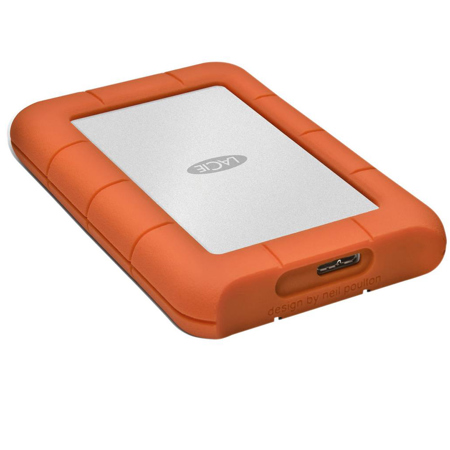
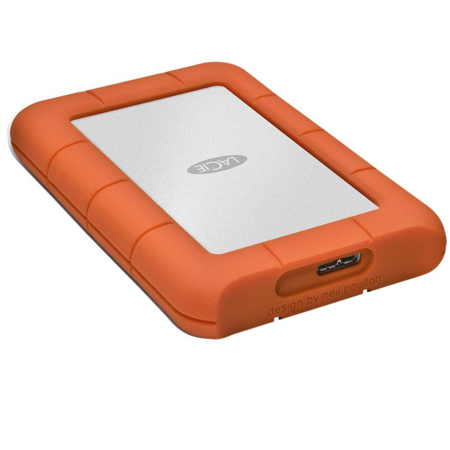
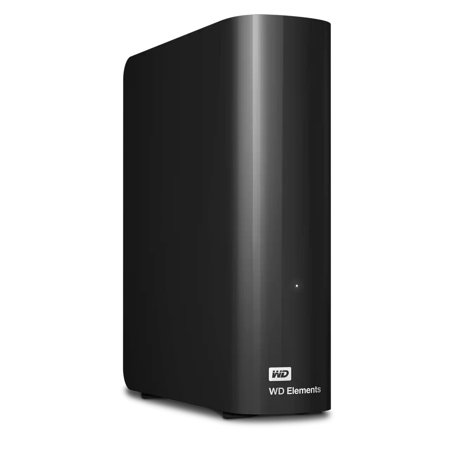
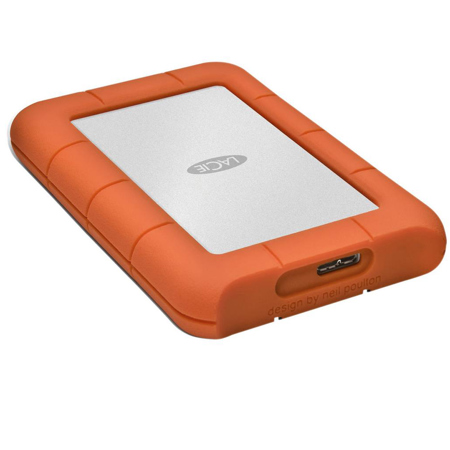
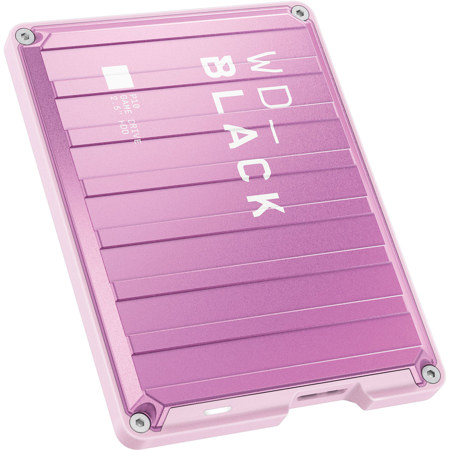
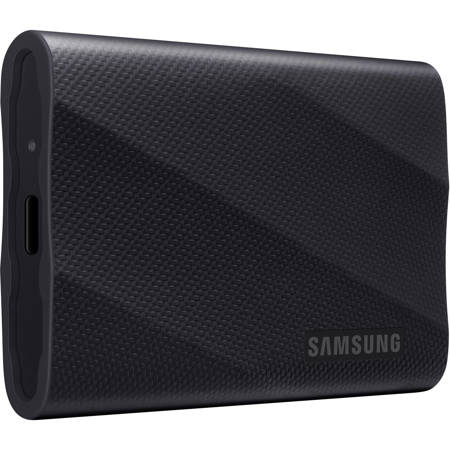
Selecting the right external hard drive for Windows 7 involves several key considerations. Storage capacity is often at the top of the list—while 64-bit versions of Windows 7 support large drives, users planning to store more than 2TB of data should ensure their drive is formatted with the GPT partition style for optimal compatibility. For those with more modest needs, compact and slim designs are available, perfect for slipping into a laptop bag or desk drawer. Durability is another factor, especially for users who travel frequently or need a drive that can withstand the rigors of daily use; ruggedized options offer additional protection against drops and shocks. Speed matters, too: USB 3.0 drives provide faster transfer rates compared to USB 2.0, though they remain backward compatible for older systems. It’s also worth noting that while most drives work out-of-the-box with Windows 7, some newer drive management or encryption software may not be supported on this operating system, so users often rely on simple drag-and-drop file management or the native backup utilities. Formatting the drive to NTFS further enhances compatibility and performance with Windows 7, making it easier to handle large files and maintain system stability.
External hard drives for Windows 7 make thoughtful gifts for tech enthusiasts, students heading off to college, or anyone in need of additional storage for their digital life. They’re especially timely in the spring, when many people are inspired to organize, back up, or refresh their digital archives. Gifting an external hard drive can provide a loved one with the tools to preserve family photos, store creative projects, or keep important documents safe. For those looking ahead to future upgrades, it’s also helpful to know that many external drives are compatible with newer operating systems, and a smooth transition is possible—explore options for External Hard Drives for Windows 11 to ensure continued usability as technology evolves. Ultimately, choosing an external hard drive tailored for Windows 7 is about more than just storage—it’s about creating a reliable, flexible, and secure foundation for your digital world, whether you’re managing everyday files or safeguarding irreplaceable memories.
Selecting the right external hard drive for Windows 7 involves several key considerations. Storage capacity is often at the top of the list—while 64-bit versions of Windows 7 support large drives, users planning to store more than 2TB of data should ensure their drive is formatted with the GPT partition style for optimal compatibility. For those with more modest needs, compact and slim designs are available, perfect for slipping into a laptop bag or desk drawer. Durability is another factor, especially for users who travel frequently or need a drive that can withstand the rigors of daily use; ruggedized options offer additional protection against drops and shocks. Speed matters, too: USB 3.0 drives provide faster transfer rates compared to USB 2.0, though they remain backward compatible for older systems. It’s also worth noting that while most drives work out-of-the-box with Windows 7, some newer drive management or encryption software may not be supported on this operating system, so users often rely on simple drag-and-drop file management or the native backup utilities. Formatting the drive to NTFS further enhances compatibility and performance with Windows 7, making it easier to handle large files and maintain system stability.
External hard drives for Windows 7 make thoughtful gifts for tech enthusiasts, students heading off to college, or anyone in need of additional storage for their digital life. They’re especially timely in the spring, when many people are inspired to organize, back up, or refresh their digital archives. Gifting an external hard drive can provide a loved one with the tools to preserve family photos, store creative projects, or keep important documents safe. For those looking ahead to future upgrades, it’s also helpful to know that many external drives are compatible with newer operating systems, and a smooth transition is possible—explore options for External Hard Drives for Windows 11 to ensure continued usability as technology evolves. Ultimately, choosing an external hard drive tailored for Windows 7 is about more than just storage—it’s about creating a reliable, flexible, and secure foundation for your digital world, whether you’re managing everyday files or safeguarding irreplaceable memories.