Mac Remote Presenter
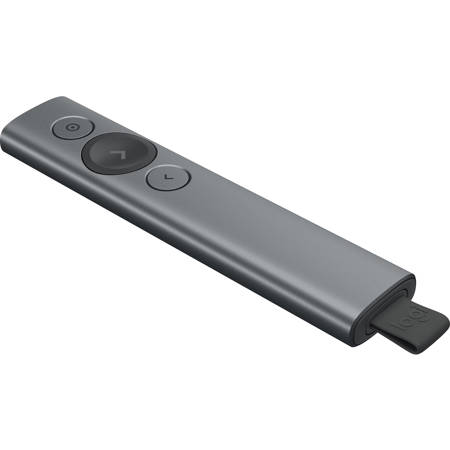
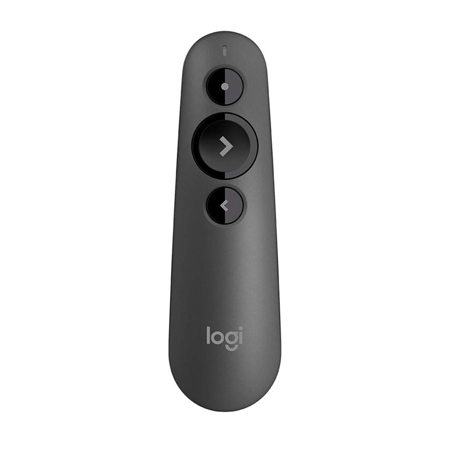
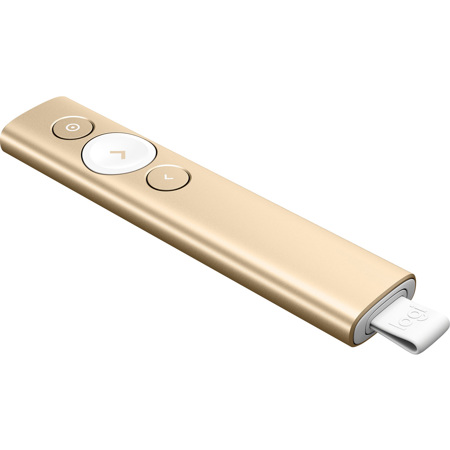
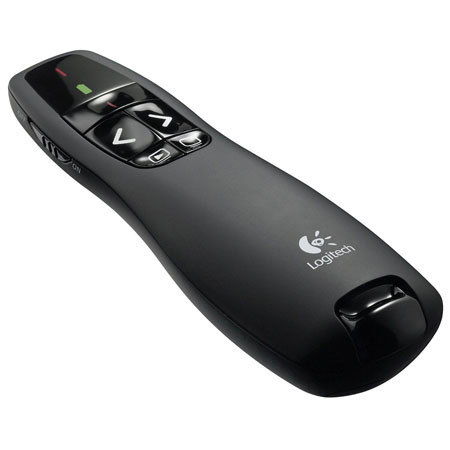
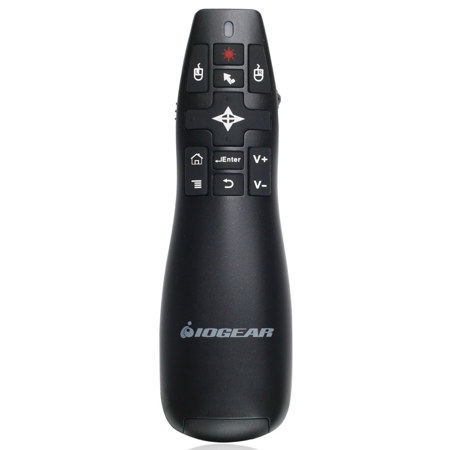
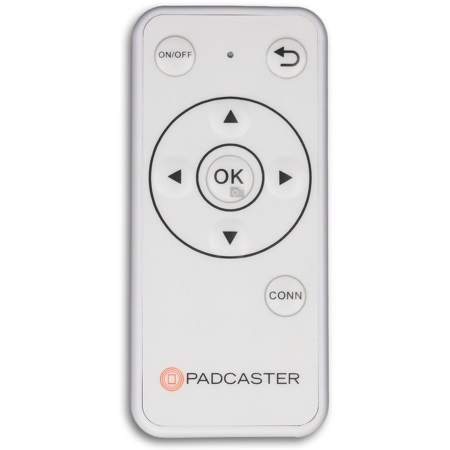
When it comes to delivering impactful presentations, having the right tools can make all the difference. A Mac remote presenter is an essential accessory for anyone who regularly presents in professional, educational, or creative settings. These devices allow you to control your slides from a distance, freeing you to move around the room, engage your audience, and maintain a natural flow. Whether you’re advancing through a pitch deck in a boardroom, leading a workshop, or sharing research findings in a lecture hall, a presentation remote for Mac streamlines your workflow and boosts your confidence. Many presenters appreciate features like tactile buttons for slide navigation, built-in laser or digital pointers for highlighting key details, and the ability to switch seamlessly between Keynote, PowerPoint, or Google Slides. As the weather warms and event season picks up, from business conferences to summer workshops and even family reunions where slideshows are part of the festivities, a reliable presentation clicker for Mac ensures your message comes through clearly. These remotes are also a thoughtful, practical gift for students, educators, public speakers, or anyone preparing for a big presentation—especially those transitioning to new roles or heading back to school in the fall.
Choosing the best presentation remote for Mac involves several important considerations. Compatibility is key, as many newer MacBooks feature USB-C ports, making it worthwhile to seek out remotes with USB-C or dual USB-A/USB-C receivers for maximum flexibility. Bluetooth-enabled remotes offer wireless freedom without the need for dongles, which is especially handy for presenters who travel or frequently switch between devices. Range is another factor—if you’re presenting in larger venues, look for a laptop clicker with a range of at least 50 to 100 feet to ensure you can move freely without losing connection. Some remotes include both physical laser pointers and digital on-screen highlighting features, which are particularly useful for LED or digital displays where traditional lasers may not show up as clearly. Ergonomics matter too: a comfortable grip and intuitive button layout help keep your focus on your audience rather than fumbling with controls. For those who value portability, many presentation clickers for Mac are compact enough to slip into a pocket or laptop bag, making them easy to bring along to any meeting or event. With so many options available, finding the best presentation clicker for Mac is ultimately about matching your specific needs and presentation style to the right combination of features.
For anyone looking to enhance their presentation setup, exploring the latest remote presenter options can open up new possibilities for audience engagement and professional polish. Whether you’re a teacher guiding students through complex material, a business leader pitching to clients, or a creative sharing your portfolio, the right remote presenter can help you command the room with ease. If you’re interested in discovering more tools to elevate your presentations, check out our curated collection of Gadgets For Presentations for innovative solutions that complement your workflow and help you deliver your message with confidence throughout the year.
Choosing the best presentation remote for Mac involves several important considerations. Compatibility is key, as many newer MacBooks feature USB-C ports, making it worthwhile to seek out remotes with USB-C or dual USB-A/USB-C receivers for maximum flexibility. Bluetooth-enabled remotes offer wireless freedom without the need for dongles, which is especially handy for presenters who travel or frequently switch between devices. Range is another factor—if you’re presenting in larger venues, look for a laptop clicker with a range of at least 50 to 100 feet to ensure you can move freely without losing connection. Some remotes include both physical laser pointers and digital on-screen highlighting features, which are particularly useful for LED or digital displays where traditional lasers may not show up as clearly. Ergonomics matter too: a comfortable grip and intuitive button layout help keep your focus on your audience rather than fumbling with controls. For those who value portability, many presentation clickers for Mac are compact enough to slip into a pocket or laptop bag, making them easy to bring along to any meeting or event. With so many options available, finding the best presentation clicker for Mac is ultimately about matching your specific needs and presentation style to the right combination of features.
For anyone looking to enhance their presentation setup, exploring the latest remote presenter options can open up new possibilities for audience engagement and professional polish. Whether you’re a teacher guiding students through complex material, a business leader pitching to clients, or a creative sharing your portfolio, the right remote presenter can help you command the room with ease. If you’re interested in discovering more tools to elevate your presentations, check out our curated collection of Gadgets For Presentations for innovative solutions that complement your workflow and help you deliver your message with confidence throughout the year.