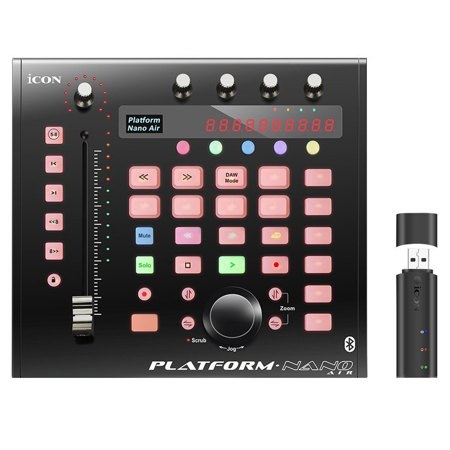
Midi Controller For iPad
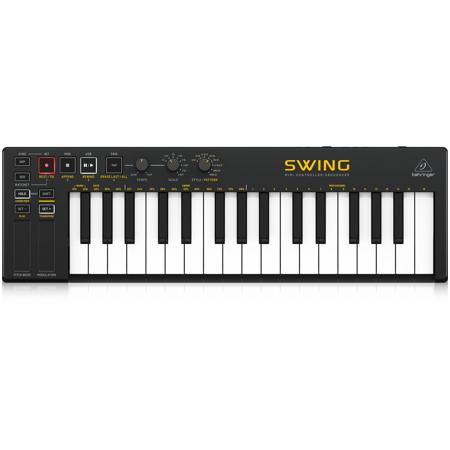
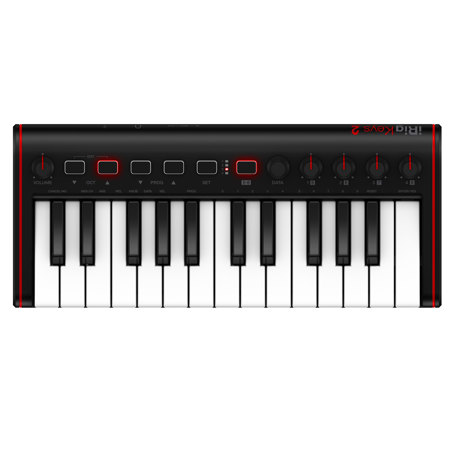
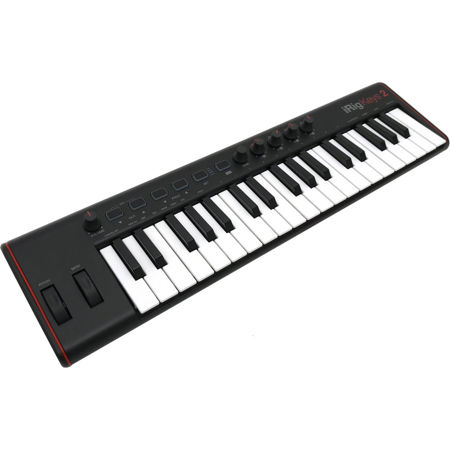
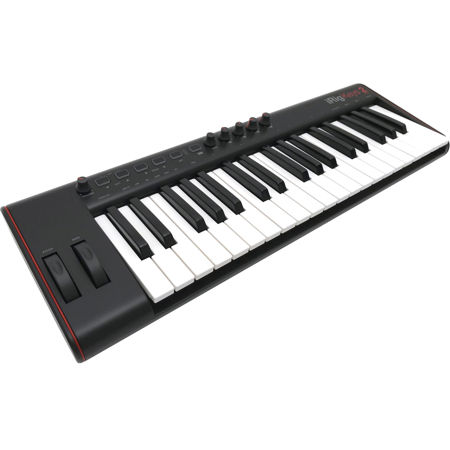
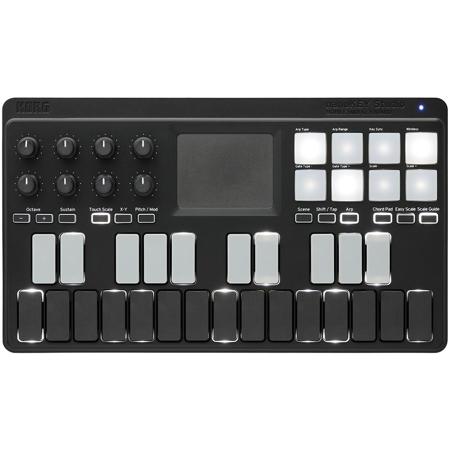
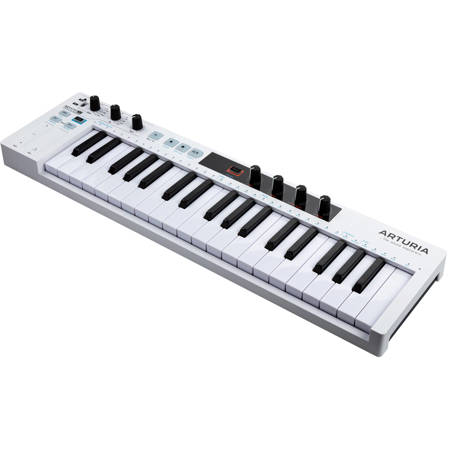
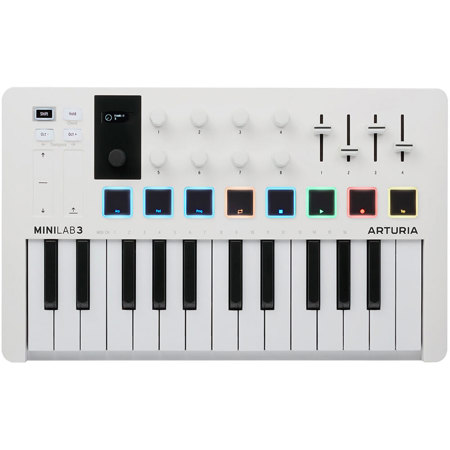
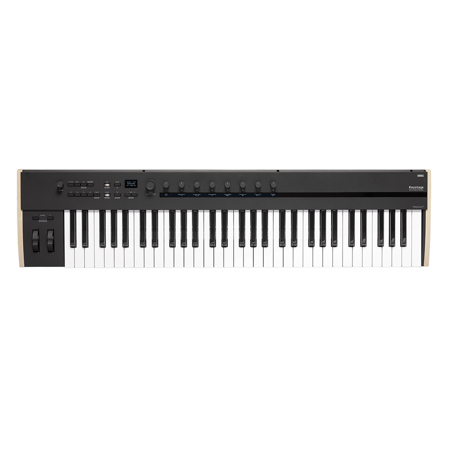
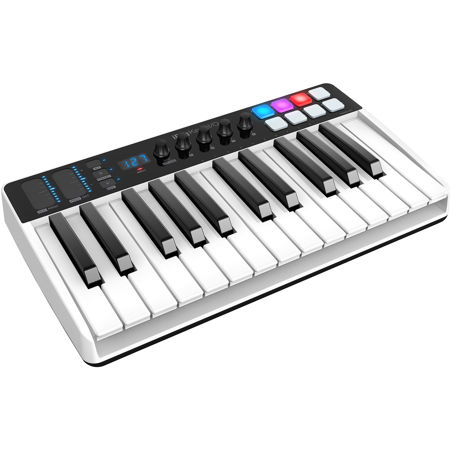
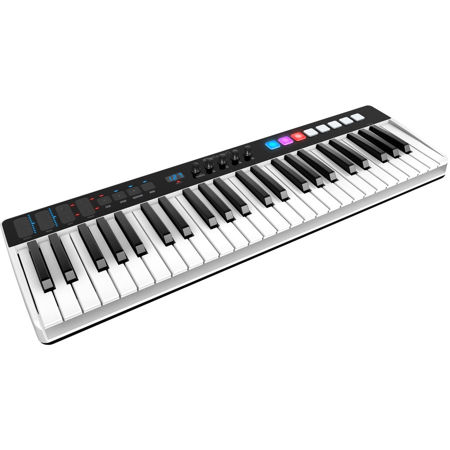
Whether you’re an experienced music producer, a performing musician, or an aspiring creator looking to unlock your creative potential, choosing the right midi controller for iPad can make all the difference in your workflow and sound. As portable music production continues to thrive, especially during the warmer months when inspiration often strikes on the go, the convenience and versatility of an iPad midi controller are hard to overstate. These compact devices are designed to seamlessly integrate with your favorite iOS music apps, from GarageBand and Logic Pro to more specialized synths and DAWs, making them a staple in the backpacks of mobile producers, DJs, and songwriters alike. The best midi controller for iPad will depend on your unique needs—some prioritize ultra-portability for travel or outdoor sessions, while others seek more keys, pads, or assignable controls for intricate studio work. Many modern midi controllers for iPad offer Bluetooth connectivity, reducing cable clutter and enhancing mobility, while USB-C compatibility ensures straightforward connections with the latest iPad models. For those with older devices, a simple camera adapter bridges the gap, allowing virtually any class-compliant controller to interface with your setup.
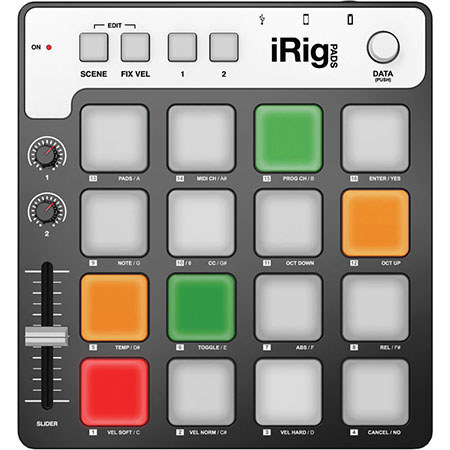
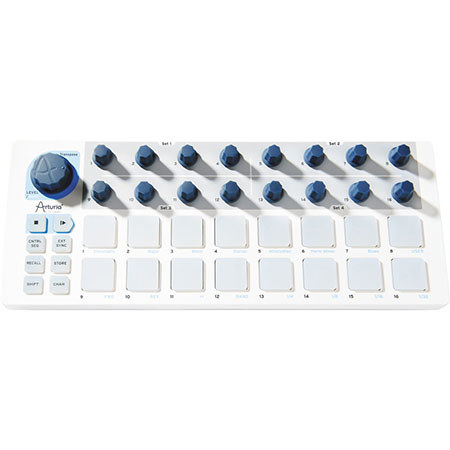
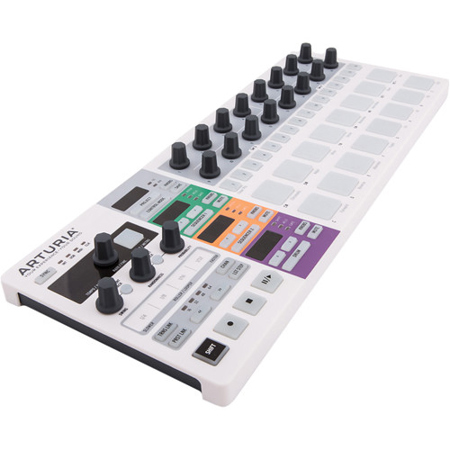
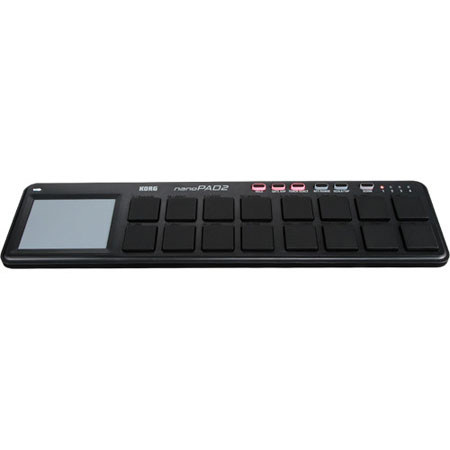
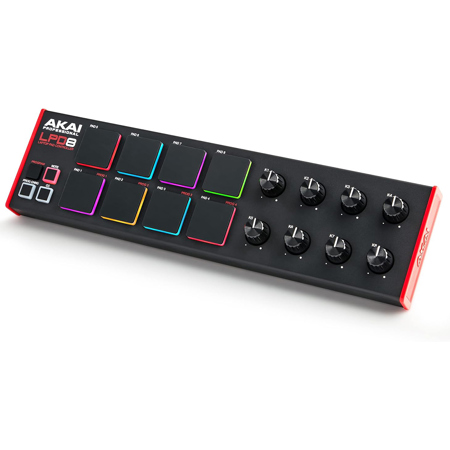
When selecting an iPad midi controller, consider not just the number of keys or pads, but also the tactile feel, build quality, and the type of music you plan to create. If you’re gifting a midi controller for iPad to a budding musician, a compact, user-friendly model can be a thoughtful choice—perfect for students, hobbyists, or anyone looking to explore digital music-making for the first time. On the other hand, seasoned producers and live performers may appreciate controllers with more advanced features, such as velocity-sensitive pads, rotary encoders, or built-in arpeggiators, which allow for expressive playing and deep integration with iOS apps. As the days grow longer and opportunities for collaboration, outdoor jams, or impromptu recording sessions abound, having a reliable midi controller ipad setup means you can capture ideas whenever and wherever inspiration strikes. Additionally, those interested in beat-making or finger drumming may want to explore dedicated pad controllers for their iPad as well—discover more options on our Midi Pad Controllers page.
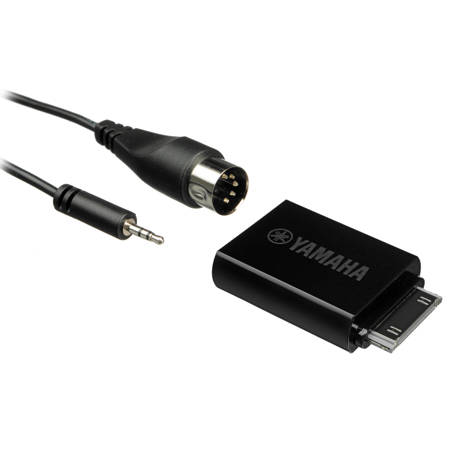
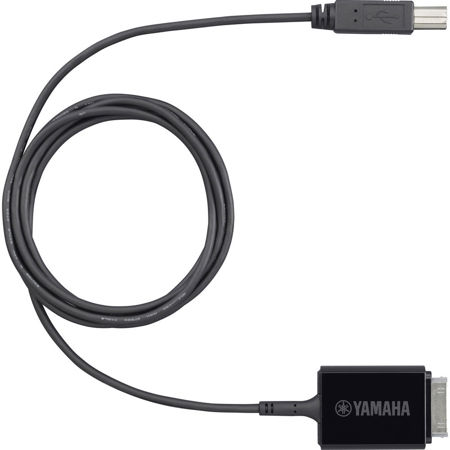
Connection options are another important consideration. USB-C equipped iPads make it easy to plug in most modern controllers directly, while Lightning port iPads may require a camera adapter for seamless integration. For power-hungry devices—those with illuminated pads, motorized faders, or built-in screens—a powered USB hub can be an essential accessory to prevent battery drain during extended sessions. Whether you’re composing on a sunny balcony, producing beats in your home studio, or performing live at a summer event, the right midi controllers for iPad provide the tactile control and expressive possibilities that touchscreens alone can’t match. They also make fantastic gifts for students heading off to music school, friends who want to start their own podcasts or livestreams, or family members passionate about music technology. No matter your skill level or musical ambition, an iPad midi controller is a versatile tool that empowers creativity, streamlines your workflow, and brings professional-level control to the palm of your hand.
When selecting an iPad midi controller, consider not just the number of keys or pads, but also the tactile feel, build quality, and the type of music you plan to create. If you’re gifting a midi controller for iPad to a budding musician, a compact, user-friendly model can be a thoughtful choice—perfect for students, hobbyists, or anyone looking to explore digital music-making for the first time. On the other hand, seasoned producers and live performers may appreciate controllers with more advanced features, such as velocity-sensitive pads, rotary encoders, or built-in arpeggiators, which allow for expressive playing and deep integration with iOS apps. As the days grow longer and opportunities for collaboration, outdoor jams, or impromptu recording sessions abound, having a reliable midi controller ipad setup means you can capture ideas whenever and wherever inspiration strikes. Additionally, those interested in beat-making or finger drumming may want to explore dedicated pad controllers for their iPad as well—discover more options on our Midi Pad Controllers page.
Connection options are another important consideration. USB-C equipped iPads make it easy to plug in most modern controllers directly, while Lightning port iPads may require a camera adapter for seamless integration. For power-hungry devices—those with illuminated pads, motorized faders, or built-in screens—a powered USB hub can be an essential accessory to prevent battery drain during extended sessions. Whether you’re composing on a sunny balcony, producing beats in your home studio, or performing live at a summer event, the right midi controllers for iPad provide the tactile control and expressive possibilities that touchscreens alone can’t match. They also make fantastic gifts for students heading off to music school, friends who want to start their own podcasts or livestreams, or family members passionate about music technology. No matter your skill level or musical ambition, an iPad midi controller is a versatile tool that empowers creativity, streamlines your workflow, and brings professional-level control to the palm of your hand.