


Monitor With Adobe Rgb
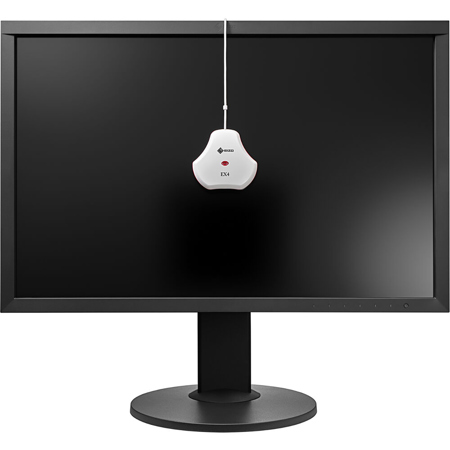
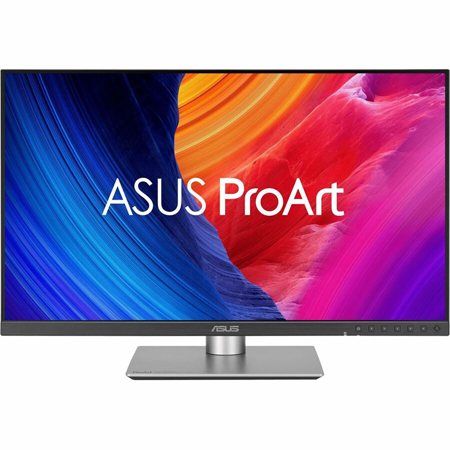
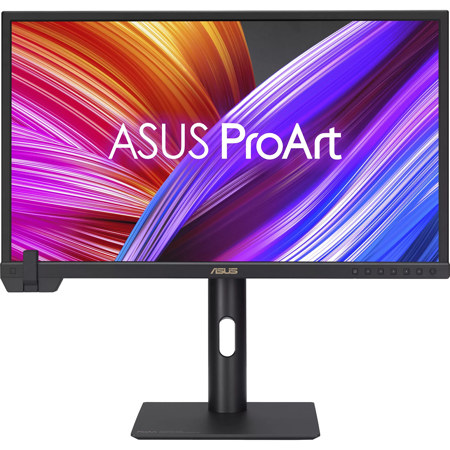
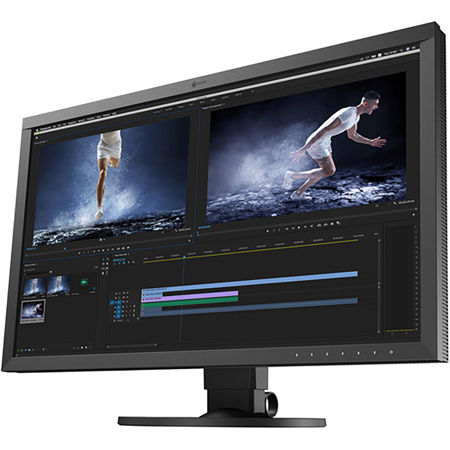
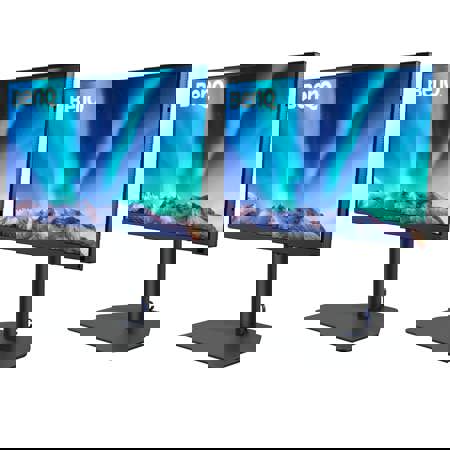
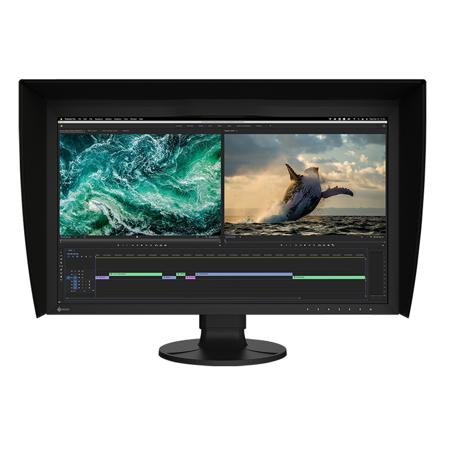
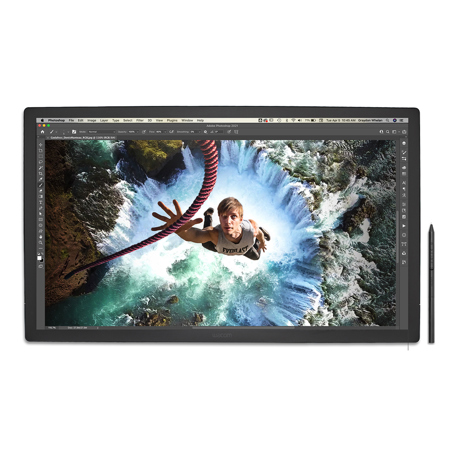
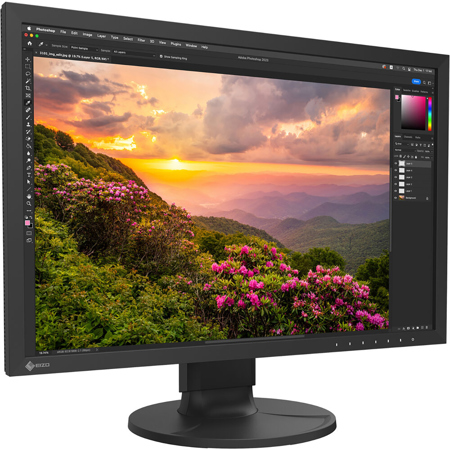
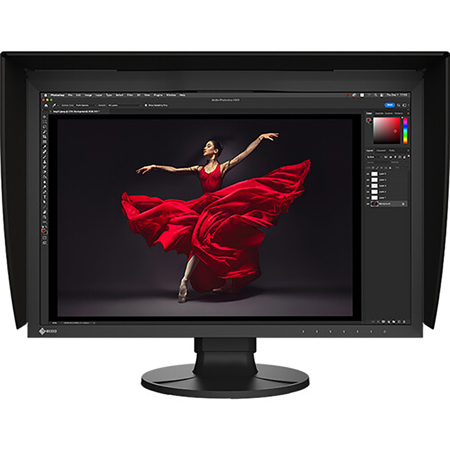
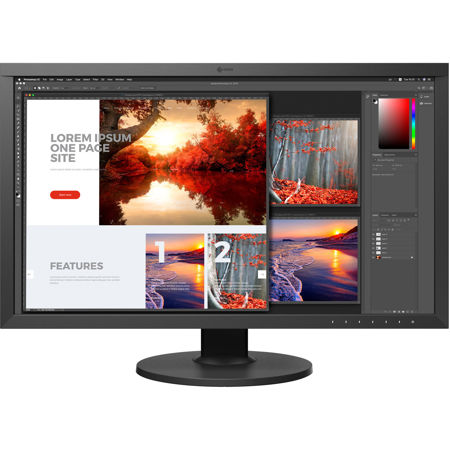
For creative professionals who demand uncompromising color accuracy, a monitor with Adobe RGB support is an essential tool that transforms the way images are viewed, edited, and prepared for print or digital publication. Unlike standard sRGB displays, monitors with Adobe RGB offer a significantly wider color gamut—especially in the greens and cyans—making them indispensable for photographers, graphic designers, illustrators, and anyone involved in color-critical work. The difference becomes immediately apparent when soft-proofing images for high-end print production or working on detailed retouching projects where subtle tonal shifts matter. Whether you’re preparing a portfolio of landscape photographs, fine art prints, or intricate digital illustrations, an Adobe RGB monitor ensures that what you see on screen is a true representation of your creative vision, minimizing surprises when your work transitions from digital to physical media.
As the days grow longer and the light shifts throughout the summer and early fall, many professionals find themselves inspired to capture vibrant outdoor scenes, dynamic portraits, or colorful product shots. Having a 100 Adobe RGB monitor in your workspace allows you to fully appreciate and accurately edit the wide range of hues found in nature, seasonal events, or vivid commercial projects. For those who work in collaborative environments—such as design studios, creative agencies, or educational settings—an adobe monitor can serve as a shared reference point, ensuring consistency and reliability across multiple workflows. These monitors are also a thoughtful gift for a recent graduate entering the creative industry, a hobbyist photographer looking to elevate their craft, or a seasoned professional seeking to upgrade their editing setup. With features like hardware calibration, uniformity compensation, and high-resolution IPS or OLED panels, an rgb monitor designed for Adobe RGB coverage delivers the precision and consistency that professionals rely on, day after day.
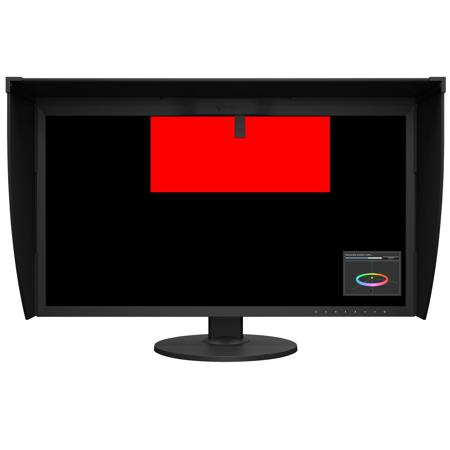
Selecting the right adobe rgb monitor involves careful consideration of several key factors. Look for models that explicitly state 99% or greater Adobe RGB coverage, as this guarantees the broadest possible color range for demanding tasks. Hardware calibration capabilities are invaluable, allowing you to store color profiles directly within the monitor for consistent results, regardless of the computer or software used. Panel uniformity is another crucial aspect—professional-grade monitors often include built-in compensation to prevent color and brightness shifts across the screen, which is vital for large-format editing or print proofing. While these features often place Adobe RGB monitors in a premium price range, the investment pays dividends in accuracy, reliability, and creative confidence. For those whose work spans different color spaces—such as video editors who need Rec. 709 compliance alongside Adobe RGB for print—exploring options like Rec 709 Monitors can help ensure seamless transitions between projects. Ultimately, an Adobe RGB monitor is more than just a display—it’s a cornerstone of professional color management, empowering creatives to deliver their best work, season after season.
As the days grow longer and the light shifts throughout the summer and early fall, many professionals find themselves inspired to capture vibrant outdoor scenes, dynamic portraits, or colorful product shots. Having a 100 Adobe RGB monitor in your workspace allows you to fully appreciate and accurately edit the wide range of hues found in nature, seasonal events, or vivid commercial projects. For those who work in collaborative environments—such as design studios, creative agencies, or educational settings—an adobe monitor can serve as a shared reference point, ensuring consistency and reliability across multiple workflows. These monitors are also a thoughtful gift for a recent graduate entering the creative industry, a hobbyist photographer looking to elevate their craft, or a seasoned professional seeking to upgrade their editing setup. With features like hardware calibration, uniformity compensation, and high-resolution IPS or OLED panels, an rgb monitor designed for Adobe RGB coverage delivers the precision and consistency that professionals rely on, day after day.
Selecting the right adobe rgb monitor involves careful consideration of several key factors. Look for models that explicitly state 99% or greater Adobe RGB coverage, as this guarantees the broadest possible color range for demanding tasks. Hardware calibration capabilities are invaluable, allowing you to store color profiles directly within the monitor for consistent results, regardless of the computer or software used. Panel uniformity is another crucial aspect—professional-grade monitors often include built-in compensation to prevent color and brightness shifts across the screen, which is vital for large-format editing or print proofing. While these features often place Adobe RGB monitors in a premium price range, the investment pays dividends in accuracy, reliability, and creative confidence. For those whose work spans different color spaces—such as video editors who need Rec. 709 compliance alongside Adobe RGB for print—exploring options like Rec 709 Monitors can help ensure seamless transitions between projects. Ultimately, an Adobe RGB monitor is more than just a display—it’s a cornerstone of professional color management, empowering creatives to deliver their best work, season after season.