Multi View Monitors
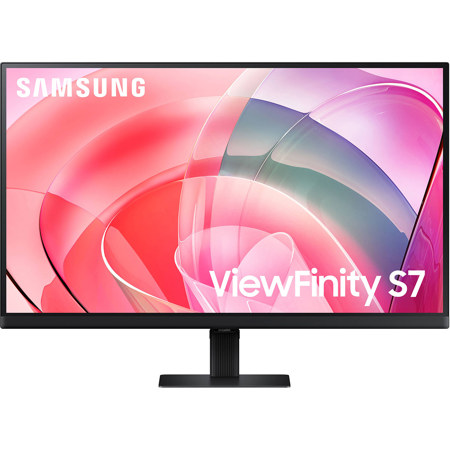
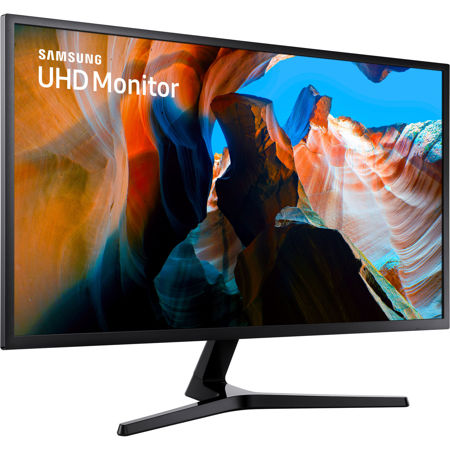
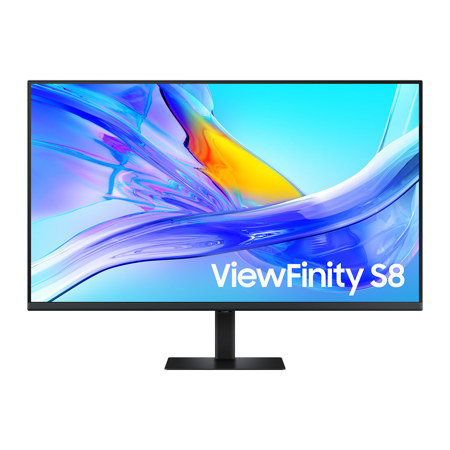
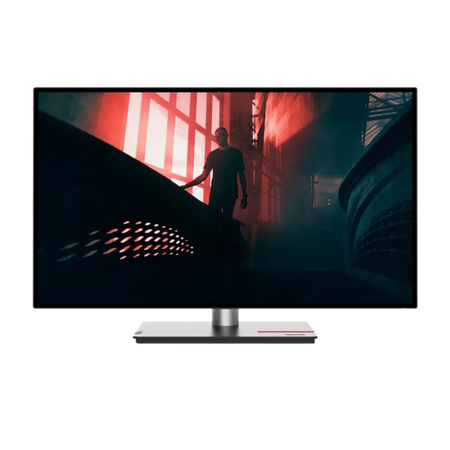
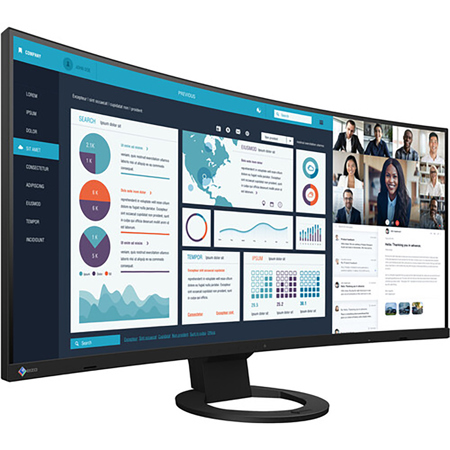
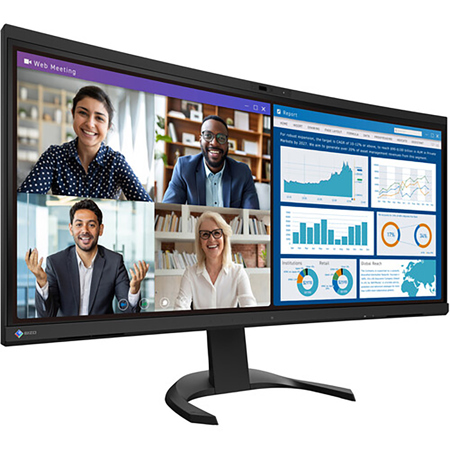
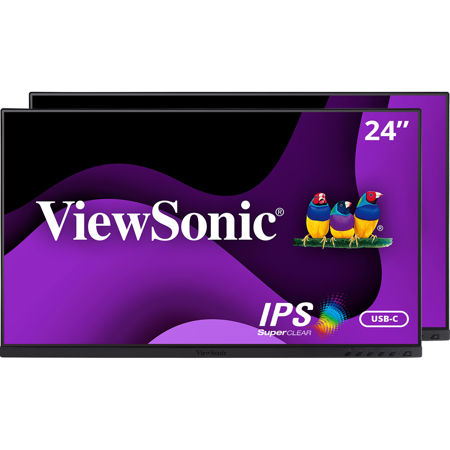
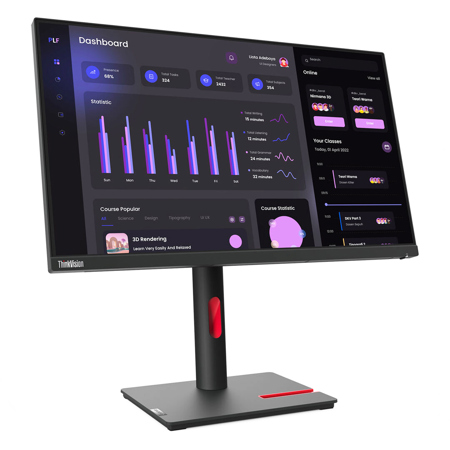
When it comes to managing complex workflows or enhancing your creative workspace, a multi view monitor is an invaluable tool. Whether you’re editing video footage from a multi camera setup, overseeing live production feeds, or simply juggling multiple projects at once, the ability to view several sources simultaneously on one screen streamlines your process and boosts productivity. For professionals in fields like photography, videography, broadcasting, and even gaming, the flexibility offered by a multiview monitor can make all the difference. Imagine sitting in a studio on a brisk January morning, coffee in hand, and effortlessly toggling between editing timelines, preview windows, and color grading panels—all displayed crisply on a single, expansive monitor. This seamless integration not only saves time but also reduces the clutter of multiple screens, cables, and stands, creating a more organized and focused environment.
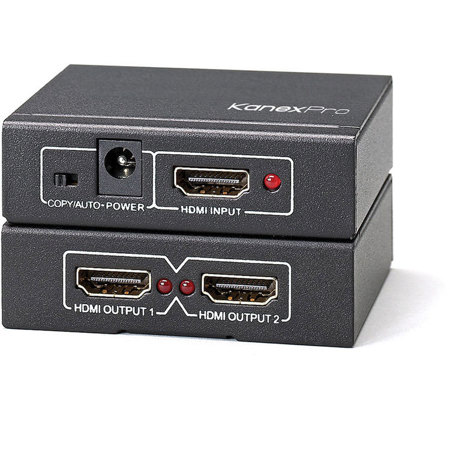
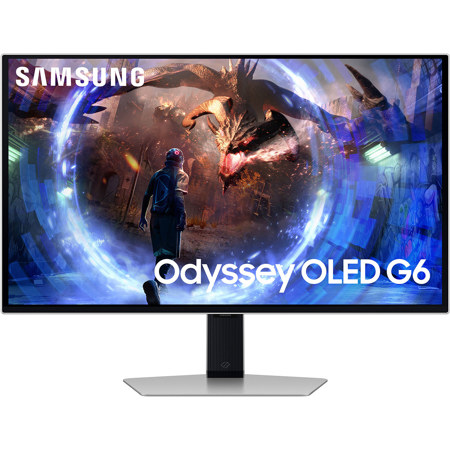
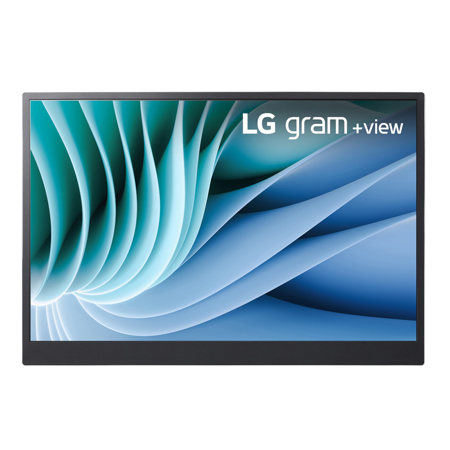
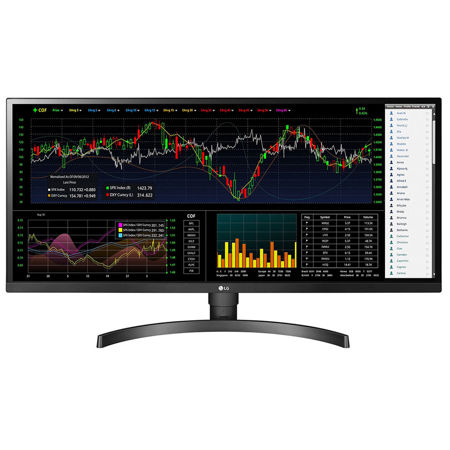
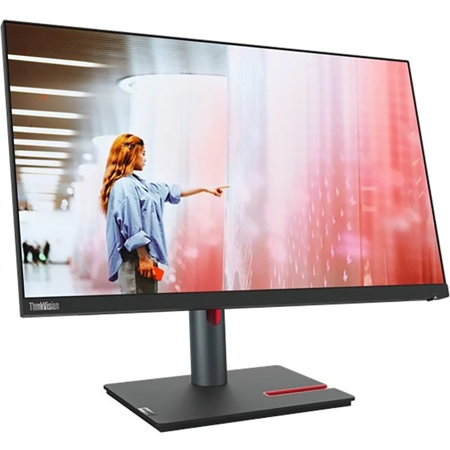
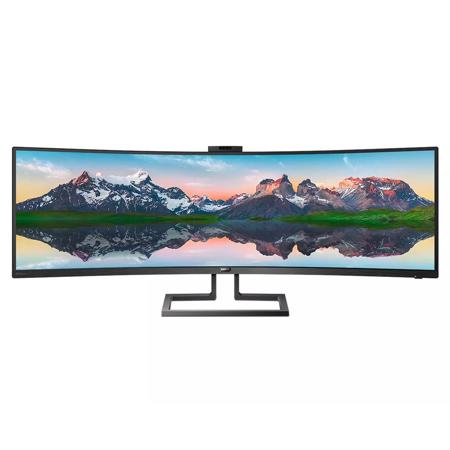
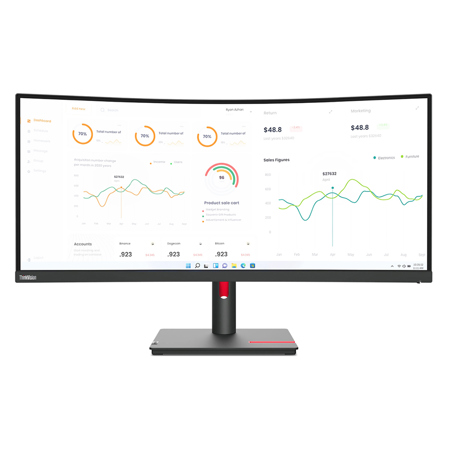
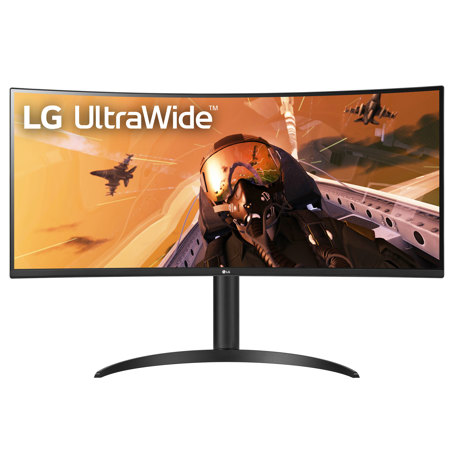
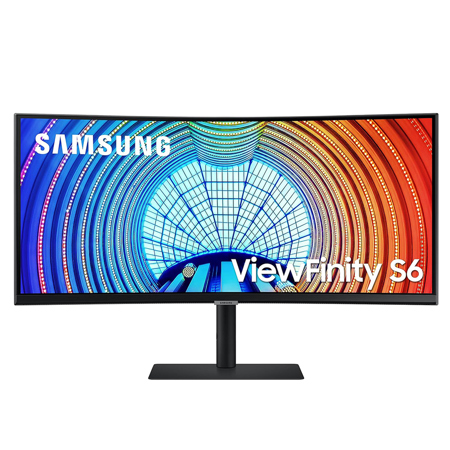
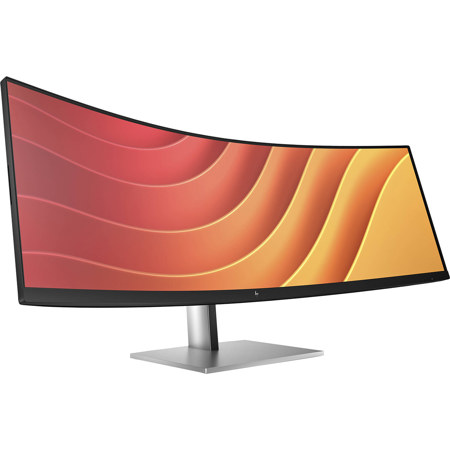
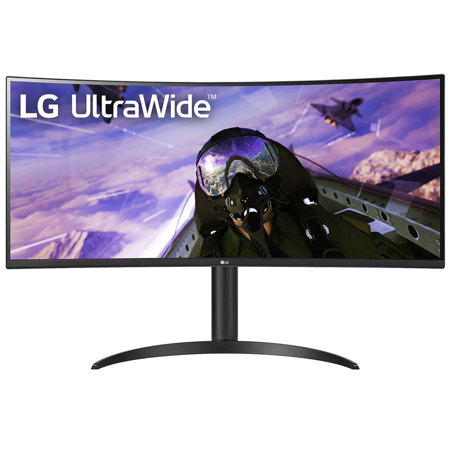
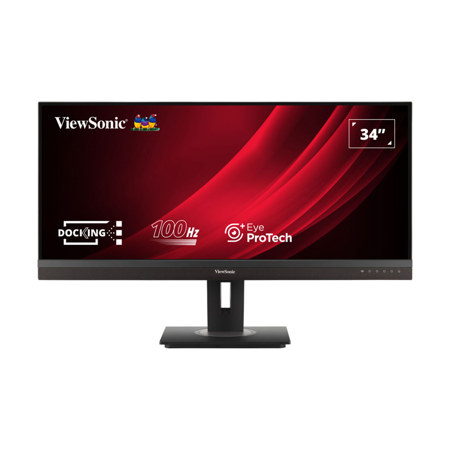
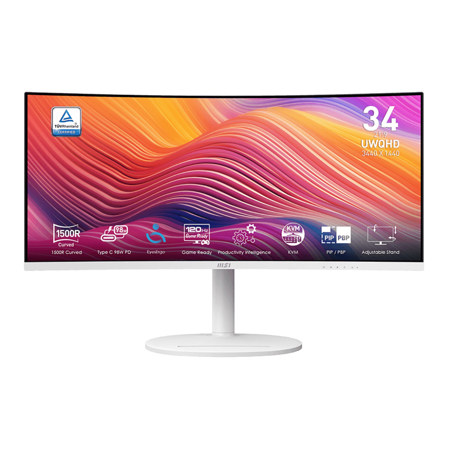
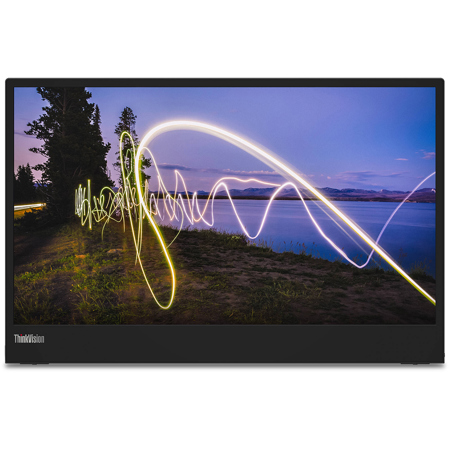
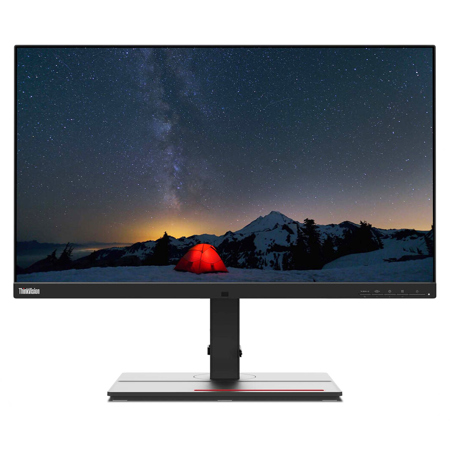
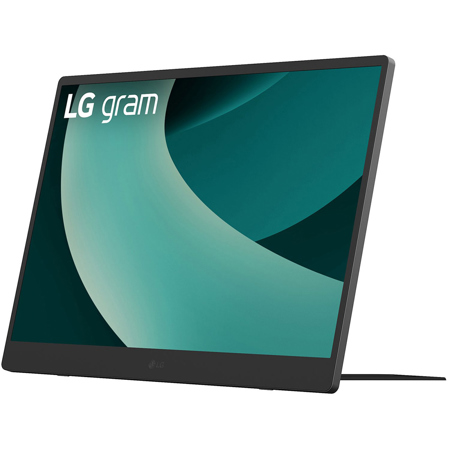
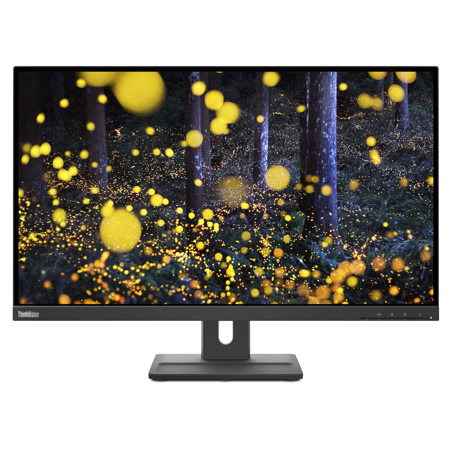
Selecting the right multi view monitor involves several important considerations. Screen size is a key factor, with options like a 34 inch monitor providing ample real estate for side-by-side windows without overwhelming your desk space. Resolution and color accuracy are also crucial, especially for those who rely on precise visuals for their work, such as photo editors and graphic designers. For professionals on the move or those who need a flexible setup, a Lenovo portable monitor for laptop use can be a game-changer, allowing you to expand your workspace wherever your projects take you. These portable solutions are particularly handy during busy seasons like the start of the year, when travel and remote collaborations are common. Connectivity options, including HDMI, DisplayPort, and USB-C, ensure compatibility with a wide range of devices, from cameras and switchers to laptops and desktop workstations. Features like adjustable stands, built-in speakers, and intuitive control panels can further enhance the user experience, making daily tasks smoother and more enjoyable.
Multi view monitors are not only practical for professionals—they also make thoughtful gifts for students, remote workers, gamers, and anyone looking to upgrade their home or office setup. Picture a budding filmmaker unwrapping a new monitor that lets them preview multiple camera angles at once, or a remote worker transforming their productivity with a streamlined, multi-window display. The versatility of these monitors means they can adapt to a variety of needs, from immersive entertainment setups to efficient multitasking for school or business. If you’re exploring ways to expand your digital workspace or looking for a gift that combines utility with innovation, a multiview monitor is a smart choice. For a broader selection of display solutions tailored to multimedia needs, be sure to explore our curated collection of Multimedia Monitors and discover the perfect fit for your unique workflow.
Selecting the right multi view monitor involves several important considerations. Screen size is a key factor, with options like a 34 inch monitor providing ample real estate for side-by-side windows without overwhelming your desk space. Resolution and color accuracy are also crucial, especially for those who rely on precise visuals for their work, such as photo editors and graphic designers. For professionals on the move or those who need a flexible setup, a Lenovo portable monitor for laptop use can be a game-changer, allowing you to expand your workspace wherever your projects take you. These portable solutions are particularly handy during busy seasons like the start of the year, when travel and remote collaborations are common. Connectivity options, including HDMI, DisplayPort, and USB-C, ensure compatibility with a wide range of devices, from cameras and switchers to laptops and desktop workstations. Features like adjustable stands, built-in speakers, and intuitive control panels can further enhance the user experience, making daily tasks smoother and more enjoyable.
Multi view monitors are not only practical for professionals—they also make thoughtful gifts for students, remote workers, gamers, and anyone looking to upgrade their home or office setup. Picture a budding filmmaker unwrapping a new monitor that lets them preview multiple camera angles at once, or a remote worker transforming their productivity with a streamlined, multi-window display. The versatility of these monitors means they can adapt to a variety of needs, from immersive entertainment setups to efficient multitasking for school or business. If you’re exploring ways to expand your digital workspace or looking for a gift that combines utility with innovation, a multiview monitor is a smart choice. For a broader selection of display solutions tailored to multimedia needs, be sure to explore our curated collection of Multimedia Monitors and discover the perfect fit for your unique workflow.