PBP Monitors
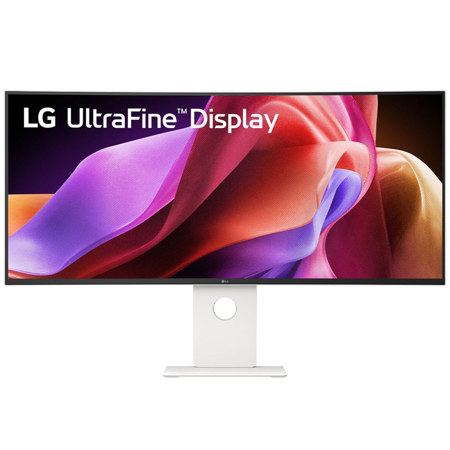
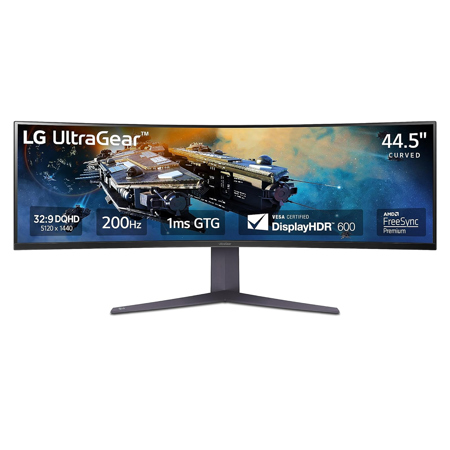
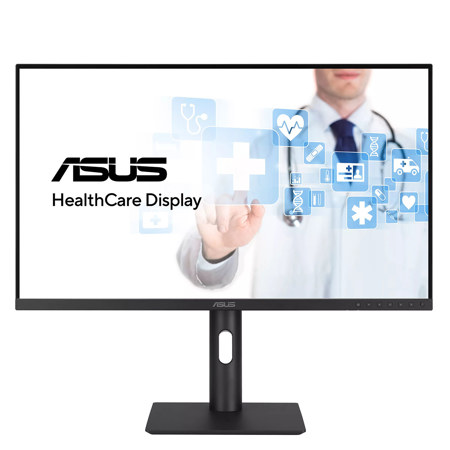
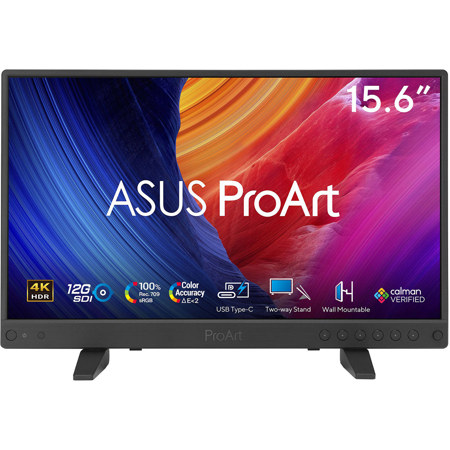
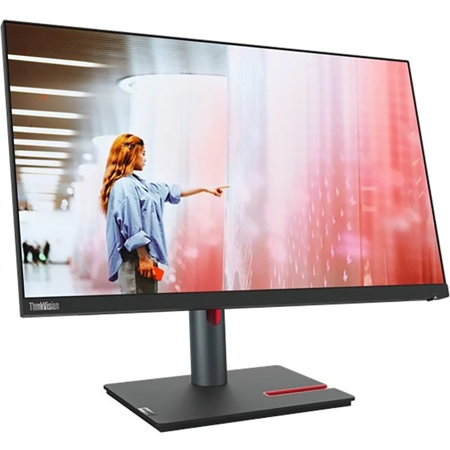
As workspaces evolve and multitasking becomes a daily norm, PBP monitors—short for Picture-by-Picture monitors—have emerged as essential tools for professionals, content creators, and tech enthusiasts seeking streamlined efficiency without the clutter of multiple screens. These innovative displays allow users to view content from two or more separate sources side by side on a single expansive monitor, replacing traditional dual-monitor setups with a seamless, unified experience. Whether you’re managing video feeds, comparing data across machines, or collaborating on projects that require input from multiple devices, a PBP monitor delivers a level of flexibility that’s hard to match. The most popular sizes for these displays range from 27-inch models, which are ideal for tighter home offices or shared workspaces, up to immersive 34-inch ultrawide monitors that provide ample room for detailed editing, coding, or design work. High-resolution panels—such as 4K or WQHD—ensure that every detail remains crisp even when the screen is split, making these monitors a natural fit for photographers, video editors, and anyone who values visual clarity in their workflow.
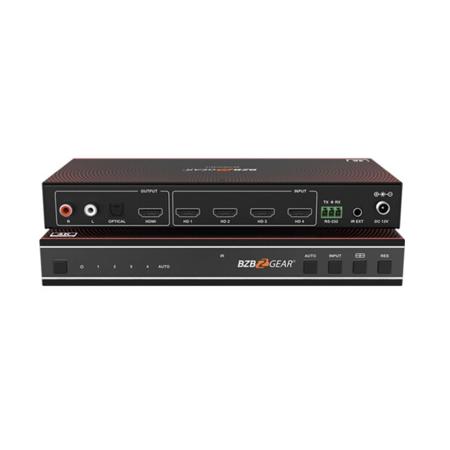
The versatility of a PBP monitor extends beyond professional applications. As the days grow longer and the pace of life shifts during the warmer and cooler months, these monitors also make thoughtful gifts for students returning to school, remote workers setting up efficient home offices, or gamers eager to keep an eye on multiple consoles or PCs at once. Features like multiple input options—HDMI, DisplayPort, and USB-C—make switching between devices effortless, while the inclusion of built-in KVM switches allows users to control two computers with a single keyboard and mouse. This is particularly useful for IT professionals or anyone who juggles personal and work machines throughout the day. For families, a PBP monitor can transform a shared space, letting one person stream a video while another browses the web or works on assignments. The technology behind these monitors is designed to be intuitive: activating PBP mode typically splits the screen evenly, and many models offer easy-to-navigate on-screen controls for customizing your setup. Compatibility with different resolutions and refresh rates for each source ensures a tailored experience, though it’s wise to check your devices’ capabilities to optimize performance. For those interested in exploring related functionality, such as Picture-in-Picture (PIP) mode, you can learn more on our PIP Monitors page.
Selecting the right PBP monitor involves considering your workspace, the types of devices you’ll connect, and your preferred screen size. For those who value a clean desk and efficient workflow, a single large PBP monitor can replace two or more displays, reducing cable clutter and simplifying your setup. Creative professionals benefit from the ability to reference source material on one side of the screen while editing or designing on the other. In the classroom or studio, these monitors encourage collaboration by allowing multiple users to share a single display without compromising on space. Even as the seasons change and routines shift, a PBP monitor adapts to your needs—offering the flexibility to handle work and play, solo projects or group activities, all on one screen. With their combination of advanced features, user-friendly controls, and adaptability, PBP monitors are a smart investment for anyone looking to maximize productivity and make the most of their digital environment.
The versatility of a PBP monitor extends beyond professional applications. As the days grow longer and the pace of life shifts during the warmer and cooler months, these monitors also make thoughtful gifts for students returning to school, remote workers setting up efficient home offices, or gamers eager to keep an eye on multiple consoles or PCs at once. Features like multiple input options—HDMI, DisplayPort, and USB-C—make switching between devices effortless, while the inclusion of built-in KVM switches allows users to control two computers with a single keyboard and mouse. This is particularly useful for IT professionals or anyone who juggles personal and work machines throughout the day. For families, a PBP monitor can transform a shared space, letting one person stream a video while another browses the web or works on assignments. The technology behind these monitors is designed to be intuitive: activating PBP mode typically splits the screen evenly, and many models offer easy-to-navigate on-screen controls for customizing your setup. Compatibility with different resolutions and refresh rates for each source ensures a tailored experience, though it’s wise to check your devices’ capabilities to optimize performance. For those interested in exploring related functionality, such as Picture-in-Picture (PIP) mode, you can learn more on our PIP Monitors page.
Selecting the right PBP monitor involves considering your workspace, the types of devices you’ll connect, and your preferred screen size. For those who value a clean desk and efficient workflow, a single large PBP monitor can replace two or more displays, reducing cable clutter and simplifying your setup. Creative professionals benefit from the ability to reference source material on one side of the screen while editing or designing on the other. In the classroom or studio, these monitors encourage collaboration by allowing multiple users to share a single display without compromising on space. Even as the seasons change and routines shift, a PBP monitor adapts to your needs—offering the flexibility to handle work and play, solo projects or group activities, all on one screen. With their combination of advanced features, user-friendly controls, and adaptability, PBP monitors are a smart investment for anyone looking to maximize productivity and make the most of their digital environment.