
Pci Enclosures
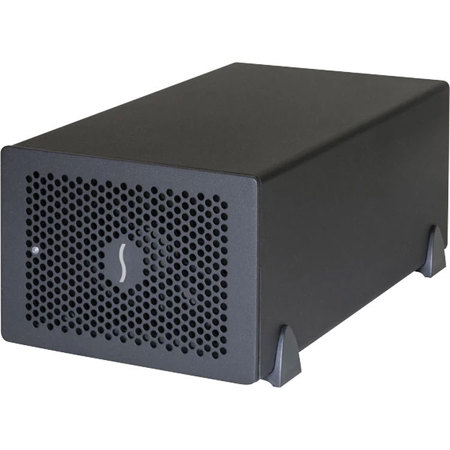
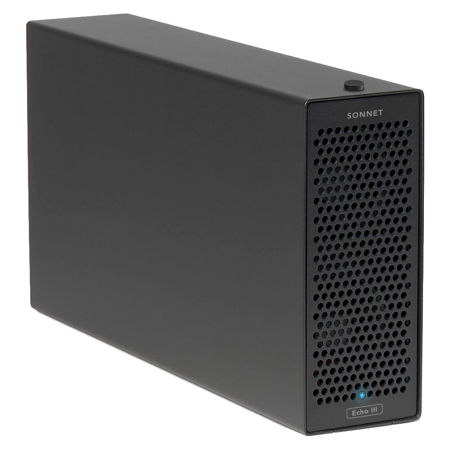
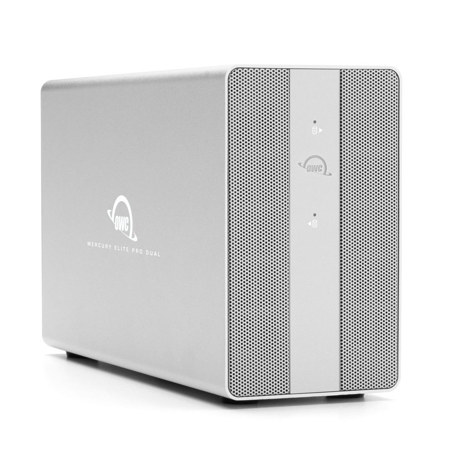
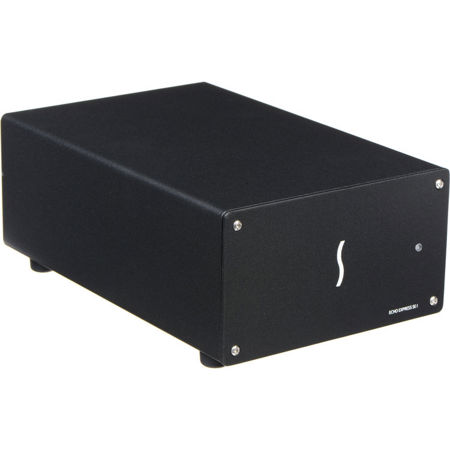
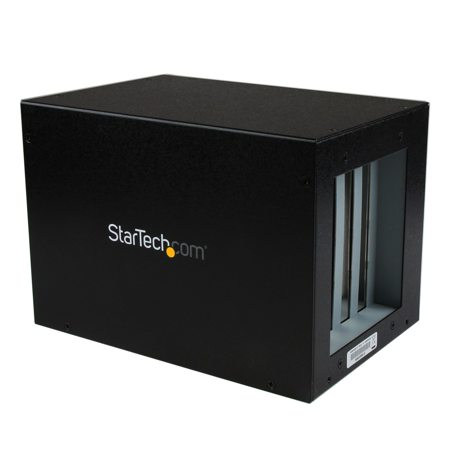
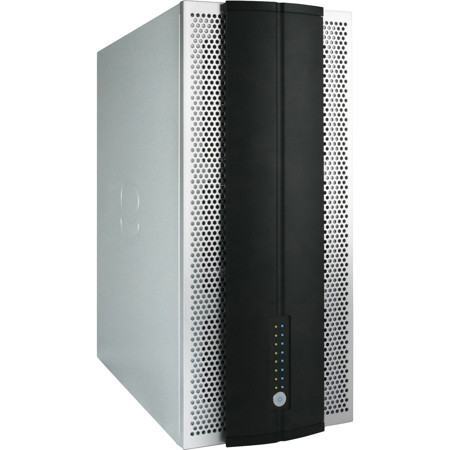
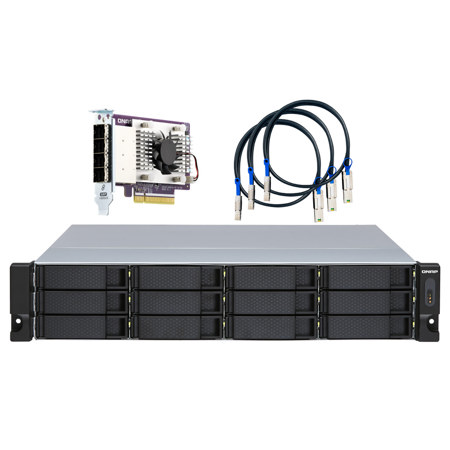
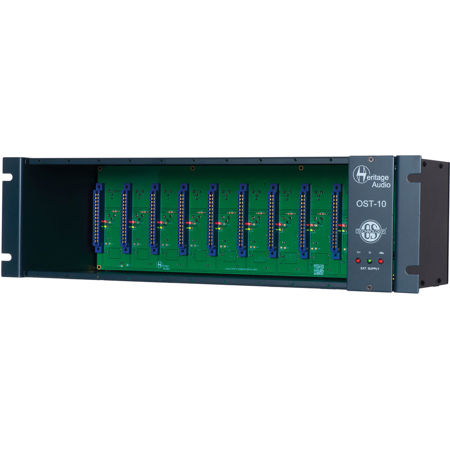
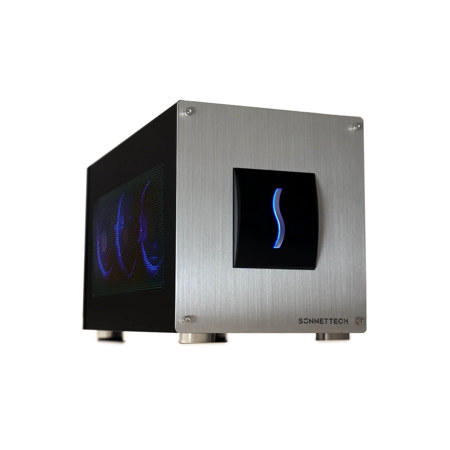
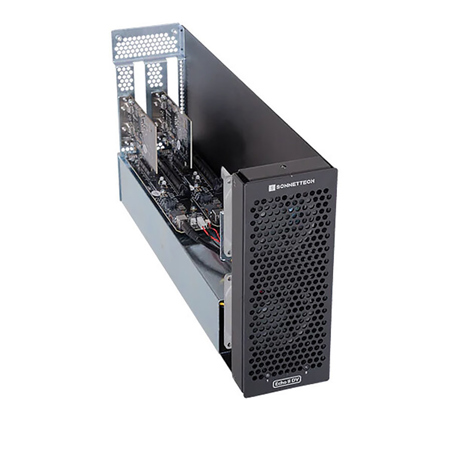
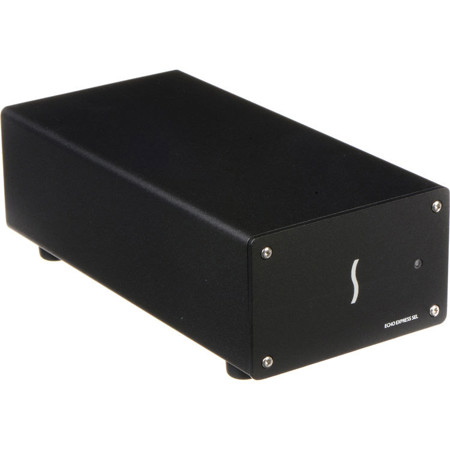
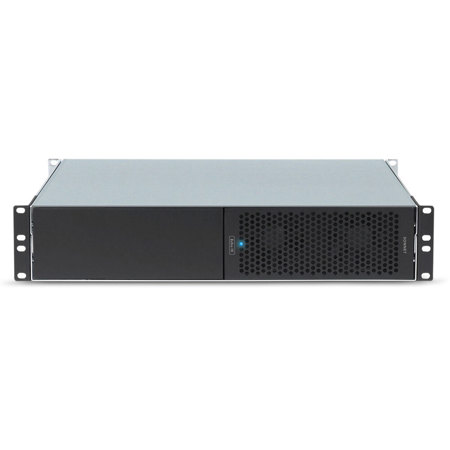
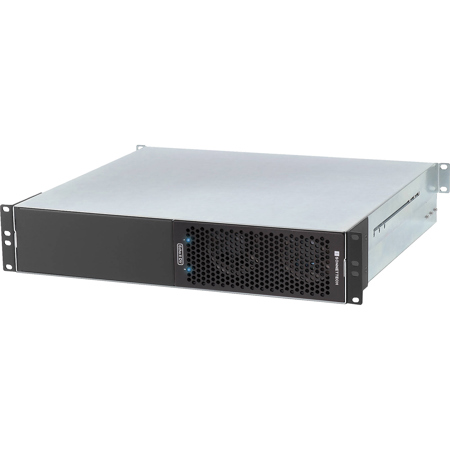
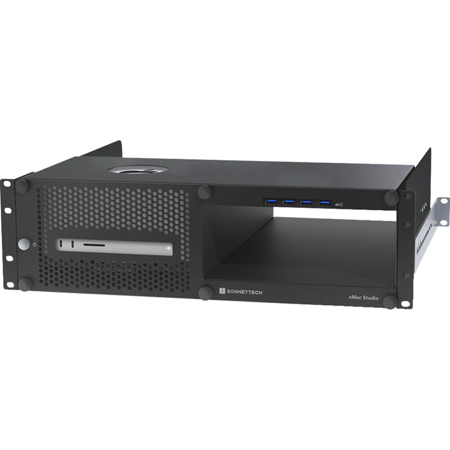
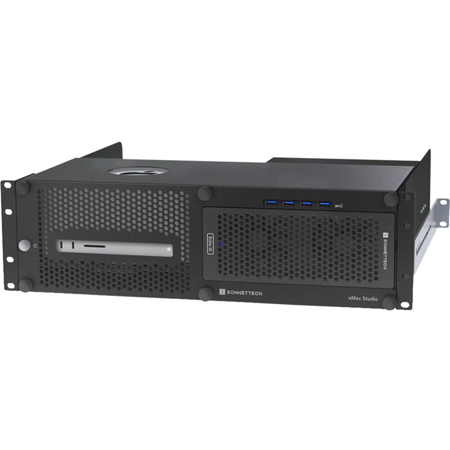
PCI enclosures, often referred to as expansion chassis or PCIe external enclosures, have become essential tools for creative professionals, IT specialists, and anyone seeking to boost their computer’s capabilities without the constraints of internal hardware space. Whether you’re editing high-resolution video, running complex audio interfaces, or managing data-intensive scientific applications, these enclosures provide a flexible way to harness the power of desktop-grade expansion cards on laptops or compact workstations. As the weather warms and projects move from studio to field, the portability and versatility of PCI external solutions become even more valuable. With the right enclosure, you can connect video capture cards, high-speed network adapters, or advanced audio interfaces directly to your machine, bypassing the limitations of built-in ports and slots. Thunderbolt-enabled PCIe enclosures, for example, deliver impressive bandwidth—up to 40 Gbps—making them a favorite among professionals who demand near-native PCIe performance for demanding tasks. These units are also a practical choice for server rooms and industrial environments, where direct PCIe-to-PCIe or PCIe-to-PCI expansion is needed to test hardware or extend system functionality across multiple machines and operating systems.
When selecting a PCI enclosure, it’s important to consider several key factors to ensure compatibility and optimal performance. Start by identifying the type of expansion card you intend to use—whether it’s a full-height, half-length, or low-profile card—and verify that the enclosure supports the required form factor and power needs. Many expansion cards, such as high-end graphics or specialized audio cards, may require additional power connections (like a 6-pin PCIe connector), so checking the enclosure’s supplemental power support is crucial. Effective cooling is another priority, especially during the warmer months or in environments prone to heavy data processing. Look for enclosures with robust aluminum housings and integrated fans designed to dissipate heat and prevent thermal throttling, ensuring your workflow remains uninterrupted. For those who frequently switch between different operating systems—Windows, macOS, or Linux—double-checking driver compatibility can save time and frustration, as not all PCIe external enclosures offer universal plug-and-play support. The number of PCIe lanes and available slots also matters; professionals working with bandwidth-hungry devices should opt for enclosures offering PCIe x8 or x16 connectivity to avoid bottlenecks and maximize throughput.
PCI enclosures are not just for seasoned professionals; they make thoughtful gifts for tech enthusiasts, audio engineers, or gamers looking to upgrade their setup without investing in an entirely new system. They also offer a practical solution for students or remote workers who need to expand their laptop’s capabilities for specialized tasks, such as 3D rendering or live streaming. As travel and outdoor events become more frequent during the early summer through early fall, the ability to pack a PCIe external enclosure alongside a slim laptop brings desktop-level performance wherever you go. For those interested in expanding their storage options, many users pair PCI enclosures with other modular solutions—like M.2 NVMe SSD enclosures—to create a comprehensive, portable workflow. If you’re exploring ways to further enhance your data management or backup strategies, consider browsing our selection of Hard Drive Enclosures for additional options. Whether you’re assembling a mobile editing suite, upgrading a home studio, or streamlining hardware testing in a professional environment, PCI enclosures offer the flexibility, speed, and reliability needed to keep your creative and technical projects moving forward.
When selecting a PCI enclosure, it’s important to consider several key factors to ensure compatibility and optimal performance. Start by identifying the type of expansion card you intend to use—whether it’s a full-height, half-length, or low-profile card—and verify that the enclosure supports the required form factor and power needs. Many expansion cards, such as high-end graphics or specialized audio cards, may require additional power connections (like a 6-pin PCIe connector), so checking the enclosure’s supplemental power support is crucial. Effective cooling is another priority, especially during the warmer months or in environments prone to heavy data processing. Look for enclosures with robust aluminum housings and integrated fans designed to dissipate heat and prevent thermal throttling, ensuring your workflow remains uninterrupted. For those who frequently switch between different operating systems—Windows, macOS, or Linux—double-checking driver compatibility can save time and frustration, as not all PCIe external enclosures offer universal plug-and-play support. The number of PCIe lanes and available slots also matters; professionals working with bandwidth-hungry devices should opt for enclosures offering PCIe x8 or x16 connectivity to avoid bottlenecks and maximize throughput.
PCI enclosures are not just for seasoned professionals; they make thoughtful gifts for tech enthusiasts, audio engineers, or gamers looking to upgrade their setup without investing in an entirely new system. They also offer a practical solution for students or remote workers who need to expand their laptop’s capabilities for specialized tasks, such as 3D rendering or live streaming. As travel and outdoor events become more frequent during the early summer through early fall, the ability to pack a PCIe external enclosure alongside a slim laptop brings desktop-level performance wherever you go. For those interested in expanding their storage options, many users pair PCI enclosures with other modular solutions—like M.2 NVMe SSD enclosures—to create a comprehensive, portable workflow. If you’re exploring ways to further enhance your data management or backup strategies, consider browsing our selection of Hard Drive Enclosures for additional options. Whether you’re assembling a mobile editing suite, upgrading a home studio, or streamlining hardware testing in a professional environment, PCI enclosures offer the flexibility, speed, and reliability needed to keep your creative and technical projects moving forward.