Pci Expansions
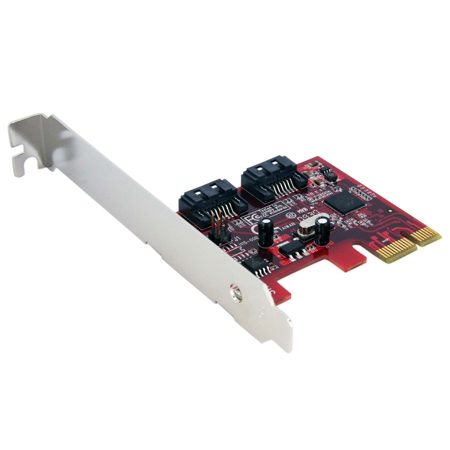
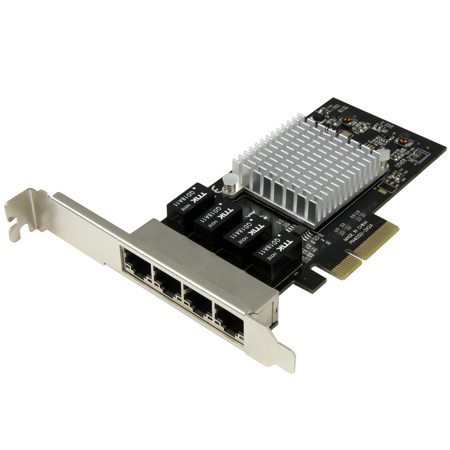
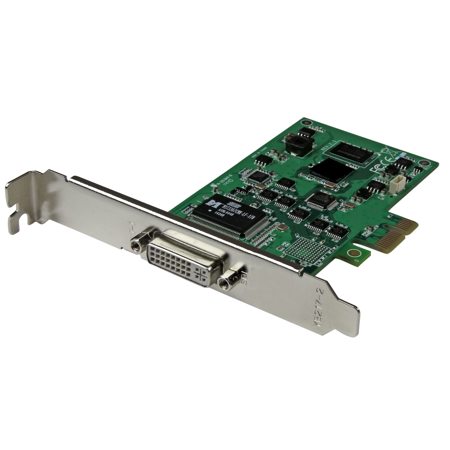
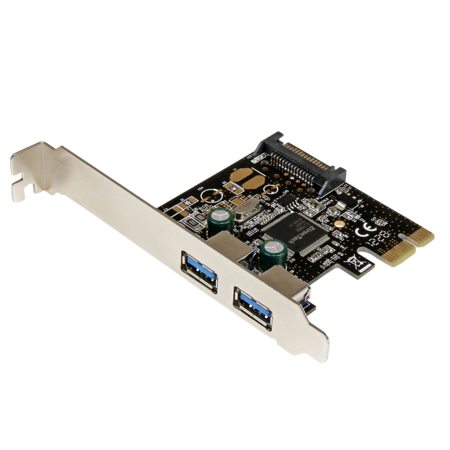
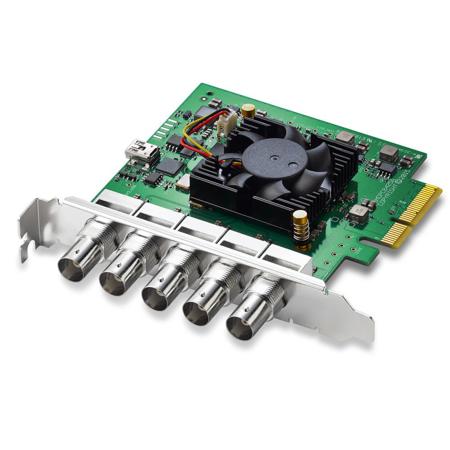
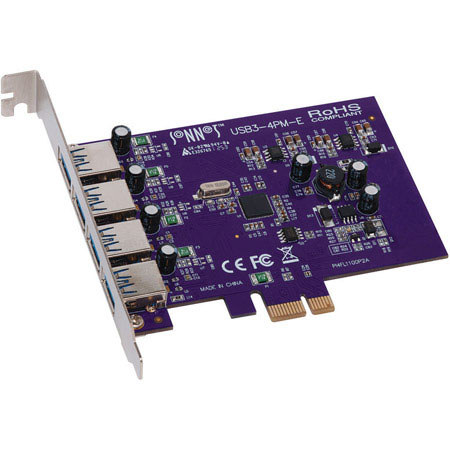
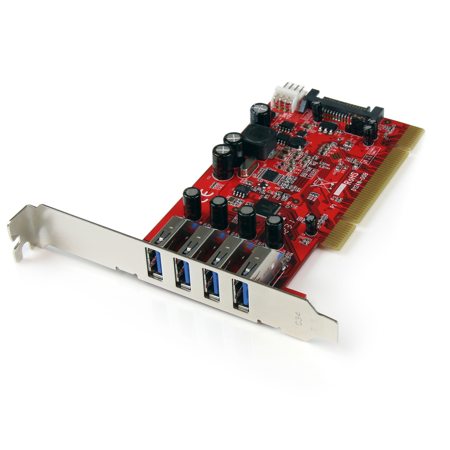
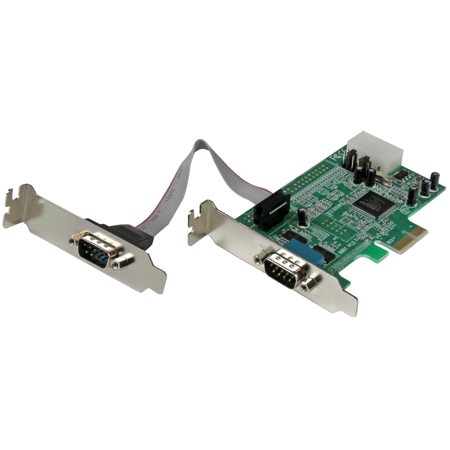
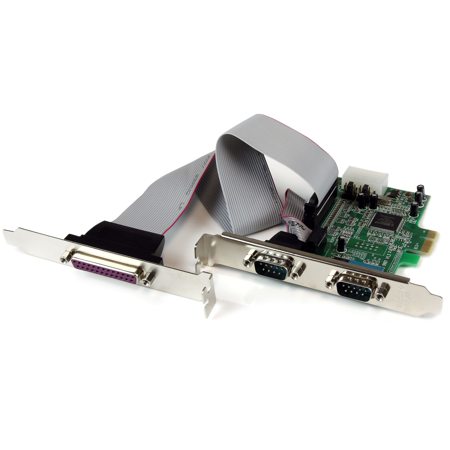
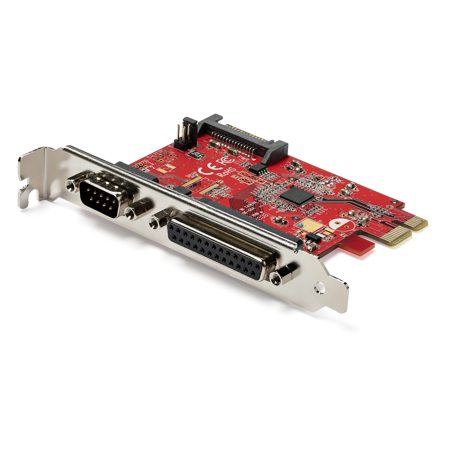
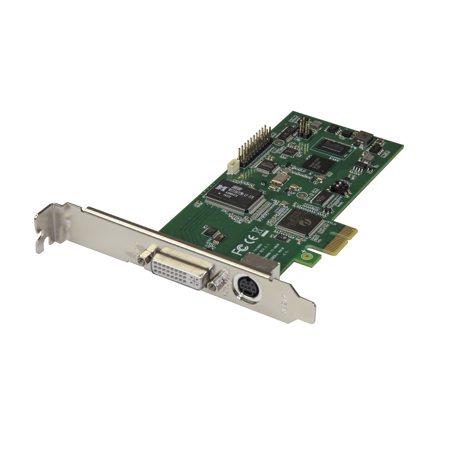
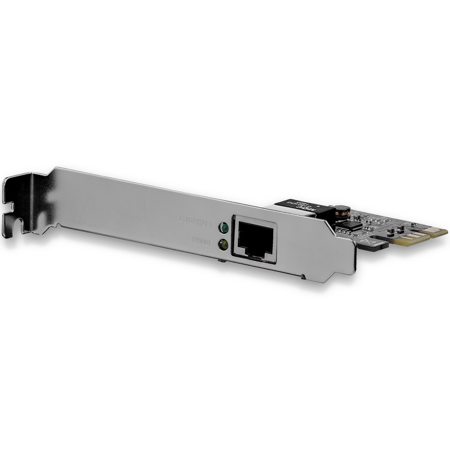
PCI expansion systems provide a powerful way to customize and future-proof your computer, whether you’re building a high-performance workstation, upgrading a compact desktop, or outfitting a creative production studio. At the heart of this flexibility are the PCI and PCI Express (PCIe) slots found on most motherboards, which allow you to add a wide range of expansion cards to enhance your system’s capabilities. From boosting graphics performance with dedicated GPUs to expanding connectivity with additional USB, Thunderbolt, or networking cards, these slots open up a world of possibilities. Audio professionals may use PCIe sound cards to achieve pristine signal quality and ultra-low latency, while video editors and colorists can harness the power of specialized capture or processing cards for demanding workloads. As the days grow longer and projects pick up pace, many professionals take advantage of the season to refresh their setups, ensuring their systems are ready for everything from summer shoots to fall event coverage.
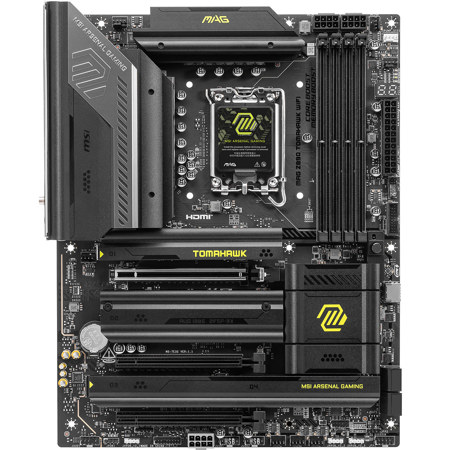
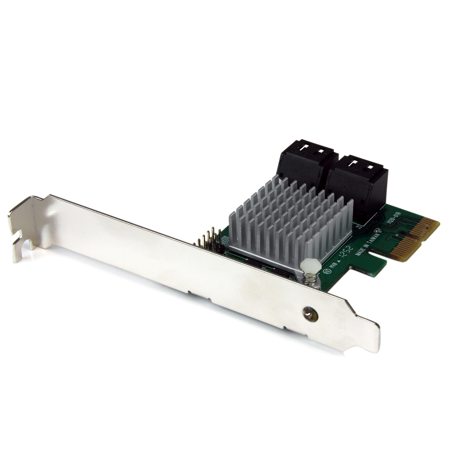
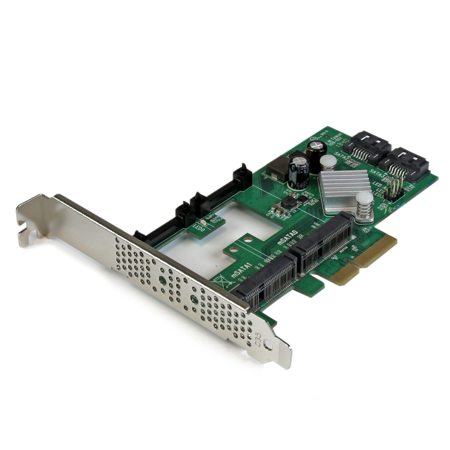
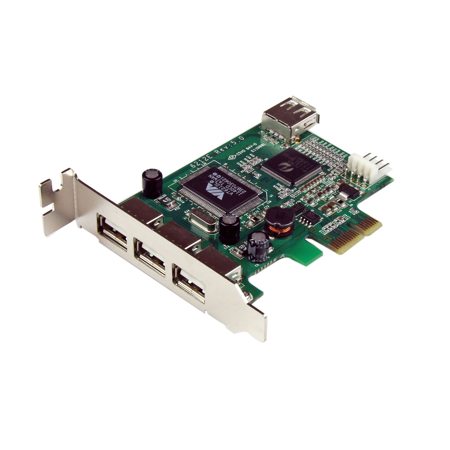
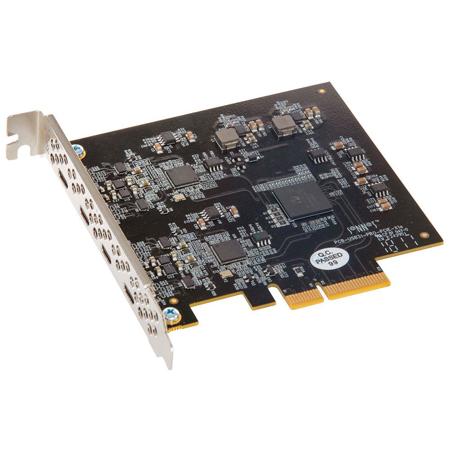
When considering a PCI expansion system, it’s important to look at both your current needs and your plans for growth. The type and number of PCIe slots on your motherboard will determine what cards you can install, as well as their bandwidth and power requirements. PCIe slots come in varying sizes—x1, x4, x8, and x16—each offering different levels of performance. While a smaller card can often fit into a larger slot, ensuring compatibility and optimal performance is key, especially for power-hungry devices like multi-slot graphics cards or advanced RAID controllers. Physical space within your computer case is another factor, as full-height or triple-slot cards require ample clearance, while low-profile cards are designed for slim or small-form-factor cases. Power delivery is equally critical: high-end expansion cards often need direct connections from your power supply, and overlooking this detail can lead to frustrating troubleshooting down the line.
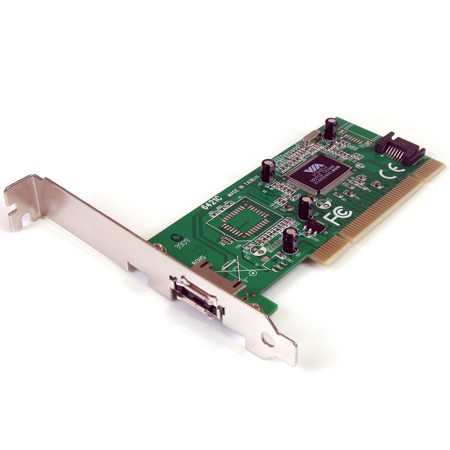
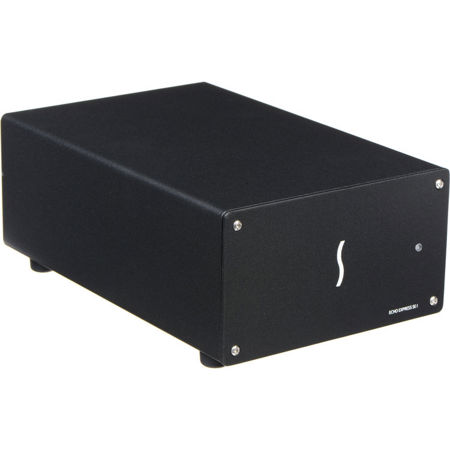
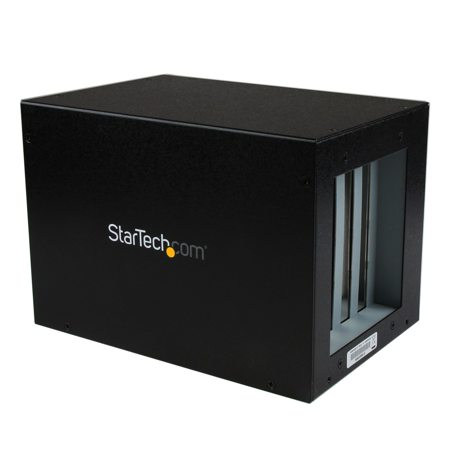
For those working with laptops, ultra-compact desktops, or all-in-one systems that lack internal expansion slots, external solutions offer a seamless way to unlock the potential of PCIe cards. Thunderbolt-connected enclosures, in particular, have become a favorite among mobile creators and professionals who demand desktop-class performance on the go. These enclosures allow you to add everything from advanced audio interfaces to powerful GPUs, making them ideal for field work, mobile editing suites, or remote production environments. Legacy PCI cards, still prized in certain industrial, scientific, or audio applications, can also be integrated into modern systems using specialized PCIe-to-PCI adapters or enclosures. Whether you’re a seasoned system builder, a creative professional, or someone looking for the perfect tech gift for a tinkerer or gamer, the right combination of expansion cards and enclosures can transform a standard computer into a tailored powerhouse. For those interested in exploring external solutions, you’ll find a curated selection of PCI Enclosures designed to meet a variety of workflow needs. As work and creative demands evolve from early summer through the cooler months, upgrading with PCI expansions ensures your system stays responsive, versatile, and ready for whatever comes next.
When considering a PCI expansion system, it’s important to look at both your current needs and your plans for growth. The type and number of PCIe slots on your motherboard will determine what cards you can install, as well as their bandwidth and power requirements. PCIe slots come in varying sizes—x1, x4, x8, and x16—each offering different levels of performance. While a smaller card can often fit into a larger slot, ensuring compatibility and optimal performance is key, especially for power-hungry devices like multi-slot graphics cards or advanced RAID controllers. Physical space within your computer case is another factor, as full-height or triple-slot cards require ample clearance, while low-profile cards are designed for slim or small-form-factor cases. Power delivery is equally critical: high-end expansion cards often need direct connections from your power supply, and overlooking this detail can lead to frustrating troubleshooting down the line.
For those working with laptops, ultra-compact desktops, or all-in-one systems that lack internal expansion slots, external solutions offer a seamless way to unlock the potential of PCIe cards. Thunderbolt-connected enclosures, in particular, have become a favorite among mobile creators and professionals who demand desktop-class performance on the go. These enclosures allow you to add everything from advanced audio interfaces to powerful GPUs, making them ideal for field work, mobile editing suites, or remote production environments. Legacy PCI cards, still prized in certain industrial, scientific, or audio applications, can also be integrated into modern systems using specialized PCIe-to-PCI adapters or enclosures. Whether you’re a seasoned system builder, a creative professional, or someone looking for the perfect tech gift for a tinkerer or gamer, the right combination of expansion cards and enclosures can transform a standard computer into a tailored powerhouse. For those interested in exploring external solutions, you’ll find a curated selection of PCI Enclosures designed to meet a variety of workflow needs. As work and creative demands evolve from early summer through the cooler months, upgrading with PCI expansions ensures your system stays responsive, versatile, and ready for whatever comes next.