SATA Docks
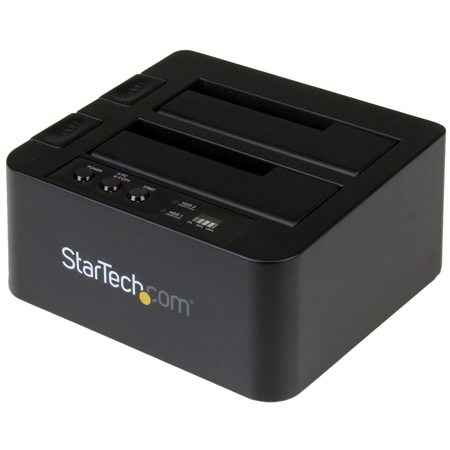
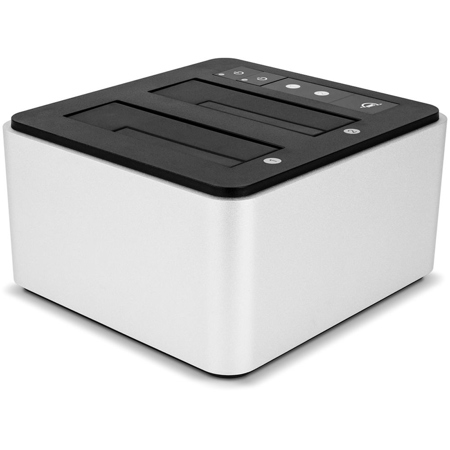
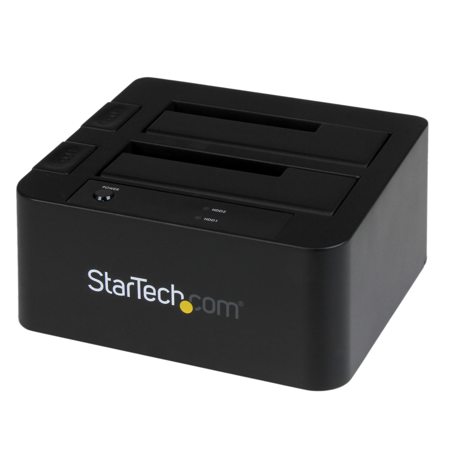
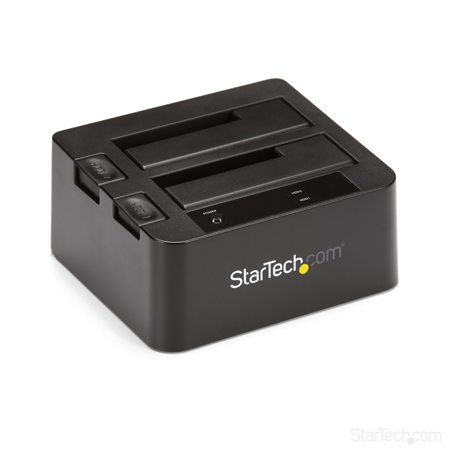
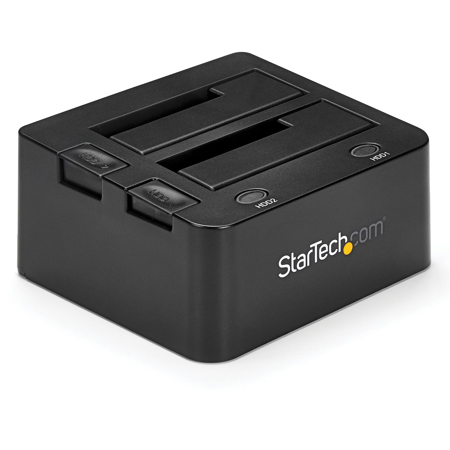
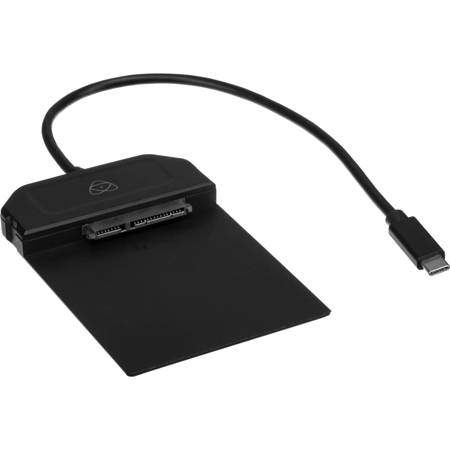
As digital storage needs continue to grow—whether for creative projects, professional workflows, or simply archiving precious memories—SATA docks have become an essential tool for anyone who works with hard drives. These versatile devices allow you to connect bare 2.5-inch or 3.5-inch SATA HDDs and SSDs directly to your computer through a simple USB connection, transforming internal storage into plug-and-play external drives. This means you can quickly transfer large batches of photos, back up entire video libraries, or recover files from older or decommissioned drives without fussing with enclosures or internal installation. For photographers and videographers, a SATA dock is a reliable companion during the busy summer event season, making it easy to offload and organize high-resolution files between shoots. IT professionals and small business owners appreciate the efficiency of multi-bay docks, which allow simultaneous access to several drives—perfect for managing backups, cloning drives, or setting up new systems as the pace of work picks up in late summer and early fall. Even hobbyists and home users find these docks invaluable for upgrading laptops, salvaging data from aging desktops, or keeping a rotating archive of family photos and important documents.
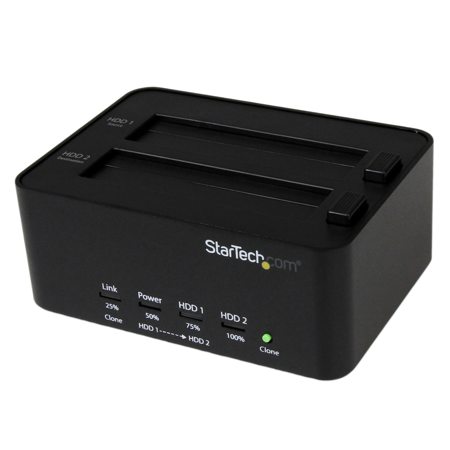
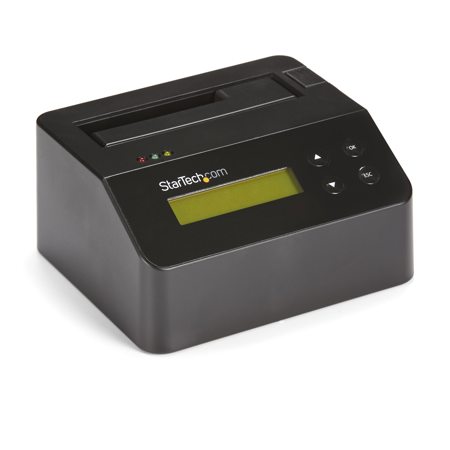
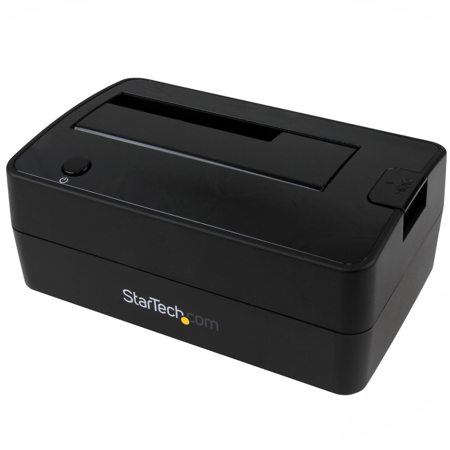
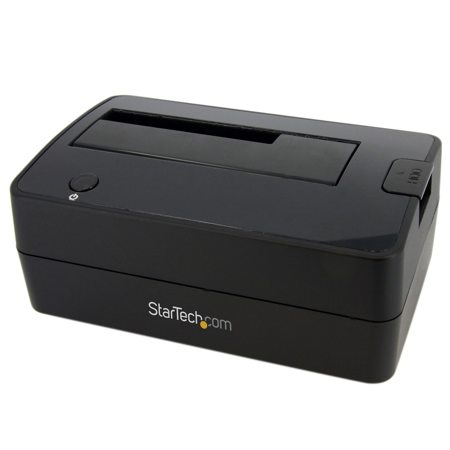
When selecting a SATA dock, consider how you plan to use it and the types of drives you’ll be working with. Single-bay docks are ideal for quick, straightforward file transfers or simple backups—just insert a drive and you’re ready to go. For more advanced needs, multi-bay docks offer the flexibility to access or clone multiple drives at once; some models even feature offline duplicator functions, letting you copy data from one drive to another without connecting to a computer at all. Connection speed is another key factor—look for docks with USB 3.0 or higher (such as USB 3.1 or 3.2) to minimize transfer times, especially when moving large video files or entire system images. Features like UASP (USB Attached SCSI Protocol) support can further boost efficiency, making file copies noticeably faster and smoother. Most modern docks are designed with convenience in mind: tray-less, vertical slots mean you can swap drives in and out without any tools or screws, streamlining your workflow whether you’re in the studio, the office, or working from home. As the seasons shift and projects evolve—be it capturing summer adventures or prepping for fall’s new beginnings—a SATA dock remains one of the most adaptable and practical additions to your digital toolkit. They also make thoughtful gifts for tech-savvy friends, students heading off to college, or anyone upgrading their storage setup. For those looking to expand their networked storage capabilities, consider exploring SATA NAS Enclosures for even greater flexibility and scalability.
When selecting a SATA dock, consider how you plan to use it and the types of drives you’ll be working with. Single-bay docks are ideal for quick, straightforward file transfers or simple backups—just insert a drive and you’re ready to go. For more advanced needs, multi-bay docks offer the flexibility to access or clone multiple drives at once; some models even feature offline duplicator functions, letting you copy data from one drive to another without connecting to a computer at all. Connection speed is another key factor—look for docks with USB 3.0 or higher (such as USB 3.1 or 3.2) to minimize transfer times, especially when moving large video files or entire system images. Features like UASP (USB Attached SCSI Protocol) support can further boost efficiency, making file copies noticeably faster and smoother. Most modern docks are designed with convenience in mind: tray-less, vertical slots mean you can swap drives in and out without any tools or screws, streamlining your workflow whether you’re in the studio, the office, or working from home. As the seasons shift and projects evolve—be it capturing summer adventures or prepping for fall’s new beginnings—a SATA dock remains one of the most adaptable and practical additions to your digital toolkit. They also make thoughtful gifts for tech-savvy friends, students heading off to college, or anyone upgrading their storage setup. For those looking to expand their networked storage capabilities, consider exploring SATA NAS Enclosures for even greater flexibility and scalability.