
Tilt Monitors
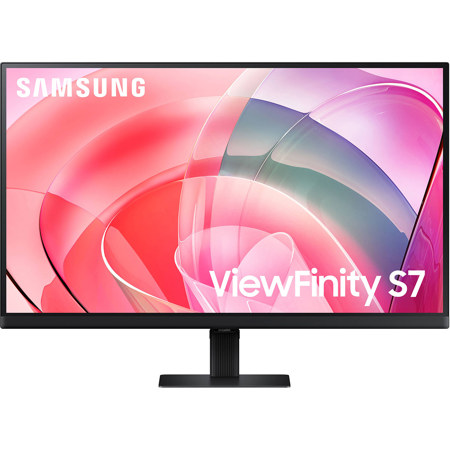
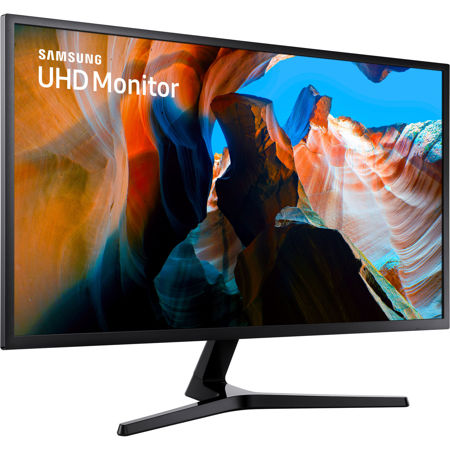
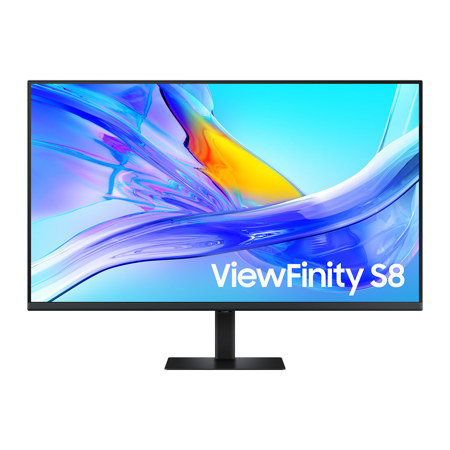
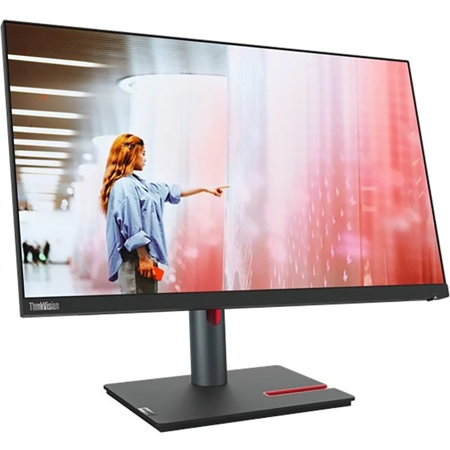
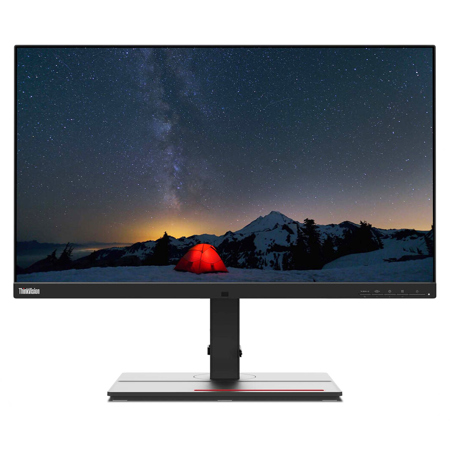
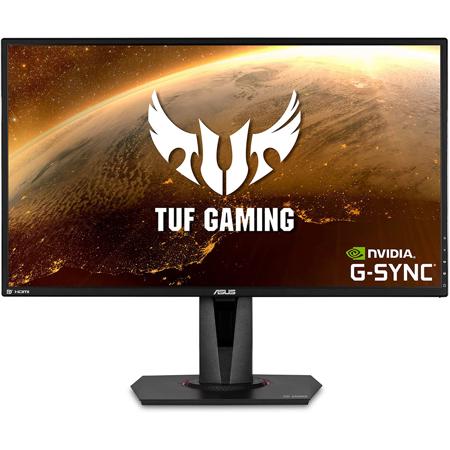
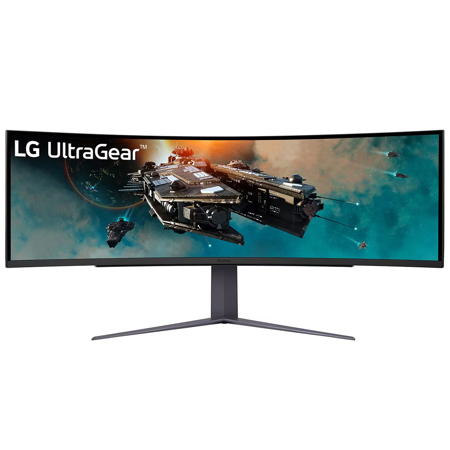
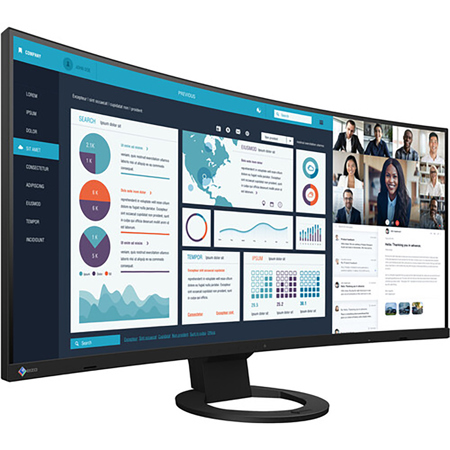
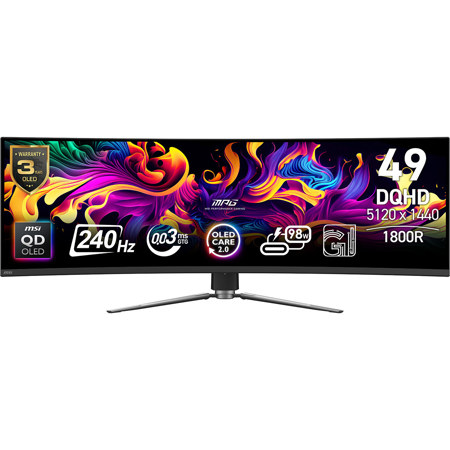
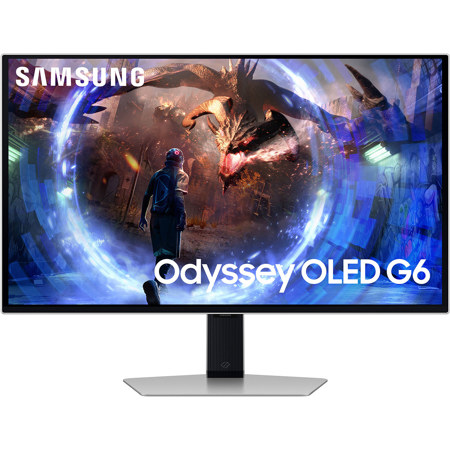
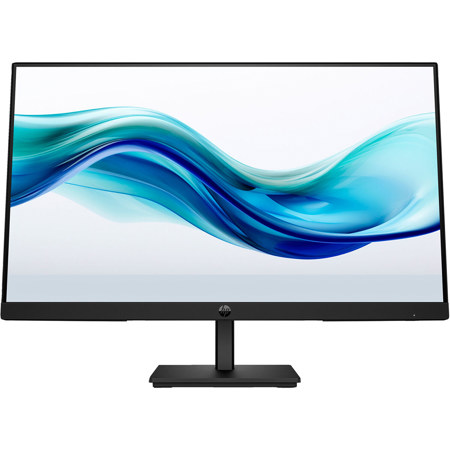
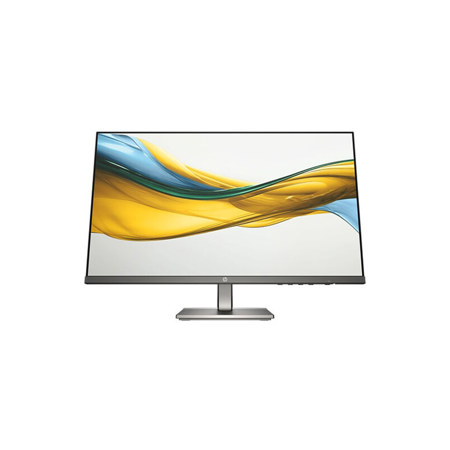
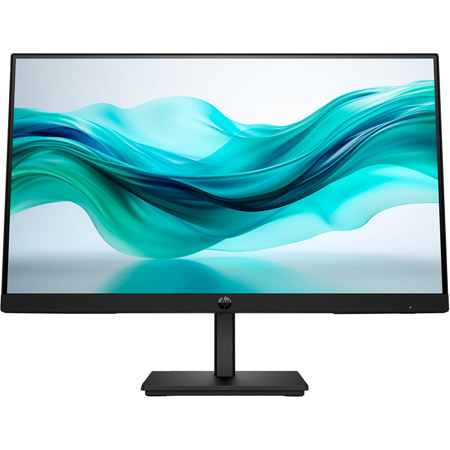
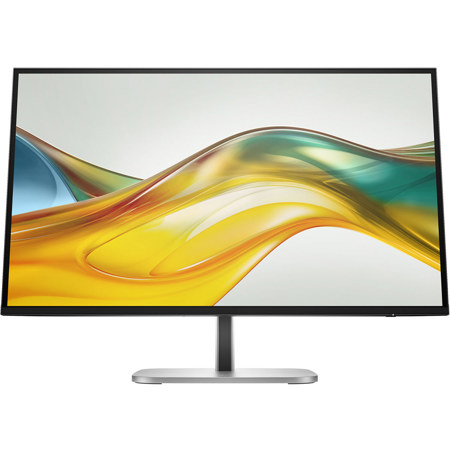
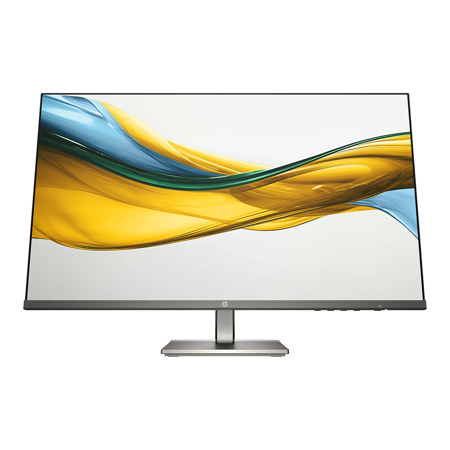
A tilt monitor is an essential piece of equipment for anyone who spends extended periods at their desk, whether for creative work, business, gaming, or streaming movies and shows during downtime. The ability to adjust the tilt of your monitor isn’t just about comfort—it’s about optimizing your workspace for health and productivity. When you can fine-tune the angle of your screen, you’re able to align your display with your natural line of sight, reducing neck strain and eye fatigue. Experts generally recommend positioning the top of your monitor at or just below eye level and tilting the screen back by 10° to 20° for the most ergonomic viewing experience. This subtle adjustment can make a noticeable difference, especially during long editing sessions, intense gaming marathons, or when working through a stack of emails. Whether you’re a photographer color grading images, a video editor piecing together footage, or a student attending virtual classes, a tilt monitor helps you maintain a healthy posture and focus on the task at hand. As the days shift from the warmth of summer into the cooler, crisper months, many people find themselves spending more time indoors, making an ergonomic workspace all the more important.
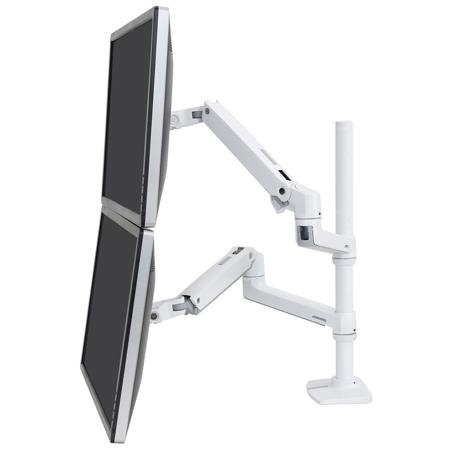
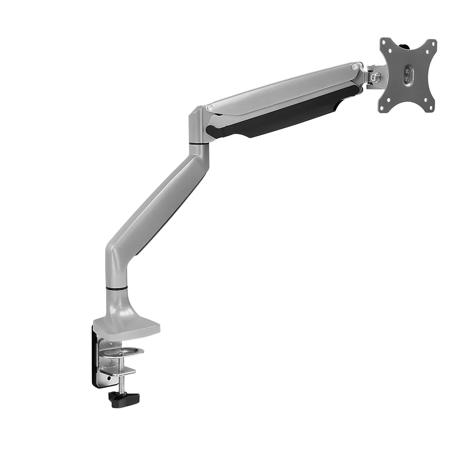
Choosing the monitor best suited to your needs involves more than just screen size or resolution. The flexibility of tilt, combined with height and swivel adjustments, can transform a static desk setup into a dynamic, comfortable environment. If your current monitor lacks a tilt mechanism, or if you need even more range of motion, consider a VESA-compatible monitor arm, which can provide full tilt, swivel, and height adjustments for a truly customized workspace. For those who work in shared spaces or collaborate frequently, the ability to quickly adjust the monitor’s angle can help accommodate multiple viewers and reduce glare, ensuring everyone has a clear view. This feature is also invaluable for parents setting up homework stations for their children or for anyone gifting a monitor to a student, remote worker, or creative enthusiast. When comparing the difference between tv and monitor, it’s worth noting that monitors are specifically designed for close-up viewing and extended use, often featuring anti-glare coatings and ergonomic stands that TVs simply don’t offer. As you fine-tune your workspace for the season ahead, consider how a tilt monitor can support your workflow, comfort, and overall well-being.
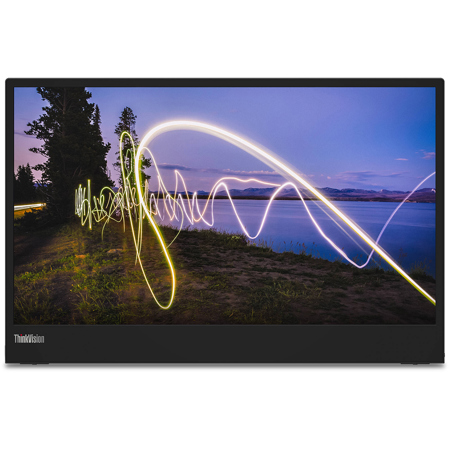
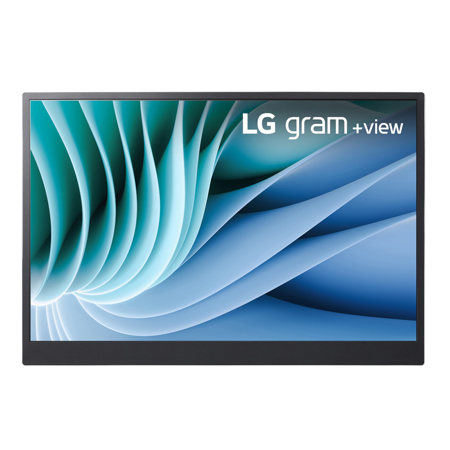
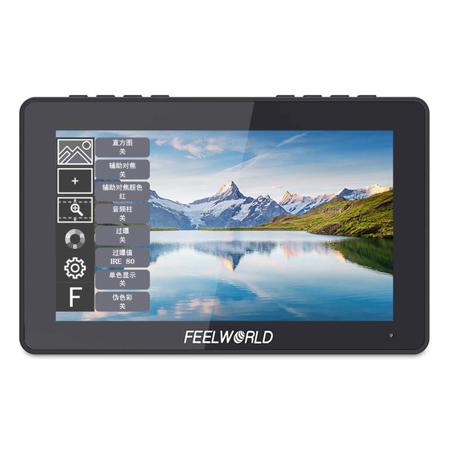
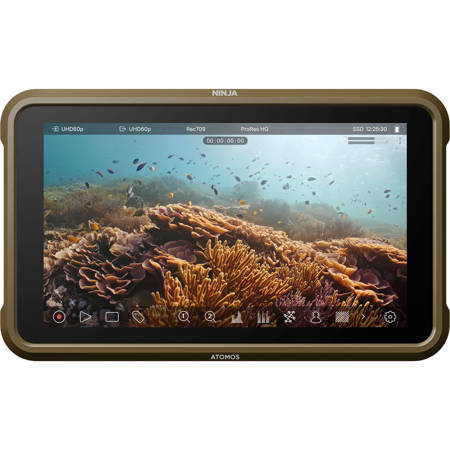
For those who find themselves working from multiple locations or traveling frequently, portability becomes just as important as ergonomics. If you’re interested in displays that combine flexibility with a compact form factor, explore our curated selection of Travel Monitors, which offer many of the same ergonomic benefits in a package designed for life on the go. No matter your work style or environment, investing in a monitor with tilt functionality is a thoughtful way to enhance your daily routine, support healthy habits, and make your workspace more inviting—whether you’re tackling creative projects, managing business tasks, or simply enjoying your favorite content as the seasons change.
Choosing the monitor best suited to your needs involves more than just screen size or resolution. The flexibility of tilt, combined with height and swivel adjustments, can transform a static desk setup into a dynamic, comfortable environment. If your current monitor lacks a tilt mechanism, or if you need even more range of motion, consider a VESA-compatible monitor arm, which can provide full tilt, swivel, and height adjustments for a truly customized workspace. For those who work in shared spaces or collaborate frequently, the ability to quickly adjust the monitor’s angle can help accommodate multiple viewers and reduce glare, ensuring everyone has a clear view. This feature is also invaluable for parents setting up homework stations for their children or for anyone gifting a monitor to a student, remote worker, or creative enthusiast. When comparing the difference between tv and monitor, it’s worth noting that monitors are specifically designed for close-up viewing and extended use, often featuring anti-glare coatings and ergonomic stands that TVs simply don’t offer. As you fine-tune your workspace for the season ahead, consider how a tilt monitor can support your workflow, comfort, and overall well-being.
For those who find themselves working from multiple locations or traveling frequently, portability becomes just as important as ergonomics. If you’re interested in displays that combine flexibility with a compact form factor, explore our curated selection of Travel Monitors, which offer many of the same ergonomic benefits in a package designed for life on the go. No matter your work style or environment, investing in a monitor with tilt functionality is a thoughtful way to enhance your daily routine, support healthy habits, and make your workspace more inviting—whether you’re tackling creative projects, managing business tasks, or simply enjoying your favorite content as the seasons change.