Usb C Cables For Laptops
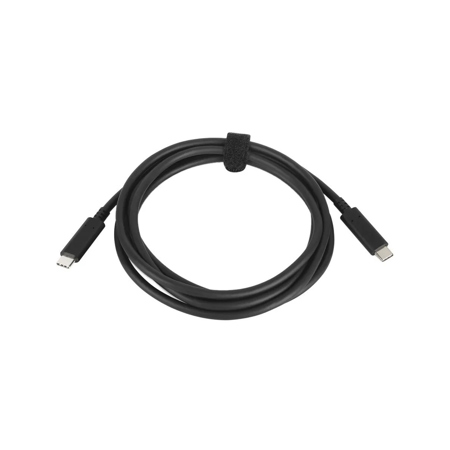
Selecting the right USB-C cables for laptops is essential for ensuring reliable charging, seamless data transfer, and safe operation—especially as more devices rely on USB-C as their primary connection standard. Whether you’re a creative professional editing high-resolution video, a student shuttling between campus and coffee shops, or a remote worker setting up a flexible home office, the correct cable can make all the difference in productivity and device longevity. As the weather shifts from the warmth of summer into the crispness of fall, many people find themselves on the move—traveling for work, returning to school, or simply enjoying the outdoors with their tech in tow. During these times, dependable cables for laptops become indispensable, powering everything from last-minute presentations to virtual meetings and late-night study sessions.
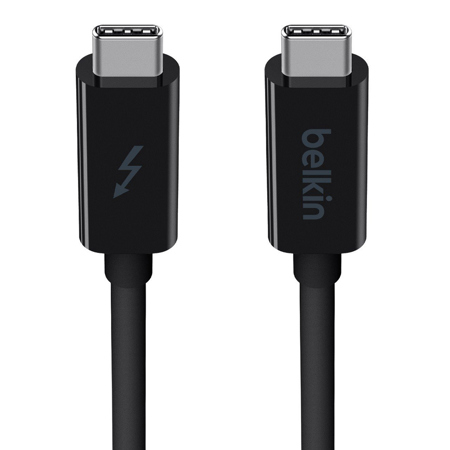
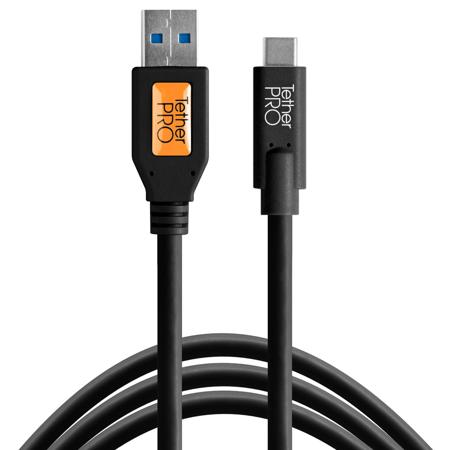
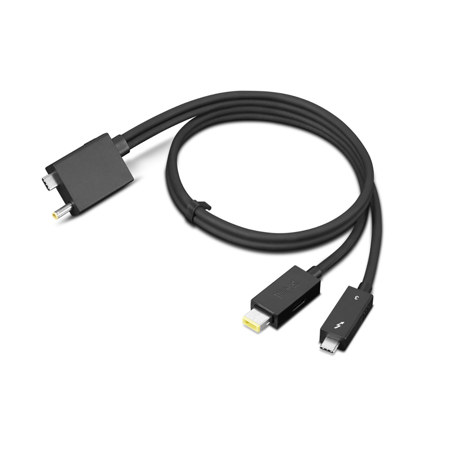
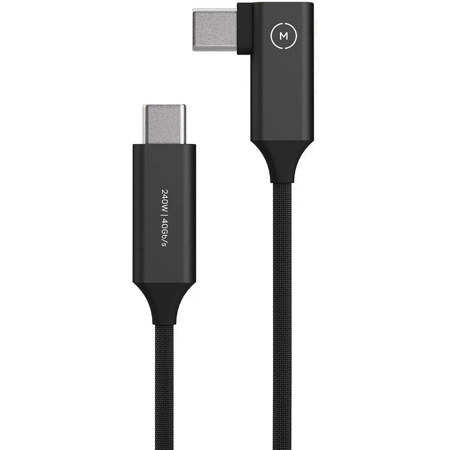
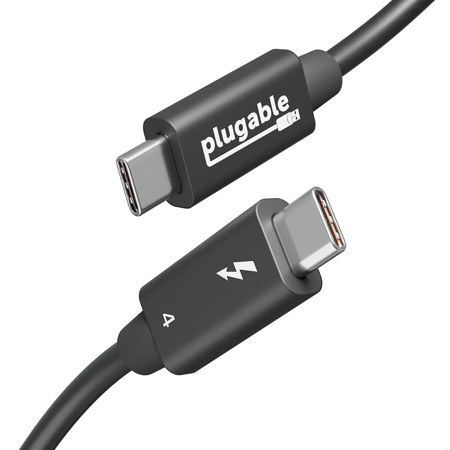
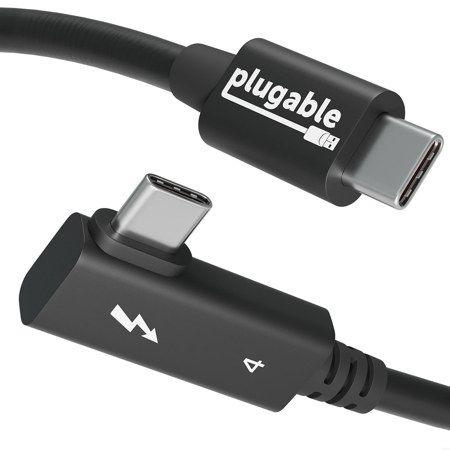
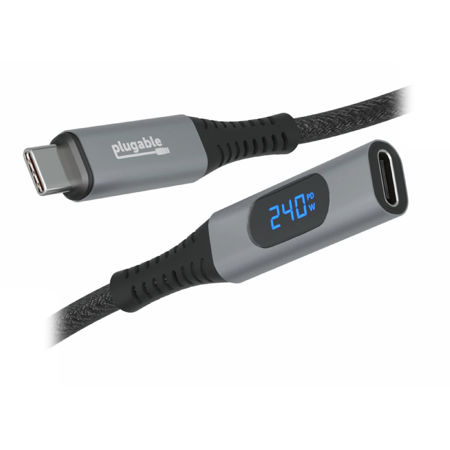
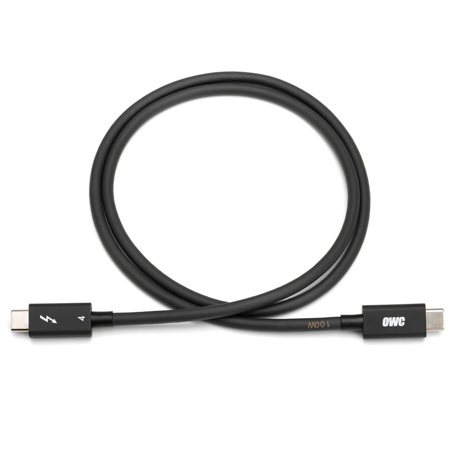
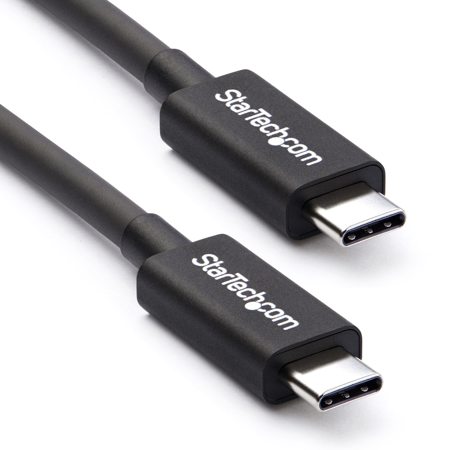
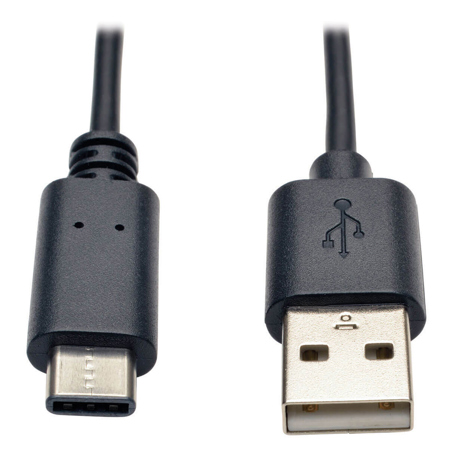
When considering which USB-C cable to choose, it’s important to look beyond just the connector type and pay close attention to both power delivery (PD) and data transfer capabilities. Modern laptops often require cables rated for high wattage—typically 60W, 100W, or even up to 240W—to safely and efficiently charge larger batteries. Cables featuring an integrated E-marker chip can negotiate the correct power requirements for your device, reducing the risk of overheating or slow charging. This is especially crucial if you’re using a high-powered notebook or a workstation on the go. If you’re planning to transfer large files, connect to an external monitor, or use your laptop as the hub for creative peripherals, you’ll also want to ensure your cable supports higher data speeds—look for specifications like USB 3.2 or Thunderbolt 3/4, which allow for rapid file transfers and robust video output. Not all cables are created equal; some are designed solely for charging and only support USB 2.0 speeds, which may not be sufficient for demanding workflows or connecting external displays. For those interested in connecting laptops to monitors, it’s helpful to explore dedicated options such as the USB C Cables for Monitors page to find cables specifically rated for video output and high-speed data transmission.
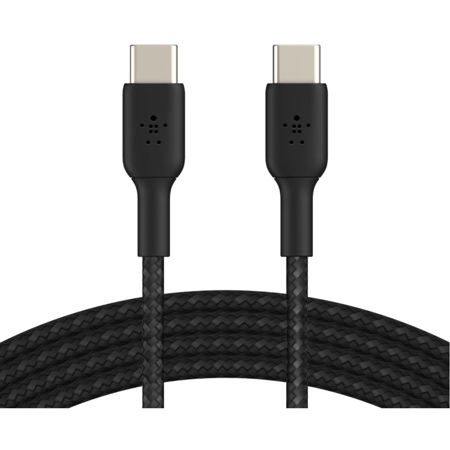
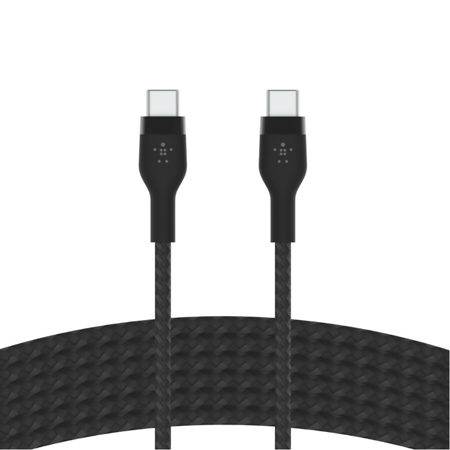
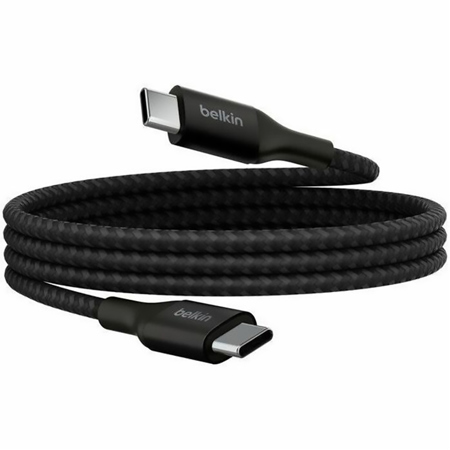
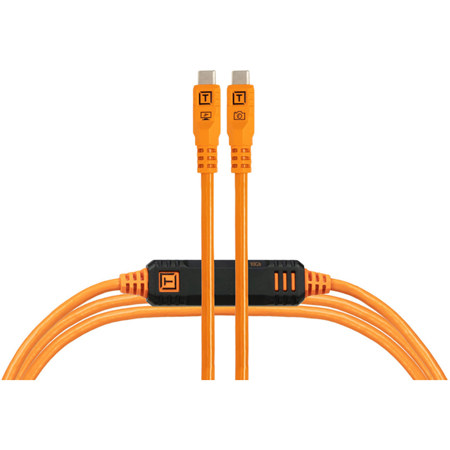
USB-C cables for laptops also make practical and thoughtful gifts for students heading back to school, professionals upgrading their work gear, or anyone who relies on their laptop for daily tasks. With so many devices sharing the USB-C standard—from smartphones and tablets to cameras and audio interfaces—a high-quality cable can simplify life and reduce clutter, eliminating the need to carry multiple chargers or adapters. Durability is another key consideration, especially for those who travel frequently or rely on their equipment in ever-changing environments. Look for cables with reinforced connectors, braided exteriors, or flexible designs that can withstand frequent bending and packing. As routines shift with the seasons, having a reliable cable in your bag, backpack, or desk drawer means you’re always prepared—whether you’re setting up a workstation in a new office, heading to a late-summer festival with your laptop in tow, or preparing for a productive fall semester. Investing in the right USB-C cable ensures your devices stay powered and connected, supporting your workflow and creativity wherever you go.
When considering which USB-C cable to choose, it’s important to look beyond just the connector type and pay close attention to both power delivery (PD) and data transfer capabilities. Modern laptops often require cables rated for high wattage—typically 60W, 100W, or even up to 240W—to safely and efficiently charge larger batteries. Cables featuring an integrated E-marker chip can negotiate the correct power requirements for your device, reducing the risk of overheating or slow charging. This is especially crucial if you’re using a high-powered notebook or a workstation on the go. If you’re planning to transfer large files, connect to an external monitor, or use your laptop as the hub for creative peripherals, you’ll also want to ensure your cable supports higher data speeds—look for specifications like USB 3.2 or Thunderbolt 3/4, which allow for rapid file transfers and robust video output. Not all cables are created equal; some are designed solely for charging and only support USB 2.0 speeds, which may not be sufficient for demanding workflows or connecting external displays. For those interested in connecting laptops to monitors, it’s helpful to explore dedicated options such as the USB C Cables for Monitors page to find cables specifically rated for video output and high-speed data transmission.
USB-C cables for laptops also make practical and thoughtful gifts for students heading back to school, professionals upgrading their work gear, or anyone who relies on their laptop for daily tasks. With so many devices sharing the USB-C standard—from smartphones and tablets to cameras and audio interfaces—a high-quality cable can simplify life and reduce clutter, eliminating the need to carry multiple chargers or adapters. Durability is another key consideration, especially for those who travel frequently or rely on their equipment in ever-changing environments. Look for cables with reinforced connectors, braided exteriors, or flexible designs that can withstand frequent bending and packing. As routines shift with the seasons, having a reliable cable in your bag, backpack, or desk drawer means you’re always prepared—whether you’re setting up a workstation in a new office, heading to a late-summer festival with your laptop in tow, or preparing for a productive fall semester. Investing in the right USB-C cable ensures your devices stay powered and connected, supporting your workflow and creativity wherever you go.