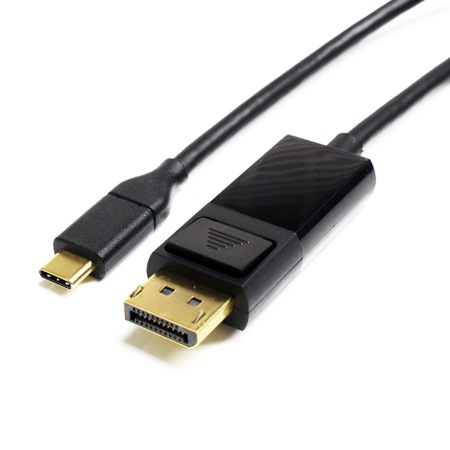
USB C Cables for Monitors
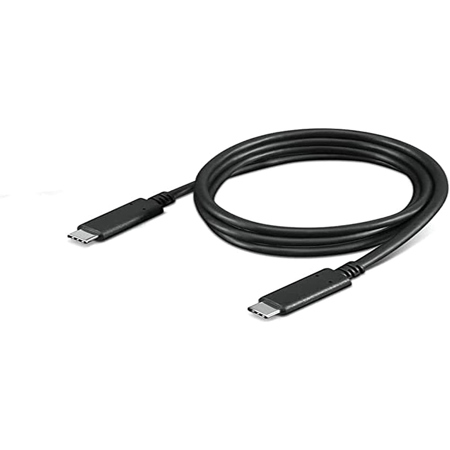
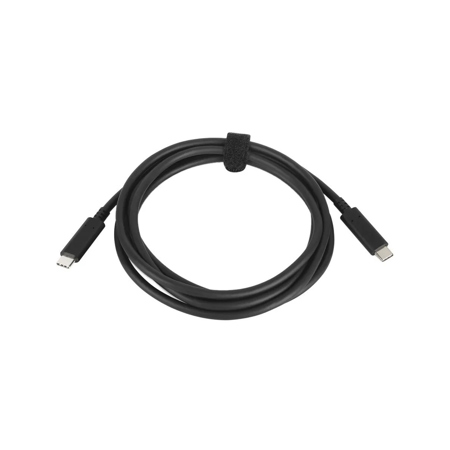
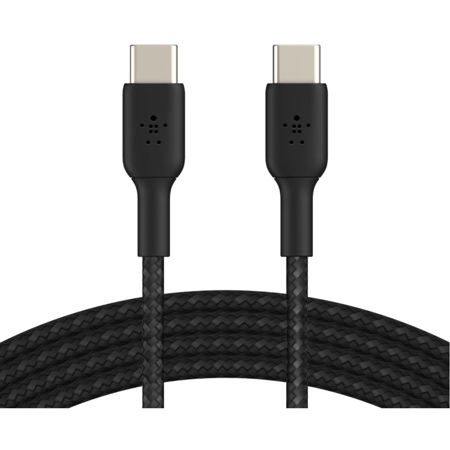
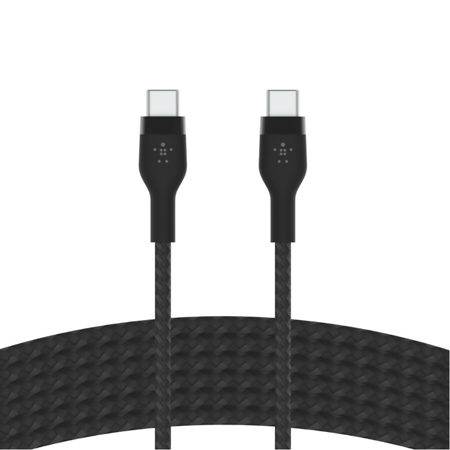
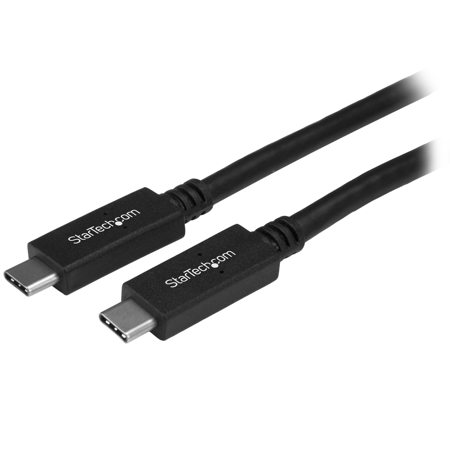
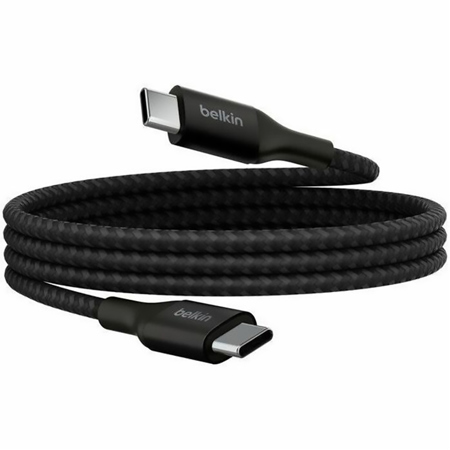
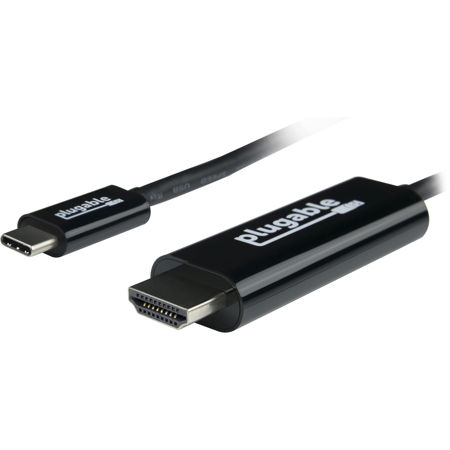
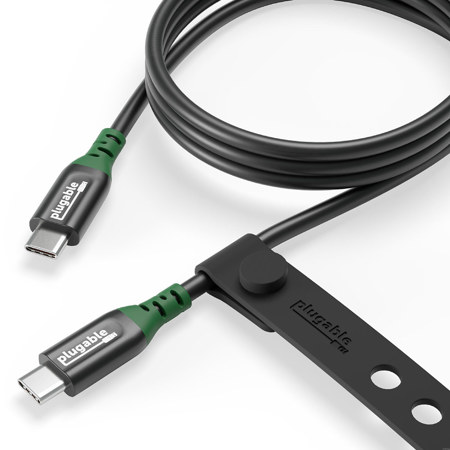
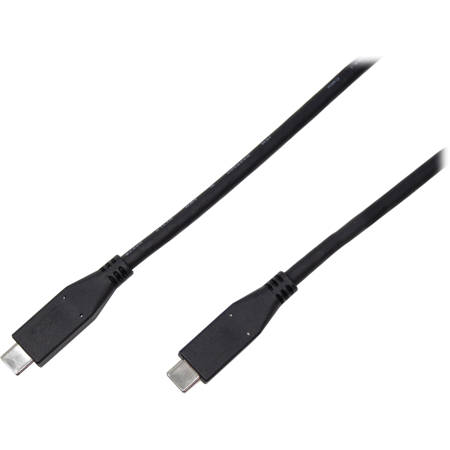
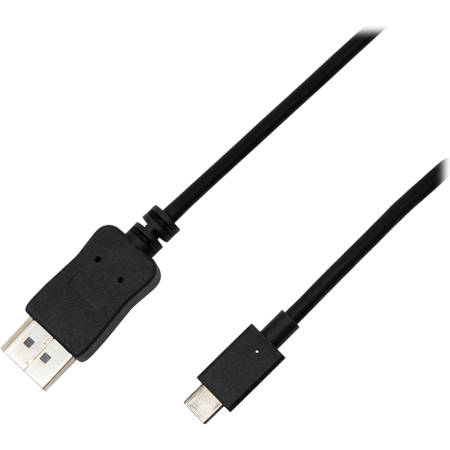
When it comes to modern workspaces, creative studios, or home offices, USB C monitor cables have become an essential accessory for anyone seeking a streamlined connection between laptops, tablets, and external displays. These versatile cables are designed to transmit not only high-resolution video but also data and power, all through a single, reversible connector. Whether you're a photographer editing images on a color-accurate display, a video editor working with 4K footage, or a student setting up a dual-monitor study area, the right USB-C cable can simplify your setup and reduce desktop clutter. During the warmer months, when many people refresh their workspaces or set up flexible workstations for summer projects, a reliable USB C monitor cable is especially valuable for creating a clean and efficient environment—no more tangled cords or multiple adapters. As the seasons shift and routines change, these cables continue to provide a seamless experience, making them a practical gift for recent graduates, remote workers, or anyone upgrading their tech for the back-to-school or fall productivity push.
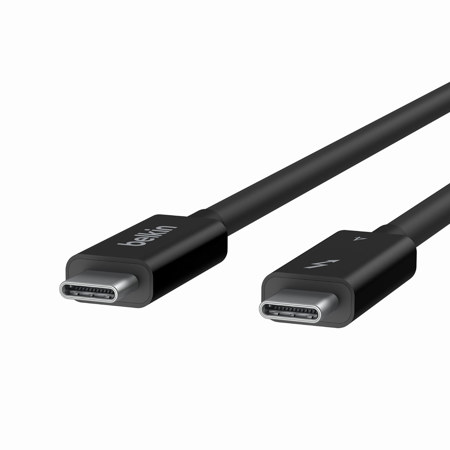
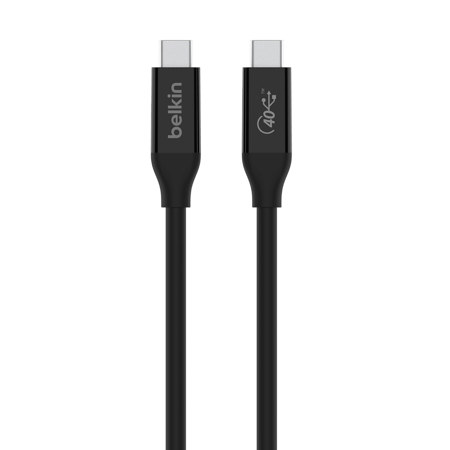
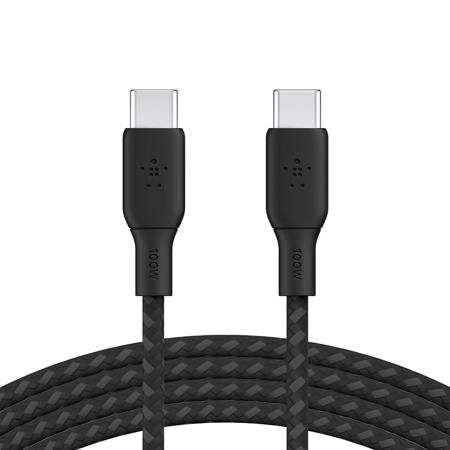
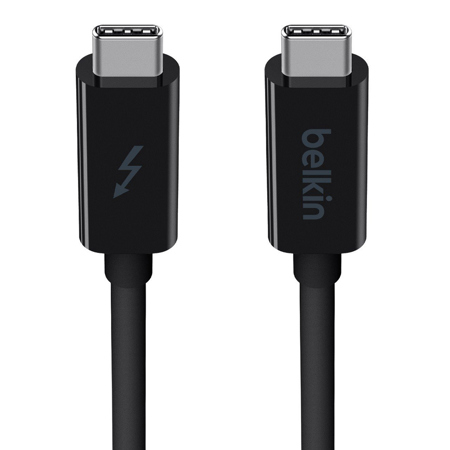
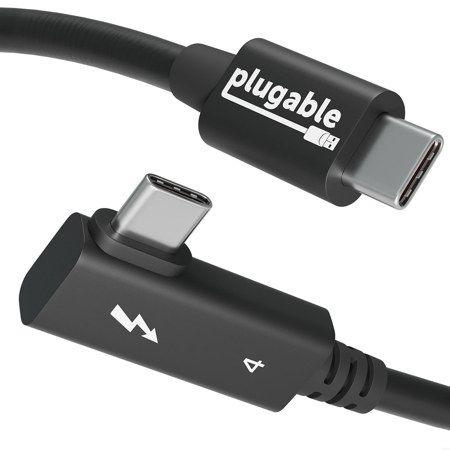
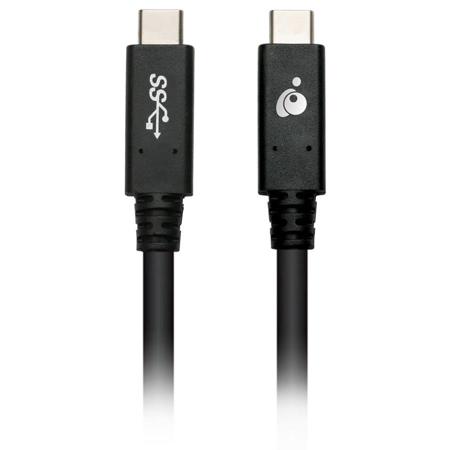
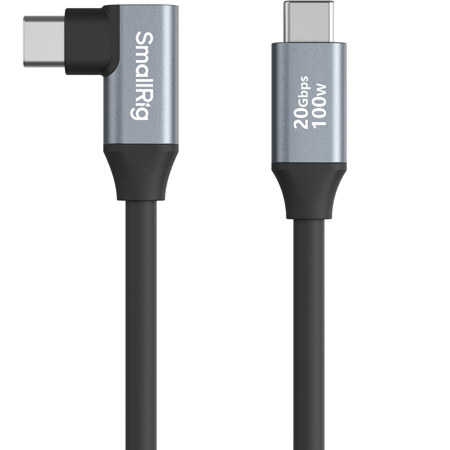
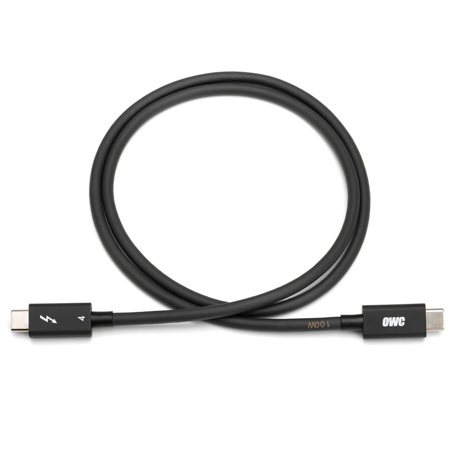
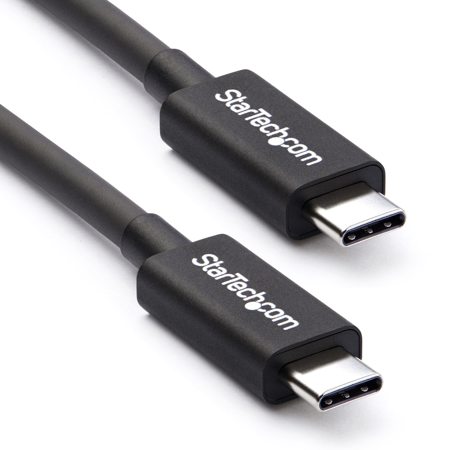
Choosing the right USB C monitor cable requires a bit of know-how, as not all cables offer the same features. For full functionality—display output, data transfer, and device charging—look for cables labeled as "full-featured" or those supporting Thunderbolt 3 or Thunderbolt 4 standards. These cables are engineered to handle the bandwidth needed for 4K video, rapid data transfer, and high-wattage power delivery, which is crucial if you want to charge your laptop while connected to a monitor. Pay close attention to the cable’s wattage rating; for example, if your laptop requires a 100W charger, select a cable that matches or exceeds that specification to ensure uninterrupted power. DisplayPort Alternate Mode (DP Alt Mode) is another key feature, allowing the cable to natively output video from your device to the monitor. For those working with high-speed video or large files, prioritize cables supporting USB 3.2 Gen 2 (10Gbps or 20Gbps) or Thunderbolt for optimal performance. Length also matters—while it might be tempting to go longer for flexibility, cables between 3 to 6 feet typically provide the best balance of video quality and power delivery, especially for 4K displays. If you’re setting up a professional editing suite, gaming station, or collaborative workspace, investing in the right cable can make all the difference in reliability and performance.
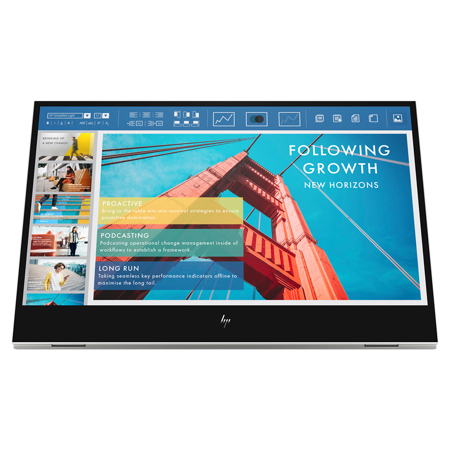
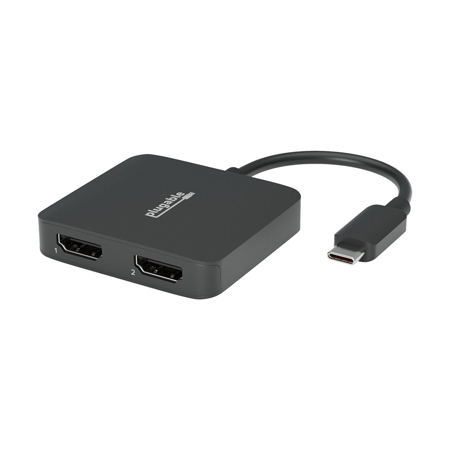
As technology evolves and more devices adopt USB-C connectivity, the demand for high-quality cables continues to grow. These cables are not just for tech enthusiasts; they’re ideal for anyone looking to simplify their digital life, from families sharing a home office to creatives managing multiple devices. They also make thoughtful gifts for students heading off to college, professionals upgrading their home setups, or anyone who appreciates the convenience of a single-cable solution. For those interested in further simplifying their workspace, consider pairing your cable with a monitor that supports USB-C charging and video through the same connection. Explore a curated selection of these displays on our USB C Charging Monitors page for even more ways to enhance your setup. Whether you’re embracing new routines as the weather changes or simply seeking a more organized and efficient workspace, a dependable USB C monitor cable is a small investment that delivers significant returns in productivity and convenience.
Choosing the right USB C monitor cable requires a bit of know-how, as not all cables offer the same features. For full functionality—display output, data transfer, and device charging—look for cables labeled as "full-featured" or those supporting Thunderbolt 3 or Thunderbolt 4 standards. These cables are engineered to handle the bandwidth needed for 4K video, rapid data transfer, and high-wattage power delivery, which is crucial if you want to charge your laptop while connected to a monitor. Pay close attention to the cable’s wattage rating; for example, if your laptop requires a 100W charger, select a cable that matches or exceeds that specification to ensure uninterrupted power. DisplayPort Alternate Mode (DP Alt Mode) is another key feature, allowing the cable to natively output video from your device to the monitor. For those working with high-speed video or large files, prioritize cables supporting USB 3.2 Gen 2 (10Gbps or 20Gbps) or Thunderbolt for optimal performance. Length also matters—while it might be tempting to go longer for flexibility, cables between 3 to 6 feet typically provide the best balance of video quality and power delivery, especially for 4K displays. If you’re setting up a professional editing suite, gaming station, or collaborative workspace, investing in the right cable can make all the difference in reliability and performance.
As technology evolves and more devices adopt USB-C connectivity, the demand for high-quality cables continues to grow. These cables are not just for tech enthusiasts; they’re ideal for anyone looking to simplify their digital life, from families sharing a home office to creatives managing multiple devices. They also make thoughtful gifts for students heading off to college, professionals upgrading their home setups, or anyone who appreciates the convenience of a single-cable solution. For those interested in further simplifying their workspace, consider pairing your cable with a monitor that supports USB-C charging and video through the same connection. Explore a curated selection of these displays on our USB C Charging Monitors page for even more ways to enhance your setup. Whether you’re embracing new routines as the weather changes or simply seeking a more organized and efficient workspace, a dependable USB C monitor cable is a small investment that delivers significant returns in productivity and convenience.