
Usb C Display Monitors
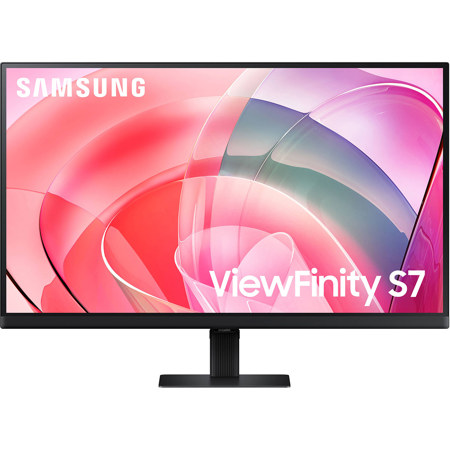
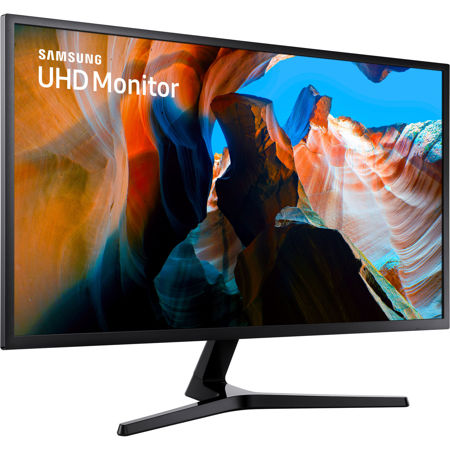
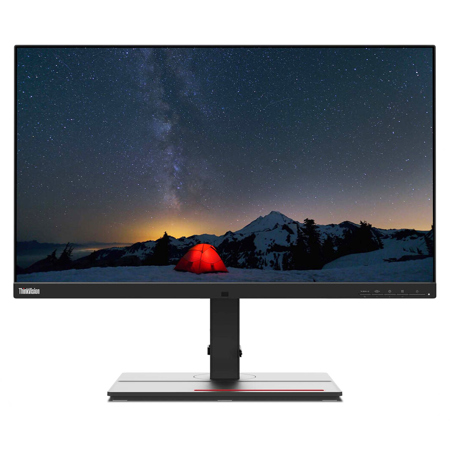
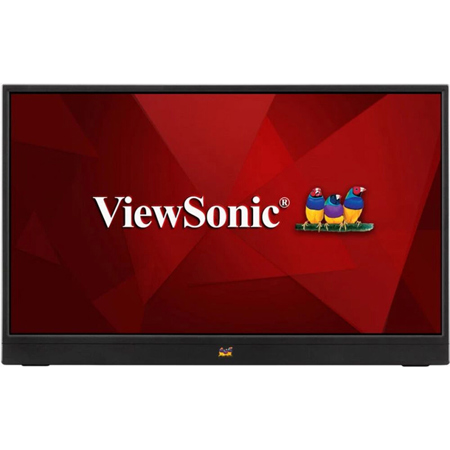
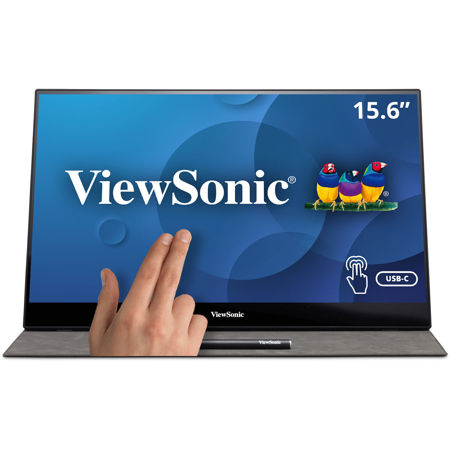
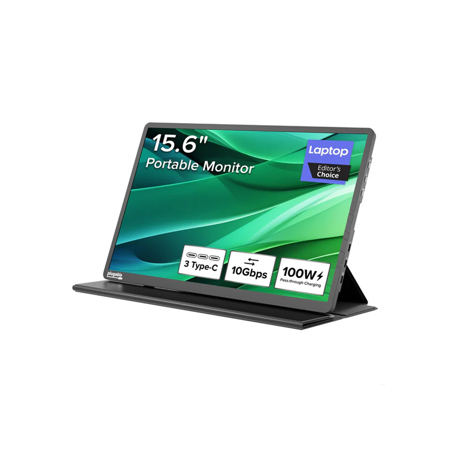
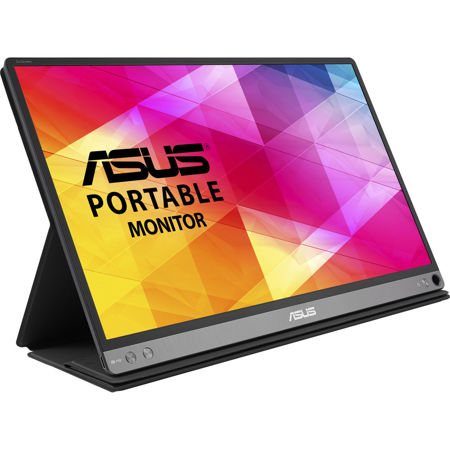
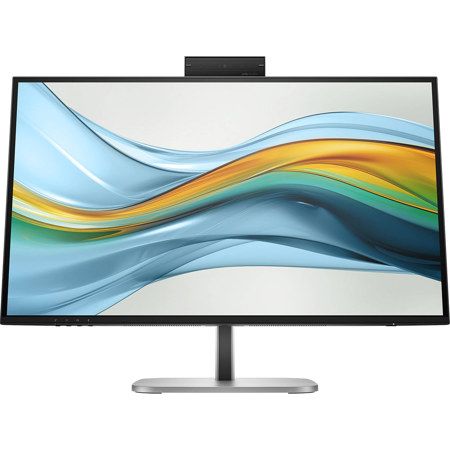
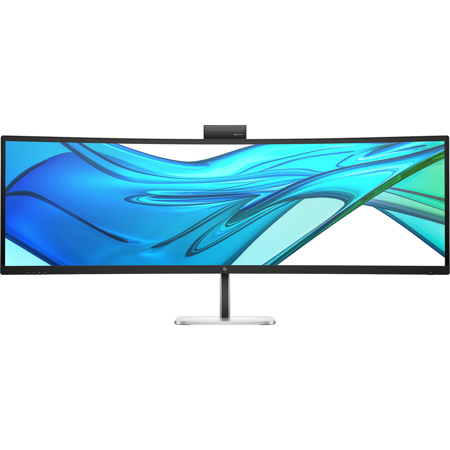
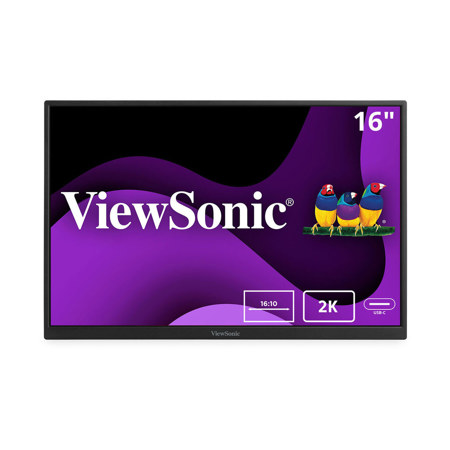
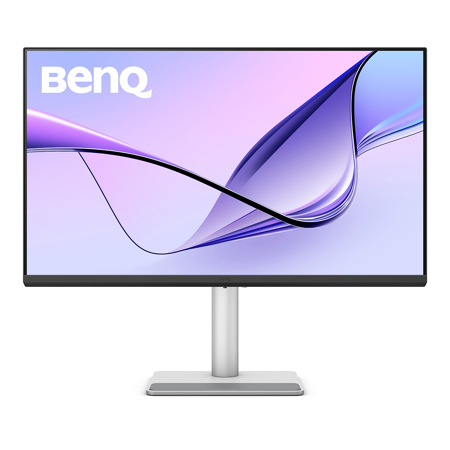
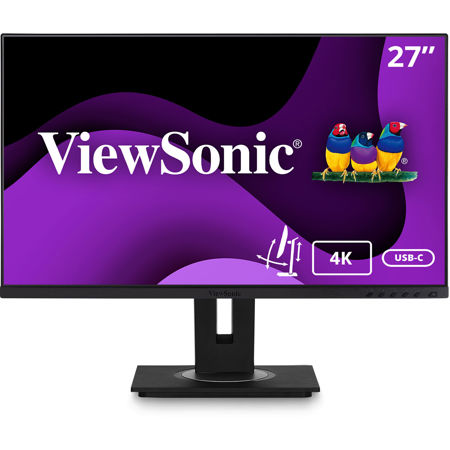
As technology continues to evolve, the way we connect our devices and create efficient workspaces has transformed dramatically. USB C display monitors have become a cornerstone for professionals and enthusiasts seeking a streamlined, clutter-free setup. These monitors harness the power and versatility of USB Type-C connectivity, allowing users to transmit video, audio, data, and even power through a single cable. This one-cable solution is a game-changer for those who value simplicity and flexibility, whether you’re working from a home office, designing in a creative studio, or setting up a dynamic workstation in a shared space. The convenience of a display with USB C is especially evident during the busy mid-year months, when travel and flexible work schedules pick up, making it easier than ever to transition between locations without lugging a tangle of cables and adapters.
Selecting the right USB C monitor involves more than just screen size or resolution. It’s important to ensure that both your device and the monitor support features like DisplayPort Alt Mode or Thunderbolt over USB-C, which are essential for transmitting high-quality video and audio. Many modern c monitors also offer integrated USB hubs, providing additional USB-A ports for connecting peripherals like keyboards, mice, or external storage directly to the display. This can be particularly useful during the warmer months when you might be working from different locations—whether that’s a sunlit corner of your living room or a shared co-working space—since it reduces the need for extra docking stations or dongles. Power delivery is another critical consideration; a monitor capable of charging your laptop while in use can simplify your setup and keep your workspace tidy. Be sure to check the wattage output to ensure it matches your laptop’s requirements, especially if you rely on high-performance devices that demand more power. For those who need to daisy-chain multiple displays or require ultra-high refresh rates, monitors equipped with Thunderbolt 3/4 or USB4 support offer top-tier performance and future-proofing.
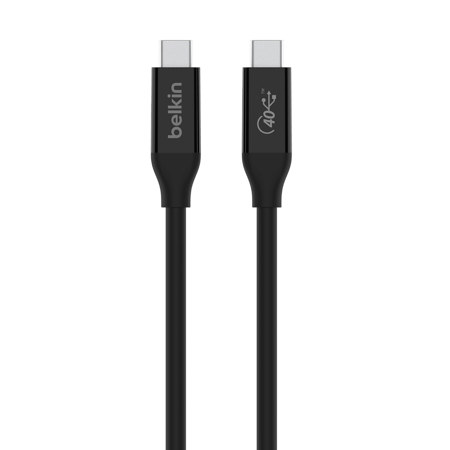
USB C display monitors make thoughtful gifts for students heading off to college, remote workers upgrading their home offices, or anyone passionate about tech and productivity. The ability to connect, charge, and expand your workspace with a single cable is a luxury that quickly becomes a necessity once experienced. When considering cables, remember that not all USB-C cables are created equal—some only support charging or slow data transfer, while others are designed for full 4K video capability and high-wattage power delivery. Investing in the right cable and monitor combination ensures a seamless experience, whether you’re editing photos, streaming content, or managing spreadsheets. As the cooler months approach and routines shift back indoors, having a reliable, versatile display with USB C can make all the difference for productivity and enjoyment. For those seeking even greater flexibility, especially in environments where multiple devices are in use, exploring USB C Docking Monitors can open up new possibilities for connectivity and convenience. With the right setup, your workspace can adapt to your needs all year round, supporting creativity, efficiency, and comfort no matter where the season finds you.
Selecting the right USB C monitor involves more than just screen size or resolution. It’s important to ensure that both your device and the monitor support features like DisplayPort Alt Mode or Thunderbolt over USB-C, which are essential for transmitting high-quality video and audio. Many modern c monitors also offer integrated USB hubs, providing additional USB-A ports for connecting peripherals like keyboards, mice, or external storage directly to the display. This can be particularly useful during the warmer months when you might be working from different locations—whether that’s a sunlit corner of your living room or a shared co-working space—since it reduces the need for extra docking stations or dongles. Power delivery is another critical consideration; a monitor capable of charging your laptop while in use can simplify your setup and keep your workspace tidy. Be sure to check the wattage output to ensure it matches your laptop’s requirements, especially if you rely on high-performance devices that demand more power. For those who need to daisy-chain multiple displays or require ultra-high refresh rates, monitors equipped with Thunderbolt 3/4 or USB4 support offer top-tier performance and future-proofing.
USB C display monitors make thoughtful gifts for students heading off to college, remote workers upgrading their home offices, or anyone passionate about tech and productivity. The ability to connect, charge, and expand your workspace with a single cable is a luxury that quickly becomes a necessity once experienced. When considering cables, remember that not all USB-C cables are created equal—some only support charging or slow data transfer, while others are designed for full 4K video capability and high-wattage power delivery. Investing in the right cable and monitor combination ensures a seamless experience, whether you’re editing photos, streaming content, or managing spreadsheets. As the cooler months approach and routines shift back indoors, having a reliable, versatile display with USB C can make all the difference for productivity and enjoyment. For those seeking even greater flexibility, especially in environments where multiple devices are in use, exploring USB C Docking Monitors can open up new possibilities for connectivity and convenience. With the right setup, your workspace can adapt to your needs all year round, supporting creativity, efficiency, and comfort no matter where the season finds you.