
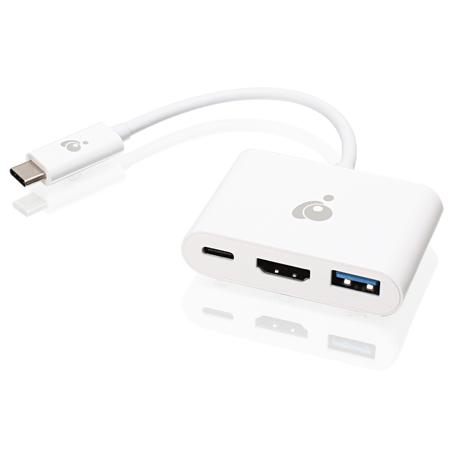
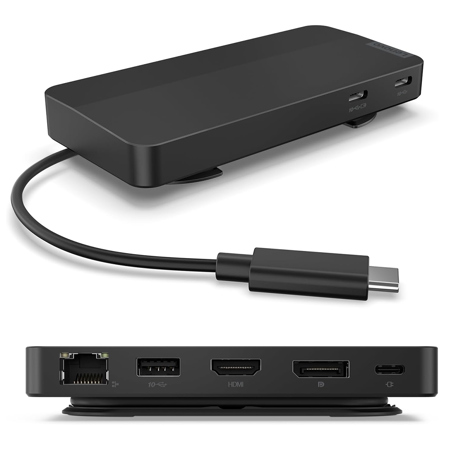
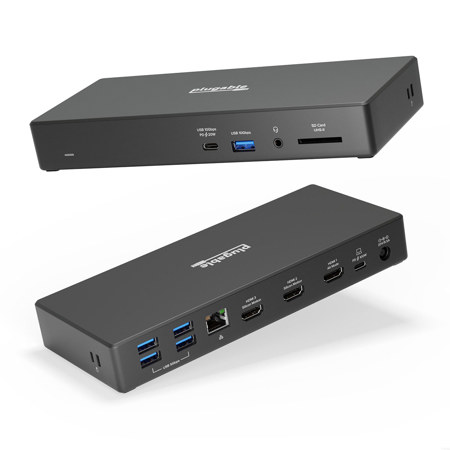
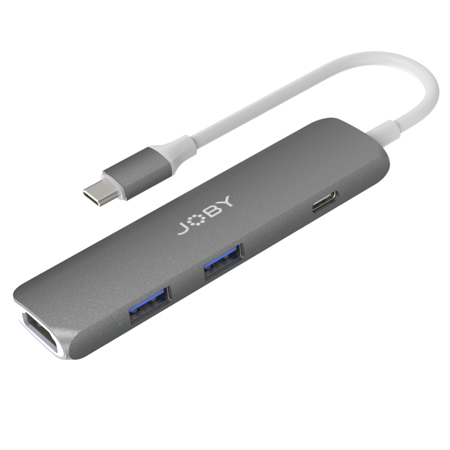
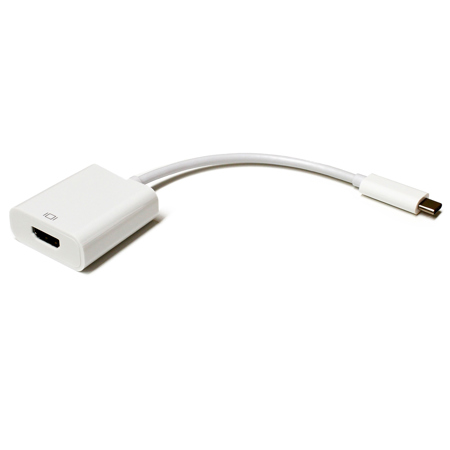
USB C To HDMI Adapters for Dual Monitors
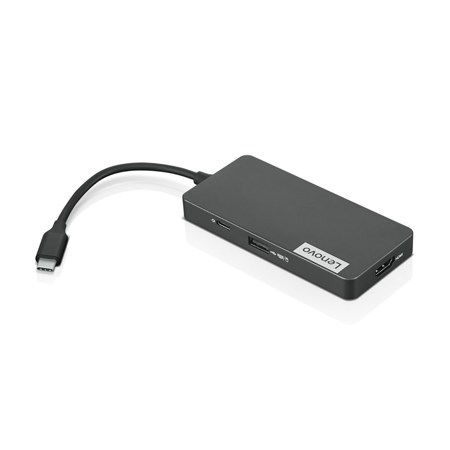
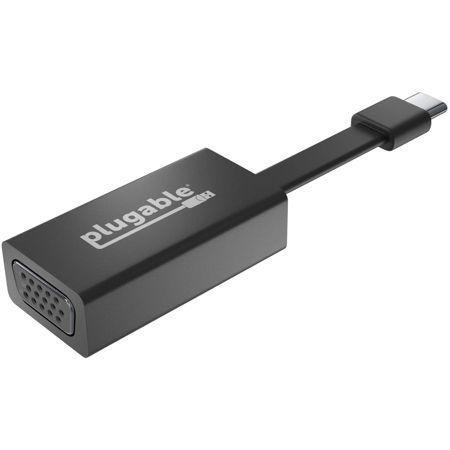
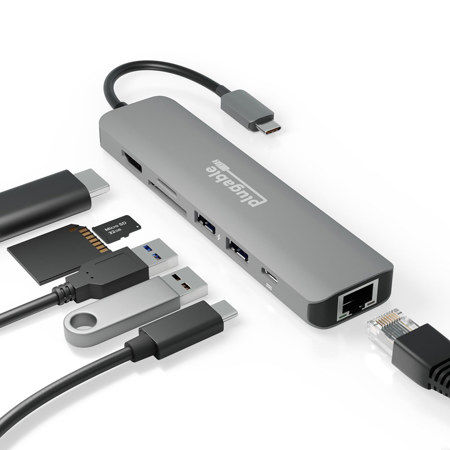
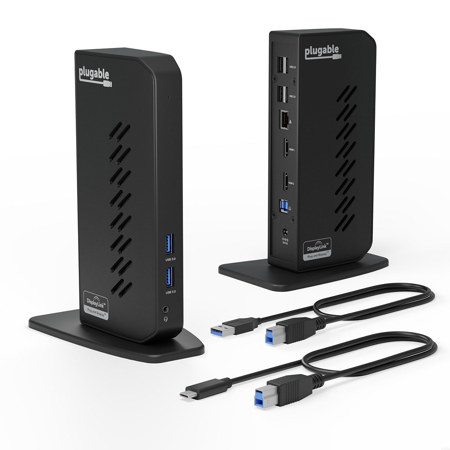
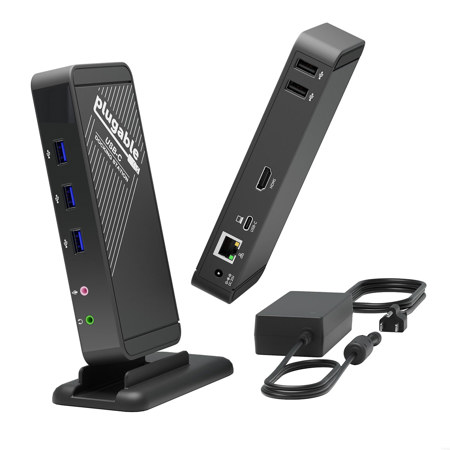
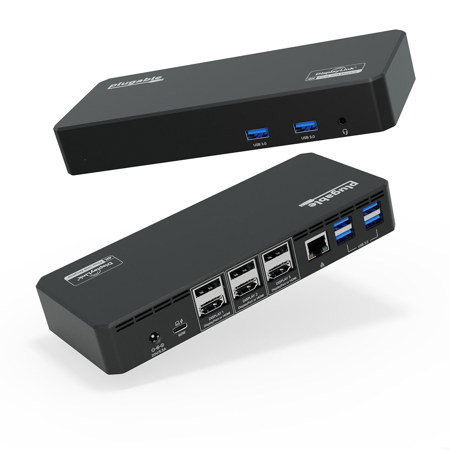
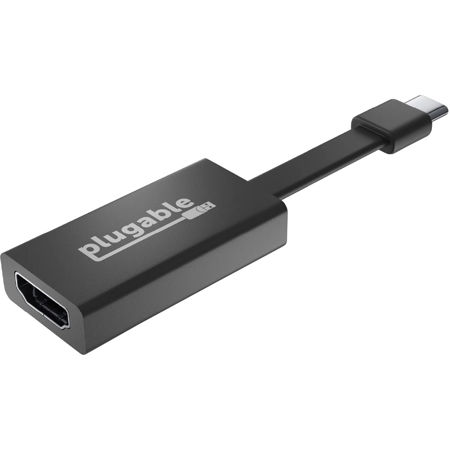
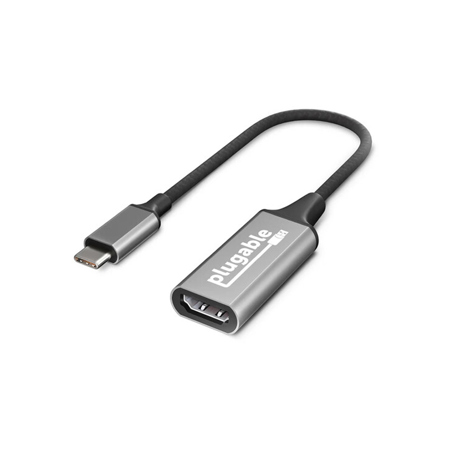
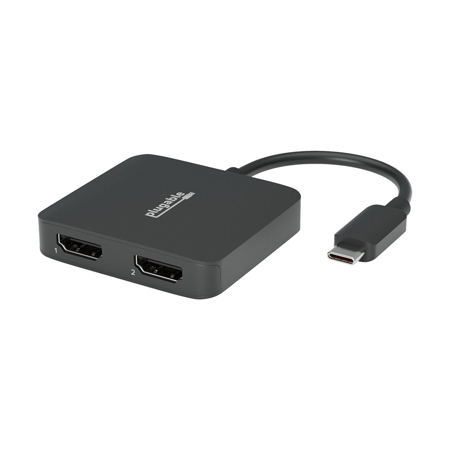
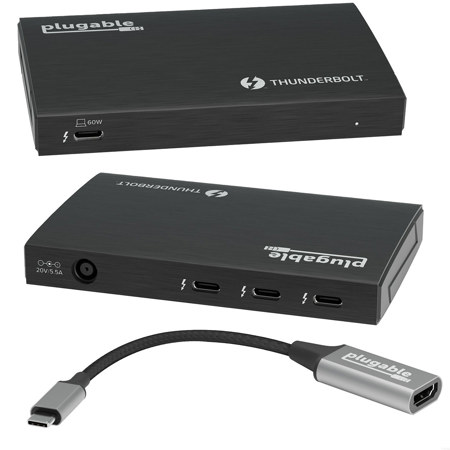
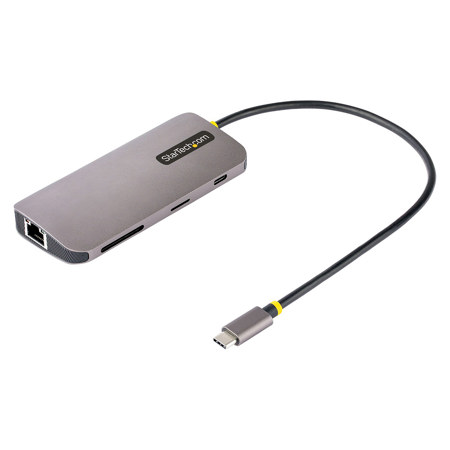
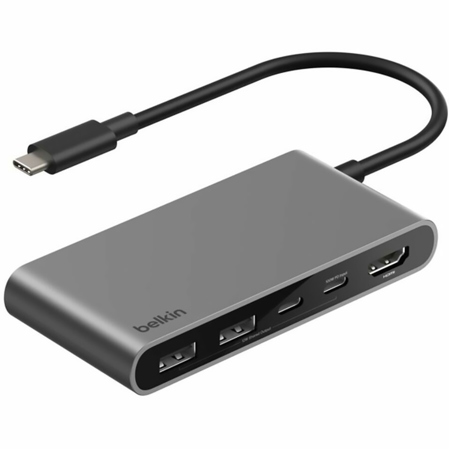
As more professionals, creators, and students embrace flexible workspaces and dynamic learning environments, the demand for seamless multi-monitor setups continues to grow—especially as the weather warms and schedules shift to accommodate travel, hybrid work, or summer study sessions. USB C to HDMI adapters for dual monitors have become essential tools for anyone seeking to expand their digital workspace with minimal hassle. Whether you're powering through spreadsheets in a home office, editing high-resolution video at a studio desk, or setting up a portable workstation at a summer rental, these adapters offer a practical and reliable solution. They make it easy to connect two external displays to a single USB-C port, transforming laptops and tablets into productivity powerhouses. For those who rely on visual clarity and screen real estate—graphic designers, coders, financial analysts, educators, and content creators—having a dual monitor setup can dramatically improve workflow and reduce eye strain. These adapters also make thoughtful gifts for recent graduates heading off to college, remote workers upgrading their home setups, or anyone who enjoys gaming or streaming on multiple screens.
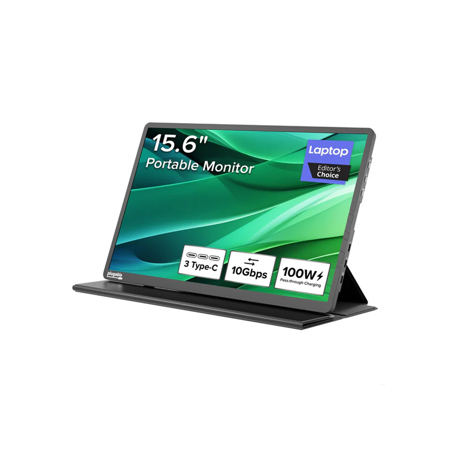
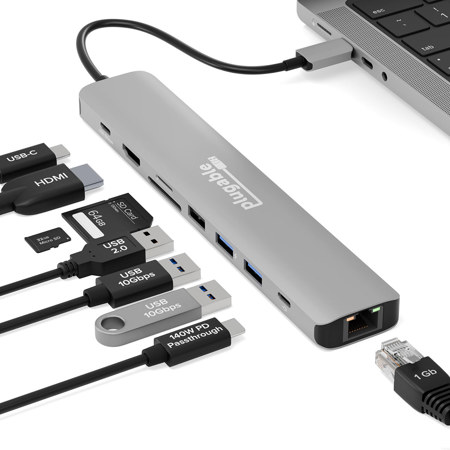
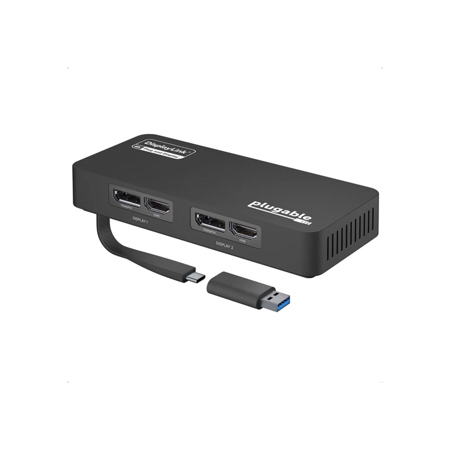
When shopping for a USB C to HDMI adapter that supports dual monitors, there are a few key considerations to keep in mind. The first is compatibility: not all laptops or tablets can natively output to two HDMI displays from a single USB-C port. For Windows users, many adapters utilize Multi-Stream Transport (MST) technology or leverage DisplayPort Alt Mode to enable extended desktop modes without the need for additional drivers. For those using MacBook models with Apple silicon—such as the base M-series MacBooks—native support for dual external displays is limited. In these cases, choosing an adapter with DisplayLink technology is essential, as it works around these restrictions by using a simple software installation to enable extended dual displays. Performance is another important factor: look for adapters that support the resolutions and refresh rates you need, whether that's dual 1080p for everyday tasks or dual 4K at 60Hz for creative work and immersive visuals. Some adapters also offer features like power delivery pass-through, allowing you to charge your device while driving two external monitors, which is a major convenience for those who spend long hours at their desks. As you evaluate which adapter allows dual monitor setup from a single usb-c port, consider the types of monitors you already own or plan to purchase; if you’re interested in displays designed for USB-C connectivity, you’ll find a curated selection on our Usb C Display Monitors page.
No matter the season, the versatility of USB C to HDMI adapters for dual monitors makes them a smart investment for anyone looking to boost productivity, enhance entertainment, or simply make the most of their device’s capabilities. Picture yourself prepping for a big presentation with reference materials on one screen and your slides on another, or editing summer vacation photos with your editing tools on one monitor and a full-screen preview on the other. These adapters are also invaluable for educators running virtual classrooms, students managing research across multiple windows, and remote teams collaborating on complex projects. With the right adapter, the transition between home, office, and on-the-go workspaces becomes virtually seamless—helping you stay organized, efficient, and inspired as your routines evolve from early summer through the cooler months ahead.
When shopping for a USB C to HDMI adapter that supports dual monitors, there are a few key considerations to keep in mind. The first is compatibility: not all laptops or tablets can natively output to two HDMI displays from a single USB-C port. For Windows users, many adapters utilize Multi-Stream Transport (MST) technology or leverage DisplayPort Alt Mode to enable extended desktop modes without the need for additional drivers. For those using MacBook models with Apple silicon—such as the base M-series MacBooks—native support for dual external displays is limited. In these cases, choosing an adapter with DisplayLink technology is essential, as it works around these restrictions by using a simple software installation to enable extended dual displays. Performance is another important factor: look for adapters that support the resolutions and refresh rates you need, whether that's dual 1080p for everyday tasks or dual 4K at 60Hz for creative work and immersive visuals. Some adapters also offer features like power delivery pass-through, allowing you to charge your device while driving two external monitors, which is a major convenience for those who spend long hours at their desks. As you evaluate which adapter allows dual monitor setup from a single usb-c port, consider the types of monitors you already own or plan to purchase; if you’re interested in displays designed for USB-C connectivity, you’ll find a curated selection on our Usb C Display Monitors page.
No matter the season, the versatility of USB C to HDMI adapters for dual monitors makes them a smart investment for anyone looking to boost productivity, enhance entertainment, or simply make the most of their device’s capabilities. Picture yourself prepping for a big presentation with reference materials on one screen and your slides on another, or editing summer vacation photos with your editing tools on one monitor and a full-screen preview on the other. These adapters are also invaluable for educators running virtual classrooms, students managing research across multiple windows, and remote teams collaborating on complex projects. With the right adapter, the transition between home, office, and on-the-go workspaces becomes virtually seamless—helping you stay organized, efficient, and inspired as your routines evolve from early summer through the cooler months ahead.