
Webcam For TV
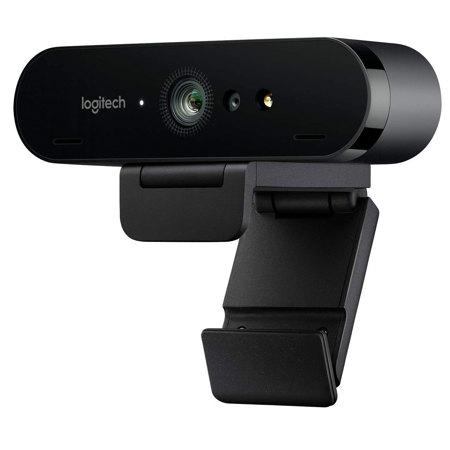
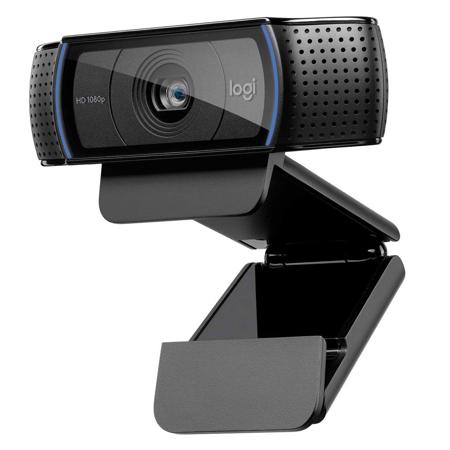
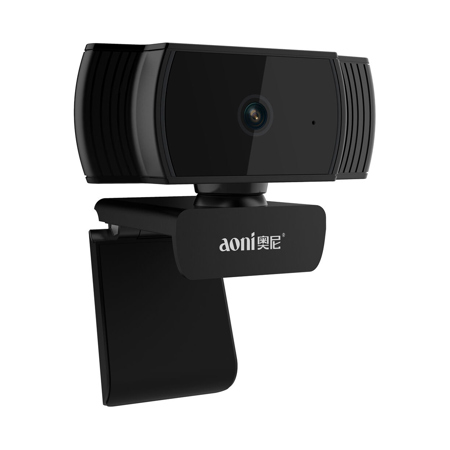
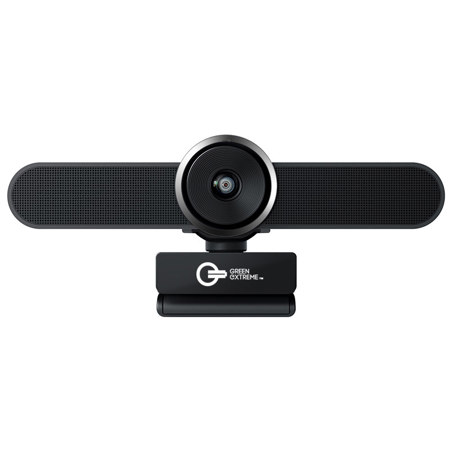
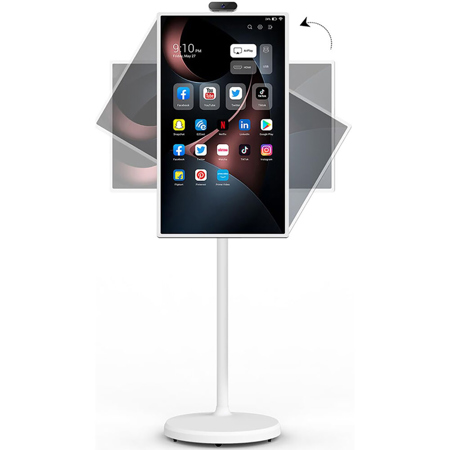
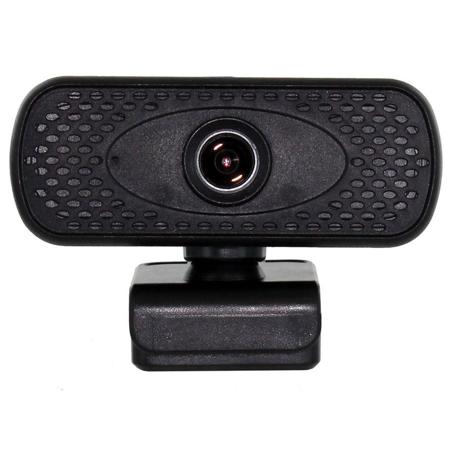
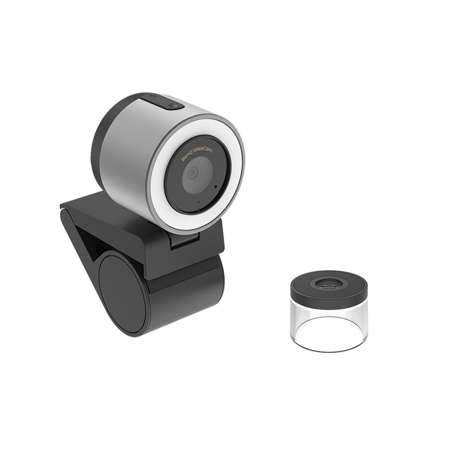
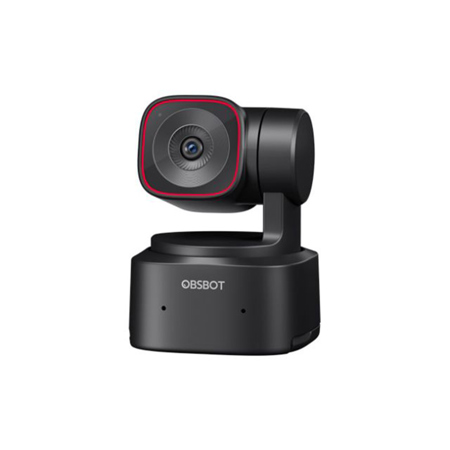
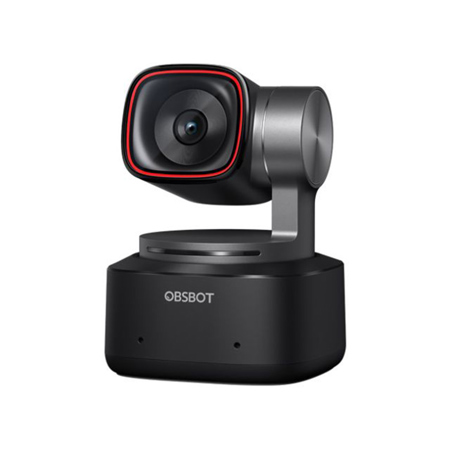
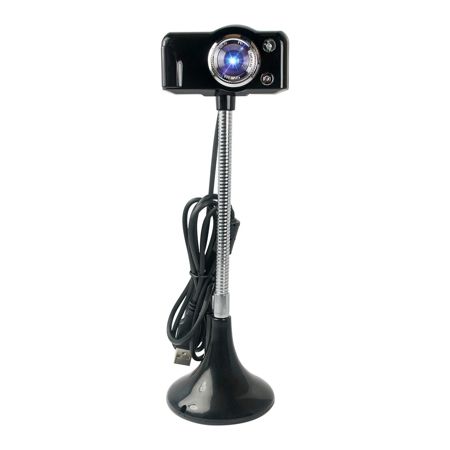
Bringing video calls and online meetings to the biggest screen in your home has never been easier, thanks to the growing range of TV webcams designed specifically for smart televisions and media streaming devices. Whether you're looking to stay connected with family scattered across the country, collaborate with colleagues from a home office, or simply enjoy a more immersive virtual hangout, a webcam television setup transforms your living room into a vibrant communication hub. As the days stretch into late summer and early fall, many families find themselves hosting reunions, celebrating milestones, or preparing for the back-to-school season—making it the perfect time to enhance your TV with a high-quality camera for effortless group calls and virtual gatherings. For those who love to share life’s moments, a tv webcam can also double as a creative tool for streaming, online fitness classes, or even remote learning sessions, offering crisp visuals and clear audio that bring everyone closer together.
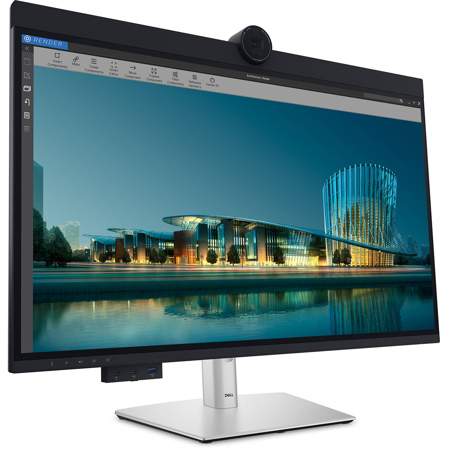
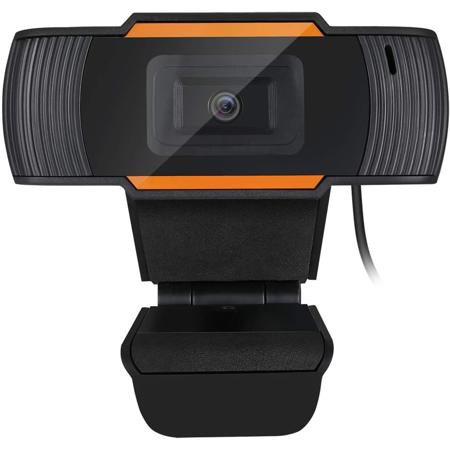
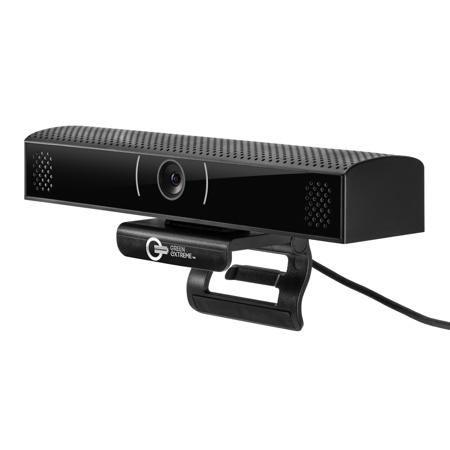
Selecting the best tv webcam for your needs involves a few key considerations to ensure a seamless experience. Compatibility is paramount: most modern smart TVs running platforms like Android TV, Google TV, or Fire TV support plug-and-play USB webcams, while certain models may require an official camera accessory designed for that brand. If your television has a dedicated USB port and access to popular video conferencing apps such as Zoom or Google Meet, setup is typically straightforward—just connect the webcam, download your preferred app from the TV's store, and select the webcam as your video source. For older TVs or setups where built-in support is limited, connecting a laptop via HDMI and using the webcam through your computer is a reliable workaround, letting you manage calls with the convenience of a large display. When choosing the best tv camera, look for features like wide-angle lenses for group shots, high-resolution sensors for sharp image quality, and advanced microphones with noise reduction for clear conversations in spacious living rooms. Placement is also important: mounting the webcam on top of the TV or positioning it at eye level helps create a natural, engaging perspective, while being mindful of lighting—avoiding bright windows or glare—ensures everyone looks their best on screen.
A webcam for tv can be a thoughtful gift for tech-savvy parents, grandparents eager to keep in touch with grandkids, students heading off to college, or anyone seeking to bridge distances with face-to-face interaction. As families settle into new routines during the cooler months, these devices make it easy to host virtual game nights, attend remote classes, or participate in online workshops without crowding around a small laptop or tablet. For content creators and educators, a webcam television setup opens up new possibilities for interactive presentations, livestreams, or collaborative projects, making it a versatile addition to any digital toolkit. If you’re exploring options beyond video calls—like creating online tutorials or streaming to a wider audience—be sure to check out our curated selection of Webcams For YouTube for even more inspiration. No matter how you plan to use your TV webcam, investing in the right camera for tv setup ensures you’re ready to connect, create, and share memorable moments with clarity and ease all season long.
Selecting the best tv webcam for your needs involves a few key considerations to ensure a seamless experience. Compatibility is paramount: most modern smart TVs running platforms like Android TV, Google TV, or Fire TV support plug-and-play USB webcams, while certain models may require an official camera accessory designed for that brand. If your television has a dedicated USB port and access to popular video conferencing apps such as Zoom or Google Meet, setup is typically straightforward—just connect the webcam, download your preferred app from the TV's store, and select the webcam as your video source. For older TVs or setups where built-in support is limited, connecting a laptop via HDMI and using the webcam through your computer is a reliable workaround, letting you manage calls with the convenience of a large display. When choosing the best tv camera, look for features like wide-angle lenses for group shots, high-resolution sensors for sharp image quality, and advanced microphones with noise reduction for clear conversations in spacious living rooms. Placement is also important: mounting the webcam on top of the TV or positioning it at eye level helps create a natural, engaging perspective, while being mindful of lighting—avoiding bright windows or glare—ensures everyone looks their best on screen.
A webcam for tv can be a thoughtful gift for tech-savvy parents, grandparents eager to keep in touch with grandkids, students heading off to college, or anyone seeking to bridge distances with face-to-face interaction. As families settle into new routines during the cooler months, these devices make it easy to host virtual game nights, attend remote classes, or participate in online workshops without crowding around a small laptop or tablet. For content creators and educators, a webcam television setup opens up new possibilities for interactive presentations, livestreams, or collaborative projects, making it a versatile addition to any digital toolkit. If you’re exploring options beyond video calls—like creating online tutorials or streaming to a wider audience—be sure to check out our curated selection of Webcams For YouTube for even more inspiration. No matter how you plan to use your TV webcam, investing in the right camera for tv setup ensures you’re ready to connect, create, and share memorable moments with clarity and ease all season long.