
Wireless USB Adapter For Mac
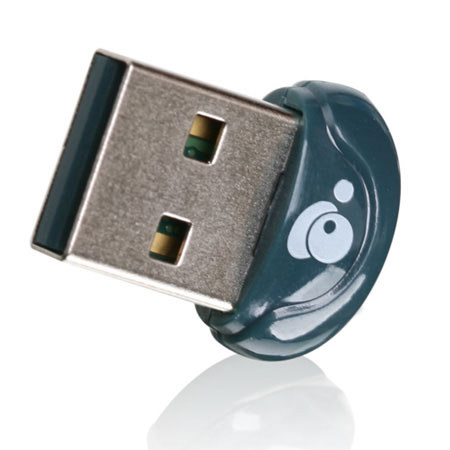
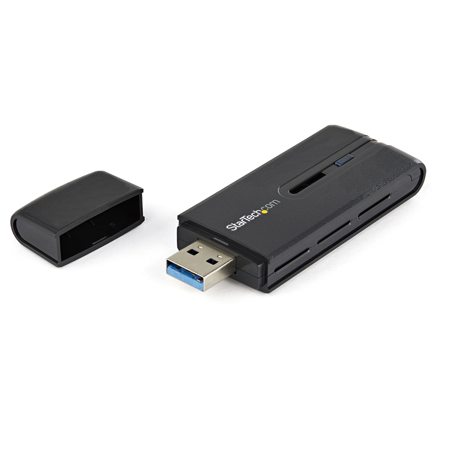
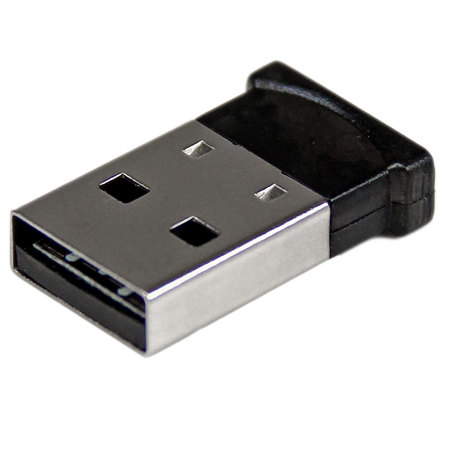
A wireless USB adapter for Mac is an essential tool for anyone looking to enhance or restore wireless connectivity on their Apple computer, especially as wireless standards continue to evolve and the need for faster, more reliable connections grows. Whether you’re a creative professional editing high-resolution media files, a student attending virtual classes, or a remote worker relying on seamless video calls, a dependable Wi-Fi connection can make all the difference. As the weather warms and families travel or work from new locations, the flexibility to connect your MacBook Pro or iMac to any available network becomes even more valuable. However, with recent changes in macOS, particularly the discontinuation of native support for legacy USB Wi-Fi drivers, choosing the right wifi adapter for Mac requires a bit more consideration than in years past. Modern Macs running newer versions of macOS may not recognize traditional USB Wi-Fi dongles without additional steps, making it crucial to understand compatibility and setup before making a purchase.
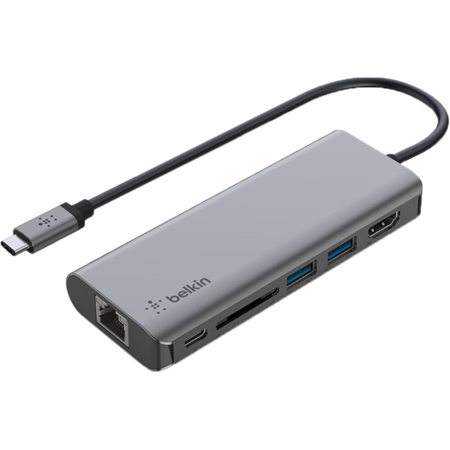
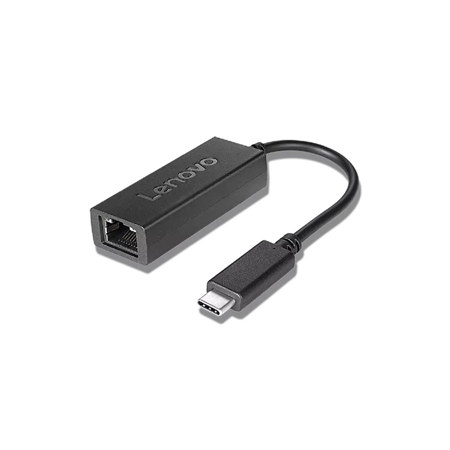
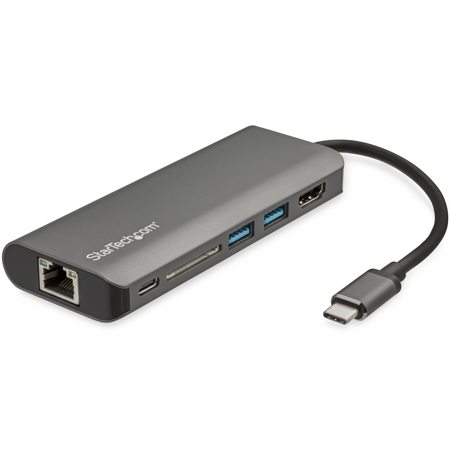
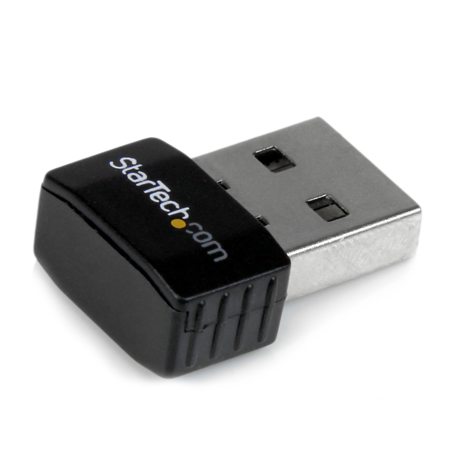
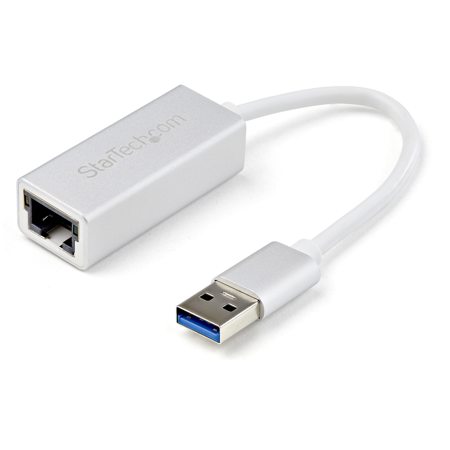
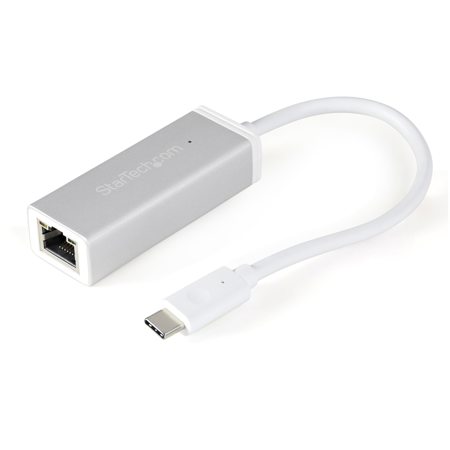
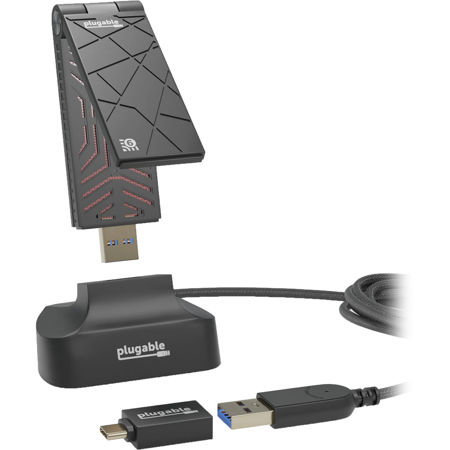
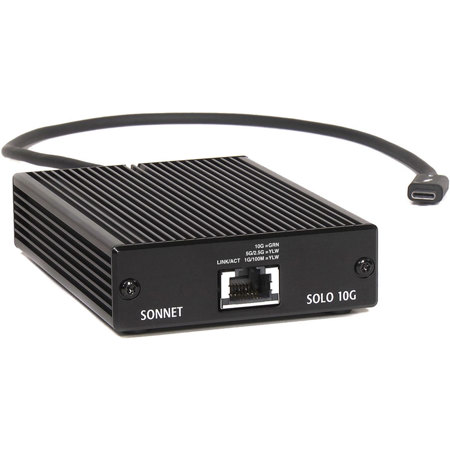
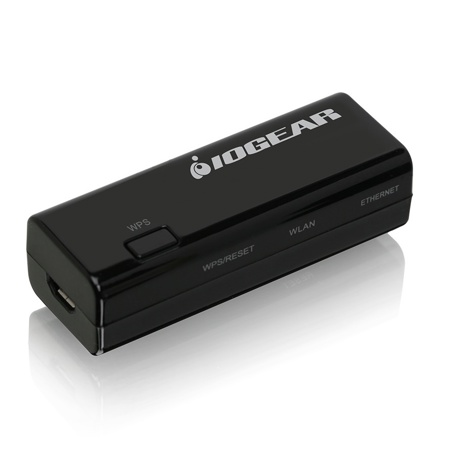
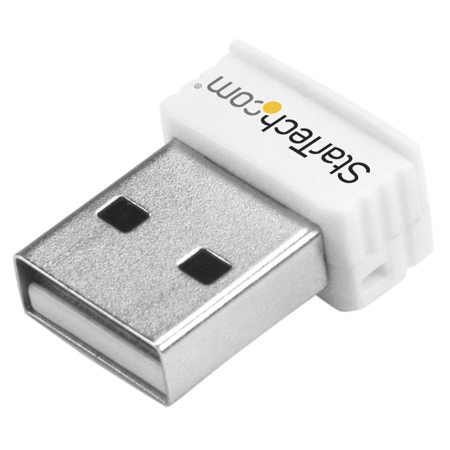
For those using the latest Apple hardware or operating systems, the most effective solution often involves pairing a portable Wi-Fi travel router in Client or Bridge Mode with a USB-C Ethernet adapter. This method allows you to connect your Mac to wireless networks without needing to install unsupported drivers, a significant advantage for anyone who values plug-and-play convenience. For users with older Macs—such as those running macOS Catalina or earlier—there’s still the option to use a traditional apple wifi dongle or legacy USB Wi-Fi adapter, provided you manually install the appropriate drivers from the manufacturer’s website. This can be a straightforward process for those comfortable with a bit of technical setup, and it remains a practical way to restore wireless functionality to aging laptops or desktops. As you browse for the best usb wifi adapter for MacBook Pro, keep in mind factors like Wi-Fi speed (look for macos support for wi-fi 6 usb adapters if you want the latest performance), form factor, and whether you’ll need dual-band support for crowded home or office environments. A compact, travel-friendly adapter can be a thoughtful gift for students heading off to college, digital nomads, or anyone with a Mac in need of a connectivity boost—especially during times of year when routines change and mobility is key.
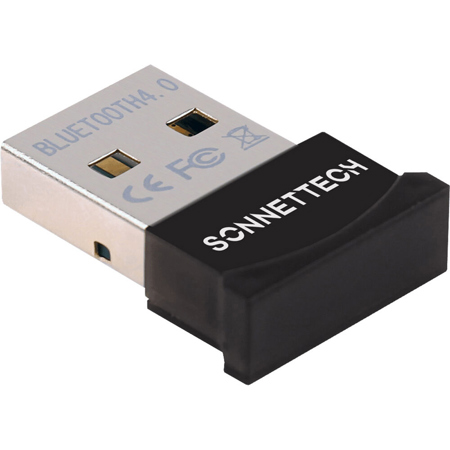
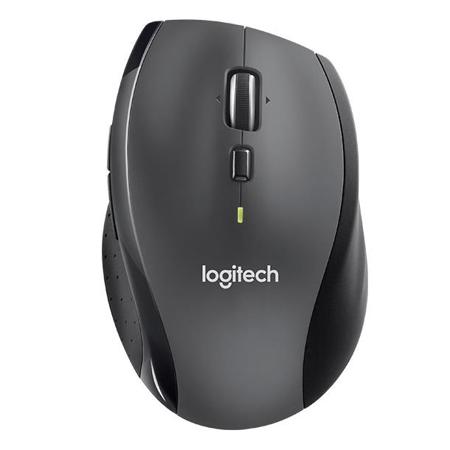
Beyond performance and compatibility, consider the daily realities of how you’ll use your wireless USB adapter. If your workspace changes with the seasons—maybe you’re working from a backyard patio during the summer or moving between home and office as autumn approaches—a reliable adapter ensures your connection keeps up with your lifestyle. Gamers, streamers, and creative professionals will appreciate adapters that support the latest Wi-Fi standards, reducing lag and buffering during high-bandwidth tasks. Meanwhile, those who use peripherals like the mx master 4 grey mouse or other Bluetooth devices may benefit from adapters that minimize interference and maintain strong, uninterrupted signals. For anyone seeking a one-stop shop for connectivity solutions, Adorama offers a curated selection of Wireless USB Devices to help you find the right fit for your Mac setup. Whether you’re upgrading an older computer, troubleshooting a faulty internal card, or simply looking for an easy way to stay connected wherever you go, understanding the latest options and setup methods ensures you’ll enjoy fast, stable Wi-Fi all season long.
For those using the latest Apple hardware or operating systems, the most effective solution often involves pairing a portable Wi-Fi travel router in Client or Bridge Mode with a USB-C Ethernet adapter. This method allows you to connect your Mac to wireless networks without needing to install unsupported drivers, a significant advantage for anyone who values plug-and-play convenience. For users with older Macs—such as those running macOS Catalina or earlier—there’s still the option to use a traditional apple wifi dongle or legacy USB Wi-Fi adapter, provided you manually install the appropriate drivers from the manufacturer’s website. This can be a straightforward process for those comfortable with a bit of technical setup, and it remains a practical way to restore wireless functionality to aging laptops or desktops. As you browse for the best usb wifi adapter for MacBook Pro, keep in mind factors like Wi-Fi speed (look for macos support for wi-fi 6 usb adapters if you want the latest performance), form factor, and whether you’ll need dual-band support for crowded home or office environments. A compact, travel-friendly adapter can be a thoughtful gift for students heading off to college, digital nomads, or anyone with a Mac in need of a connectivity boost—especially during times of year when routines change and mobility is key.
Beyond performance and compatibility, consider the daily realities of how you’ll use your wireless USB adapter. If your workspace changes with the seasons—maybe you’re working from a backyard patio during the summer or moving between home and office as autumn approaches—a reliable adapter ensures your connection keeps up with your lifestyle. Gamers, streamers, and creative professionals will appreciate adapters that support the latest Wi-Fi standards, reducing lag and buffering during high-bandwidth tasks. Meanwhile, those who use peripherals like the mx master 4 grey mouse or other Bluetooth devices may benefit from adapters that minimize interference and maintain strong, uninterrupted signals. For anyone seeking a one-stop shop for connectivity solutions, Adorama offers a curated selection of Wireless USB Devices to help you find the right fit for your Mac setup. Whether you’re upgrading an older computer, troubleshooting a faulty internal card, or simply looking for an easy way to stay connected wherever you go, understanding the latest options and setup methods ensures you’ll enjoy fast, stable Wi-Fi all season long.