


This item is no longer available.
Review Summary
2012-04-22T21:00:00
I use Lightroom to batch process each portrait session I complete. Lightroom acts as a magnifying glass for me to see what I need to work on as a photographer especially if I'm tweaking the same sections in the control area each time. The only thing that wasn't so intuitive is how to separate collections and it took a little bit of learning on how to export photos with my end result in mind. Great product. A must have!
LINDSAY J.
2012-04-16T21:00:00
I purchased this as an upgrade to Lightroom 3. I was blown away by the enhancements and additions. There's no looking back here. I would like to point out a "Con" (not detrimental to use and not enough to tear me away from using it). I have noticed a slight hesitation when I make adjustments with the sliders. I don't feel that it is my computer since I have other programs that require higher specs. I will be checking my system to see if these issues can be rectified.
MICHAEL B.
2012-03-25T21:00:00
Balance color tone and apply to other photos
Yoshi
2012-03-14T21:00:00
able to do many tasks to a group of photos at one shot easier exporting to web
DAVID D.
2012-03-14T21:00:00
Version 4 is out and vastly superior and vastly less expensive.Adobe dropped price and ver 4 is now only [$]. list
DJ
2012-03-14T21:00:00
I've been editing all my wedding images on CS4 and didn't realize how much time I wasted on each image until Lightroom was uploaded.... After a couple days learning to navigate, Lightroom has cut down post production time significantly.
Photons
2012-03-13T21:00:00
good for cleaning up photos, colors, wb, exposure, etc.
insideTheFlux
2012-03-12T21:00:00
I am new to this. So far it has been pretty easy to grasp.
Vee
2012-03-11T21:00:00
I'm new to using Lightroom. It seems intuitive and I'm learning.
DonnieG
2012-03-11T21:00:00
Easy to Use - glad to have all the editing options.
Laurie
2012-03-11T21:00:00
I bought Lightroom 3 on sale for [$] and its ok, I like the two screen feature. I have been using Photoshop for many years up to my current version of CS4. While I am still learning Lightroom, I find myself reverting back to CS4. To me, its easier. I guess it's something to tinker with, thats why I gave it a middle of the road review. Recommend this to a friend? Yes, after I explained and demo'ed the product.
BRIAN M.
2012-03-11T21:00:00
The RAW processing in this is way better than Photoshop CS5. The noise reduction is excellent.
PHILLIP F.
2012-03-11T21:00:00
I have thousands of photos that I need to organize and I'm finally getting it done thanks to Lightroom 3. This will really be a time saver in the long run. I have a lot to learn but have friends to help. I just need more time to work on it.
HELEN C.
2012-03-11T21:00:00
Purchased just before LR$ was released and got a great deal.
Rhode R.
2012-03-11T21:00:00
Easy workflow, fast processing tons of images. Good adjustment tools.
grooby
2012-03-11T21:00:00
I am a part-time photographer, and I use this to organize and edit photos for clients. Lightroom makes this a much quicker process. And the choices when editing let me customize my work to both mine and my clients tastes. As with most editing software, it takes some time and effort to learn the program, but is worth it!
Lucas's m.
2012-03-06T19:00:00
Better than I thought it would be. Still on a learning curve but I'm getting better results starting with Lightroom than by sticking with Elements alone.
jfra
2012-03-06T19:00:00
After watching and learning from a certain person with the initials of SK, and taking the Kelby Training videos by Matt Kloslowski of Kelby Training this program works as advertised. The RAW processing alone was worth the price. I have not had ONE single glitch on a Windows 7 OS and I am now using it daily for preprocessing prior to Photoshop. Bridge and LR3 are powerful...its a full on digital asset manager for what I need it to do. Looking forward to upgrading. Adorama once again comes through with a great product at a killer price too good to walk past. PhotoFX
PhotoFX
2012-03-05T19:00:00
Transformed my wedding processing time... I was a long-time jpeg shooter but LR has removed the barrier to shooting RAW with the ability to make all image adjustments, then converting to jpeg. Extremely versatile - culling, processing, even slide shows and cataloging images.
PHILLIP C.
2012-03-05T19:00:00
I am a professional photographer. This makes life easy ;o)
James C.
2012-03-04T19:00:00
desiged for photographers work flow is similar to the old darkroom.
JesseL
2012-03-04T19:00:00
Great product but the learning curve in order to use the very many applications of Lightroom is steep. Not that the learning process is tedious. As a photography lover it is a blast! I'm so pleased with this Lightroom purchase and with Adorama. They even gave me a credit to my credit card when another merchant advertised the same product for less money the following day.
WILLIAM L.
2012-03-04T19:00:00
Turns dull or faded colors into vibrant beautiful photos. Amazing detail and fun and easy to use! A must have!!!
Kim
2012-03-04T19:00:00
I use it as a database for all my images and it allows me to rate them so I can find a particular image quickly. The editing controls are excellent and I like the feature that allows me to check the alignment of my photos to keep them straight. It also allows me to correct the lens problems that cause the image to be out of alignment, and it does all of this quickly. If I make a mistake and want to return to the original image that is quick and easy also with no change to my original photo.
ROGER L.
2012-03-04T19:00:00
Works great - good for someone who doesn't like to OR need to spend a lot of time post-processing.
LEAH H.
2012-03-04T19:00:00
I use lightroom at least 2 hours by day. And I think that means something
MEHMET O.
2012-03-04T19:00:00
I don't know how I worked without LR3 in my past... This is a MUST program for photographers.
Fred P.
2012-03-04T19:00:00
I use Lightroom for all my basic photo editing. DNG file creation and non-destructive editing protects my photo files for the future.
JAMES R.
2012-03-04T19:00:00
I use a Olympus e30 camera and shoot in RAW and find it hard to convert into JPG. Could be more user friendly.
Rich
2012-03-04T19:00:00
Appears that the data base and filing system is unique and requires the use of lightroom to access files. User cannot substiute another program or access lightroom files from other programs.
bill
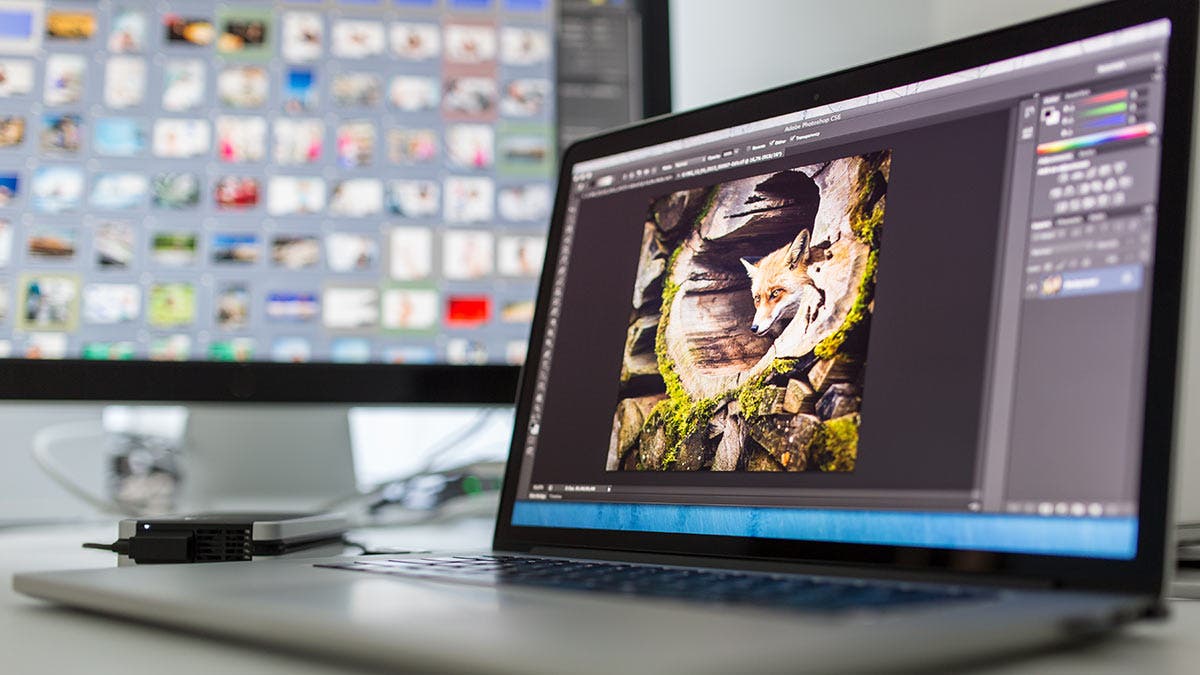
Contributing instructor and Pro Showcase photographer Paul Markow brings his talent and years of commercial experience to bring us this unique lesson.
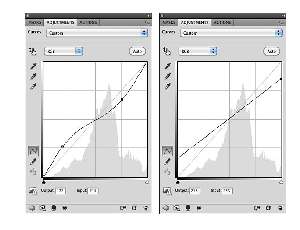
Learn good practices for adjusting images and the advantage of working in 16 bits. When I shoot images I shoo...

This final part of my three-part tutorial on Lightroom 3 is devoted to the Develop module, where adjustments are made to images, and to the Print, Slideshow and Web modules, where images are exported to various uses.

How many of you remember your physics class? I certainly don’t. Color temperature and white balance can be a bit of a challenge—especially when shooting underwater—so let’s take a look at exactly what they are.
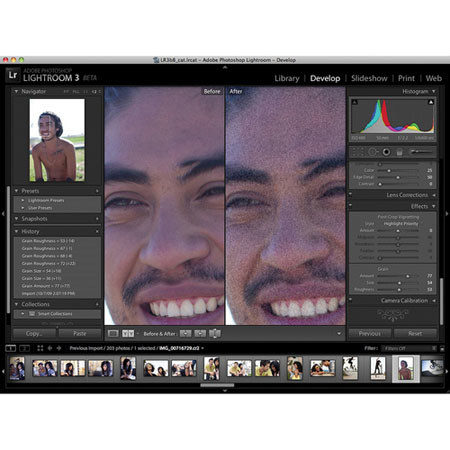
Adobe Photoshop Lightroom 3 software helps you bring out the best in your photographs, whether you're perfecting one image, searching for ten, processing hundreds, or organizing thousands. Create incredible images that move your audience. Experiment fearlessly with state-of-the-art nondestructive editing tools. Easily manage all your images. And showcase your work in elegant print layouts, slide shows, and web galleries, as well as on popular photo-sharing sites. All from within one fast, intuitive application.