


This item is no longer available.
Get the new release to easily organize your videos, make them look amazing with automated video editing options, turn them into stunning creations, and quickly share your memories.
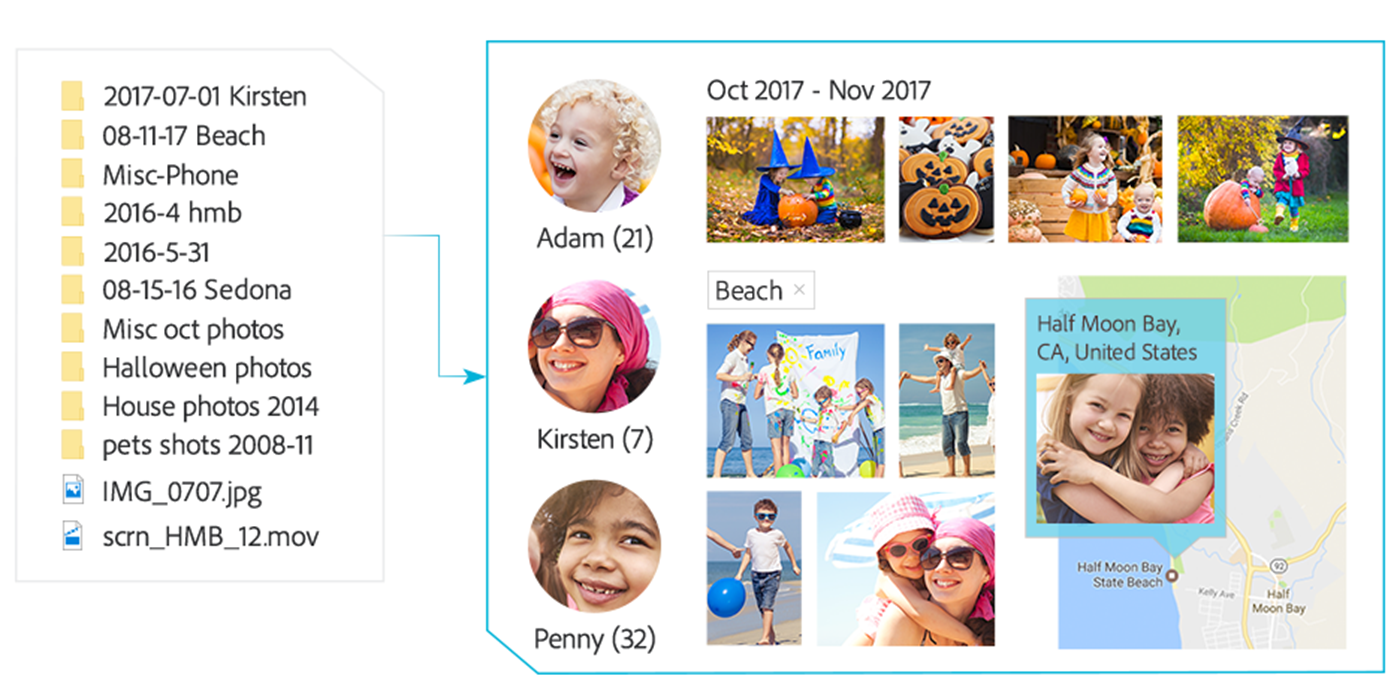
Go from hundreds of mystery folders to a visual view — automatically. Videos are automatically organized by date. Easily tag and find by people, places, and events.
Automatically bring together the best scenes based on the style of your video with Smart Trim. Auto-extract candid photos from your footage. Get step-by-step help with creative techniques like bounce-back effects and action cam fixes.

Add style with titles, effects, transitions, and themes. Create a dynamic Video Collage with a mix of photos and videos to show many memories at once. Totally reimagined slideshows bring together curated photos and short clips with one click.

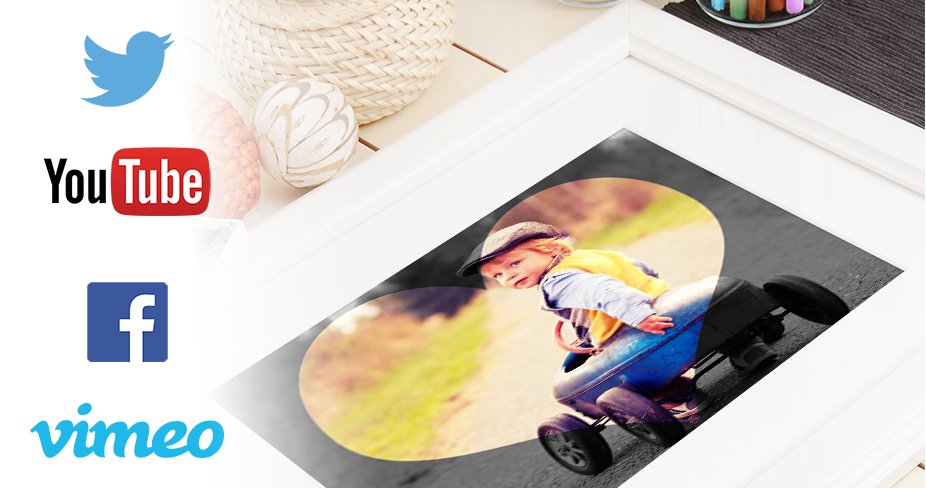
Easily print photos to display and share. Quickly share photos on Facebook, Twitter, and more.* Share slideshows and video clips on YouTube and Vimeo.*
* This product may integrate with or allow access to certain Adobe or third-party hosted online services (“Online Services”). Online Services are available only to users 13 and older and require agreement to additional terms of use and the Adobe Privacy Policy (see www.adobe.com/go/terms). Online Services are not available in all countries or languages, may require user registration and may be discontinued or modified in whole or in part without notice. Additional fees or subscription charges may apply.
New Candid Moments
Wish you'd been able to capture the moment with photos? Now you can automatically extract great photos from your raw video footage.
New Smart Trim
Automatically trim the bad footage and keep the good. Smart Trim finds and brings together the best scenes based on the style of your video.
Enhanced Guided Edits for fantastic results
Ready to try more creative techniques and effects with your videos? Get step-by-step video editing help with 18 Guided Edits.
New Guided Edit freeze frames with motion titles
This Guided Edit walks you through the steps to create a freeze frame of your video and then add an eye-catching motion title.
New Guided Edit create fun bounce-back effects
Get step-by-step help making a segment of your video run forward and backward repetitively. Export your bounce-back effect as an animated GIF or short video clip.
New Guided Edit quickly fixes action cam footage
Get a little guidance to expertly trim, correct color and fix lens distortions in your action cam footage so it looks its best.
New Guided Edit makes animated social posts
Create a short visual story to share on social media by embellishing a video clip with either static or animated text.